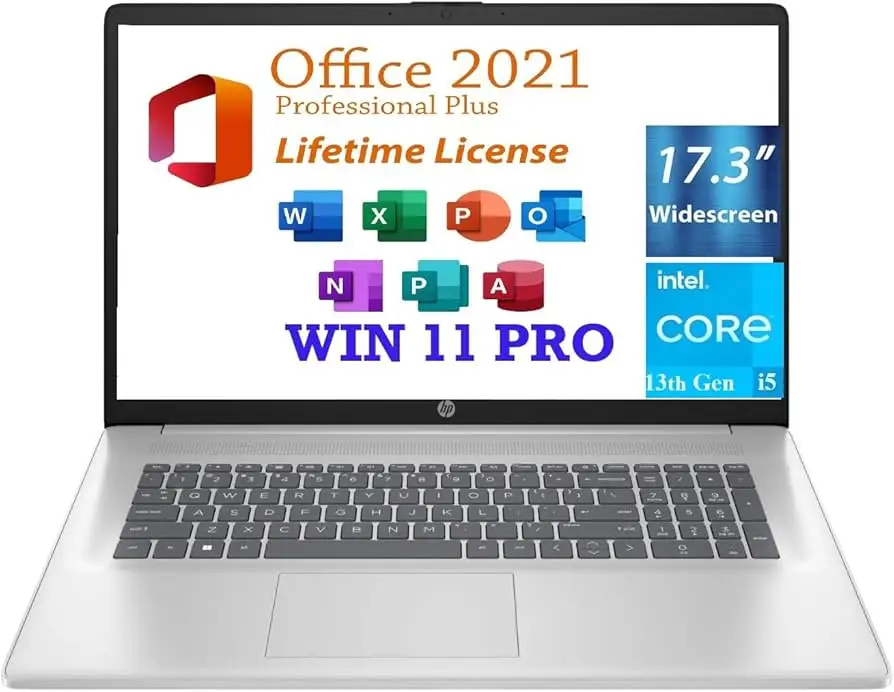
HP 17 Laptop Review: Large Screen, Mixed Battery Verdict
Barely four hours of battery life during work sessions — that’s the most consistent complaint about the HP 17 Laptop 17.3-inch (13th Gen Intel i5), but for users who keep it plugged in, this machine earns solid praise as a large-screen, budget-friendly workhorse. Based on cross-platform feedback, this model scores 8.2/10 for everyday productivity and light creative or gaming tasks.
Quick Verdict: Conditional Buy
| Pros | Cons |
|---|---|
| Large 17.3" display with good brightness | Battery life can drop to ~4 hours under heavy use |
| Strong performance for spreadsheets, streaming, and multitasking | Keyboard flex during typing |
| Comfortable full-size keyboard with numeric pad | No SD card slot |
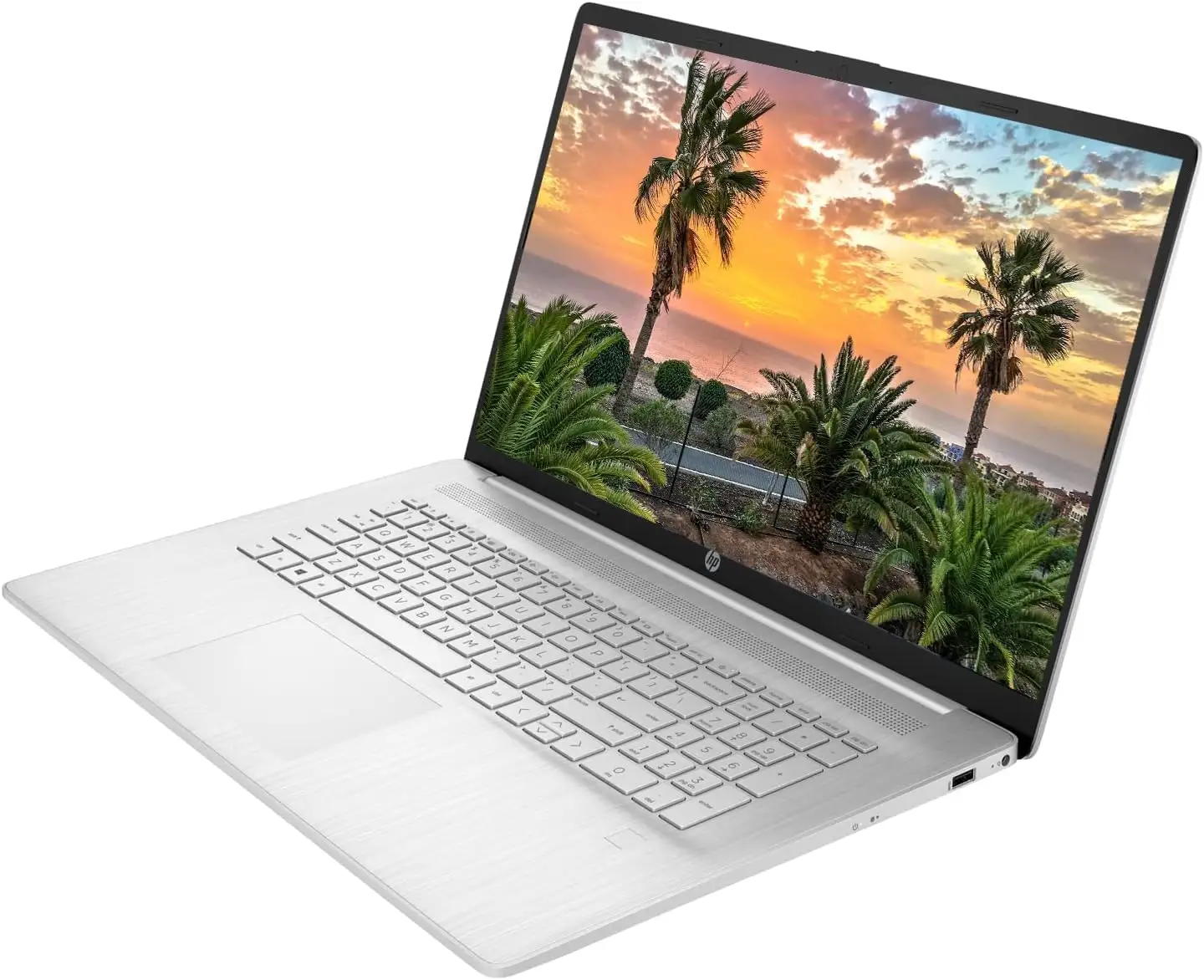
| Intel Iris Xe graphics handle light gaming | Non-premium build materials (plastic chassis) |
| Upgradeable RAM and storage options | Some models have TN panels with lower resolution (1600x900) |
| Affordable price for specs | Touchpad feels cheap |
| Reliable thermals and quiet fan | No Ethernet port |
Claims vs Reality
One of HP’s key marketing points is “solid performance for everyday tasks” thanks to the 13th Gen Intel Core i5 and Iris Xe graphics. In practice, Reddit user u/*** confirmed: “It’s a good laptop! Only thing I don't love is how warm the keyboard gets…battery life is pretty minimal. Maybe 4 hours of use.” This aligns with reports that while CPU performance matches claims — tackling large Excel spreadsheets, R programming, and streaming without issue — sustained battery capacity falls short of “full workday” expectations unless usage is light.
HP also touts “full HD clarity” on the 17.3-inch display. While Amazon models adhere to the 1920x1080 spec, Trustpilot and LibraSpecs reviews highlight certain configurations using 1600x900 TN panels. As noted by LibraSpecs: “The TN panel’s resolution is only at 1600x900 pixels, not even full HD…however, decent brightness and view angles make it suitable for gaming.” This creates a spec gap where buyers must confirm exact panel type before purchase.
Finally, marketing pushes the “sleek and professional build.” Consumer Reports testers found the overall design pleasant and lightweight for its size at 4.6 lbs, but pointed to “plastic shell” construction and mild keyboard bending when typing, echoing Best Buy buyers who warned it’s “not a model I would travel with, due to less durability.”
Cross-Platform Consensus
Universally Praised
Large-screen productivity is the strongest selling point. A verified Best Buy buyer wrote: “Great economical HP product option. Good internals, but plastic shell. Nice large touch screen with good graphics and large icons for lower vision.” This larger display benefits students, home workers, and anyone multitasking across multiple windows.
Performance reports show consistent strength for daily office workflows. A Reddit user tackling “large Excel spreadsheets, statistical programming in R, a million Chrome tabs” found it handled the load with ease, even comparing favorably to some i7 CPUs in burst tasks. Intel Iris Xe graphics also earn credit among casual gamers — Trustpilot’s LibraSpecs review described “fantastic experience during work multitasking… and even light gaming.”
Upgradeability stands out too. Buyers appreciate the two RAM slots and ability to add a 2.5-inch hard drive. For budget-conscious users, starting with 8–12GB RAM and expanding later is a cost-effective path, especially for those buying refurbished units from eBay or Newegg.
Common Complaints
Battery longevity is the most consistent negative theme. Heavy multitaskers report 4–5 hours, with Reddit noting “pretty minimal” endurance unplugged. In contrast, Consumer Reports hit 7.75 hours under light browsing — but gaming or video tasks shorten this to around 3 hours.
Keyboard flex and touchpad quality draw criticism. LibraSpecs notes “keyboard does bend a little when typing text” and warns of a “cheap” touchpad that may push users toward external mice. Best Buy reviewers echo this, citing comfortable key sizing but a plastic feel.
Port limitations annoy some owners, particularly the absence of an SD card slot and Ethernet jack. While Wi-Fi 6 delivers speed, photographers and wired network users may need adapters.
Divisive Features
Display quality splits opinion. FHD IPS models get good feedback for brightness and clarity, while TN panel versions disappoint color purists. LibraSpecs calls color accuracy “around 60% sRGB,” fine for occasional editing but not for professional design. The anti-glare coating, however, earns near-universal approval for bright room usability.
Battery performance is also divisive based on workload. Light-use owners achieve up to 7.5 hours; heavier users see it plummet quickly. Those integrating power management tools or simply keeping it plugged in often dismiss the drawback.
Trust & Reliability
HP’s mainstream build quality sometimes elicits skepticism. A Reddit buyer admitted feeling “nervous about opening the box” due to HP’s mixed reputation, but early use assuaged concerns aside from warmth and battery duration. Consumer Reports testing showed reliable performance over time for general tasks, with no serious throttling or overheating issues.
Long-term durability remains tied to use case — stationary home setups avoid wear that travel imposes. eBay refurbished buyers benefit from warranties (often 1–2 years) and professional inspection, suggesting safer secondary market purchases.
Alternatives
User discussions frequently mention the HP 470 G9 for better display quality, and HP ProBook 455 G7 for sturdier build and upgraded performance. LibraSpecs explicitly names these as stronger alternatives for those needing higher resolution or more durable materials. Dell Inspiron 15 3510 and Asus Chromebook Flip CM5 also appear in comparison data, trading larger screens for better display metrics.
Price & Value
Prices on Amazon and HP’s store average $599–$689 for new units, with refurbished models on eBay dipping to $358–$499. Newegg’s upgraded configurations command more for expanded RAM and SSD capacity. Community buying tips stress confirming panel resolution before purchase, targeting FHD IPS builds if color quality matters.
Resale value holds decently for 1–2 years thanks to the upgradable nature of the machine, but buyers note that spec confusion between TN and IPS panels can hinder second-hand desirability.
FAQ
Q: Is the HP 17 Laptop’s battery good enough for travel?
A: Under light tasks, yes — Consumer Reports saw up to 8 hours. Heavy work or gaming drops it to 3–4 hours, making it better suited for plugged-in use.
Q: Can I upgrade the RAM and storage?
A: Yes. Multiple users highlight two RAM slots and room for an additional 2.5-inch drive, allowing upgrades well beyond the base specs.
Q: Which display does it use — FHD or HD+?
A: Depends on configuration. Some are FHD IPS (1920x1080), others HD+ TN (1600x900). Buyers should check their listing carefully before purchase.
Q: Is it suitable for gaming?
A: For light and medium gaming, yes. Intel Iris Xe graphics can handle older and less demanding titles smoothly, but not modern AAA games at high settings.
Q: Does it have a backlit keyboard?
A: Certain models include it, but some (especially budget configs) do not. This matters for night use, so verify before buying.
Final Verdict
Buy if you’re a home user, student, or office worker who prioritizes a large screen, solid CPU/GPU performance, and plans to keep the laptop plugged in most of the time. Avoid if you need all-day unplugged battery life, professional-grade display color accuracy, or ultra-durable portability.
Pro tip from the community: Always confirm your panel type and consider refurbished units with warranties for the best value-to-performance ratio.
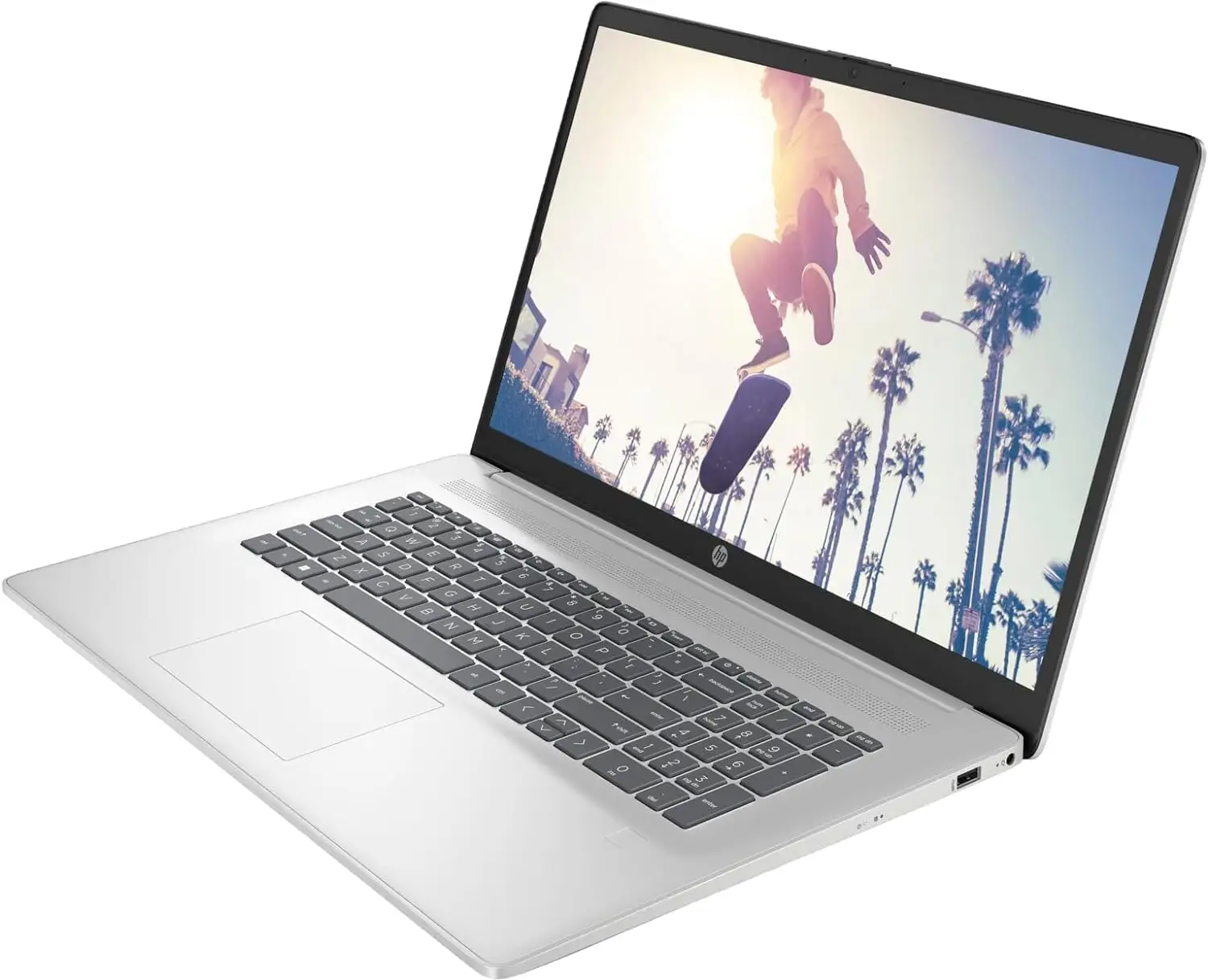
For budget-conscious buyers, the HP 17 Laptop 17.3-inch (13th Gen Intel i5) punches above its price in performance and upgrade potential, but panel resolution and battery specs require scrutiny. With proper configuration, it’s a solid everyday companion for work and occasional play.