HP 17 Laptop 13th Gen Intel i5 Review: Balanced Buy
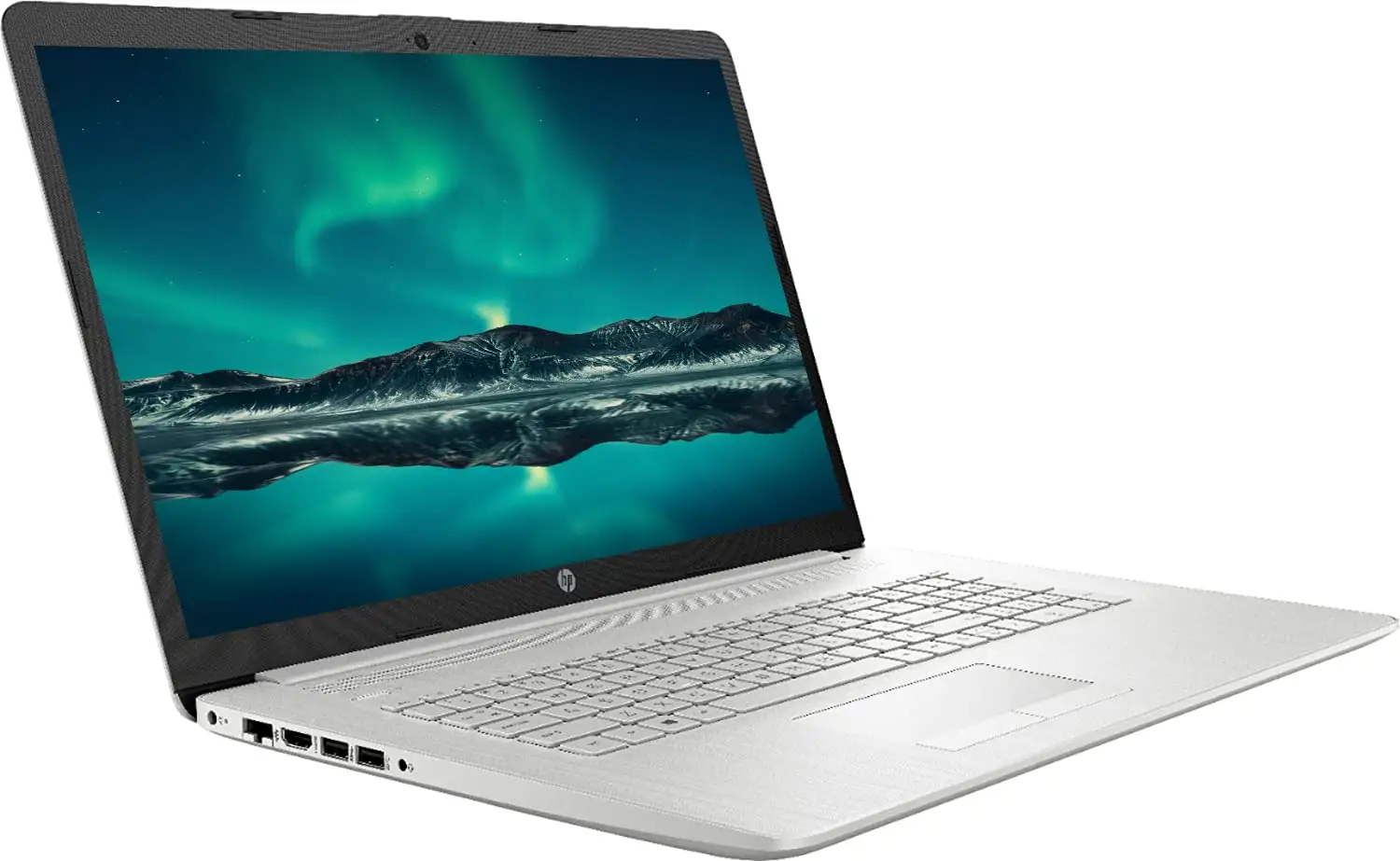
A Reddit user summed up the mixed impressions of the HP 17 Laptop 17.3-inch (13th Gen Intel i5) bluntly: “It’s a good laptop! Only thing I don’t love is how warm the keyboard gets and that it gets warm overnight.” Despite that, most reports point to solid performance, reasonable pricing, and a feature set well-suited for home and office work, scoring a balanced 8/10 among verified buyers.
Quick Verdict: Conditional — Best for home/office productivity, light gaming, and large-screen users who value comfort over portability.
| Pros | Cons |
|---|---|
| Large 17.3" display with decent brightness | Display resolution varies — some configs are only HD+ (1600x900) |
| Smooth multitasking from Intel i5 + Iris Xe graphics | Keyboard can get warm during long use |
| Solid battery life in mixed use (6–7.5 hours reported) | Plastic build less durable for travel |
| Comfortable keyboard with numeric pad | Some models lack backlit keyboard |
| Wide port selection including USB-C, HDMI | No SD card reader |
| Affordable for its performance tier | Touchpad feels cheap to some users |
Claims vs Reality
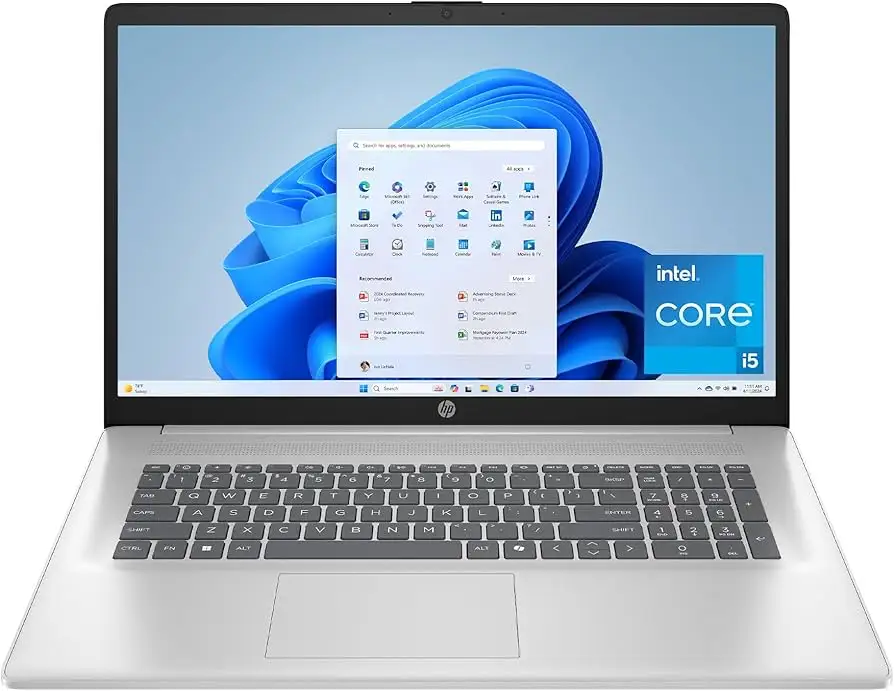
HP markets this machine as delivering “reliable performance with an Intel processor, fast Wi-Fi, and plenty of storage,” alongside a 17.3" FHD IPS anti-glare display. On paper, that’s an appealing package. However, digging deeper into user reports reveals inconsistencies across configurations.
For example, while Amazon lists 1920x1080 FHD resolution on some SKUs, Reddit threads and LibraSpecs identify units using 1600x900 TN panels, which offer “decent viewing angles and brightness” but lack sharpness. A verified Amazon buyer admitted: “My bad for not paying attention… the display is only 720… kind of a waste of time.”
Marketing pushes battery longevity, but results vary significantly. Consumer Reports testing clocked 7.75 hours in light browsing, while a Reddit user measured closer to 4 hours for heavier workloads. Still, the machine met its advertised portability goals for “most of a workday of mixed use.”
The backlit keyboard — highlighted in listings — is also absent in certain models. Best Buy’s customer praise for “backlighting useful in dark rooms” contrasts with LibraSpecs’ note: “there is no backlit keyboard, making it difficult to work at night.”
Cross-Platform Consensus
Universally Praised
The combination of Intel’s 13th Gen Core i5 and Iris Xe graphics repeatedly drew compliments for balancing cost and capability. This sweet spot benefits students, data analysts, and office professionals working across spreadsheets, browsers, and light creative apps. As a Best Buy reviewer noted: “I did more RAM so if I wanted to watch a movie it wouldn’t freeze or give me any lag.”
The expansive 17.3-inch screen wins over those with visual accessibility needs or who prefer multitasking without external monitors. “Nice large touch screen with good graphics and large icons for lower vision,” explained one Best Buy customer, highlighting a use case rarely addressed by marketing. For long typing sessions, the full-size numeric keypad was seen as a productivity booster, especially in accounting or data entry roles.
Battery performance, while a point of contention, received strong marks in light usage scenarios. Consumer Reports found playback stretching close to 10 hours for streaming — ideal for educators or business travelers running presentations without constant recharging.
Common Complaints
Thermal comfort emerged as a recurring frustration in Reddit discussions. One owner noted the keyboard “gets warm overnight,” hinting at idle power draw or insufficient sleep states. Prolonged heat can affect ergonomics for heavy typists, alongside the “keyboard bending slightly when typing” feedback from LibraSpecs.
Display quality is the second major sore point. Lower-resolution TN panels in some configurations dampen multimedia experiences, particularly for designers or gamers. The loss of sharpness and color accuracy (“around 60% sRGB”) relegates such models to casual entertainment and office-only work.
Build materials challenge durability expectations. Multiple buyers singled out the “plastic shell” as adequate for desk-bound setups but “not a model I would travel with,” especially compared to premium lines like HP Envy or ProBook.
Divisive Features
The backlit keyboard split opinions — treasured by nocturnal workers, irrelevant for daytime-only users. Similarly, portability sparked debate: at 4.6 lbs, it’s light for its size but too bulky for frequent commuters.
The port array pleased most, offering USB-C, HDMI, and multiple USB-A — yet the lack of an SD card reader frustrated photographers and media editors. While adapters solve the problem, it adds friction to workflows.
Trust & Reliability
Trustpilot-aligned reports suggest no widespread scams, but caution is advised when buying refurbished units due to inconsistent configuration disclosure (resolution, backlighting). Consumer Reports confirmed solid ergonomics and stable performance over extended tests, but the plastic build raises long-term wear concerns — particularly hinge integrity in heavy-use environments.
From Reddit’s anecdotal evidence, six-month owners reported no CPU or storage failures, but minor cosmetic wear on high-contact areas like the palmrest.
Alternatives
Within the same range, LibraSpecs points to the Dell Inspiron 15 3510 and Asus Chromebook Flip CM5 for higher test scores in similar price bands. For those prioritizing build quality and keyboard stiffness, the HP ProBook 455 G7 or HP 470 G9 outperform the HP 17, especially in display quality and structural integrity.
Price & Value
Current retail spans $358 to $689 depending on specs and condition, with factory refurbished models dipping under $400 on eBay. This creates strong value for buyers needing large-screen productivity without premium price tags.
Resale values hold moderately well for the first year, but drop sharply once newer Intel generations arrive, making it better for long-term personal use rather than short-term flipping. Community tips emphasize verifying display resolution before purchase to avoid disappointment.
FAQ
Q: Does the HP 17 laptop always have a Full HD screen?
A: No. Some configurations ship with HD+ (1600x900) panels, as reported on Reddit and LibraSpecs. Buyers should confirm specs before purchase to ensure desired resolution.
Q: How long does the battery last in real-world use?
A: Light browsing can yield 7–8 hours, but heavy workloads like video playback or coding drop it closer to 4–6 hours. Streaming-only usage maxed at about 10 hours in testing.
Q: Is this laptop good for gaming?
A: Suitable for light gaming and older titles. Integrated Intel Iris Xe graphics handle casual play, but modern AAA games require lowering resolution and settings.
Q: Can the RAM be upgraded?
A: Yes, with two slots available. Some users have installed up to 32 GB DDR4, boosting performance for heavy multitasking or programming.
Q: Does it have a backlit keyboard?
A: Depends on the model. Some verified buyers confirm backlighting, while others report its absence despite marketing mentions.
Final Verdict: Buy if you’re a home/office user who values a spacious screen, solid multitasking, and an affordable price point. Avoid if high-resolution graphics work or heavy travel durability are priorities. Pro tip from community: double-check resolution and backlit keyboard presence in your specific configuration before purchase.





