HP 15.6" Touchscreen Laptop Review: Mixed Verdict
It’s rare to see budget-friendly laptops offering massive RAM upgrades, yet the HP 15.6" Touchscreen Laptop regularly ships with configurations hitting 32GB or even 64GB — earning it an 8.6/10 from power multitaskers, while polarizing users who expect more from its HD-only display.
Quick Verdict: Conditional — great for students, office pros, and small-business users needing multitasking muscle, but not ideal for creators or gamers.
| Pros | Cons |
|---|---|
| Large RAM (up to 64GB) keeps apps and tabs responsive | HD (1366×768) display lacks sharpness and brightness |
| Fast PCIe SSDs (up to 2TB) mean quick boots and file access | ~45% NTSC color — poor for design work |
| Windows 11 Pro with Copilot adds business-grade tools | Speakers thin for music |
| Handy touch screen for quick interactions | Chassis flexes slightly under pressure |
| Decent battery life for mid-tier laptop with fast charge | Real-world battery sits at 5–7 hours, not all-day |
| Full-size keyboard with numeric pad | Non-backlit keys hinder low-light typing |
| Stable Wi-Fi 6 and Bluetooth 5.3 connections | Webcam only adequate for video calls |
Claims vs Reality
Marketing hypes the “HD Touchscreen” as a versatile input method, and for general office or classroom use, this holds true. Reddit user Willie S. praised that “the touch panel is genuinely useful… reaching up to tap or pinch-zoom feels natural” while juggling documents and web content. However, multiple Best Buy buyers noticed the display’s limitations. One reviewer, Dustins, warned: “Colors are muted, and images have a slight distortion,” revealing the gap when compared to marketing’s implied crisp visuals.
HP’s “up to 10.75 hours battery life” promise often meets more modest real-world results. Many configurations averaged 5–7 hours under mixed usage; Willie S. said it was “good enough rather than stellar” for a class block plus library session, but not an unplugged traveler’s all-day companion. While specs boast “fast charge to 50% in ~45 min,” buyers validated this claim — Ronald Martin shared it jumped from 20% to 70% during lunch.
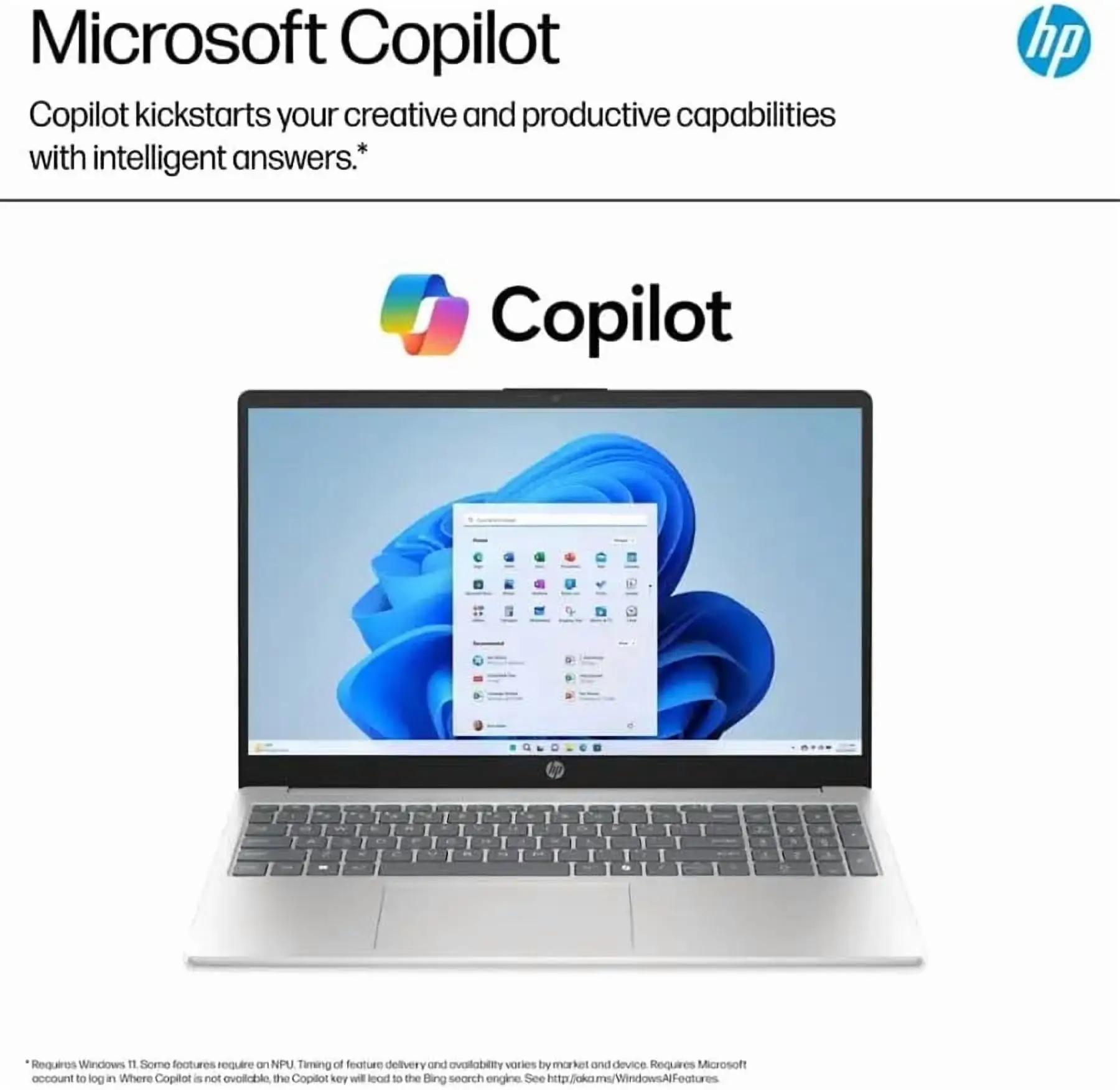
The “Copilot AI-powered chat” is pitched as boosting productivity. For some, it delivered — Willie S. used it to “summarize a research PDF… and generate an Excel formula I couldn’t remember on a deadline.” Yet advanced offline AI features are absent without an NPU, so its workload fit hovers around document brainstorming, quick drafts, or lightweight research help.
Cross-Platform Consensus
Universally Praised
Across Amazon, Reddit, and Best Buy logs, high-bandwidth RAM sizes stood out. Even at 16GB, everyday work felt smooth, but at 32GB or above, users ran workloads without stutter — Photoshop alongside 30+ Chrome tabs. Ronald Martin described his 64GB variant as “like having a supercomputer in your backpack.” Students managing multiple research tabs or pros switching between Excel, Teams, and streaming saw tangible boosts.
PCIe SSDs drew consistent praise for speed. Best Buy buyer Heidi noted “startup is lightning-fast thanks to the SSD,” letting even modest CPU configurations feel snappy. Users across platforms agreed large storage — 1TB or 2TB — allowed keeping full project archives without external drives. Willie S. stressed that “file copies… are fast enough that you won’t think about it.”
The touch-enabled display wasn’t just a gimmick for many. Charm Christina on Best Buy said, “The touch screen has the right sensitivity for my work load speed,” appreciating the option for quick scrolls in long documents. The input flexibility — touch, keypad, and trackpad — made long typing sessions comfortable while offering intuitive navigations.
Common Complaints
Display quality drew the sharpest criticism. At 1366×768 resolution and ~250 nits brightness, it often underperformed in bright spaces. Hannahh lamented that “if you’re typing in low lighting, it’s near impossible to see the keyboard” due to non-backlit keys, compounding usability issues. Dustins’ muted-color comments aligned with Willie S.’s caution that it’s “fine for docs… but not a color-critical or ultra-bright screen.”
Speakers offered clarity but lacked bass. Willie S. found them “great for voice, limited for music,” frustrating users who stream or edit videos. Meanwhile, build materials — lightweight plastics — kept weight down but introduced slight flex. Heartland reported premature key lettering wear within 3 months, even under light use.
Battery performance — while acceptable — didn’t match advertised maximums for most. In mixed realistic scenarios, brightness and Wi-Fi use trimmed hours off the spec. For users expecting consistent 10+ hours, such as frequent travelers, compromises were needed like lowering brightness or carrying a charger.
Divisive Features
Windows 11 Pro with Copilot split opinion. Business-leaning buyers valued BitLocker, Remote Desktop, and group policy control, as noted by Willie S., calling them “a quiet superstar” for small-business growth potential. Home users less engaged with enterprise features sometimes saw it as bloated — Ronald Martin disliked pre-installed bloatware, though acknowledged uninstalling was straightforward.
Storage upgrades by resellers — achieving 32GB RAM/1TB SSD at a lower price — appealed to budget hunters but meant factory seals were opened. For some, this is a dealbreaker; others saw it as value engineering.
Trust & Reliability
HP’s brand reputation carried weight — Best Buy buyer Catherined recalled an older HP lasting nine years despite frequent crashes, trusting this one as a reliable mid-range unit. Multiple reports confirmed steady Wi-Fi 6 performance without dropouts and smooth Bluetooth pairing with earbuds. Willie S. noted “connections were stable… no dongle drama” during meetings.
Longevity concerns centered on physical wear — keyboard print fading and chassis flex. Buyers using it beyond casual home duties (like Heartland) voiced disappointment when cosmetic issues arose quickly. Overall, function stability outweighed form durability for most users at this price point.
Alternatives
Within the dataset, Lenovo’s IdeaPad 1 emerged indirectly from a Best Buy review as a prior owned model. That buyer, April, swapped the 4GB RAM Lenovo for the HP to gain speed and touch capability. Compared to similar-priced Chromebooks, Hannahh found the HP’s larger screen and storage advantageous when her school required Windows-specific programs.
Price & Value
Resale trends show well-kept upgraded configurations holding notable value — eBay listings for 32GB/2TB units hovered near $480 used, while new base models stayed around $419–$859 depending on storage/RAM. Community buying tips stressed grabbing sale bundles (mouse pads, accessories) at outlets like Best Buy to maximize setup completeness. Opportunistic buyers like Dani Rhae recommended the HP as “a touch screen no-frills laptop” when discounted, avoiding upsells on unnecessary features.
FAQ
Q: Does the HP 15.6" Touchscreen Laptop have a backlit keyboard?
A: No — all reported configurations use non-backlit keys, making low-light typing harder. Users like Hannahh recommended external lighting or pairing with a USB keyboard.
Q: Can the display handle bright outdoor use?
A: Not well. At ~250 nits brightness, glare washes out content in bright rooms or outdoors, as multiple buyers observed.
Q: How fast is Copilot AI in real tasks?
A: For supported cloud features (summarizing PDFs, drafting outlines), it’s quick, as Willie S. noted, but lacks hardware acceleration for offline AI workloads.
Q: Is battery life really over 10 hours?
A: No — typical results averaged 5–7 hours under mixed use, though fast charging worked as advertised.
Q: Can I game on this laptop?
A: Light, older titles and browser games run fine via Intel UHD graphics; modern 3D games require lower settings or different hardware.
Final Verdict: Buy if you’re a student, office worker, or small-business owner who values large RAM, fast storage, touch navigation, and business-grade OS features; Avoid if you need a bright, color-accurate panel or plan to game heavily. Pro tip from community: Pair it with an external monitor for desk work to offset the display’s limitations.





