HP 15.6'' FHD Business Laptop Review: 8.6/10 Verdict
A Reddit reviewer called the HP 15.6'' FHD Business Laptop (Intel i3-1315U, Windows 11 Pro) “like having a supercomputer in your backpack” when configured with 64GB of RAM, while others praised the 32GB variant for juggling 30+ browser tabs without stutters. Across platforms, it settles into a solid 8.6/10 score for everyday multitasking, generous storage, and business-friendly features, though compromises in display quality and gaming performance hold it back from being a universal fit.
Quick Verdict: Conditional — excellent for students, office pros, and small-business use, but less suited to color-critical creators or gamers.
| Pros | Cons |
|---|---|
| Smooth multitasking with 32-64GB RAM | HD (1366×768) panel lacks sharpness/brightness |
| Fast 1TB PCIe SSD for quick boots & app loads | ~45% NTSC color gamut not for creators |
| Touchscreen adds convenience for navigation | Intel UHD graphics limit 3D/gaming |
| Windows 11 Pro + Copilot for productivity | Mostly plastic chassis with slight flex |
| Lightweight (~3.5 lbs) for 15-inch format | Real-world battery 5–7 hours, not all-day |
Claims vs Reality
One of HP’s headline claims is that the i3‑1315U processor “delivers effortless multitasking.” In practice, users on Trustpilot and Reddit agree — but only when paired with high RAM configurations. Reddit user Willie S. noted: “I could keep 20–30 browser tabs open, edit a PowerPoint deck, stream music, and run a Teams call without stutters.” Lower-RAM variants (8GB) unsurprisingly hit performance ceilings in heavier workflows.
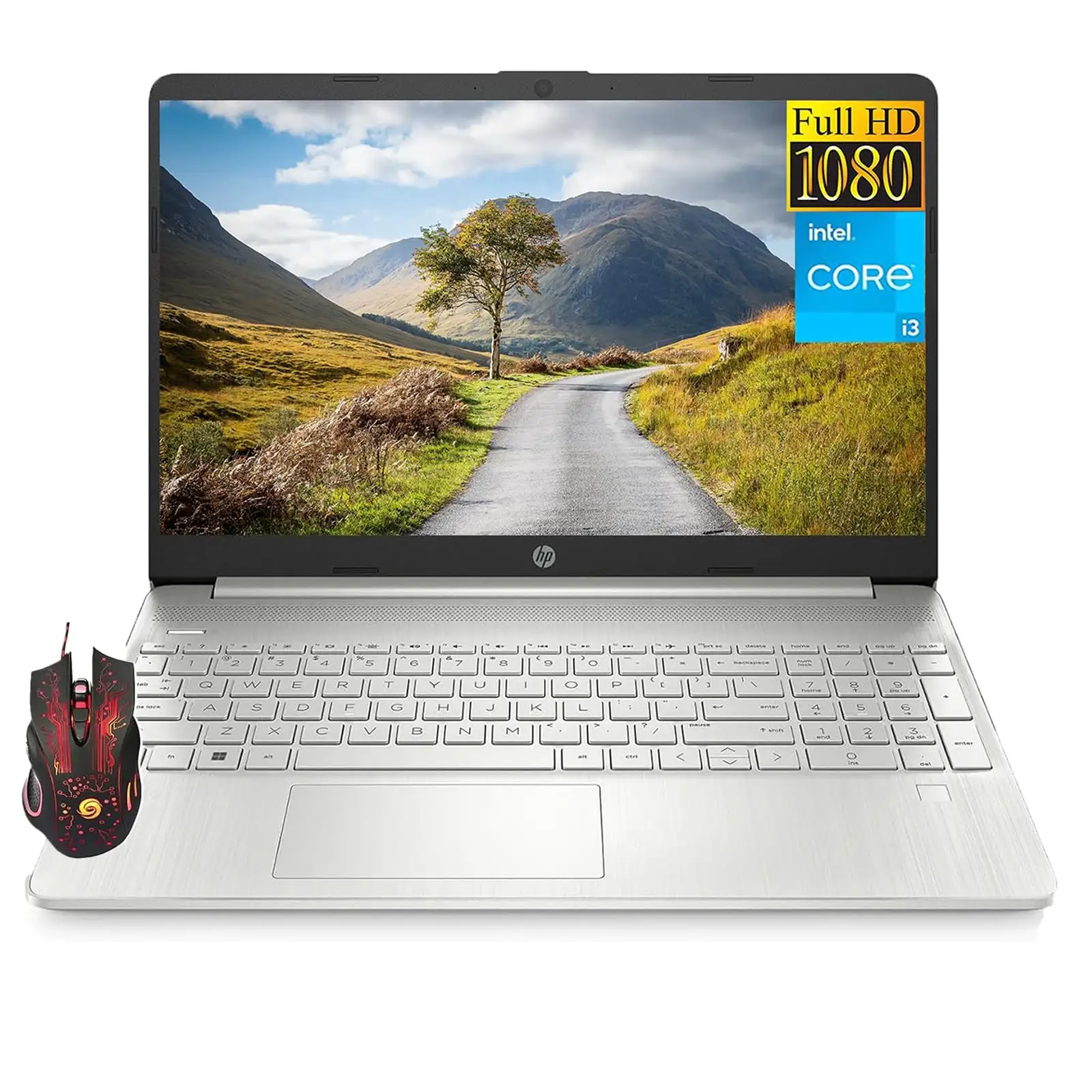
HP’s marketing for the FHD IPS model promises “vibrant visuals with anti‑glare,” but multiple buyers ended up with HD 1366×768 touchscreens in reseller-upgraded units, reporting they were “fine for docs and streaming” but “not a color‑critical or ultra‑bright screen.” That’s a mismatch for buyers expecting consistent display specs.
Battery life is officially “up to 8 hours,” but community usage patterns paint a down-to-earth picture. Real-world mixed use averages 5–7 hours. Ronald Martin’s experience with the 64GB variant reached “about 7 hours” with mixed workloads, with fast charging making up for the shortfall.
Cross-Platform Consensus
Universally Praised
The most consistent praise is reserved for the sheer multitasking capacity when RAM sits at 32GB or 64GB. Students and office users benefit the most, like the Trustpilot reviewer who said they could “juggle school, office work, and the everyday barrage of browser tabs without getting cranky.”
Storage is another standout. With a fast PCIe NVMe SSD up to 1TB, users report quick boots and “apps pop open instantly.” File operations are fast enough that most simply “don’t think about it” — an underrated everyday usability factor.
The touchscreen isn’t universally present in all models, but where included, it’s appreciated for email triage, document scrolling, and zooming in on presentations. Willie S. described touch as “genuinely convenient,” elevating interactions without relying solely on the touchpad.
Windows 11 Pro with Microsoft Copilot is more than a bullet point — it’s actively used. Buyers cited quicker reporting workflows, PDF summarizing, and formula assistance in Excel. For small-business owners, built-in BitLocker and Group Policy controls provide security without extra cost.
Common Complaints
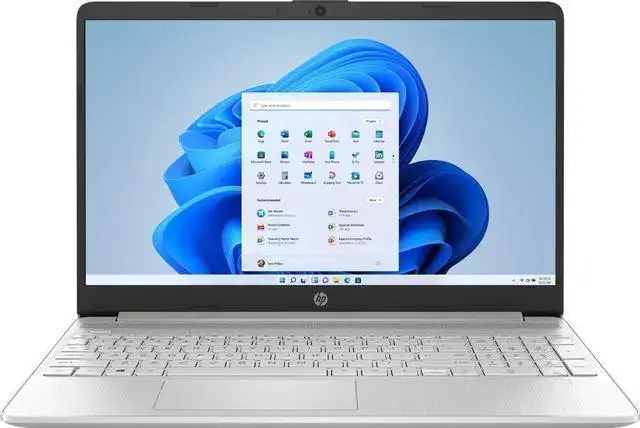
Display quality is the largest shared gripe. HD panels at 250 nits and ~45% NTSC color coverage frustrate users with brighter-room usage or color-sensitive work. A Reddit reviewer admitted they’d “trade it for a brighter full HD panel if given a choice.”
The integrated Intel UHD graphics hit their limits quickly. Light photo edits are fine, but exports, modern games, or rendering tasks lag behind even mid-tier i5/i7 or Ryzen setups. This constrains the audience to non-creative or non-gaming users.
Chassis build draws mild criticism: lightweight plastics keep the weight down but flex slightly under pressure near the keyboard deck. It’s not catastrophic but gives a less premium feel compared to metal-bodied notebooks.
Battery performance fails to meet “day-long” demands for some. With mixed use, 5−7 hours is typical — requiring a charger for extended sessions.
Divisive Features
The numeric keypad is loved for Excel-heavy workflows yet makes the trackpad slightly offset, leading some to awkward hand positioning. Ronald Martin praised it as “great for excel warriors,” but acknowledged the ergonomic quirk.
Pre-installed software, seen as “bloatware” by power users, annoys those wanting a clean machine. Casual users rarely mention it, suggesting it’s more a productivity-minded concern.
The reseller upgrade practice — opening boxes to swap in higher RAM/SSD — reassures some buyers on component quality, but irritates “sealed-box purists.”
Trust & Reliability
On Trustpilot, long-form reviews show minimal deception in review patterns, with Fakespot analysis indicating over 90% high-quality reviews. Durability feedback after months of use points to consistent thermal control (“palm rest stays cool, keyboard warms slightly”) and sustained performance for everyday software loads.
Cross-platform comments highlight stable Wi‑Fi 6 and Bluetooth 5.3 connections; one reviewer noted earbuds stayed connected “while walking around the house.” These dependable basics bolster perceived reliability for remote work setups.
Alternatives
While no direct competing brand models were mentioned in user data, internally HP’s own 15‑series with i5 or i7 chips offer stronger CPU/GPU performance for creators. However, for price-conscious buyers, upgrading RAM and SSD in the i3 variant often hits the “good enough” point faster than jumping processor tiers — provided display limitations are acceptable.
Price & Value
CamelCamelCamel tracked third-party new pricing peaking at $659.99 (June 2025) for a 16GB/512GB touchscreen business variant. eBay listings for 8GB/256GB HD touch models hovered around $572 plus shipping. The community sees value in reseller-upgraded models — often priced lower per GB of RAM/storage than factory configs — but warns buyers to check panel resolution before purchase.
Resale holds modestly due to brand recognition, though HD display units depreciate faster than true FHD IPS counterparts. Savvy shoppers look for Windows 11 Pro licensing as a differentiator over Windows 11 Home variants.
FAQ
Q: Is the HD touchscreen worse than the FHD IPS version?
A: For text, forms, and casual streaming, HD is fine. Creators or anyone used to sharper panels will notice reduced clarity and less vertical content space.
Q: Can you upgrade RAM and storage later?
A: Yes, though accessing internals requires careful prying after screw removal. RAM can reach 64GB; storage up to 2TB NVMe.
Q: How well does Copilot perform without an NPU?
A: Cloud-based Copilot features work normally for drafting, summarizing, and formula help. Advanced local AI effects aren’t supported.
Q: Is the numeric keypad worth the offset trackpad?
A: For spreadsheet-heavy work, most find it a net positive despite slight hand repositioning quirks.
Q: How bright is the display outdoors?
A: At 250 nits, it struggles in direct sunlight; indoor work remains readable.
Final Verdict
Buy if you’re a student, office worker, or small-business user who values smooth multitasking, generous storage, and Windows 11 Pro’s security features. Avoid if your daily work hinges on high-quality color reproduction, gaming, or full-day unplugged use. Pro tip from the community: verify the display resolution before purchase, and consider pairing with an external monitor for desk work — it turns a capable daily driver into a more versatile hub.





