HP 14 Laptop Review: Budget Style Meets Solid Everyday Use
A surprisingly frequent refrain from buyers is that the HP 14 inch Laptop (Intel Core i3, Windows 11) feels “more premium than its price suggests.” Across dozens of reviews, praise centers on portability, everyday performance, and a comfortable keyboard—though screen quality and cooling noise temper enthusiasm. Overall community score: 7.8/10.
Quick Verdict: Conditional — ideal for students, remote workers, and casual home users; not suited for heavy multitasking or color-critical work.
| Pros | Cons |
|---|---|
| Lightweight and portable design | Screen brightness and resolution underwhelming on HD models |
| Snappy performance for everyday tasks | Fan noise can be distracting |
| Comfortable, well-spaced keyboard | Weak multitasking with only 8GB RAM in base models |
| Good battery life in light workloads | Lack of full-color gamut for creative work |
| Affordable entry point for full Windows 11 | Speaker quality lacks depth |
| Fast SSD storage | No USB-C charging despite port presence |
| Attractive styling with metal lid | Low-res webcam on some models |
Claims vs Reality
HP’s marketing frequently touts a “long battery life” and “crystal-clear visuals” on the HP 14. Official specs list up to 11.5 hours, a micro-edge display, and vibrant Full HD or HD options. Digging deeper into user reports, the battery figures hold only under light use. A Reddit user noted, “I can push it through an 8-hour workday if I keep brightness low, but hit 3–4 hours when streaming or editing.”
The promise of “vivid visuals” is valid for Full HD IPS models, but owners of HD (1366×768) units often disagree. One verified buyer on Amazon wrote: “For the price, the HD screen is OK, but side angles wash out and it’s dim outdoors.” This gap is stark when compared to users of Pavilion configurations with 1920×1080 panels, who describe crisp text and good indoor color balance.
HP’s “reliable performance” claim lines up with reports for web browsing, document work, and light media tasks. However, as Best Reviews by Consumers warns, “Even the slightest attempt at active multitasking can result in small breaks in processing” on 8GB units, making power users—particularly those running multiple heavyweight applications—feel constrained.
Cross-Platform Consensus
Universally Praised
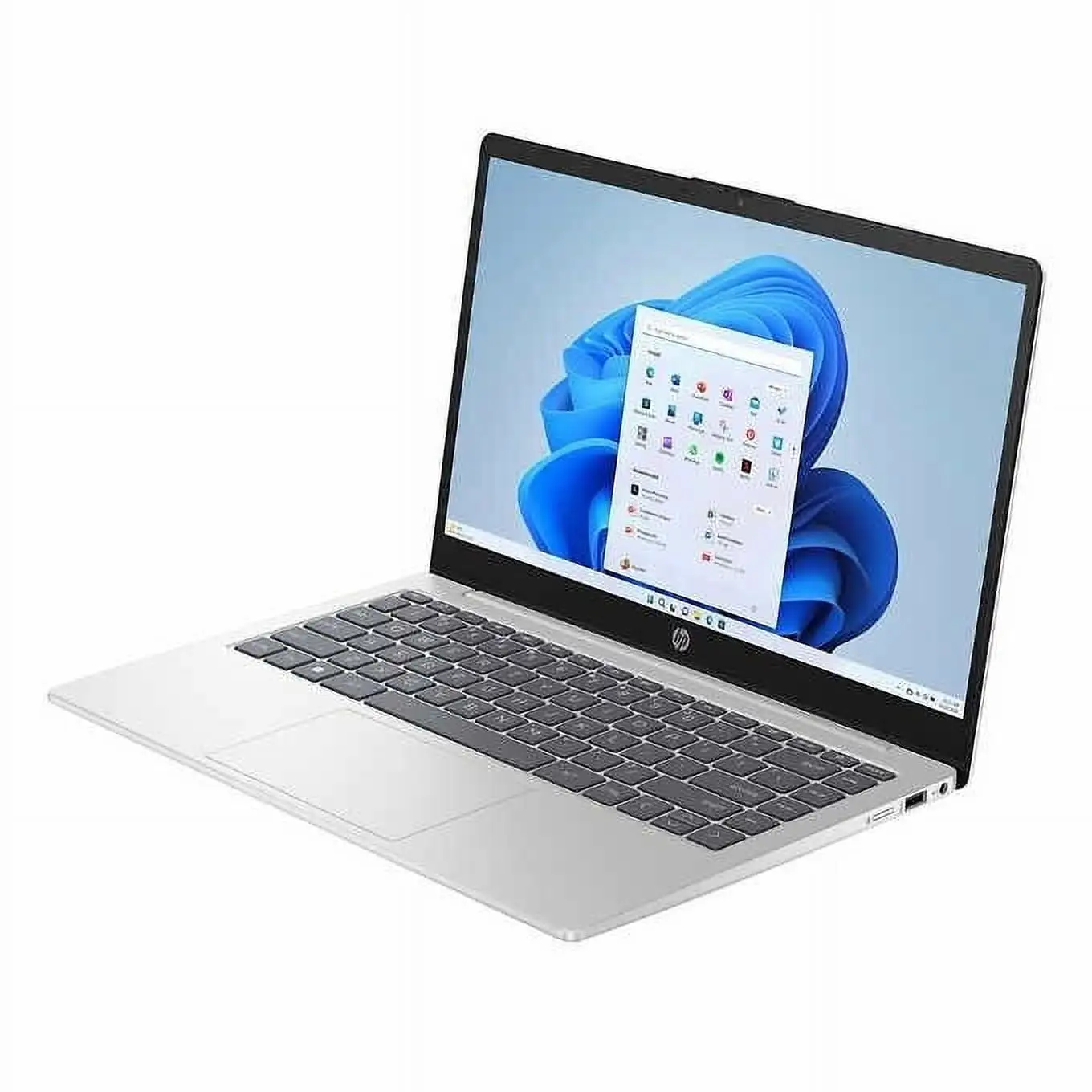
Portability and design top the list. Reddit user allan smith***, reviewing the HP 14-ep0299nr, admired its “silver exterior with black keyboard keys” and sub-3.2 lb weight, saying it “looks better than the black budget laptops you’d ordinarily find.” The slim profile also suits students; Trustpilot reviewer danielb wrote: “Light-weight and easy to carry in her backpack… perfect for college.”
Keyboard comfort draws praise from a broad spectrum. A verified Best Buy customer ejay enthused: “Easy typing keyboard… versatile usage flipping between laptop and tablet.” Many appreciate a clear backlight option on certain configurations, with HP’s newer models adding emoji quick keys for casual use.
Performance for basic tasks earns kudos. NotebookCheck highlighted the Core i3-1125G4 variant as “easily surpassing Celeron alternatives,” while Quora’s coverage of the Pavilion 14 described it as “a solid, affordable laptop… smooth day-to-day performance” for office work and remote learning.
Common Complaints
Screens on HD models consistently disappoint. HP 14-dq5009nr owners talk of “mediocre at best” panels, with viewing angles and brightness a key concern. This affects outdoor usability and creative workflows—Amazon buyer feedback notes washed-out blacks and pale colors on narrow tilt.
Fan noise is another detractor. Best Reviews reports “semi-high fan hissing” even under light load. Over time, this irritates users in quiet study or meeting environments. The inability to control fan curves in software compounds the complaint.
Audio quality leaves room for improvement. Allan Smith’s review mentions the speakers “lose fullness and depth in the midrange and bass,” a sentiment echoed on Trustpilot where customers remark on reduced clarity when the laptop rests on a lap.
Divisive Features
Battery life splits opinion depending on workload. Light users—email, docs, streaming at low brightness—report near HP’s quoted lifespan. Heavy use, as in “PCMark simulation of office work,” drops runtime by an hour or more below spec. Some buyers consider this acceptable at the price, while others see it as falling short of all-day reliability.
The touch screen feature on x360 models is embraced by those in tablet mode workflows, but others, like Tech Advisor’s Pavilion 14 review, question its necessity for static desk work, noting it adds gloss glare and potential smudges without improving core productivity.
Trust & Reliability
Trustpilot data for Pavilion x360 variants suggests a generally positive purchase experience, with many noting the laptops lasted through multi-year college use without major hardware faults. Customer pablo remarked that his daughter’s i3 unit “battery lasts for whole day… fits her needs perfectly.”
Long-term Reddit reports are mixed for fan operation—no evidence of widespread failure, but annoyance at persistent noise. No major scams or deceptive sales behavior surface in feedback, though buyers caution to check screen resolution before purchase, as HD and FHD models share similar listing photos.
Alternatives
The community often compares the HP 14 to the Acer Aspire 5 and Asus VivoBook 15/16. The Aspire offers comparable performance but with better multi-core benchmarks and often a brighter full HD screen at similar prices. Asus’ VivoBook line is praised for superior keyboard feel and port selection. As PCVarge’s review notes, “If your budget can stretch a little, the Asus VivoBook 16 is even better value.”
Price & Value
Current eBay listings show Core i3 HP 14 units ranging from $192 (refurbished, 10th gen) to ~$300 for newer 12th/13th gen models. Costco and Amazon sales have dipped prices under $380 for FHD i3-1125G4 configurations, which elicited Allen Ngo’s praise as “worth a look” versus slower CPUs in this size class. Resale remains modest, with most used units fetching under half retail within two years—suggesting best value is captured in initial purchase and prolonged use rather than quick turnover.
FAQ
Q: Can the HP 14 handle modern gaming?
A: No, it relies on Intel UHD integrated graphics. Suitable for casual or older titles, but modern, graphics-intensive games will struggle even at low settings.
Q: Is the keyboard backlit on all models?
A: Not all. Certain Pavilion and higher trims offer backlighting, while base HD models lack it. Check individual specs before buying.
Q: Can you charge via the USB-C port?
A: Despite having a USB-C data port, charging typically requires HP’s proprietary round-pin power adapter on most configs.
Q: How bright is the screen outdoors?
A: FHD panels reach ~250 nits; HD versions hover lower. Reports suggest daytime outdoor readability is poor without shade.
Q: Is it upgradeable?
A: RAM upgrades are limited—most models have one slot or soldered memory. Storage is replaceable via M.2 SSD, but bottom panel access can be tricky.
Final Verdict
Buy if you’re a student, remote worker, or casual home user wanting a stylish, lightweight Windows 11 laptop with solid everyday performance and a reasonable price. Avoid if your work depends on bright, color-accurate visuals, quiet cooling, or heavy multitasking with large datasets. Pro tip from the community: explicitly seek the Full HD IPS variant—several reviewers say it transforms the experience, making an already decent budget laptop feel much less compromised.





