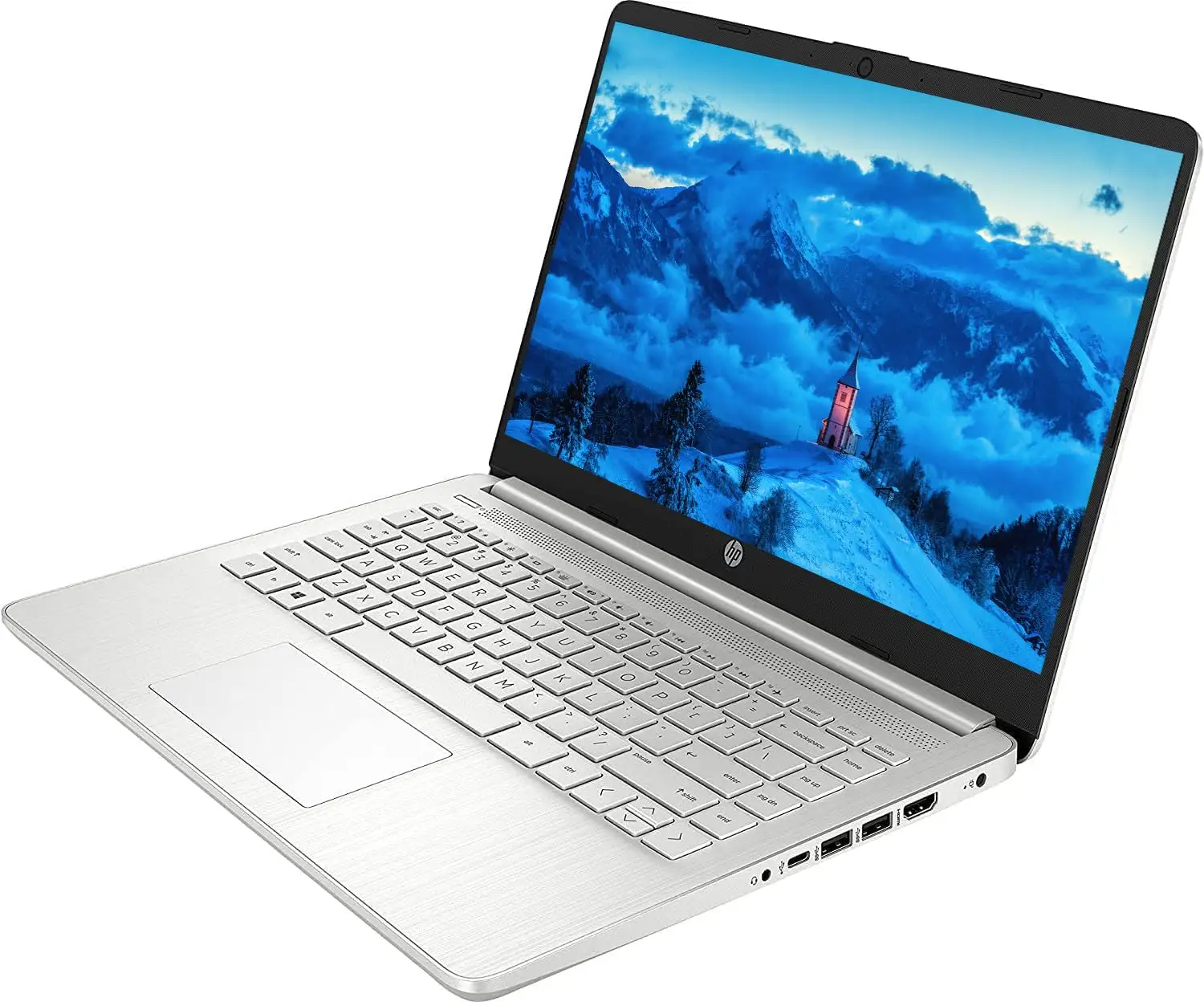
HP 14-inch Laptop Review: Value Buy with Caveats
Starting at under $300, the HP 14-inch Laptop (Intel Core i3, Windows 11) has been repeatedly described as “a great value” by casual users—but its mixed reception hides sharp divisions between light-duty fans and power users. On aggregated scores, it lands at 7.4/10, strong for design and portability, but dragged down by display limitations and thermal noise complaints.
Quick Verdict: Conditional buy—worth it for students and office multitasking, less so for heavy creatives or gamers.
| Pros | Cons |
|---|---|
| Lightweight, portable design praised across Reddit and Best Buy | HD panel lacks sharpness and brightness compared with FHD rivals |
| Comfortable keyboard with good travel | Fan noise at even low loads irritates some long-term users |
| Smooth everyday performance (web, docs, streaming) | Weak multitasking with only 8GB RAM, non-upgradable |
| Affordable price undercuts competitors | Heating issues reported, uncomfortable on lap use |
| Long battery life in low-load scenarios | Some hinge durability problems on 2-in-1 variants |
| Windows 11 with fast SSD boot | Limited gaming capability due to integrated graphics |
Claims vs Reality
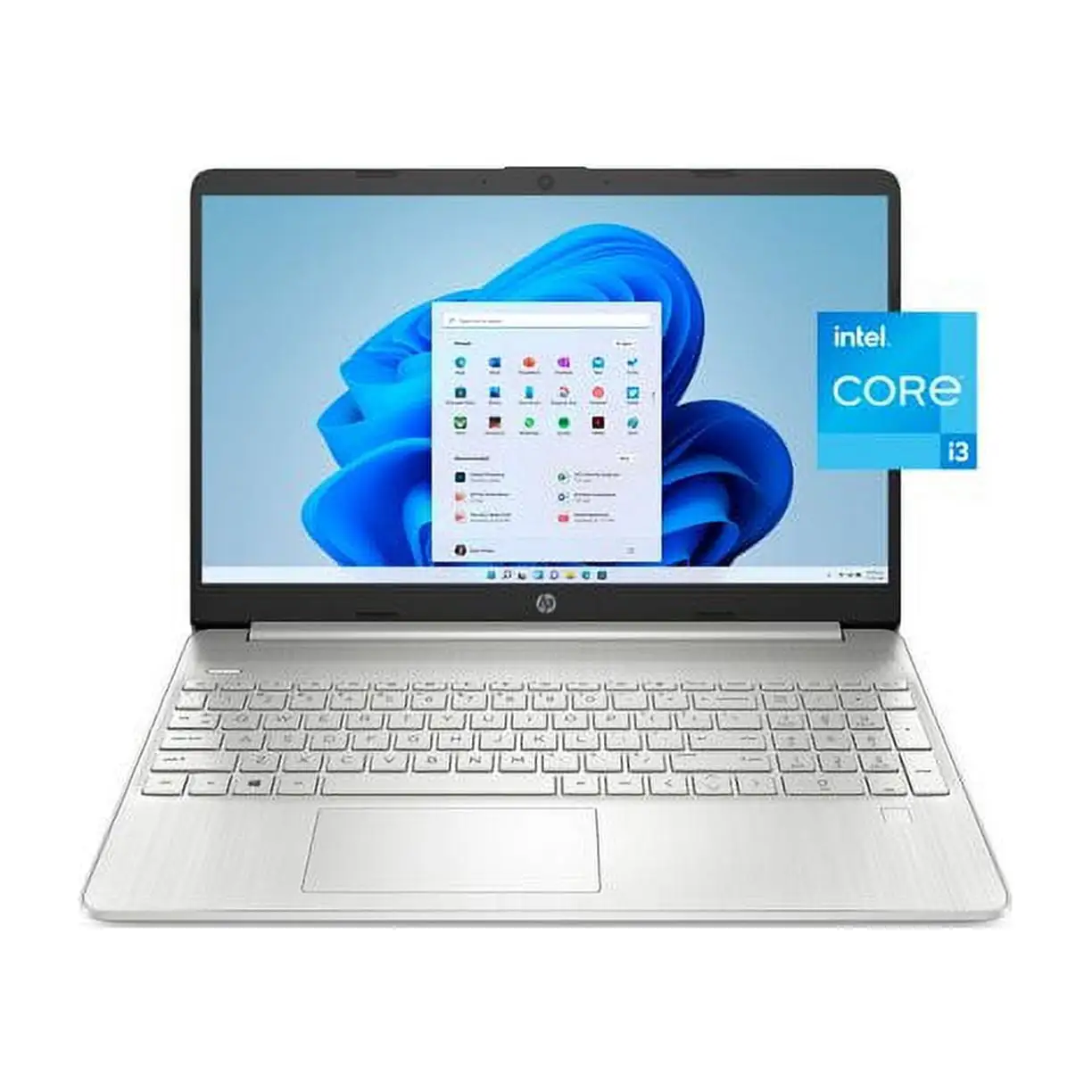
HP marketing pushes the 14-inch as “built for productivity and entertainment” with “long battery life” and “flicker-free” comfort. On paper, specs like the 12th-gen Intel Core i3-1215U or 13th-gen Core i3-1315U, fast PCIe SSD, and light chassis make that credible.
Digging deeper into user reports, the productivity claim does hold up for office or school work. A verified buyer on Amazon noted: “It is superfast and lightweight. Love it. Perfect for work and travel.” Students on Best Buy echoed the same, with one saying the HP Pavilion x360 “turns on in a flash and works perfect for my son in middle school.”
The “long battery life” claim is more contested. While HP touts figures up to 9–11 hours, multiple reviewers on PCVarge clocked real-world use at 7–8 hours. A Trustpilot entry described pushing “over three hours [at high load]” and “a working day” with lighter tasks, but not the all-day span in marketing. For load-intensive use, some reported just over 3 hours.
Lastly, HP’s “flicker-free” pitch gets partial support. The matte screen handles reflections well in indoor settings, but brightness and color coverage leave creative users unsatisfied. Tech reviewer Alex on Best Reviews By Consumers observed “low brightness... makes the image pale and difficult to see in bright environments.”
Cross-Platform Consensus
Universally Praised
Portability is a consistent highlight. Reddit promotions called the HP 14 “super-portable” with a “thin and light” design, and Best Buy buyers praised its “good size to take around” and “comfortable keyboard.” For traveling students or professionals, the sub-3.1 lb weight and compact dimensions make it a backpack-friendly daily driver.
Keyboard quality also gets high marks. A PC Varge review of the HP 14-ep0299nr labeled it “comfortable to use… better than most notebooks in this price range.” Even budget buyers noted clear backlighting on some models, and Best Buy Chromebook owners liked the “perfect sensitivity for scrolling” touchpads.
Performance for basic tasks draws broad approval. With SSDs and midrange Intel Core i3 processors, users say it feels snappy for browsing, streaming, or using office apps. One Amazon reviewer raved: “It’s fast… the screen is crisp… works great for graphic designer software.”
Common Complaints
Display quality heads the negative list. Several reviews lamented the HD panel’s lack of sharpness and diminished brightness. PCVarge’s dq5009nr review described the “panel as mediocre at best” with “narrow viewing angles,” and even fans wished for a full HD upgrade.
Thermal management is another sore point. On Trustpilot and Quora, users noted “fan hissing” and “full blast noise” in low-load situations. Best Buy Pavilion x360 owners reported “unit gets very hot… uncomfortable to use while resting on lap.” The heat is tied partly to all-plastic chassis dissipating via fans alone.
Battery life shortfalls affect mobile-heavy users. While fine for mixed light usage, sustained multitasking drains the battery quickly. One Trustpilot review clocked just 3 hours 10 minutes at high load, far below HP’s top marketing claim.
Divisive Features
The touch screen option on Pavilion and Chromebook variants is loved by those prioritizing versatility. Best Buy buyers like “flip into tablet mode” or “write letters with a stylus.” Others, however, see it as needless if primarily typing, preferring lighter non-touch FHD models for clarity and less weight.
Windows 11 in S mode splits opinion. Many found switching out easy, others disliked initial app restrictions. An IT professional on Best Buy cautioned that “you can only install apps from the Microsoft Store… unwelcome change” unless switching out.
Trust & Reliability
Durability reports are mixed. Some Best Buy Chromebook owners cite hinge failures within a month (“snapped in half… hard to get fixed”), though these are isolated relative to the majority of positive long-term usage stories—like “had it for 3 years now and no complications” from user Sana AF.
Warranty concerns appeared on Amazon where a buyer discovered their “warranty has expired” at registration on a supposedly new product. Past 6–12 months, users note battery degradation is expected, but moderate for light workloads.
Alternatives
The Asus Vivobook 15 and Acer Aspire 5 get repeated mention as competitors offering better displays and typing feel, often at similar prices when on sale. PCVarge’s hp 14-dq5009nr review notes: “The Asus Vivobook 15 offers better typing… Acer Aspire 5 has better performance per dollar.” If buyers can stretch to $500+, these alternatives can solve HP’s biggest pain points (screen resolution, keyboard firmness).
Price & Value
Pricing fluctuates heavily: eBay refurb units start near $185, while new configs with SSD and newer chips often list between $287–$439. The Chromebook x360 variant has dropped from a $699 value to $139 clearance at Best Buy. Resale holds modestly for recent models due to recognizable brand and SSD inclusion, but rapid depreciation is expected for HD panels with older gen CPUs.
Community buying tips: grab sale bundles for under $300, avoid paying full MSRP for HD-screen variants, and consider Costco or Amazon Renewed for lightly used FHD configurations.
FAQ
Q: Can HP 14-inch laptops handle multitasking well?
A: For basic multitasking like browser tabs and office apps, yes—but heavy workloads bog down the 8GB RAM and entry-level Core i3 CPUs, as multiple reviews report small pauses under strain.
Q: Is the battery life truly "all-day"?
A: Not for heavy use. Expect 7–8 hours under moderate loads; high-brightness video work can deplete it in just over 3 hours.
Q: Are hinges reliable on 2-in-1 touch versions?
A: Most users report no issues, but some Best Buy Chromebook buyers faced early hinge breaks within a month of convertible use.
Q: Can I charge with USB-C?
A: Some HP 14 models only allow charging via proprietary round-pin adapters. Check your exact SKU for USB-C power delivery support.
Q: Is the fan noise fixable?
A: Fan control is limited; several owners couldn’t find thermal tuning options. Lowering performance settings can reduce noise slightly.
Final Verdict
Buy if you’re a student, remote worker, or casual browser who values portability, decent build, and sub-$400 pricing. Avoid if you need bright, color-accurate display, whisper-quiet cooling, or frequent heavy multitasking. Pro tip from community: opt for FHD non-touch screens and newer-gen chips when possible—they markedly improve viewing and resale value.