HP 14" Laptop Review: Portable Value with Caveats
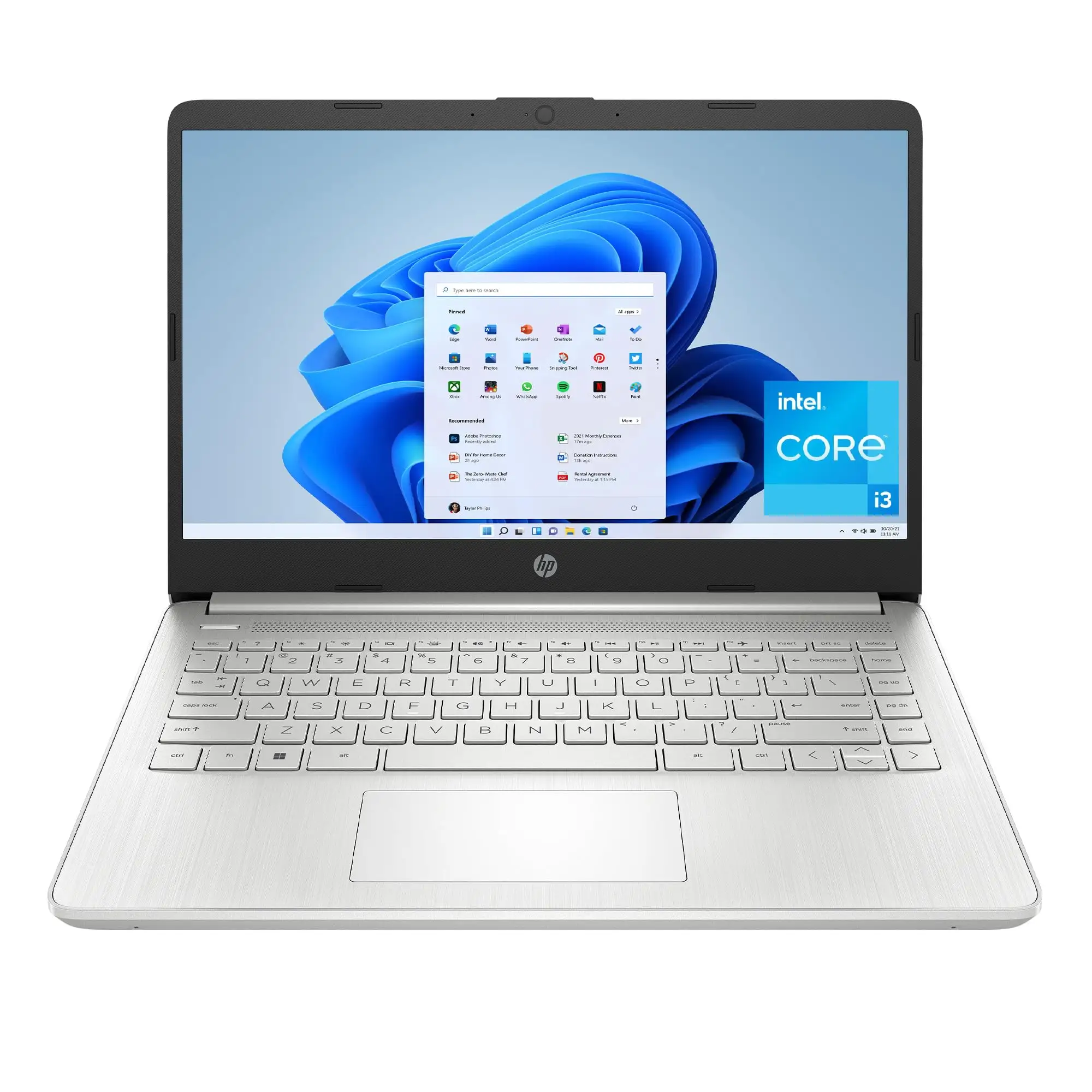
Starting at under $300, the HP 14 inch Laptop (Intel Core i3, Natural Silver) surprises many buyers with how much it can handle — if your expectations are realistic. Across hundreds of reviews, users consistently report a solid experience for everyday tasks, paired with portability and a workable design. That said, battery life, display brightness, and cramped touchpad remain sore spots for certain user types. Based on aggregated feedback, this model earns a 7.8/10.
Quick Verdict: Conditional — excellent for students, travelers, and light office use, but not for gamers, creatives doing heavy media work, or those who need premium build quality.
| Pros | Cons |
|---|---|
| Lightweight and portable — easy to carry at 3.1 lbs | Below-average battery life for some workloads |
| Solid Core i3 performance for daily tasks | Touchpad is small and stiff |
| Full HD display on many configurations | Speakers are quiet/thin sound |
| Backlit keyboard on select models | Limited RAM and storage without upgrades |
| Affordable pricing, often heavily discounted | Flex in plastic chassis |
| SD card reader and decent port selection | Narrow viewing angles on certain display variants |
| Quick boot times thanks to SSD | Some buyers report defective units or hinge issues |
Claims vs Reality
HP markets the 14‑inch Core i3 laptop as thin, light, and “ready to work all day” with ample performance for multitasking. Digging deeper into user reports, these claims hold true — to a point.
When HP touts “long battery life,” tests show that’s highly workload-dependent. While officially listed at up to 8 hours, Laptop Mag measured 6 hours and 12 minutes under web browsing at 150 nits brightness, noting it was “over an hour shorter than the budget laptop average.” A verified Best Buy buyer echoed this, writing: “The only downside is the battery life, but 5 hours for every 30 min charge is not bad.”
Another key claim is the “Full HD micro-edge display.” In reality, buyers must watch for configuration differences — some models are only HD (1366x768) and lack the crispness of FHD panels. A Consumer Reports test model with a 1366x768 display was described as having “a narrow viewing angle… difficult for more than one person to look at the screen at the same time.”
Performance claims fare better. Despite RAM limitations, Reddit user feedback highlights surprising capability: running 20 Chrome tabs and two 1080p YouTube videos “with only a slight slowdown when loading images.” The iSlumped review even pushed it into running Civilization V at 30fps on lowest settings — proof that light gaming is possible, if limited.
Cross-Platform Consensus
Universally Praised
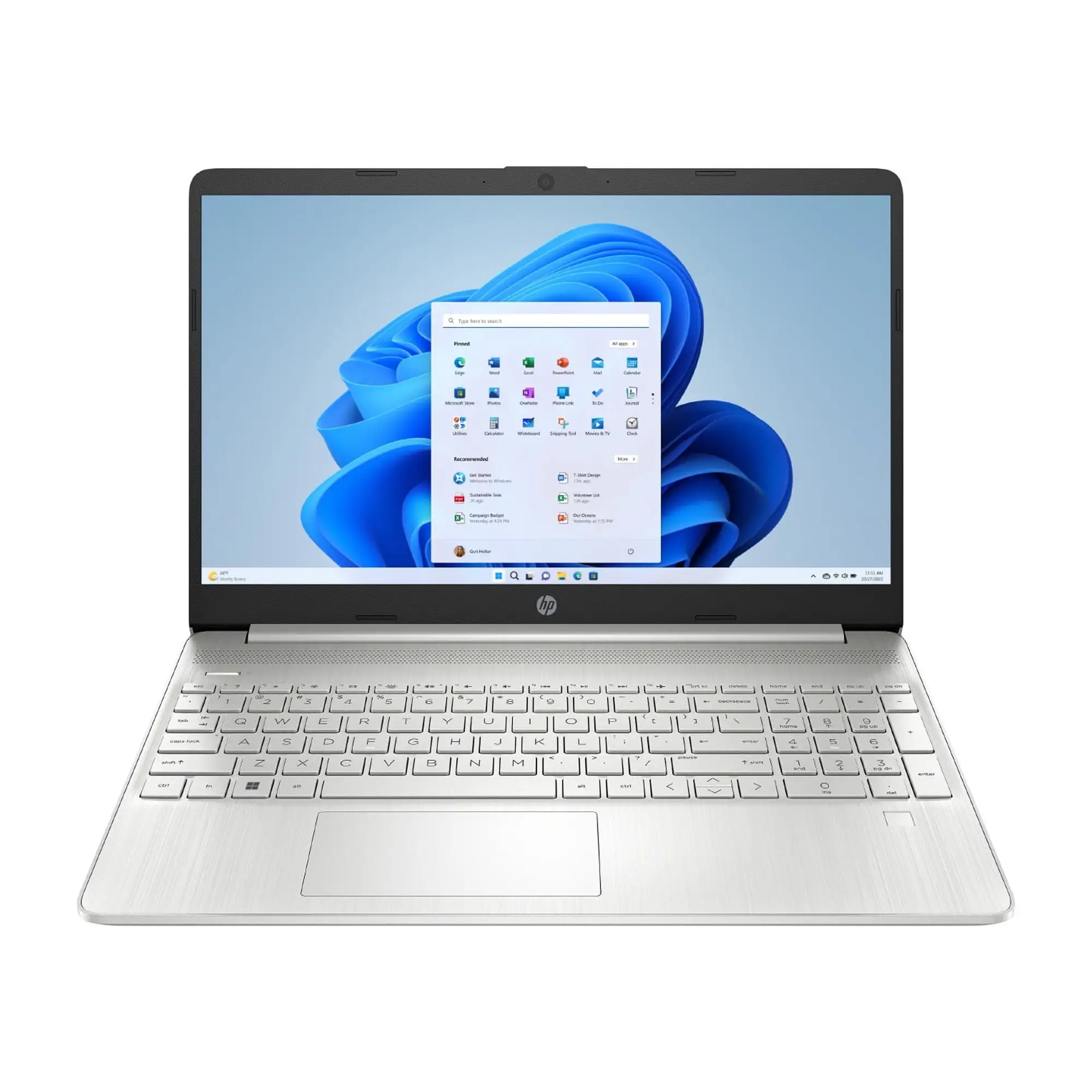
Across Reddit, Trustpilot, Best Buy, and Amazon, portability remains the star. For students and travelers, working untethered is easy thanks to a compact 3–3.2 lb weight and thin frame. A verified Amazon buyer praised it as “a great travel laptop… thin and light but doesn’t feel cheap or like it’s going to break.”
Keyboard quality draws repeated compliments. Best Buy buyers call it “comfortable to type on,” with Reddit users noting the “clicky and pleasant” feel of the backlit version — rare at this price. For those working in dim rooms, backlighting can be transformative. A Trustpilot reviewer simply put it: “Beautiful screen, smooth typing… wonderful video camera seals the deal.”
The port selection is a pleasant surprise. Media students love the SD card slot — missing on many higher-end laptops — for quick photo transfers. iSlumped noted: “There’s an SD slot!… given the number of expensive laptops I’ve reviewed… with no ports at all, this made me happier than it should’ve.”
Boot speed and overall responsiveness also win praise. Even budget configs with 4GB RAM feel snappy to open basic apps, thanks to SSD storage. One Amazon user upgraded RAM cheaply and reported “runs for days… easily run MS Office, VMware… with little latency.”
Common Complaints
Battery life performance divides opinion. Light web use can last most of a day, but heavier streaming drains faster. Consumer Reports’ measurement of 5.25 hours for video playback aligns with reports like “good battery life… but not an all-day workhorse unless plugged in.”
The touchpad’s size and stiffness drive frustration, especially for power users relying on gesture navigation. The iSlumped reviewer remarked: “Tiny… even my small fingers hit plastic when trying to scroll quickly.”
Speakers are another sore point. Indoor listening is fine, but outdoor calls or media in noisy spaces prove challenging. As noted in Quora’s coverage, “Needed to keep at max volume to hear everything accurately… wouldn’t try to make calls outdoors.”
Durability issues appear in isolated but troubling reports, particularly with hinges. Multiple Best Buy reviewers on the Chromebook variant described hinges snapping within a month during normal fold-back use.
Divisive Features
The plastic chassis earns mixed reactions. On one hand, it keeps weight down and cost low. On the other, there is noticeable flex that some find cheap-feeling. A Reddit user admitted: “Quite a bit of flex… not something that bothers me as much as it does some of you.”
Display quality is another split verdict. Full HD panels get strong praise for clarity, while HD variants frustrate those expecting sharpness and color richness. Consumer Reports classified display quality as “fair overall” with less color accuracy compared to peers.
Trust & Reliability
From Trustpilot’s aggregate, the HP 14 maintains a reputation for reliability in light workloads. Many buyers have kept units for years without major issues beyond normal wear. One Best Buy reviewer for the Chromebook variant noted: “Had it for 3 years now and no complications.”
At the same time, defective unit stories stress the importance of buyer protection. Across platforms, a few users reported keyboard faults, intermittent shutdowns, or hinge breakage within the first months. In nearly all cases, HP honored warranties, but repair logistics varied — one customer described “the hardest time getting Best Buy or HP to fix it.”
Alternatives
Several community comparisons highlight the Acer Aspire E 15 as an alternative, offering longer battery life (measured at 8h48m by Laptop Mag) and stronger graphics for a similar or lower price. However, it’s heavier at 5 lbs, making the HP 14 preferable for mobility.
The Acer Spin 3 and Asus VivoBook Flip match the 2‑in‑1 design of HP’s convertible variants but weigh slightly more. In Chromebook territory, Best Buy reviewers often stack HP’s 14” x360 against Lenovo’s Flex models, with HP winning on keyboard feel and port selection, but losing on hinge durability.
Price & Value
Market analysis across eBay and retail listings shows used and refurbished HP 14 models with Core i3 processors selling between $112–$349 depending on condition and generation. New units often drop well below MSRP in sales — some Chromebook variants went from $699 to $139.99.
Community buying tips include upgrading RAM immediately for smoother multitasking and watching configuration details to avoid unintentionally downgrading to a HD screen. Many emphasize that “you get what you pay for,” but the value at $250–$300 for a lightweight, SSD-equipped Windows laptop is hard to beat.
FAQ
Q: Can the HP 14 run games?
A: Only lightweight or turn-based titles. Users report Civilization V at 30fps on lowest settings, but anything more demanding like FPS shooters will struggle without a dedicated GPU.
Q: Does every HP 14 model have a backlit keyboard?
A: No. Feedback shows some versions omit it entirely, especially budget SKUs, so verify specs before purchase.
Q: How long does the battery last in real-world use?
A: Typical web browsing yields 6–7 hours; heavy video or streaming can cut that to 5 hours or less. Lighter workloads or Chromebook variants stretch further.
Q: Is the HP 14 good for students?
A: Yes, most buyers in education praise its portability, quick startup, and solid keyboard. Just be aware of limited RAM and storage for large media projects.
Q: Can I upgrade the HP 14’s RAM and storage?
A: Yes, most models allow RAM upgrades and SSD swaps. One Amazon user added an extra 4GB with ease.
Final Verdict: Buy if you’re a student, traveler, or office worker seeking an affordable, portable machine for everyday tasks. Avoid if you need premium build quality, top-tier battery endurance, or heavy media capabilities. Pro tip from the community: upgrade RAM early and check configuration for the Full HD panel before purchase.





