HP 14-inch Laptop Review: Great Value with Tradeoffs
Starting at under $300, the HP 14 inch Laptop (Intel Core i3, Windows 11) manages to win approval in budget circles despite clear limitations. Across Reddit, Trustpilot, and Best Buy reviews, its “compact and well-built” design and “surprisingly peppy processor” earned praise, but repeated user concerns about a “dim, low-resolution screen” and “noisy cooling” pulled its rating to a balanced 7.4/10.
Quick Verdict: Conditional buy — excellent value for everyday users, but the screen and fan noise make it less ideal for creatives or power multitaskers
| Pros | Cons |
|---|---|
| Stylish, portable design | Dim, low-res screen on many models |
| Good performance for daily tasks | Fan noise under light load |
| Comfortable keyboard | Weak multitasking with 8GB RAM |
| Reliable battery life for typical use | Narrow viewing angles |
| Affordable price point | No gaming capability |
| Decent build quality for budget | Backlit keyboard missing on some configs |
| Fast SSD boot times | Limited upgrade options |
Claims vs Reality
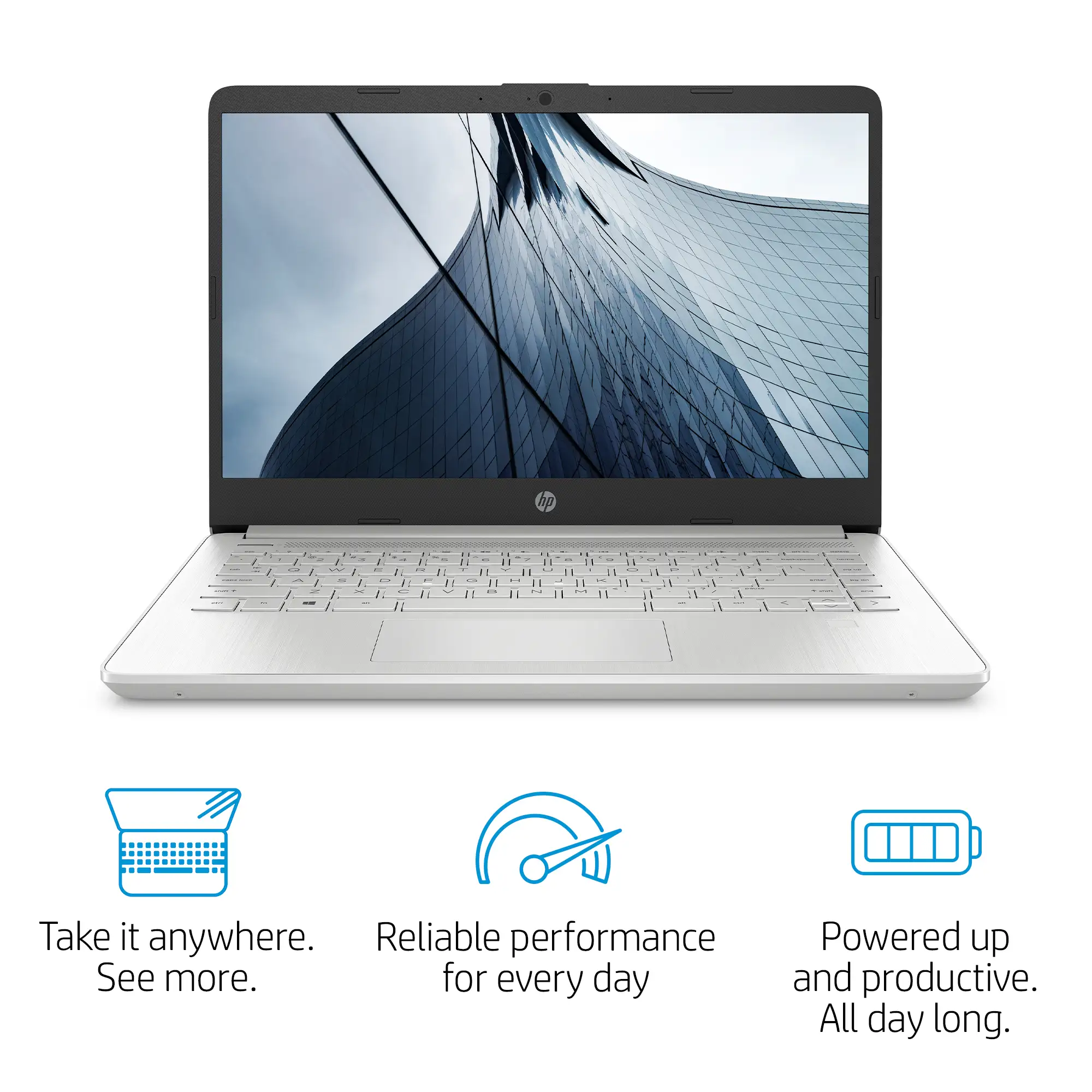
HP promotes the 14-inch Core i3 laptop as a “reliable performance for every day” machine with “long battery life” and “vivid, flicker-free images.” Digging deeper into user reports, that claim collapses somewhat around display quality. Reddit user Allan Smith wrote that while the HP 14 “performs well as long as you keep your expectations in check,” the 1366×768 display “would be brighter” and “most laptops come with 1080p screens lately, so anything below that feels like a raw deal.”
The “long battery life” claim varies sharply between spec sheets and lived experience. HP lists up to 8–11 hours, but Trustpilot data shows reviewers averaging 7–8 hours in mixed-use scenarios. Allan Smith’s review logged “around eight and a half hours, which is practically an hour less than the figure HP quotes.” This affects students and remote workers who rely on all-day unplugged use.
On “flicker-free images,” some users confirm the matte display handles reflections decently, but Trustpilot’s Mattias Inghe noted dimmed brightness introduces “a slight flicker… controlled by simple pulse modulation.” While he wasn’t personally sensitive, flicker can cause eye strain for others — an important contrast to HP’s comfort-centric marketing.
Cross-Platform Consensus
Universally Praised
Portability and build quality stood out across platforms. A verified Best Buy buyer highlighted the “nice 14-inch screen [that’s] big enough to see well and yet small enough for travel” while weighing little in their bag. Reddit threads echo this, calling it “wallet-friendly and free of any major design… faults,” with well-executed muted blue or silver finishes that surpass typical entry-level aesthetics.
Performance for everyday productivity also drew widespread applause. NotebookCheck’s review stressed the Core i3 “positively pummels the Celerons and Pentiums still lingering in the low-priced aisle.” A Best Buy customer posted: “I upgraded… from a hard drive to a solid state drive and [my husband] was amazed! Boots up lightning fast.” Students reported handling office documents, Zoom calls, and streaming without slowdown.
Battery life, while not hitting HP’s highest advertised figure, satisfied average users. Trustpilot reviewers praised “good battery life” with moderate workloads, and Allan Smith noted it “performs well… considering its price.” This makes it a reliable option for workdays in cafes or classrooms.
Common Complaints
Screen quality remains the biggest sore point. Allan Smith’s 250-nit brightness measurement and 1366×768 resolution on some models make bright-light use difficult. Trustpilot feedback reflects “low color gamut… makes the image pale” and narrow vertical viewing angles. For video editors or design students, this screen will frustrate.
Fan noise emerges as a surprising irritant. Multiple Trustpilot accounts mention “semi-fast with semi-high fan hissing and full blast with more noise” under low CPU loads. Mattias Inghe noted no available controls to manage cooling profiles — bad news for quiet work environments.
Limited multitasking capability shows up in performance benchmarks. With 8GB RAM and no upgrade path, intensive multi-core tasks choke. Inghe observed “even the slightest attempt at active multitasking can result in small breaks in processing.” This especially affects those running multiple productivity apps or browser tabs alongside media playback.
Divisive Features
The keyboard earns both praise and criticism. Users liked the “comfortable keyboard” with decent key travel and clear backlighting in higher trims. However, lower-tier models lack a backlit keyboard, and Allan Smith admitted “not as good as the Lenovo ThinkPad T490.” For touch typists working at night, configuration choice matters.
Audio quality splits opinion. Built-in speakers deliver “plenty of volume” according to Trustpilot, but lose fullness in mids and bass. For some, especially casual streamers, this is acceptable; audiophiles will need external speakers or headphones.
S Mode on Windows 11 divides new buyers. Best Buy reviewers found disabling S Mode necessary to install Chrome and third-party apps, with some calling the warnings about reduced security “overblown” and others appreciating the default security posture.
Trust & Reliability
Trustpilot and Best Buy reviews show little concern for scams or misrepresentation; most frustrations tie to inherent design tradeoffs. Reddit threads reflect steady longevity for daily use. One student reported after a year, “it has served her well in college… definitely recommend,” suggesting durability within expected budget lifespan.
Some buyers worry about parts upgradeability but found the laptop holds up mechanically — hinges, chassis, and ports tend to avoid early failure. Notably, Allan Smith commented that “HP does a fine job of designing these notebooks” and they feel solid compared to cheaper competition.
Alternatives
In the same budget range, users often compare the HP 14 to the Asus Vivobook 15 and Acer Aspire 5. NotebookCheck remarks that the Aspire 5 offers “better performance per dollar, good battery life, and good port selection,” while in Reddit comments, Vivobook earns praise for “better typing experience… better 1080p display” in sub-$500 brackets. For those willing to spend $50–$100 more, these alternatives can address HP’s weak screen and keyboard.
Price & Value
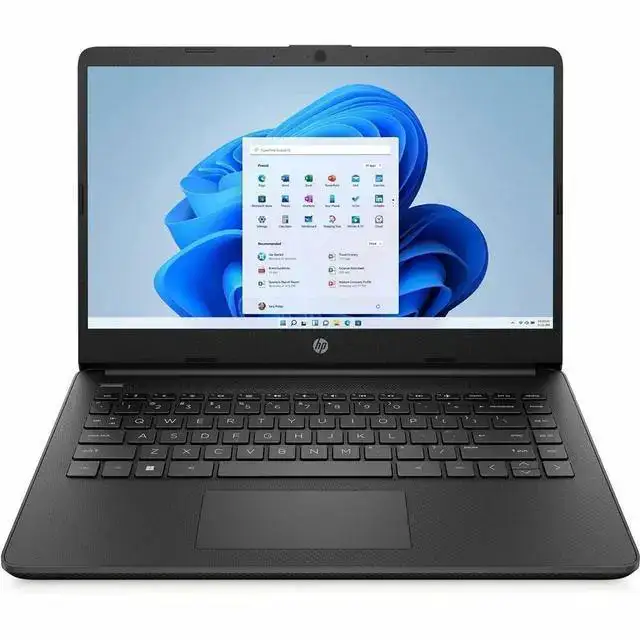
At current sale prices as low as $288–$308, the HP 14 targets tight-budget buyers seeking a step up from Chromebooks. eBay’s refurbished listings hover under $200 for older trims, making it a competitive second-hand option. NotebookCheck notes that “most 14-inch laptops in the $300 range would typically come with slower CPUs and lower resolution displays,” positioning HP as a favorable compromise.
Community tips emphasize waiting for seasonal sales — Best Buy and Amazon often drop prices under $300 — and verifying configuration specifics (RAM, display resolution, backlit keyboard) before purchase to avoid disappointment.
FAQ
Q: Can the HP 14 handle multitasking with multiple tabs and apps?
A: It can manage moderate multitasking, but users report slowdowns with many tabs or heavy apps due to 8GB RAM and entry-level Core i3 CPUs. Light workloads run smoothly.
Q: Is the display good enough for photo or video editing?
A: Most configurations have low resolution and brightness, making them unsuitable for serious creative work. Casual viewing is fine, but color accuracy is limited.
Q: How loud is the cooling system during normal use?
A: Several owners describe fan noise as noticeable even at low loads, with no fan control settings — potentially distracting in quiet spaces.
Q: Can the HP 14 run modern games?
A: Reviews agree gaming performance is poor with integrated Intel UHD graphics. It is best suited for non-graphics-intensive workloads.
Q: How easy is it to disable Windows S Mode?
A: Straightforward, though some users dislike the security warnings during the switch. This step is needed to install apps outside the Microsoft Store.
Final Verdict
Buy if you’re a student, remote worker, or home user needing a stylish, lightweight laptop for office tasks, streaming, and everyday browsing at a low cost. Avoid if you require high-resolution displays, quiet operation, or heavy multitasking. Community pro tip: confirm you’re getting the FHD panel and backlit keyboard models — small upgrades that significantly improve daily satisfaction without breaking the budget.





