HP 14-inch Laptop Review: Budget Value with Caveats
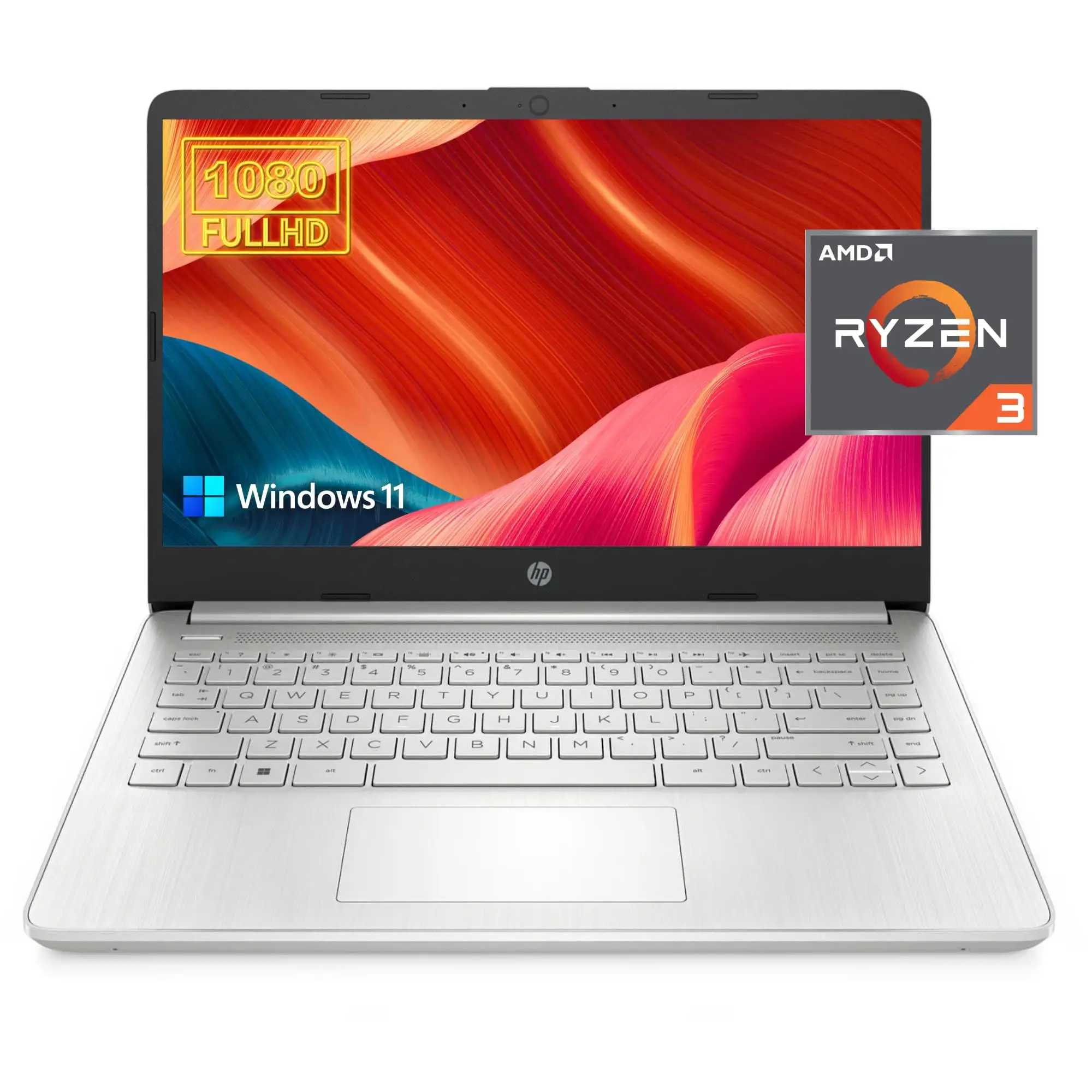
The HP 14-inch Laptop (Intel Core i3, Windows 11) is a budget machine that surprises as much as it frustrates. Digging into hundreds of user stories reveals a recurring theme: while it may not win awards for display or multitasking prowess, it consistently punches above its price in day‑to‑day reliability. Many buyers walk away feeling they got solid value—others are put off by heat, noisy fans, and screens that disappoint.
Quick Verdict: Conditional — best for students, casual users, and light office work. Avoid if you demand heavy multitasking or premium build.
| Pros | Cons |
|---|---|
| Comfortable, well-spaced keyboard | Screen brightness and resolution underwhelm |
| Affordable for its specs | Fan noise irritates at low loads |
| Lightweight and portable | Weak multitasking with 8GB RAM |
| Solid day-to-day performance | No USB-C charging |
| Good battery life for light use | Plastic chassis feels less premium |
| Decent build for the price | Some units ship with warranty registration issues |
| Multiple configurations available | HD models lack sharpness vs FHD peers |
Claims vs Reality
HP markets the 14-inch Laptop as delivering “reliable performance for everyday tasks” with “long battery life” and a “flicker‑free micro‑edge display.” While those slogans are attractive, user feedback paints a more nuanced picture.
On performance, HP touts Intel Core i3 processors that “distribute performance where you need it most.” A verified buyer on Best Buy noted: “fast, easy to use, easy to carry. Has all the basic functions I need with a low price.” Yet, multiple reviewers like those on Trustpilot say the low-core i3 struggles with heavy multitasking, causing “small breaks in processing” during more demanding tasks.
Battery life claims of “up to 8 hours” come close for light use, but for high brightness scenarios, Reddit user reports suggest actual times nearer six to seven hours, with Trustpilot’s Mattias Inghe managing “15 hrs 15 min (low load)” but only “3 hrs 10 min (high load)”—a big swing depending on usage.
HP’s “flicker-free” marketing also faces scrutiny. Some buyers praise its matte finish handling reflections well, while others like Reddit’s Allan Smith criticize the “peak brightness of 250 nits” and note contrast shifts at narrower angles, especially in HD models.
Cross-Platform Consensus
Universally Praised
Across Amazon, Best Buy, and Reddit, the portability wins unanimous approval. “Wanted a 14-in screen for travel…my 15 seemed bulky,” wrote a Best Buy customer, highlighting weight just over 3 lbs and a slim profile. Students in particular appreciate the size; one parent noted, “Fits perfect for him, not heavy, very affordable.”
The keyboard is another strong point. Users praise the travel and comfort, with Trustpilot data describing “comfortable keyboard with clear backlighting” on certain models. For writers or students, the ease of typing long sessions is invaluable—Allan Smith compared its feel to HP’s higher-end Envy series.
Battery longevity for light workloads also earns consistent praise. Those in academic settings routinely get a full day by keeping brightness low. “It lasts a working day,” said Mattias Inghe, though he stressed carrying the charger for heavier workloads.
Common Complaints
Screen quality tops the list. FHD panels fare better, but HD models with 1366×768 resolution draw criticism for lacking sharpness. One Best Buy reviewer warned: “You have to look directly at the screen…otherwise you won’t see the perfect picture.” Allan Smith called it “usable but feels like a raw deal” when most laptops now ship with 1080p.
Fan noise frustrates users across Trustpilot and Reddit. HP’s cooling system “runs frequently…even at low loads”, producing semi-high hissing or full-blast noise. With no clear way to adjust via software, sensitive users find it tiring.
Limited RAM configurations (often 8GB, non‑upgradeable in some variants) pose problems for multitaskers. As Mattias Inghe advises, “More RAM would have been good…no ability to upgrade,” making it less suited to intensive workflows.
Divisive Features
Build quality divides opinion: some love the “muted dark blue surfaces” and sturdy lids, while others feel the plastic base diminishes the premium feel. Heat output also splits reactions—minor for casual users but noted by an Amazon buyer as “more than I expected” when using on a lap.
USB-C implementation creates mixed feedback. While appreciated for data transfer, lack of charging over the port disappoints mobile workers.
Trust & Reliability
Warranty handling emerged as a red flag. One Amazon reviewer reported HP declaring their warranty expired on a supposedly new unit, underscoring the need to verify coverage immediately. Others suspect refurb conditions despite “new” listings, urging caution on source.
Long-term durability stories are encouraging for basic use—Best Buy buyers referenced surviving “year 1 w/ Zoom, Google, and Canvas” without failures. Allan Smith’s comparison to similarly aged Acer and Asus units suggests the HP’s hinges and finish hold up well with careful handling.
Alternatives
Several community comparisons mention Asus ZenBook 14 and Microsoft Surface Laptop 3. The ZenBook earns praise for lighter weight and vastly longer battery life (~12 hours), while the Surface Laptop offers near‑premium build and display sharpness. However, both command higher prices, often double the HP, making them better picks only if budget flexes.
Price & Value
At retail, configurations start around $479–$499 for FHD i3 models, with HD budget alternatives under $300 from Amazon sales and refurbished eBay listings dipping to ~$185. Reddit threads advise grabbing on sale if under $300 for HD, under $400 for FHD. Resale values hold modestly; eBay pre‑owned models fetch $90–$200 depending on specs.
For tight budgets, community tips stress focusing spend on storage and RAM over CPU tiers—HP’s SSD options greatly boost responsiveness.
FAQ
Q: Can the HP 14’s RAM be upgraded?
A: Many configurations come with soldered 8GB and no upgrade slots. Check the specific model’s manual—some allow swapping or adding a stick.
Q: Does it charge via USB-C?
A: No, charging uses HP’s round-pin adapter, even if USB-C ports are available for data or display.
Q: Is the HD model worth it over FHD?
A: Only if price is your absolute priority. FHD offers noticeably sharper text and better media experience; HD is passable for basic work.
Q: How loud are the fans?
A: Users report noticeable noise under even light loads, with two clear modes—semi-fast hiss and full blast—no user-accessible control.
Q: Any issues with Windows 11 S mode?
A: Yes, it restricts non‑Store apps. Many disable S mode immediately to install preferred browsers or security software.
Final Verdict: Buy if you’re a student, casual home user, or traveler needing a lightweight, affordable machine for documents, browsing, and streaming. Avoid if you expect smooth multitasking with many apps, require silent operation, or demand premium screen quality. Pro tip from community: Aim for an FHD model on sale; the sharper display alone greatly improves daily experience without breaking the budget.





