HP 14" Laptop Review: Budget-Friendly with Tradeoffs
Starting at under $300 in some configurations, the HP 14 inch Laptop (Intel Core i3, Windows 11) earns a solid 7.6/10 from collective user feedback: praised for its portability, comfortable keyboard, and day‑to‑day performance, but critiqued for dim, low‑resolution screens in budget models and noisy cooling.
Quick Verdict: Conditional — A strong daily‑task machine for students and office workers prioritizing price over premium visuals.
| Pros | Cons |
|---|---|
| Stylish, lightweight design | Dim, low‑res display below FHD in some models |
| Comfortable keyboard with good travel | Fan noise even at low loads |
| Snappy performance for office tasks | Weak multitasking capabilities |
| Long battery life in light usage | Limited gaming capability |
| Affordable price point | Hollow keyboard feel in certain trims |
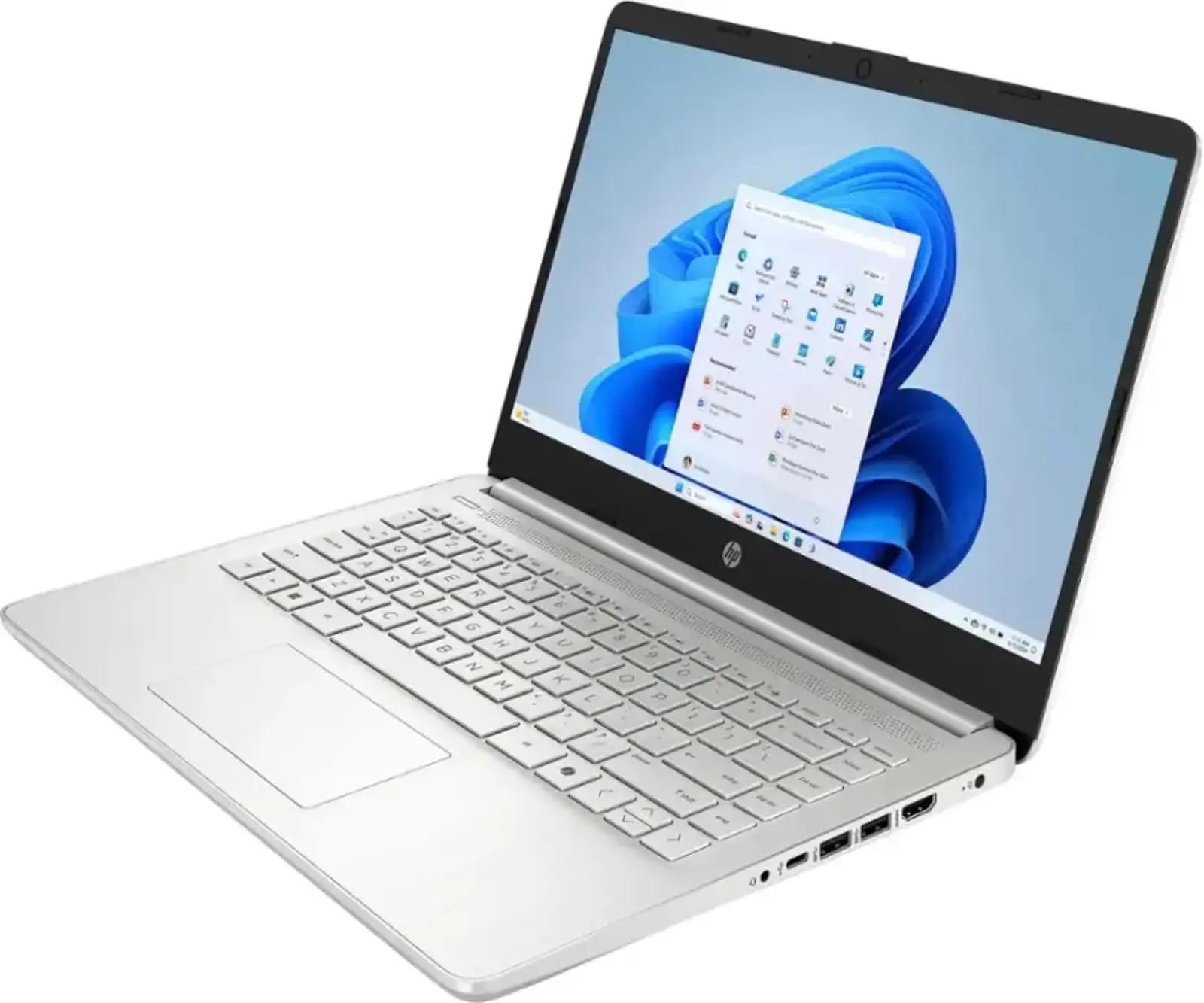
| Good port selection | No USB‑C charging support |
Claims vs Reality
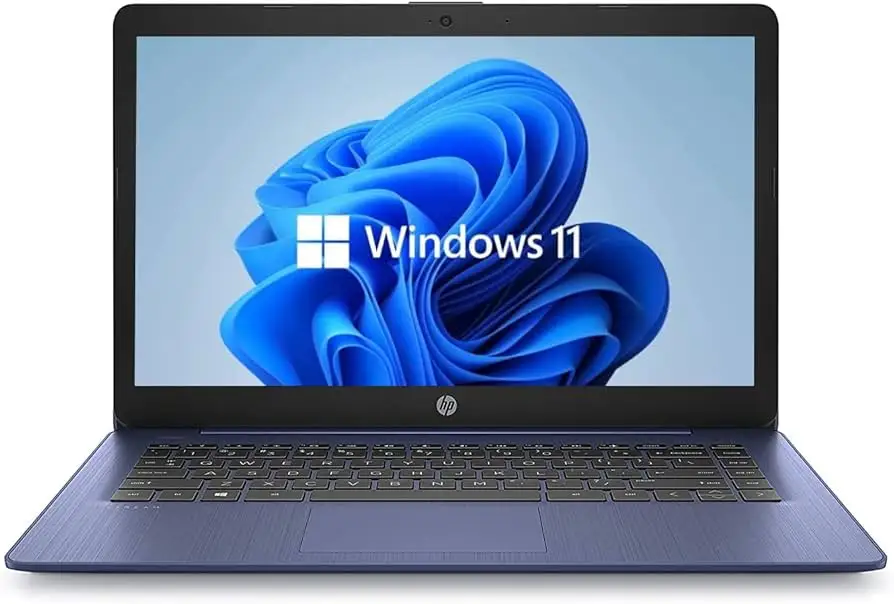
HP markets this laptop as “built for both productivity and entertainment” with “vivid, flicker‑free images,” but user feedback draws a more nuanced picture. While the design and essential performance deliver on daily productivity, the display quality depends heavily on the model chosen.
Marketing emphasizes long battery life, with HP citing up to eight hours. Reddit user allan smith noted in his HP 14‑ep0299nr review: “the HP 15 laptop lasts around eight and a half hours… practically an hour less than the figure HP quotes.” Under heavier load, Trustpilot reviewers found runtimes closer to three hours at full brightness.
HP highlights fast charge technology as a key selling point. Multiple sources confirm this works as advertised, with 0–50% charge in about 45 minutes. Best Buy user danielb said of a Pavilion configuration: “She… loves this laptop!… definitely recommend!” praising its lightweight portability and quick recharge for college use.
Display quality is touted as “crystal‑clear visuals… vibrant quality of 2 million pixels” in FHD models, but certain SKUs ship with 1366×768 panels. Allan Smith described them as “usable… but… doesn’t get as bright as HP’s high-end productivity laptops.”
Cross‑Platform Consensus
Universally Praised
Portability stands out across platforms. The HP 14 consistently falls under 3.25 lbs in slimmer units, making it a favorite for students and remote workers. Best Buy reviewer dinger said, “Hi powered for college school work… excellent battery life, and very mobile to carry around campus.”
Keyboard comfort earns steady approval. Allan Smith calls it “great… better than most notebooks in this price range,” while Trustpilot reviews highlight “clear backlighting” and friendly layout. For writers or coders, this is an important edge in the budget segment.
Price‑to‑performance ratio is another frequent win. NotebookCheck’s take on the Intel i3‑1125G4 model notes it “will easily surpass any Celeron or Atom alternative… decent array of ports” at sub‑$400. Students and small‑business buyers in Quora discussions often cite it as “good value for day‑to‑day productivity.”
Battery efficiency under light loads also garners praise. A Trustpilot reviewer reported up to 15 hours on low brightness, making it appealing to travelers not reliant on constant charging.
Common Complaints
Display resolution remains the most consistent complaint. Several Reddit and PC Varge reviews bemoan the 1366×768 option. Allan Smith warned, “Most laptops come with 1080p screens… anything below… feels like a raw deal.” This affects users watching HD content or multitasking with multiple windows.
Cooling noise is called out repeatedly. Trustpilot editor Mattias Inghe noted “fans run frequently, even at low loads… semi-high hissing and full blast with more noise.” Office and library users may find this distracting.
Weak multitasking capability surfaces in models with only 8GB RAM and lower‑core i3 chips. Inghe wrote, “even the slightest attempt at active multitasking can result in small breaks in processing,” impacting photo editors or spreadsheet‑heavy workloads.
Battery life under heavy use disappoints compared to claims — as low as three hours in high‑load scenarios reported by Trustpilot users — falling short for video editors or those streaming at max brightness.
Divisive Features
The matte screen in FHD versions polarizes opinions: some appreciate reflection control, others feel it dulls vibrancy compared to glossy alternatives. Inghe praised its “good quality for an IPS… contrast is good… colors are neutral,” but noted pale blacks at narrow vertical angles.
Integrated Intel UHD graphics meet expectations for basic tasks, yet some upgraders hope for discrete GPUs. Best Buy user soba called it “excellent… battery life good, lightweight” for casual use, while Allan Smith cautioned, “you can’t use it as a gaming solution.”
Trust & Reliability
Long‑term durability threads on Reddit suggest solid build for the price, with chassis holding up to daily commutes. Best Buy’s cindyb1268 noted replacing an older ASUS after a screen failure and feeling the HP was “perfect… nice compromise size.”
Trustpilot commentary shows few outright scam claims, but there’s frustration over software upselling — especially HP’s pre‑installed McAfee in S Mode. Several users found disabling S Mode necessary for preferred browsers, echoing Best Buy's natalino: “had to turn off [S Mode]… windows does a great job of making it seem that all security will be diminished.”
Alternatives
Competitors repeatedly mentioned include the Acer Aspire 5 and ASUS VivoBook series. PC Varge notes Aspire 5 offers “better performance per dollar… good battery life, and good port selection” at similar price points. Allan Smith points out ASUS VivoBook’s lighter weight and better battery longevity compared to his HP 14‑ep0299nr.
Price & Value
On eBay, older HP 14 models with 10th‑gen i3 chips list between $120–$300 used, showing modest resale value. Newer 12th/13th‑gen SKUs hover $300–$500 retail. Community buying tips from NotebookCheck and Reddit emphasize targeting FHD SKUs to avoid dissatisfaction with the TN‑like 1366×768 panels.
Budget buyers find peak value on sale under $350 for configurations with at least 8GB RAM and SSD storage — these avoid the sluggishness associated with HDD or 4GB RAM bottlenecks.
FAQ
Q: Is the HP 14 i3 good for gaming?
A: No — with integrated Intel UHD graphics, it suits light browser games or older titles only. You won’t get smooth performance in modern AAA games.
Q: Can I upgrade the RAM?
A: Many budget HP 14 models have soldered RAM with no expansion slots, limiting upgrades. Check your specific SKU before purchasing if expansion is important.
Q: Does it support USB‑C charging?
A: No in most configurations; charging is via HP’s round‑pin adapter. USB‑C ports handle data only.
Q: How is the screen for outdoor use?
A: FHD matte displays reduce glare but have limited brightness (~250 nits). Lower‑res models fare worse; expect struggles under direct sunlight.
Q: Is Windows 11 in S Mode a problem?
A: It restricts app installs to the Microsoft Store. Many users disable it immediately to install Chrome or other software; once disabled, it can’t be re‑enabled.
Final Verdict
Buy if you’re a student, remote worker, or casual user wanting a lightweight, stylish daily‑task laptop under $500 with solid typing comfort and decent battery life in light loads. Avoid if you need high‑brightness FHD screens, intensive multitasking power, or ultra‑quiet fans in library environments.
Pro tip from the community: Prioritize configurations with FHD panels and at least 8GB RAM/SSD storage — these upgrades significantly improve day‑to‑day satisfaction without blowing past the budget ceiling.





