HP 14-inch Laptop Review: Budget Choice with Mixed Results
At under $500, the HP 14-inch Laptop (Intel Core i3, Windows 11) has won plenty of budget-conscious buyers—but also earned its fair share of cautionary tales. Across reviews, the verdict hovers around 6.8/10, reflecting solid everyday utility offset by compromises in screen quality, cooling, and upgrade potential.
Quick Verdict: Conditional buy—best for students, casual office use, and light travel. Not ideal for heavy multitaskers or users who need premium displays.
| Pros | Cons |
|---|---|
| Affordable pricing with frequent sales under $350 | Dim screens with limited color range |
| Lightweight, portable design | Noisy cooling fans under load |
| Comfortable keyboard for long typing sessions | Limited RAM and storage upgrade options |
| Decent day-to-day performance for basic tasks | Older Wi-Fi standards on some models |
| Good port selection including USB-C and SD reader | Mediocre webcams |
| Fast SSD boot times | Battery life often below advertised claims |
Claims vs Reality
HP’s marketing leans on three major promises: “long battery life”, “vivid micro-edge displays”, and “reliable performance for every day”.
For battery, specs often list up to 9–11 hours, but field reports tell a different story. A reviewer on PCVarGe measured “around eight and a half hours” with reduced brightness, while a Reddit user noted they "had to keep the small charger handy" because it didn’t last a full workday under moderate use.
The display claim—“vivid” and “flicker-free”—is only half true. The anti-glare coating and DC dimming hid reflections well, but as Best Reviews By Consumers observed, “low brightness in general and low color gamut... make the image pale and difficult to see in bright environments.”
On performance, 12th and 13th gen Core i3 CPUs do hold up for web, docs, and streaming. A Business Kinda writer said they were "impressed with how well the Core i3 handled my workload" after some initial hiccups. But multitasking with heavier apps stalls quickly, echoing tech journalist Mattias Inghe’s caution that “even the slightest attempt at active multitasking can result in small breaks in processing.”
Cross-Platform Consensus
Universally Praised
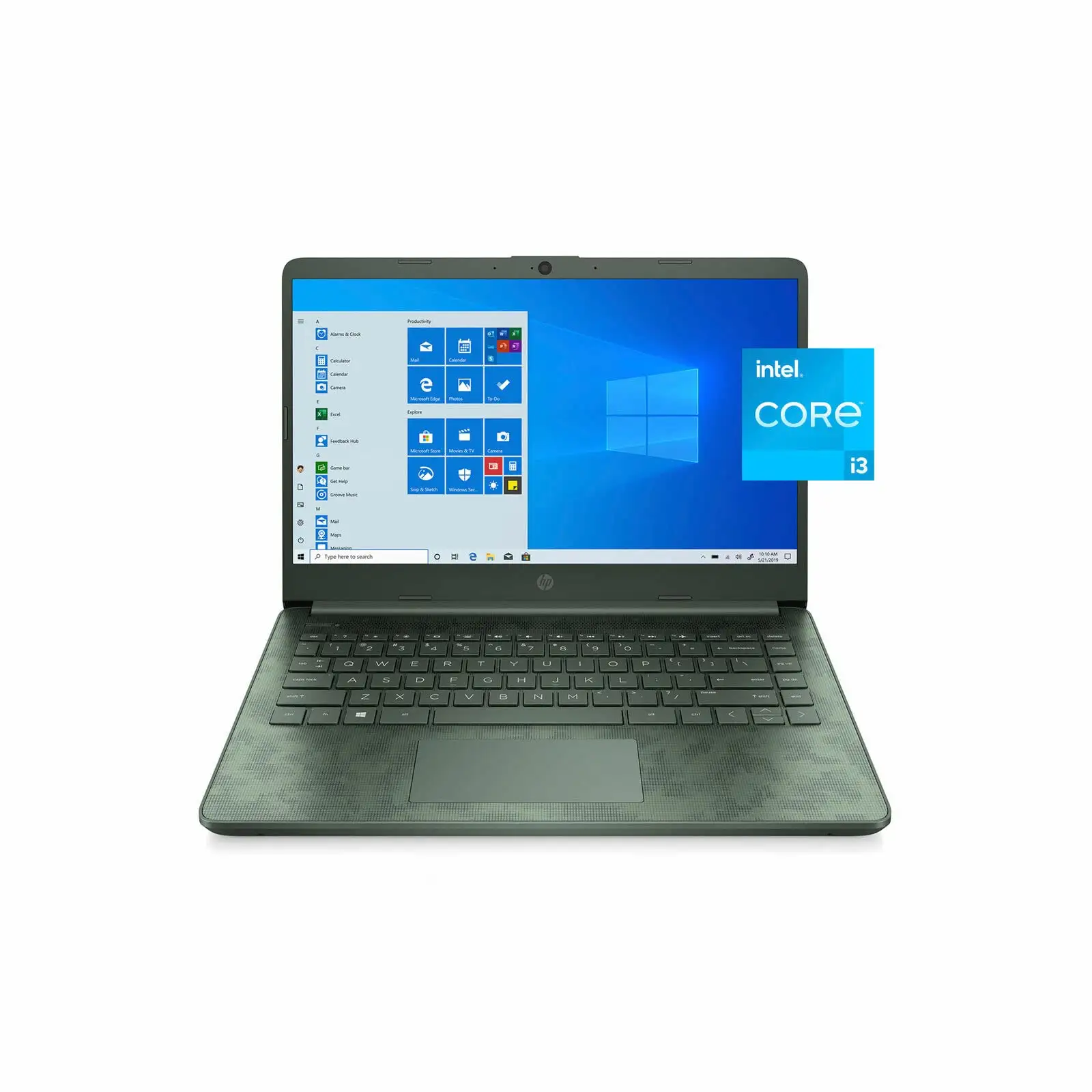
Lightness and portability were consistent selling points. Weighing about 1.46 kg, the laptop “fits into most bags easily” according to HP’s own store listing, and a Trustpilot review backed this up noting it was “light and thin and has softly rounded edges that make it comfortable to carry around.”
The keyboard also garners widespread love. A reviewer at PCVarGe called it “comfortable to use” with “excellent travel” for the price category. Office and college users in particular noted fewer typing errors and more satisfying key response compared to entry-level competitors.
Boot-up speed from SSD storage was another favorite. Quora’s Allen Ngo highlighted that the NVMe SSD “boots up in seconds”, a far cry from budget HDD-based machines. This helps even low-spec configurations feel responsive in day-to-day use.
Common Complaints
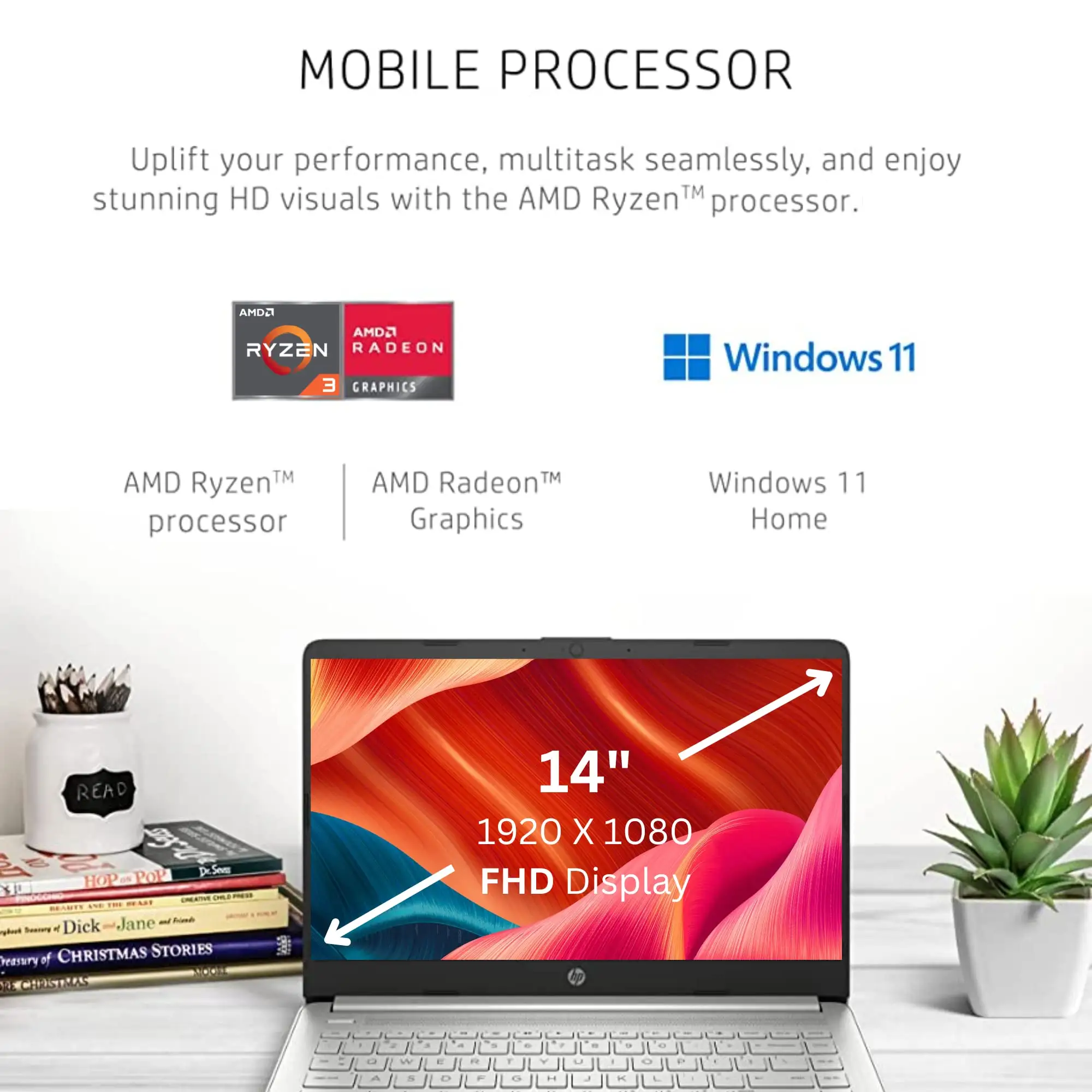
Screen quality tops the complaints list. Models with HD panels (1366x768) drew the most criticism for lack of sharpness and narrow viewing angles. Even with FHD IPS versions, brightness capped around 250 nits frustrated users who work outdoors or near windows. As PC Welt’s translated review said, “a bright window behind your back can be enough to make it difficult to read.”
Fan noise was another sore point. “It can definitely get annoying in the long run,” lamented Inghe, noting a lack of controls to manage cooling behavior. This is compounded by heat build-up, with some Pavilion x360 buyers at Best Buy saying the unit “gets very hot very fast and is uncomfortable to use while resting on your lap.”
Battery runtime also underdelivered for many. While lighter workloads could stretch close to HP’s claims, reviewers clocked high-load runtimes as low as 3 hours 10 minutes. In practice, most saw 7–8 hours at mixed use—a gap significant enough to affect travel planning.
Divisive Features
The port selection, surprisingly for a budget machine, includes USB-C, HDMI, and full-size SD card readers on many variants. Photographers and students celebrated this (“there’s an SD slot! I couldn’t be happier” wrote Business Kinda), but some were disappointed USB-C didn’t support charging or video output on certain models.
Build quality split opinion. The silver chassis and slim bezels looked “better than the black budget laptops you’d ordinarily find” (PCVarGe), yet others noticed flex in the lid and deck, especially on cheaper SKUs. The plastic-heavy construction keeps the weight down but undermines the premium feel.
Trust & Reliability
Long-term sentiments show mixed durability. Many Reddit and Best Buy users still ran their devices smoothly after a year with no major part failures—so long as use stayed within office, school, or streaming territory. However, Pavilion x360 owners reported battery degradation and audio glitches within 12 months, with one noting they had to reinstall sound drivers “multiple times before a Zoom meeting.”
Trustpilot feedback did not reveal widespread scam concerns; issues stem mainly from hardware trade-offs rather than bait-and-switch sales. Most buyers knew they were trading premium build quality for affordability.
Alternatives
The Acer Aspire 5 and ASUS VivoBook 15/16 repeatedly surfaced as better performers for a small price jump. Reviewers noted brighter 1080p screens, more comfortable keyboards, and in some cases, longer battery life. However, these alternatives can be heavier or bulkier, making the HP 14 more attractive for highly mobile users who prize portability over display fidelity.
Price & Value
Street prices frequently land $100–$150 below MSRP thanks to seasonal sales, with eBay listings for working units dipping under $250. Refurbished Pavilion x360 variants often hit $279–$349, appealing to budget buyers after 2-in-1 flexibility.
Resale values are modest—older 11th gen i3 models fetch as low as $200—but the low entry cost softens depreciation. Community advice leans toward buying mid-tier configurations (8GB RAM, 256GB SSD, FHD display) on sale to maximize value.
FAQ
Q: Can you upgrade the RAM or storage later?
A: Storage upgrades are generally possible, but RAM in many HP 14 models is soldered, limiting expansion. Quora’s Allen Ngo notes removing the bottom panel is “possible albeit difficult.”
Q: How loud are the fans during normal use?
A: Multiple buyers report fans running frequently, even on light loads. Noise ranges from a constant hiss to full-speed bursts, with no built-in control to adjust cooling profiles.
Q: Is the HD display version worth it over FHD?
A: Only if budget is critical. Most users prefer the FHD IPS for sharper text and better colors. HD models feel noticeably dated and are harder to read in bright light.
Q: Can USB-C be used for charging?
A: On many HP 14 variants, USB-C is data-only—charging requires the barrel-style AC adapter. Check your specific SKU’s specs to confirm.
Q: How long will the battery last for typical school days?
A: Expect around 7–8 hours with balanced brightness and mixed workloads, short of HP’s 9–11 hour claims. Heavy use, like video calls, can drain it in under 4 hours.
Final Verdict
Buy if you’re a student, casual office worker, or traveler who values portability, SSD speed, and a comfortable typing experience—and can tolerate fan noise and modest screens. Avoid if you need premium display quality, quiet cooling, or heavy multitasking headroom.
Community pro tip: Watch for sales on FHD-equipped models with at least 8GB of RAM to get the most out of this budget-friendly workhorse.





