HP 14 Inch Laptop Review: Budget Buy Worth Considering
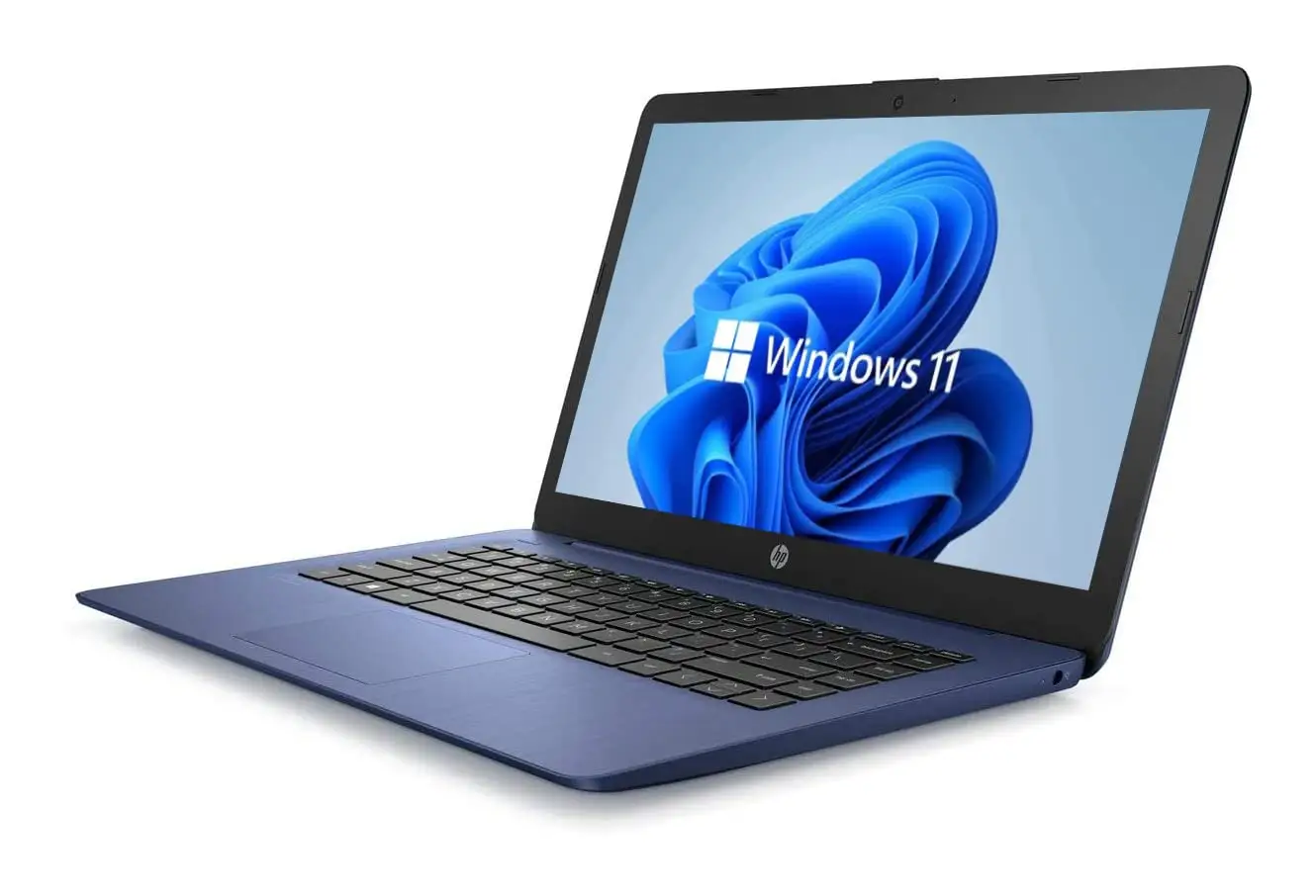
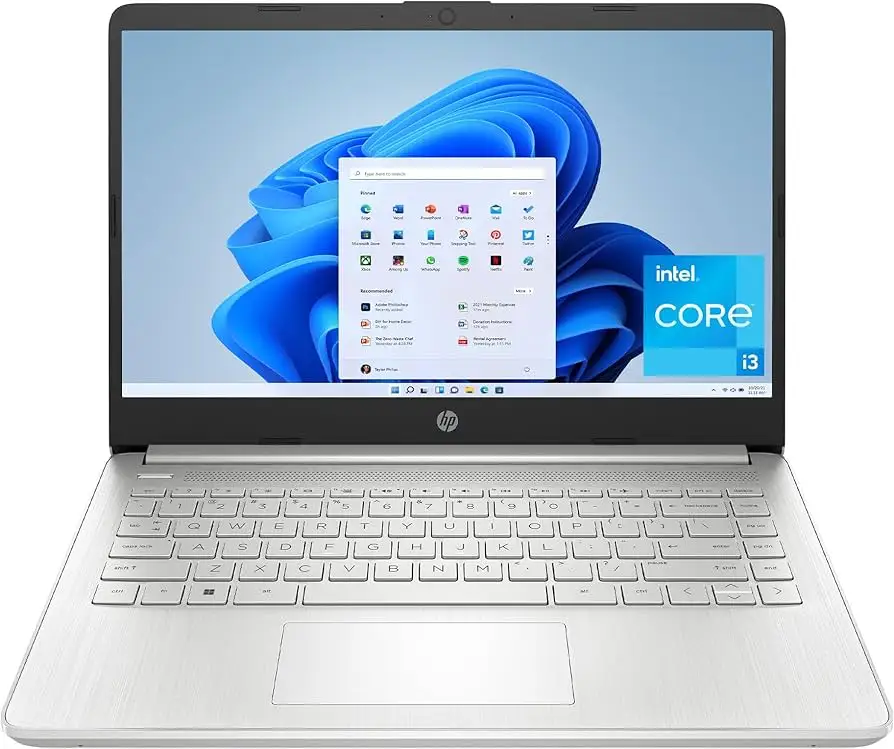
Starting at under $300, the HP 14 inch Laptop (Intel Core i3, Windows 11) challenges expectations for budget notebooks by delivering solid day‑to‑day usability wrapped in a surprisingly refined design. Across platforms, it earns scores between 3.5/5 and 5/5, averaging around 7.5/10, thanks to its blend of portability, dependable performance, and fair pricing — tempered by recurring complaints about display sharpness, fan noise, and limited multitasking power.
Quick Verdict: Conditional Buy
| Pros | Cons |
|---|---|
| Stylish, thin and light design | Display resolution can feel outdated (1366×768 on some configs) |
| Comfortable keyboard with decent travel | Loud cooling fans under load |
| Good battery life for light workloads | Limited gaming and heavy multitasking performance |
| Fast boot times from SSD storage | Screen brightness insufficient in bright settings |
| Affordable price point under $500 | Noisy webcam colors and contrast |
| Solid build for a budget device | Port layout quirks and close spacing |
Claims vs Reality
HP’s marketing leans on phrases like “ready for anywhere,” “long battery life,” and “smooth daily performance.” While those claims aren’t fabricated, user stories reveal more nuanced truths.
When HP advertises up to 11.5 hours of battery life, Reddit user u/Allan*** found the 14‑ep0299nr “lasts around eight and a half hours” in PCMark office benchmarks — impressive for school use but short of the spec sheet. A verified reviewer on Trustpilot measured “just over 15 hours at low load,” showing how usage patterns drastically alter endurance.
The company also touts “smoothly stream 4K content,” yet the HD‑only display on some models makes that benefit purely theoretical. Reddit feedback underscored this gap: “With 1366×768 on my unit, any mention of 4K feels hollow.”
Similarly, “instant responsiveness” from the SSD drew praise from Best Buy customer cindyb1268: “Boots up lightning fast,” but others like a Trustpilot reviewer noted that performance “slows noticeably with multiple demanding apps” due to 8 GB RAM cap and entry‑level Core i3 CPUs.
Cross‑Platform Consensus
Universally Praised
Portability emerges as the most consistent win. The sub‑3.2 lb weight and slim chassis make it a hit among students and commuters. Best Buy buyer danielb said, “Light‑weight and easy to carry in her backpack… served her well in college.” The aluminum accents and muted color schemes earn compliments for looking more premium than the cost suggests.
Daily productivity tasks — browsing, word processing, streaming — remain smooth. PCVarge’s hp 14‑dq5009nr review credited the Core i3‑1215U with “keeping up easily with day‑to‑day productivity tasks,” while a Best Buy Pavilion x360 buyer neriah called it “exactly what he wanted… speed, connectivity, memory space.”
Battery life under casual loads often meets user expectations. Trustpilot’s Alex reported “above average” runtime among comparable laptops and the freedom to work a whole day at low brightness. Combined with HP Fast Charge (50% in ~45 min), it benefits mobile workers who need quick top‑ups.
Common Complaints
The display is the most repeated sore spot. Sub‑FHD resolution on many models leaves text less crisp and video softer compared to rivals. Allan Smith’s 14‑ep0299nr piece bluntly states, “Anything below 1080p feels like a raw deal.” Brightness rarely exceeds ~250 nits, making outdoor use impractical. Screen quality divides buyers: some shrug it off for the price, others drop the HP for sharper alternatives.
Cooling fan noise shows up in multiple reviews. Trustpilot’s Alex described “semi‑high fan hissing” even under light tasks, without obvious settings to tone it down. This can jar users expecting silence in libraries or meetings.
Heavier workloads expose Core i3 limits. Tasks like video export or complex spreadsheet calculations can bog down. Trustpilot noted “small breaks in processing” during multitasking; JakeSon.net similarly found slowdown with “multiple demanding applications open at once.”
Divisive Features
The keyboard garners mixed reactions. Many praise the comfortable spacing and travel — “better than most notebooks in this price range,” said Allan Smith — while others (PCVarge on the dq5009nr) describe it as “basic, hollow… almost echoing.” Backlit keys on higher trims win approval, but absence in base models frustrates night workers.
Design aesthetics are well‑liked, yet the mix of plastic and metal divides opinion on durability. Some welcome the sturdy lid for its price, others doubt longevity under heavy travel use.
Trust & Reliability
Trustpilot sentiment shows no widespread scam concerns; criticism stays technical. Across Reddit, users who return 6+ months later generally report steady performance if used within its limits. Allan Smith compared it favorably to similar budget devices, noting no major design or hardware failures in his time with it. Best Buy’s long‑term Pavilion x360 owners echoed solid battery and keyboard retention over two years.
However, cooling behavior drew worry about fan wear over time, and some Redditors advise keeping vents clear to preserve thermals. Windows 11 in S Mode initially frustrates buyers who need non‑Microsoft Store apps, but this is a one‑time toggle.
Alternatives
Notebooks like the Asus VivoBook 15 and Acer Aspire 5 loom large in comparisons. PCVarge highlights these competitors as offering 1080p displays and marginally better typing feel at similar prices. For convertible fans, Best Buy’s Pavilion x360 earns 4.6/5 with touch screen versatility and better multimedia positioning, though at higher weights in some configs.
For buyers who can stretch above $600, HP’s own Pavilion 14 series offers Core i5/i7 options, brighter screens, and stronger multitasking, as detailed by NotebookCheck (“great screen… superior audio”).
Price & Value
Current street pricing varies from $288 (Core i3‑N305 configs) to $479 for newer 12th/13th gen models, with sales frequently bringing base specs under $300. eBay resale values for similar Core i3 10th gen laptops hover between $150–$250, suggesting moderate depreciation — common in budget laptops.
Community buying tips include catching seasonal discounts at retailers like Costco or HP Store, and double‑checking resolution listed before purchase to avoid surprises. Trustpilot suggests evaluating RAM needs upfront, as upgradeability is often limited.
FAQ
Q: Can the HP 14 inch Laptop handle modern gaming?
A: Not effectively. Integrated Intel UHD graphics cope with casual or older titles, but struggles with modern AAA games. Users consistently frame it as a productivity and streaming machine, not a gaming rig.
Q: Is Windows 11 S Mode restrictive?
A: Yes, it limits installs to Microsoft Store apps until you switch out. Several Best Buy users had to exit S Mode to install browsers like Chrome — a simple but permanent process.
Q: How portable is it compared to rivals?
A: Very. At around 3.1 lbs, multiple buyers cite easy backpack carry and compact footprint, especially valuable for students and commuters.
Q: What’s the real‑world battery life?
A: Reports range widely — ~8 hours in office simulation benchmarks, up to 15+ with light use and dim screen. Expect a full school day if you manage brightness and workload.
Q: Is the screen good enough for streaming?
A: For HD content, yes; colors are generally fine indoors. But lower resolution and modest brightness limit enjoyment in bright environments or for detail‑critical media.
Final Verdict: Buy if you’re a student, casual home user, or office worker seeking a portable, affordable Windows machine for everyday tasks — and can live with a modest screen and basic cooling. Avoid if you demand premium display sharpness, silent thermals, or heavy multitasking power. Pro tip from community: catch seasonal discounts, and verify display specs before buying to ensure you’re getting the panel quality you expect.





