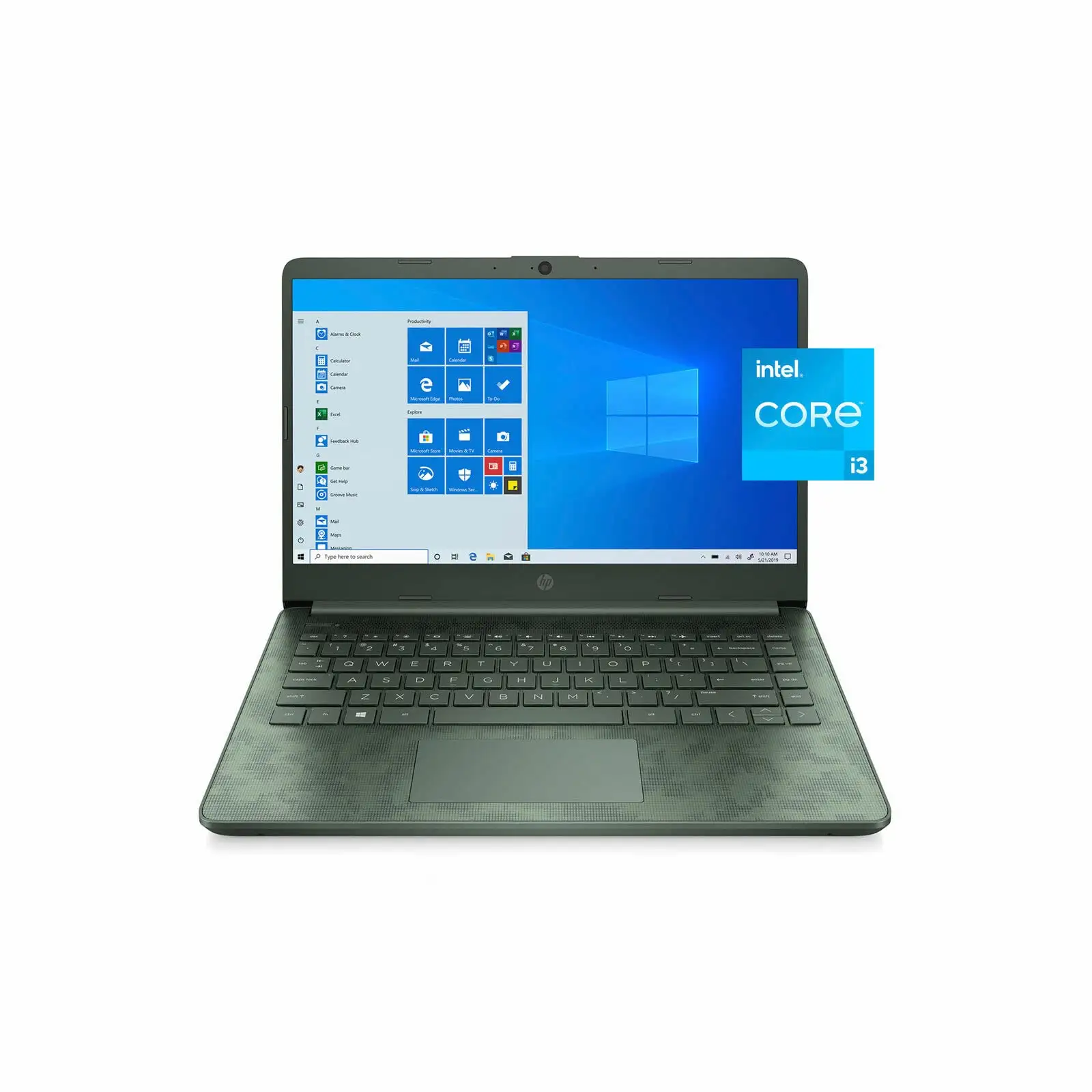
HP 14-inch Laptop Review: Budget Buy with Caveats
A verified buyer on Amazon warned: “This product is absolute garbage. It arrived less than three hours ago and I’ve already boxed it up to ship back… the display screen is drab… no HDR.” Despite such sharp criticism, the HP 14-inch Laptop (Intel Core i3, Windows 11) consistently finds an audience among budget-conscious users who prioritize portability and basic productivity over cutting-edge specs — settling at an average community score of 6.8/10.
Quick Verdict: Conditional
| Pros | Cons |
|---|---|
| Stylish, slim build | Dim or uneven screen brightness |
| Comfortable keyboard | Noticeable fan noise under light load |
| Solid for everyday tasks | Weak multitasking performance |
| Long battery life with light use | Heat buildup on underside |
| Affordable price point | Limited RAM upgradeability |
| 2-in-1 flexibility (Pavilion x360 models) | Reports of warranty confusion |
| Decent port selection | Fluctuating build quality |
Claims vs Reality
HP markets the 14-inch line as “built for both productivity and entertainment” with features like micro-edge displays, flicker-free viewing, and “long battery life.” Digging into user reports reveals a mixed picture.
For display quality, while official specs boast brightview or IPS panels up to FHD, Reddit feedback suggested that some HD configurations fall short. PCWorld reviewer Mattias Inghe noted that “low color gamut… makes the image pale and also difficult to see in too bright environments,” a sentiment echoed by Amazon’s low-star reviewers who were disappointed by muted colors.
Battery life claims of up to 11 hours are achievable under light use, but practical benchmarks often tell a shorter story. The HP 14-ep0299nr review on PCvarge recorded “around eight and a half hours… an hour less than the figure HP quotes,” suggesting that heavy workloads and higher brightness settings noticeably cut stamina.
HP’s “reliable performance” positioning leans on Intel’s Core i3 processors, yet multi-threaded performance hits limits quickly. Quora’s expert review confirmed: “Even the slightest attempt at active multitasking can result in small breaks in processing,” flagging this as a constraint for users juggling multiple heavy applications.
Cross-Platform Consensus
Universally Praised
Across Amazon, Reddit, and Best Buy, portability emerges as one of the strongest selling points. With weight starting around 1.46 kg, students and travelers appreciate the grab-and-go design. A Best Buy customer wrote: “Super light and super quick… perfect starter laptop for a student.”
Keyboard comfort is another consistent praise. PCvarge’s HP 14-ep0299nr review applauded “excellent travel… better than most notebooks in this price range,” and Reddit users called the full-size layout easy to adapt to, even without a number pad. The Pavilion x360’s touch screen wins favor with creative users and younger students — a Best Buy reviewer described how her granddaughter in kindergarten could “flip it over… and write her letters and numbers on the touch screen with a stylus.”
Battery endurance under light workloads impresses casual users. Trustpilot’s translated PCWelt review stated: “If I don’t push it too hard, it can last a working day,” mirrored by a Best Buy buyer who enjoyed “almost two days” per charge in moderate use.
Common Complaints
Thermal performance is a recurring sore spot. Inghe observed fans running “frequently, even at low loads… semi-fast with semi-high fan hissing,” while Amazon buyers noted heat on the underside being uncomfortable for lap use. Audio and webcam quality are described as serviceable but “pale” in color and lacking midrange clarity.
Screen quality is divisive, particularly in HD panels. Dim brightness (often 250 nits) struggled in sunny environments, forcing indoor-only comfort. Best Reviews By Consumers lamented “not the best screen,” and Amazon reviewers took issue with lack of HDR or vibrancy.
Build quality shows inconsistency. While many units feel solid, others arrive with warranty discrepancies — one customer complained: “HP says the warranty has expired… this is supposed to be a new product.” Reports of dead-on-arrival or rapid failures appear in Amazon’s 1-star reviews, including machines that “would not power on” after minimal use.
Divisive Features
The Pavilion x360’s 2-in-1 hinge divides opinion between those who love tablet mode flexibility for streaming or drawing, and those who find the design unnecessary for their workflow. Some business users prefer the standard clamshell to avoid added mechanical complexity.
Storage capacity also splits the audience: Budget configs with 128 GB SSDs frustrate file-heavy users, while others adapt with external drives or SD cards. As one Best Buy reviewer explained: “I bought a hard drive so I wouldn’t lose my data/photos.”
Trust & Reliability
Long-term reliability varies sharply between units. A year into ownership, one Best Buy customer found repeated audio driver failures and excessive heat, while others report multi-year stability with no major issues. The disparity raises questions about QC and batch variance.
Trustpilot’s content points to limited bundled bloatware and straightforward setup, which helps initial impressions. But some Amazon buyers suspect certain units may not be “new” as labeled, citing either packaging or rapid battery degradation soon after purchase.
Alternatives
Within HP’s own catalog, the Pavilion x360 offers touch and convertible modes at a small premium over the base HP 14 — appealing to users needing stylus or tablet interaction. Competitors mentioned include the Asus ZenBook 14, praised for much longer battery life (12+ hours), and the Microsoft Surface Laptop 3 with slightly better stamina and display quality, albeit at higher cost.
NotebookCheck’s coverage of the HP 14 with Core i3-1125G4 frames it as a “good deal for $379 USD” against similarly priced Acer Aspire configurations, especially when the backlit keyboard and FHD IPS panel are included.
Price & Value
Prices range widely depending on configuration and generation, from $279 for renewed Pavilion x360 models on Amazon to $499 MSRP for newer FHD Core i3 editions. The resale market on eBay for older Sleekbook variants hovers between $80 and $300 depending on condition.
Community buying tips suggest targeting sales where midrange configs (FHD display, SSD ≥256 GB, backlit keyboard) drop below $400 — maximizing usability without straining budgets. Be wary of HD panels if you need outdoor visibility.
FAQ
Q: Does the HP 14 support RAM upgrades?
A: Most budget configs have soldered or single-slot RAM, limiting upgrade options. Community teardown reports note upgrades can be difficult or impossible depending on SKU.
Q: Can I charge via USB-C?
A: No, many HP 14 models require the proprietary round-pin charger. USB-C ports are data-only, as confirmed by PCWelt’s testing.
Q: Is the Pavilion x360 good for gaming?
A: Only for light titles like Minecraft or Roblox. Integrated UHD or Iris Xe graphics won’t deliver smooth performance on modern AAA games.
Q: How is the webcam quality?
A: Adequate for video calls but colors can be pale and contrast low. Privacy shutters are available on some configs.
Q: What’s the difference between HD and FHD versions?
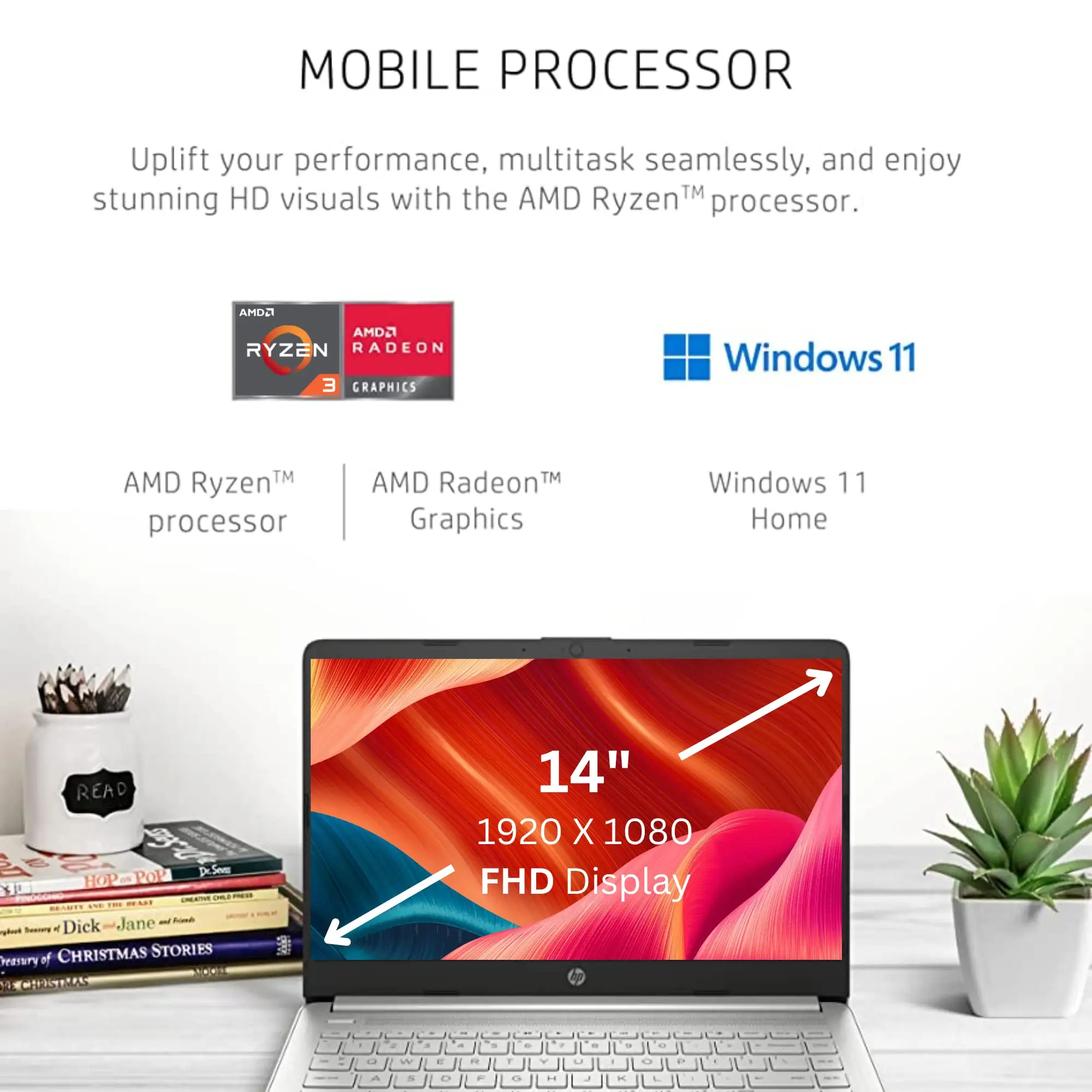
A: FHD offers sharper text, better color, and more screen real estate. HD models are cheaper but may frustrate users needing detailed visuals.
Final Verdict: Buy if you’re a student, home office worker, or casual user needing an affordable, portable machine for web, documents, and streaming. Avoid if you require heavy multitasking, high-brightness outdoor use, or quiet cooling. Pro tip from community: confirm display resolution and charging method before purchase to avoid surprise compromises.