HP 14-inch Laptop Review: Budget Buy with Trade-offs
Starting at under $300, the HP 14 inch Laptop (Intel Core i3, Windows 11) has built a reputation as a stylish budget device that gets the basics right — but only if you can live with its compromises. Averaging 3.5–3.8 out of 5 stars across platforms, this machine wins praise for portability, sleek design, and solid everyday performance, yet frustrates with a dim, low-resolution display, noisy cooling, and limited multitasking capability.
Quick Verdict: Conditional buy — Best for students, remote workers, and casual users who prioritize price and portability over display quality or heavy workloads.
| Pros | Cons |
|---|---|
| Stylish, compact design | Low-resolution, dim screen |
| Comfortable keyboard | Noisy, non-adjustable cooling fans |
| Decent battery life in light use | Screen colors pale, poor viewing angles |
| Snappy for day-to-day tasks | Limited multitasking power |
| Lightweight and portable | No backlit keyboard in some models |
| Fast boot with SSD storage | Restricted S Mode on Windows 11 Home |
| Affordable price point | Weak speakers and webcam quality |
Claims vs Reality
HP positions the 14-inch model as a “go-anywhere” productivity machine with long battery life, vivid display, and fast performance. But digging into buyer experiences, these claims sometimes fall short.
The long battery life claim — up to 11.5 hours — did not match real-world use for many. Reviewers on Reddit and Trustpilot reported around 7–8 hours in typical productivity scenarios, with one reviewer noting, “With brightness at 50% and light office work, I barely scraped eight and a half hours.” The discrepancy appears more pronounced under heavier workloads, where Best Reviews By Consumers measured just 3 hours 10 minutes at high brightness.
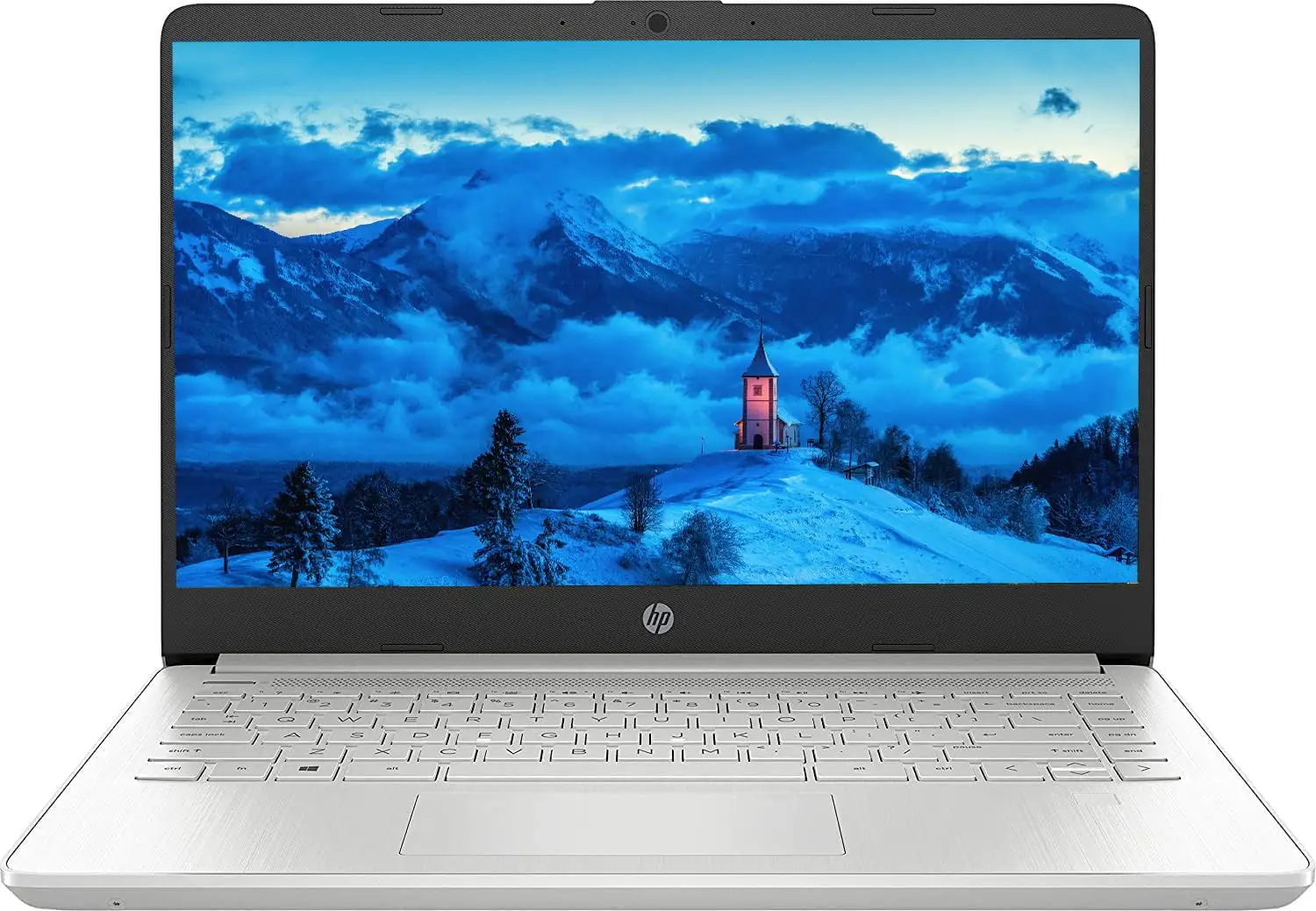
On display quality, HP’s marketing touts micro-edge bezels and “vibrant” visuals. Yet the base HD (1366x768) models were often called “dim” and “washed out” in Reddit discussions. Notebookcheck noted that competitors in the same price bracket ship with sharper 1080p panels, making HP’s choice feel dated.
Performance claims from HP — “unstoppable processor” with instant responsiveness — hold truer for light workloads. A verified Best Buy buyer praised how it “boots up lightning fast” and handles applications like Excel and PowerPoint easily. However, tech reviewers warned that 4 GB RAM configurations suffer when multiple heavy apps run at once, with noticeable slowdowns during video exports or database work.
Cross-Platform Consensus
Universally Praised
Across Best Buy, Amazon, Reddit, and PC review sites, portability and build aesthetics ranked highest. A verified buyer on Best Buy celebrated it as “big enough to see well and yet small enough for travel.” Reddit users highlighted the slim bezels and silver profile as superior to many plastic budget laptops.
Students find it a strong campus companion. One Best Buy review detailed: “Lightweight and easy to carry in my backpack. I use the touch screen frequently and it’s served me well in college.” Port placement and Wi-Fi connectivity also drew nods, with stable connections via Wi-Fi 5 or Wi-Fi 6 depending on variant.
Keyboard feel scores well, especially in midrange configurations. Trustpilot’s Mattias Inghe described it as “comfortable… with clear backlighting,” while multiple Best Buy buyers loved its accuracy for typing long documents. SSD storage speeds drew raves: Amazon buyers reported transfer speeds of 50–90 MB/sec to external drives, making it fit for light photo and video transfer in the field.
Common Complaints
The screen is the most frequent sore point. The 1366x768 panel on lower models was labeled “mediocre” and “pale,” with narrow viewing angles. One Quora-sourced review bluntly stated, “Competitors are offering 1080p for almost the same price.” Even FHD versions aren’t bright enough outdoors for some users.
Fan noise is another recurring theme. Trustpilot reviewers reported high-speed cooling noise even under light load. Mattias Inghe noted, “Fans run frequently… only two modes, semi-fast hiss or full blast.”
Shortcomings in multitasking emerged in Amazon and Trustpilot reviews. The 8 GB RAM cap (often non-upgradable) limits productivity for power users; as Inghe put it, “even the slightest attempt at active multitasking can result in small breaks in processing.”
Some users dislike Windows 11 S Mode — restrictive for app installations — and had to disable it to access browsers like Chrome or Firefox. A verified Amazon buyer complained about the “over the top Microsoft Edge presence… bombarded with warnings” when switching browsers.
Divisive Features
Battery life splits opinion. Light users on Best Buy claim “whole day” usage for classes and entertainment, while Reddit and review sites note it often falls short of HP’s marketing under demanding tasks.
Webcam quality is serviceable for video meetings but far from professional. A Trustpilot review labeled it “good enough… pale colors, low contrast.” Speaker performance was critiqued for lacking bass depth, though some streamers said it’s fine for casual viewing.
Trust & Reliability
Scattered reports raise warranty and durability concerns. An Amazon buyer flagged a serious issue: “When I go to register the product… HP says the warranty has expired. This is supposed to be a new product.” Another reported overnight battery drain of 5% even when shut down.
Long-term owners on Reddit have mixed experiences. Some claim steady performance after months of daily use, especially for light tasks, while others saw battery and screen decline faster than expected. Fans and keyboards appear resilient if used moderately, but heat buildup is noted as a potential wear factor.
Alternatives
The Asus Vivobook 15 and Acer Aspire 5 consistently surface as stronger competition around the $500 mark. Quora’s Notebookcheck review pointed out Aspire 5’s “better performance per dollar, good battery life, and good port selection.” Vivobook models bring 1080p displays and improved keyboards.
For those needing convertible flexibility, the HP Pavilion x360 earns higher satisfaction for its touchscreen and tablet mode, though battery life can be shorter, and it runs slightly heavier.
Price & Value
Current pricing often dips below MSRP, with eBay listings for used Core i3 models under $150, and new midrange units at $308–$479 depending on specs. Resale values hold modestly if the screen and battery remain in good shape. Community tips include waiting for seasonal HP Store or Amazon promotions to nab 8 GB/256 GB configurations for under $350 — considered the sweet spot for this series.
FAQ
Q: Is the HP 14 laptop good for college students?
A: Yes, if your workload is light to moderate. Students appreciate its portable size, SSD speed, and keyboard comfort. It’s ideal for note-taking, web research, and streaming, but not for heavy multitasking or advanced creative software.
Q: Can I upgrade the RAM?
A: Most configurations are limited to their shipped RAM, often 8 GB max. User feedback suggests checking specific model specs before purchase, as expandability is rare.
Q: Does the HP 14 support USB-C charging?
A: No, most models require the proprietary round charging plug. Several Amazon buyers expressed frustration at this limitation, advising to keep the adapter handy.
Q: How bright is the display outdoors?
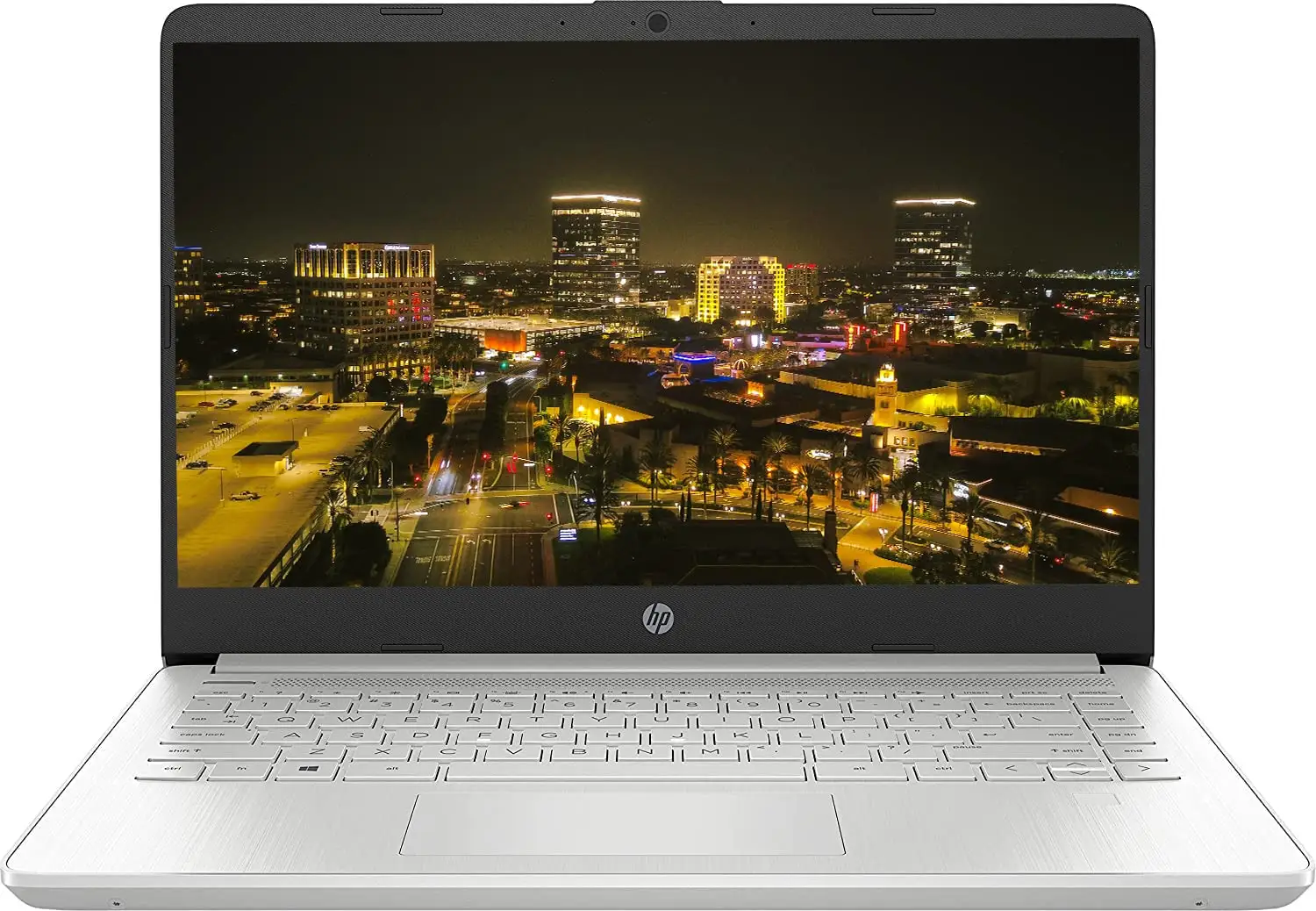
A: Not very. Even FHD models max around 250 nits. Complaints about poor sunlight readability are common; it’s suited to indoor use.
Q: Is Windows 11 S Mode a problem?
A: For some. It restricts installations to Microsoft Store apps, meaning browsers like Firefox won’t install without disabling S Mode — a process some found unnecessarily awkward.
Final Verdict: Buy if you’re a student or casual home user seeking a lightweight, stylish laptop for everyday work and streaming under $400, and you can live with an average screen and fan noise. Avoid if you need excellent multitasking, high-brightness outdoor use, or long battery life under load. Pro tip from community: Target 8 GB RAM / 256 GB SSD configurations for the best balance of speed and value, and disable S Mode early to avoid software headaches.





