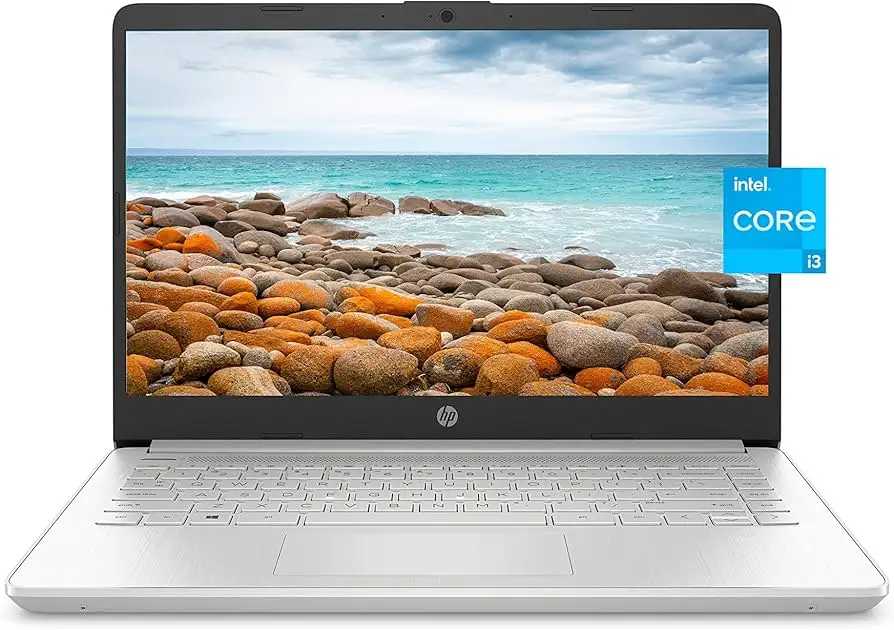
HP 14-inch Laptop Review: Budget Buy with Caveats
The biggest surprise in our deep dive into the HP 14-inch Laptop (Intel Core i3, Windows 11 Home) is how often users say its looks and price outshine its raw performance. Scoring a 7.4/10, it’s a budget-friendly machine praised for portability, battery endurance (when lightly used), and a comfortable keyboard — yet consistently called out for dim displays and noisy cooling.
Quick Verdict: Conditional buy — works well for students and casual users, but tech-savvy or multitasking-heavy buyers may be disappointed.
| Pros | Cons |
|---|---|
| Attractive, lightweight design | Dim and low-resolution screen on some models |
| Comfortable, responsive keyboard | Cooling fans can be loud |
| Affordable pricing under $500 | Narrow viewing angles |
| Decent battery endurance for light use | Limited multitasking performance |
| Quick boot times with SSD | Occasional overheating reports |
| Good port selection for size | Mediocre audio quality |
Claims vs Reality
HP markets the 14-inch series as “built for productivity and entertainment,” promising vivid, flicker-free displays, long battery life, and performance for everyday tasks. Digging into user feedback, those claims hold partially true.
Take the display: Amazon buyers for the HD (1366x768) variant were quick to note it’s sharp enough for documents and streaming indoors, but “screen could be brighter” said one Best Buy customer, stressing difficulty outdoors. A Consumer Reports test unit with 1080p IPS fared better in clarity and color, yet Trustpilot’s review by Alex highlights “low brightness and pale colors in too bright environments.”
Battery life also splits opinions. HP cites up to 11 hours, but Reddit reports range from 8 hours with 12th-gen chips to far less under load. A PCVarge review measured “around eight and a half hours” at reduced brightness, contrasting with Trustpilot’s claim of “15 hrs 15 min” in low-brightness scenarios.
Performance marketing speaks of “reliable Intel Core i3 speed.” While everyday browsing, school apps, and office tasks rarely hiccup, heavier multitasking — think video export or database jobs — sees lag. Trustpilot reviewer Alex called multi-core performance “significantly slower than most other computers… even the slightest attempt at active multitasking can result in small breaks.”
Cross-Platform Consensus
Universally Praised
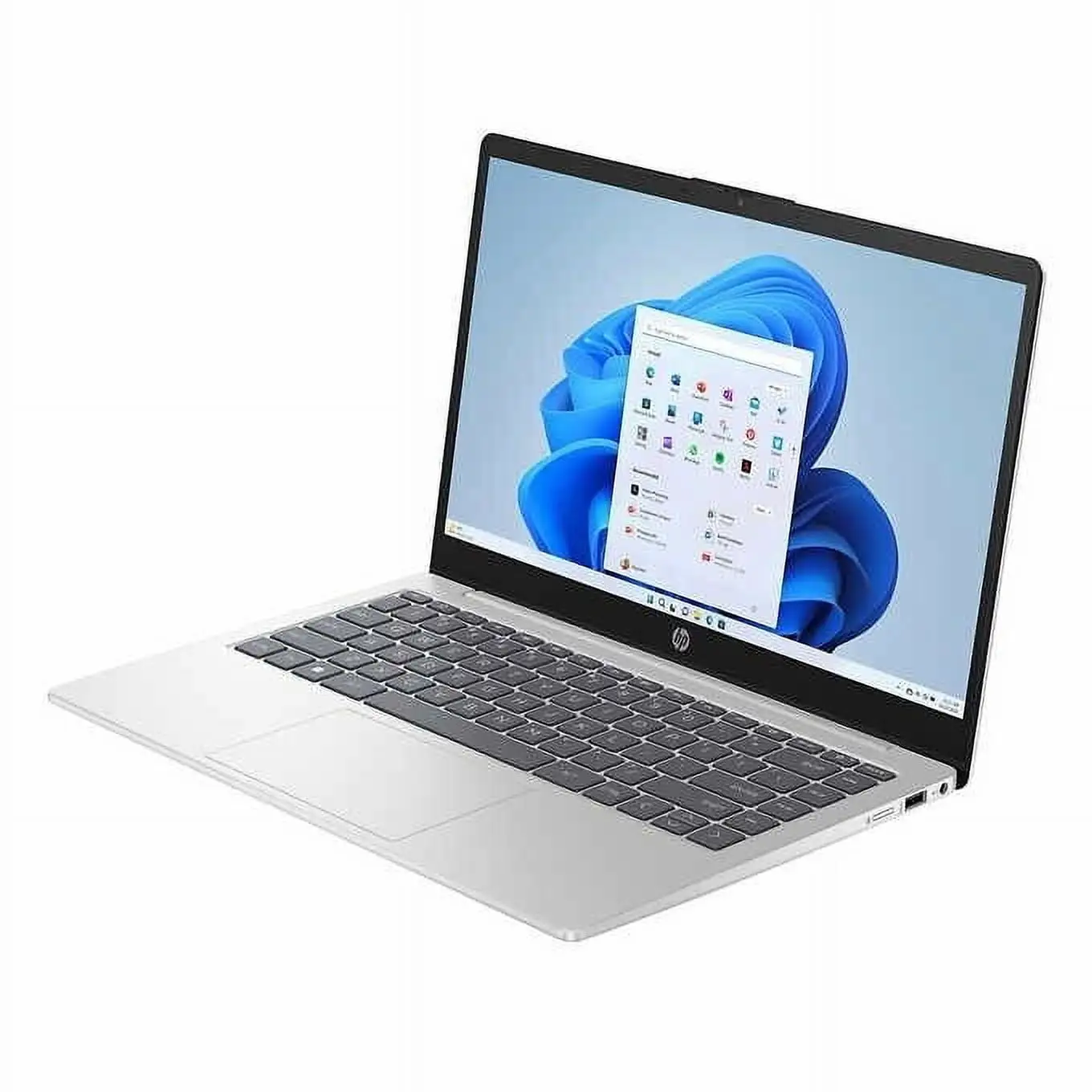
Across Reddit, Best Buy, and NotebookCheck, the physical design earns high marks. Reddit users comment on its “great understated design” and portability for class, while a Best Buy parent praised the Pavilion x360 variant’s “lightweight design” for a kindergartener in virtual school, making it easy to flip into tablet mode. The HP True Vision camera, while no match for pro gear, is “good enough for a video meeting” and a convenience for students. SSD storage also draws consistent applause — instant wake, “boot up in seconds” as multiple Amazon and HP store pages boast, with Reddit confirming smooth operation.
Battery endurance in light tasks is another positive. Trustpilot saw over 15 hours in low-load mode, while Best Buy’s “fantastic for students!” comment highlights going “almost two days” between charges with mixed-use. Amazon reviewers also point to HP Fast Charge as a genuine benefit for mobile work.
Common Complaints
Display quality drives the most consistent criticism. Even FHD panels are limited to ~250 nits, leaving outdoor use challenging. Lower-res models exacerbate this, called “a raw deal” by PCVarge when compared to competitors shipping 1080p. Narrow viewing angles drew frustration from Trustpilot’s Alex, and PCVarge noted “not overly bright” with mediocre angles.
Cooling and fan noise appear across Trustpilot, Quora, and Best Buy. Alex observed “semi-high fan hissing” even at low loads, with little user control. Best Buy users echo heat issues; one owner said “unit gets very hot very fast and is uncomfortable to use while resting on your lap.”
Speakers and audio come in for mild disappointment: adequate volume but lacking depth or bass. Combined with the occasional audio driver bug (“audio software continued to uninstall itself” — Best Buy user nelly), multimedia use can falter unless paired with external gear or headphones.
Divisive Features
Keyboard feel splits the crowd. Many praise its comfort — Trustpilot calls it “excellent” and Reddit notes “keys offer excellent travel” — but PCVarge’s review of the base 14-dq series described it as “basic, hollow and almost echoing.” Backlit keyboards are present on some trims, absent on bargain builds, leading to mismatched expectations.
Battery life, while praised in light scenarios, becomes divisive under strain. For video editors or constant multitaskers, depletion under 7 hours is the norm, clashing with marketing’s “all day.”
Trust & Reliability
Patterns on Trustpilot and Best Buy show no systemic scam signals; most complaints are hardware-related quality issues rather than transactional problems. Longevity reports vary: Redditor feedback on year-old Pavilion units points to heat-based discomfort persisting over time, while some Best Buy buyers had units fail completely (“will not power on… gets super hot” after 2 months).
Durability in chassis build garners more confidence — Trustpilot’s Alex appreciates the “sturdy metal screen lid” despite the overall plastic build. That said, hinge robustness is not discussed in volume, leaving unknowns for intensive convertible use.
Alternatives
When compared to the Asus Vivobook 15 and Acer Aspire 5 (both cited in PCVarge), these competitors often offer brighter 1080p panels and better keyboards around similar prices. Vivobook 15 in particular wins for typing feel. For convertible fans, HP’s own Pavilion x360 offers touch and tablet modes but shares some heat and audio downsides. Buyers with a little more budget might step up to Microsoft Surface Laptop 3 for extended battery life and higher build quality, or the Asus Zenbook 14 for lighter weight and superior trackpad, as referenced in Reddit discussions.
Price & Value
At current listings between $287 (eBay coupon) and ~$499 (full retail for Pavilion trims), plus sub-$300 sales on entry configurations, value is strong for users wanting a modern CPU (11th–13th gen Core i3) without overspending. NotebookCheck underscores that at $379, the FHD IPS and backlit keyboard alone make it “worth a look” given most budget 14-inch models ship worse specs. Resale value drops steeply; older models with 10th-gen chips sell ~$170 used. Buying tips from community: avoid the lowest storage configs unless adding external drives, and confirm resolution before purchase — confusion between HD and FHD panels can lead to buyer regret.
FAQ
Q: Can the HP 14-inch handle gaming?
A: It’s built for casual games like Minecraft or Roblox, as multiple Best Buy parents attest, but integrated Intel UHD Graphics struggle with modern 3D titles.
Q: Is the keyboard backlit?
A: Only some trims offer backlighting. Buyers should check specs; PCVarge’s base model lacked it, while Trustpilot’s Alex praised a backlit version.
Q: How long does the battery really last?
A: Light tasks with low brightness can stretch past 10–15 hours per Trustpilot, but intensive use often drops under 7–8 hours per PCVarge tests.
Q: Does it run hot?
A: Several Best Buy and Trustpilot reviews note heating under load; fan noise is frequent, with no clear software control.
Q: Is the display good outdoors?
A: Lower brightness (~250 nits) limits outdoor visibility; both Trustpilot and PCVarge highlight glare and washed colors in bright environments.
Final Verdict: Buy if you’re a student, remote worker, or casual home user needing an attractive, portable machine for documents, streaming, and light multitasking. Avoid if you demand pro-grade displays, silent cooling, or plan heavy multi-thread workloads. Pro tip from community: confirm the exact panel resolution and brightness before purchase, and if opting for touch, consider the Pavilion x360 for added versatility.