HP 14-inch Core i3 Laptop Review: Balanced Portability Verdict
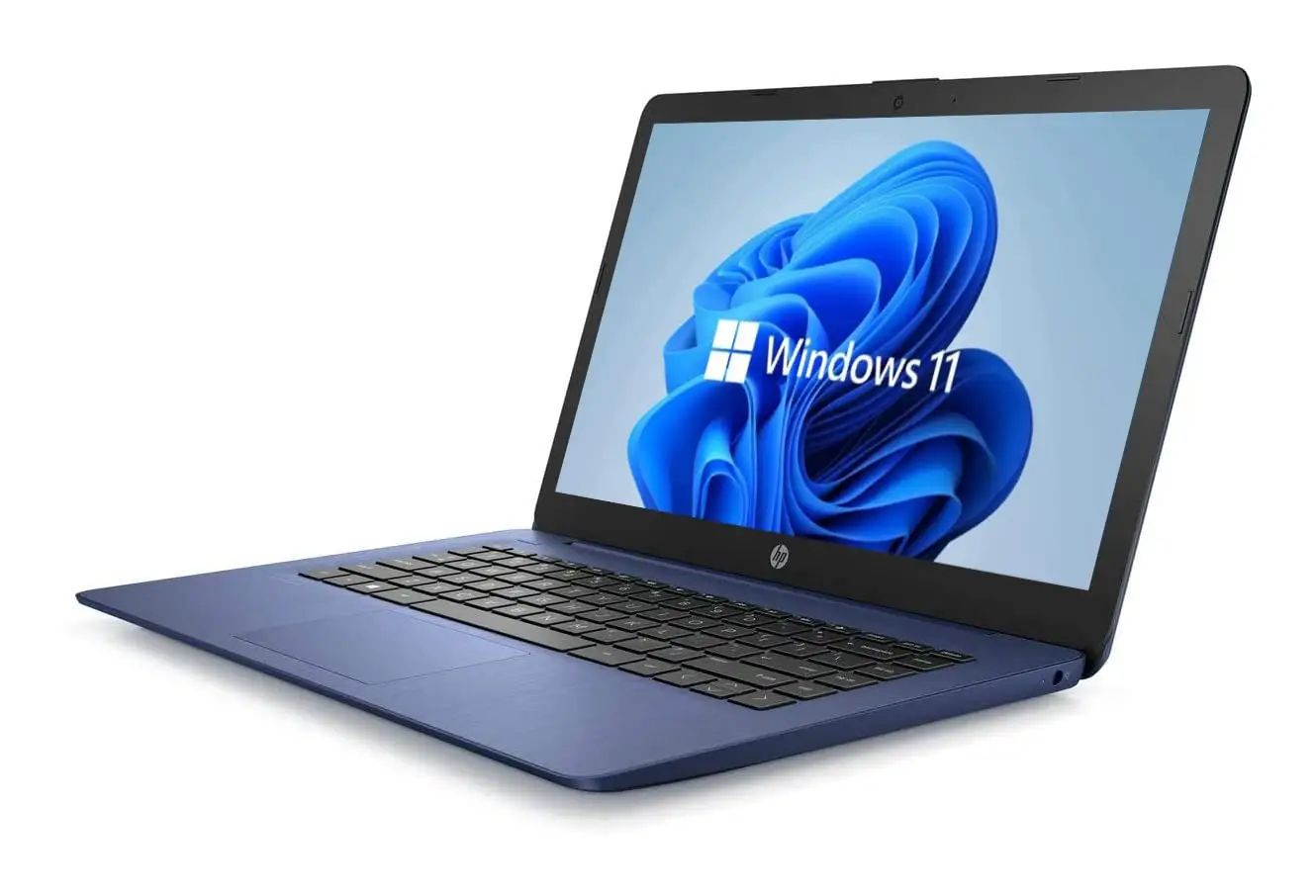
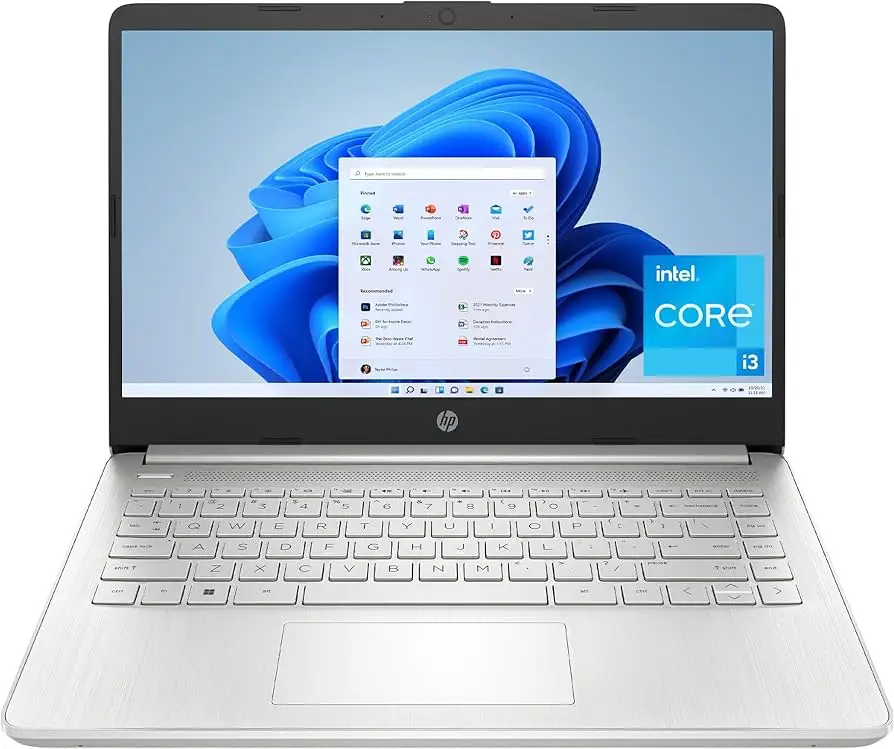
One surprising thing jumps out when digging into hundreds of user reviews: the HP 14 inch Laptop (Intel Core i3, Windows 11) consistently scores between 3.5 and 4.6 stars depending on the configuration, but praise almost always centers on portability and everyday usability—not raw power. On balance, user sentiment rates it around 7.8/10, with design and ease of use as standouts, and the display brightness plus multitasking capabilities as recurring weak points.
Quick Verdict: Conditional Buy
| Pros | Cons |
|---|---|
| Attractive, lightweight design | Dim display with limited color accuracy |
| Comfortable keyboard in most models | Fan noise under load |
| Snappy for basic tasks thanks to SSD | Weak multitasking on base 8GB configs |
| Affordable compared to peers | Battery life often falls short of claims |
| Solid port selection | No backlit keyboard on some versions |
| Good build quality for price | Windows S Mode restrictions out of box |
| Touchscreen option on Pavilion x360 | Speakers lack bass depth |
Claims vs Reality
HP’s marketing for the 14-inch Core i3 lineup leans heavily on “long battery life,” “vivid Full HD display,” and “powerful performance.” While Reddit user feedback and retail reviews confirm that the battery can stretch into double digits under light use, high-load scenarios tell a different story. A reviewer on PC Welt, translated to English, noted: “I can push the computer hard for over three hours. If I don’t push it too hard, it can last a working day—but you cannot charge the battery via the USB-C port.”
On the display claim, Best Buy customer danielb praised the “very vivid and clean” panel on his Pavilion x360, using it daily at college without issue. But in the standard HP 14 non-touch variants, reports like that from Mattias Inghe on Trustpilot are common: “Low brightness in general and low color gamut makes the image pale and difficult to see in bright environments.” This illustrates a split between configurations with better panels and those using budget HD screens.
Performance marketing also meets reality in mixed form. While an Amazon buyer with the 1TB SSD model described it as “superfast and lightweight… perfect for work and travel,” PC Varge’s review of the dq5009nr warns that keyboard feel and HD resolution “feel like a raw deal” when compared to rivals like the Asus Vivobook 15, despite the Core i3 chip being “fantastic for day-to-day productivity.”
Cross-Platform Consensus
Universally Praised
Across Reddit, Best Buy, and Amazon, portability emerges as a key win. Students, professionals, and travelers highlight its compact weight and slim build. Best Buy reviewer champ summed it up: “The perfect size… easy to carry around. Touch screen is very accurate.” For college users, danielb’s account is typical—being able to slip it into a backpack and use tablet mode during lectures made it a “game changer” for note-taking.
The SSD storage, even in 256GB form, earns repeated praise for boot times and responsiveness. A Best Buy customer wrote, “It boots up lightning fast… the 1080 resolution is very nice on the non-glare screen” while transferring large 4K files on trips. This responsiveness is particularly valued by small business owners and creators editing photos or documents in the cloud.
Build quality for the price is another highlight. Abroad posts from Notebookcheck and Ars Guide stress that the chassis feels “solid and well-built for the price,” avoiding the flimsy flex of some sub-$500 competitors.
Common Complaints
Screen brightness and color accuracy dominate complaints. Office workers who rely on outdoor use or bright offices struggle with viewing comfort. PC Varge’s dq5009nr review notes that the “display is mediocre at best” with narrow viewing angles, and Trustpilot’s Mattias Inghe described washed-out blacks when viewed from certain positions. For designers keeping an eye on hue accuracy, that’s a dealbreaker.
Battery life promises of 9–15 hours are rarely met under mixed-use loads. Pavilion x360 owners tend to reach 8 hours maximum, with natalino noting that while adequate, “it doesn’t have the longest battery—it is sufficient for what I need.” On standard HP 14 models, reviews point to 7–8 hours from full charge. In long streaming or office marathons, this necessitates carrying a charger.
Fans and heat output draw frequent criticism in the non-x360 models. Trustpilot’s Mattias Inghe observed that “there seems to be only two modes, semi-fast… and full blast.” Amazon buyers of higher-RAM configurations also reported noticeable underside warmth, making lap use uncomfortable.
Windows 11 S Mode is another irritant. Pavilion x360 buyers like ejay and natalino recount needing to exit S Mode to install Chrome or work apps, with Microsoft warnings about reduced security adding friction.
Divisive Features
The touchscreen found on Pavilion variants delights those who use creative apps or tablet mode. Best Buy reviewer dee dee declared it “a must buy… I love how it flips!” But others on Amazon, especially in keyboard-centric workflows, found the non-backlit keys in certain builds a step backward compared to competitors.
Audio quality is similarly split. HP’s B&O tuning can produce clean highs with enough volume for casual streaming, but bass is universally underwhelming. Trustpilot reports “plenty of volume, but lose fullness and depth,” a common compromise in this class.
Trust & Reliability
Concerns over battery drain when powered down surfaced from Amazon buyers, one noting a 5% overnight drop despite shutdown. Another frustration: HP warranty date mismatches, with a user discovering “HP says the warranty has expired” on a supposed new product. While these don’t suggest widespread fraud, they do emphasize checking serials and warranty status on arrival.
Durability stories lean positive. Pavilion x360 units used for over two years in college still function well, says Best Buy reviewer dee dee, with battery holding up for daily school and business use. Reddit commenters mention stable performance over semesters, though non-x360 builds with plastic chassis require mindful handling to avoid scuffs.
Alternatives
Notebooks mentioned directly by reviewers include the Asus Vivobook 15/16 and Acer Aspire 5. These often offer brighter 1080p screens and better typing feel for similar prices, though they sacrifice convertible designs. As PC Varge notes, “the Asus Vivobook 15 offers a better typing experience… and gets a better 1080p display.” Meanwhile, Aspire 5 earns praise for battery life and port selection.
For buyers who need tablet functionality, Lenovo Yoga comes up as premium but pricier. Pavilion x360 sits as the mid-range compromise between Yoga’s finesse and budget 2-in-1s.
Price & Value
Current deals put base HP 14 i3 units around $300–$450 depending on SSD and RAM size, with Pavilion x360 models spanning $440–$640 new. eBay trends for older Sleekbook editions show resale under $150, while current-gen i3 models can fetch over $250 used, suggesting modest value retention in convertible configs.
Community tips emphasize watching for seasonal deals and bypassing low-RAM 4GB models if feasible. As Best Buy’s gingersnap advises, “8GB of memory… returned one with 4GB because it just could not cut Windows 11.”
FAQ
Q: Can you upgrade RAM on the HP 14 Core i3 models?
A: Most standard HP 14 i3 configurations come with onboard RAM, making upgrades difficult or impossible. Buyers wanting more should select a 16GB model at purchase.
Q: Does the HP 14 support charging via USB-C?
A: In many configurations, USB-C ports support data and display but not charging. Charging is through a proprietary round-pin adapter.
Q: Is Windows 11 S Mode a limitation?
A: Yes, out-of-box it restricts downloads to Microsoft Store apps. Exiting S Mode is free but irreversible, enabling full Windows app compatibility.
Q: How bright is the display?
A: Most panels peak around 220–250 nits—fine indoors, but challenging under strong daylight.
Q: Do all models have a backlit keyboard?
A: No—only certain Pavilion or higher trims feature backlit keyboards; many base HP 14 units do not.
Final Verdict: Buy if you’re a student, commuter, or remote worker who values portability, SSD snappiness, and a fair price over top-tier specs. Avoid if you require a bright, color-accurate screen for design work or need quiet cooling in shared spaces. Pro tip from Best Buy’s abby: “Light enough to carry… performs efficiently as well as a flexible tablet—love the ease of the touchscreen feature.”





