Google Coral USB Accelerator Review: 7.5/10 Verdict
Early adopters once called the Google Coral USB Accelerator the most accessible way to bring real-time machine learning to edge devices—but in 2024, its reputation is fractured. Rated 4.4–4.6 stars on Amazon, users praise its power efficiency and latency reduction, yet years without hardware updates and mounting supply issues have shifted sentiment. Based on cross-platform feedback, it earns a 7.5/10 overall.
Quick Verdict: Conditional buy—great for specific low-power object detection setups, but increasingly outperformed by newer AI accelerators.
| Pros | Cons |
|---|---|
| Extremely low inference latency (~10ms via USB) | Stagnant hardware ecosystem since 2019 |
| Power efficient (0.5W per TOP) | Overheating issues unless throttled |
| Integrates easily with Frigate NVR, Raspberry Pi | Limited operator/model support |
| Cross-platform compatibility (Linux, Mac, Windows) | Scarce availability, high scalper pricing |
| Affordable compared to some AI accelerators | Alternatives now outperform in TOPS and flexibility |
Claims vs Reality
Google markets the Coral USB Accelerator as capable of running MobileNet V2 “at almost 400 fps in a power efficient manner.” While enthusiasts confirm high-speed inference, actual gains hinge on workload type and system configuration. Reddit user nick_m-27 noted moving “from ~80–120 ms CPU inference down to 10 ms” in Frigate, underscoring a massive jump for object detection pipelines.
Another claim—broad compatibility across Debian Linux, Mac, and Windows—holds up, but installation isn’t always seamless. Hackers on Hacker News warned that “Coral is not particularly well maintained and you might need to downgrade to… an older version of Debian” to keep it working. For developers expecting support for current Python releases, the lack of updates can cause friction.
Google also promotes “2 TOPS per watt power efficiency” as a core benefit. In practice, home surveillance users validate this metric. One Frigate operator reported “Coral runs on 0.5 watts, way less than the GeForce 1080 I used before,” making it viable for continuous 24/7 setups without spiking electricity bills.
Cross-Platform Consensus
Universally Praised
Low inference latency is the clear hero feature. A Reddit user shared that replacing CPU detection with Coral USB brought inference time down to “about 10 ms,” freeing the CPU for other tasks and lowering live view latency. For surveillance setups, this speed means faster trigger responses and fewer missed events, even with multiple 1080p streams.
Power efficiency appeals to eco-conscious operators and those on embedded devices. A Frigate user running Coral alongside Intel hardware decoding saw “total CPU usage below 30% on a 10-camera continuous setup,” balancing performance with reasonable wattage on an aging i5-6500.
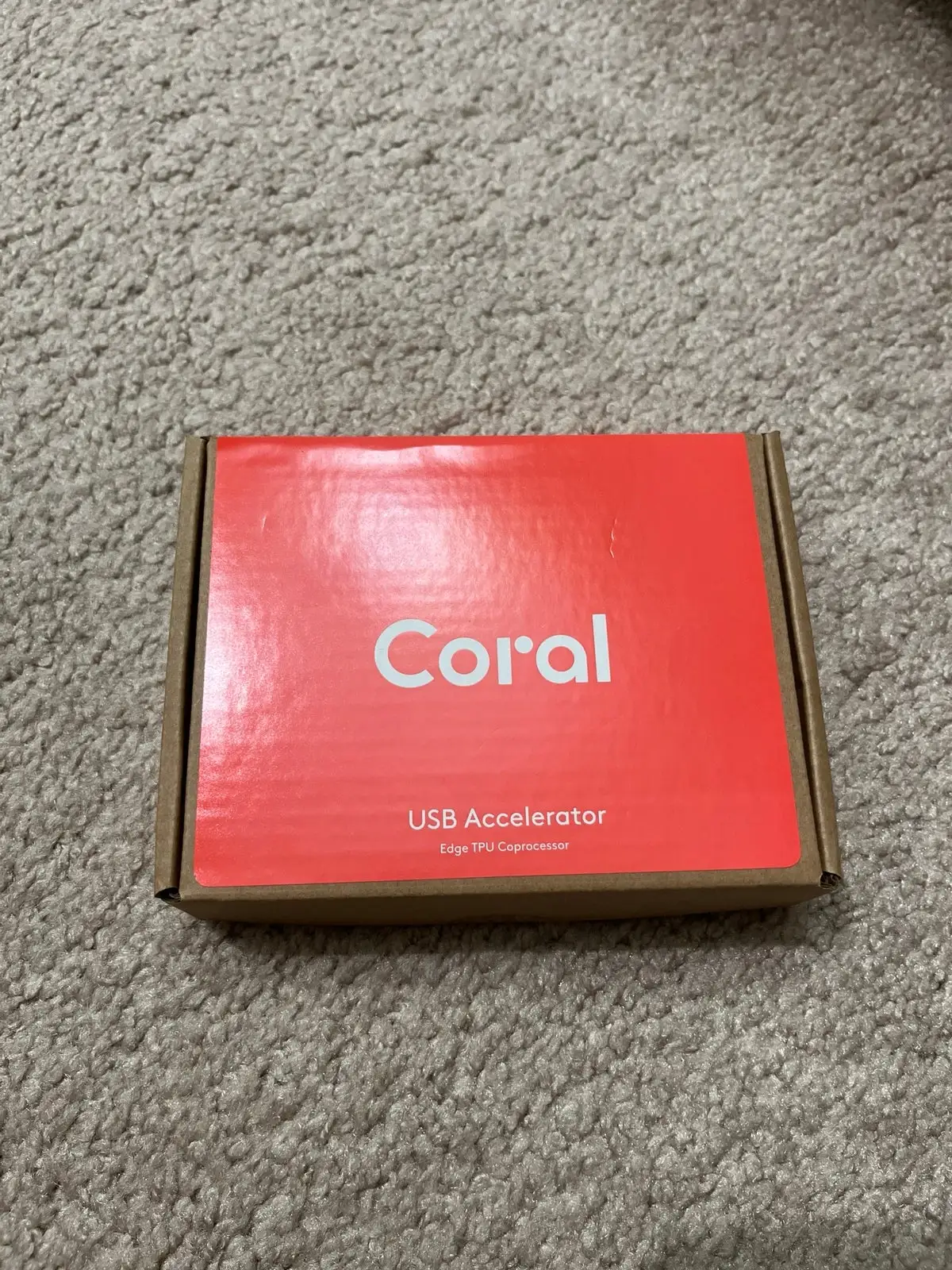
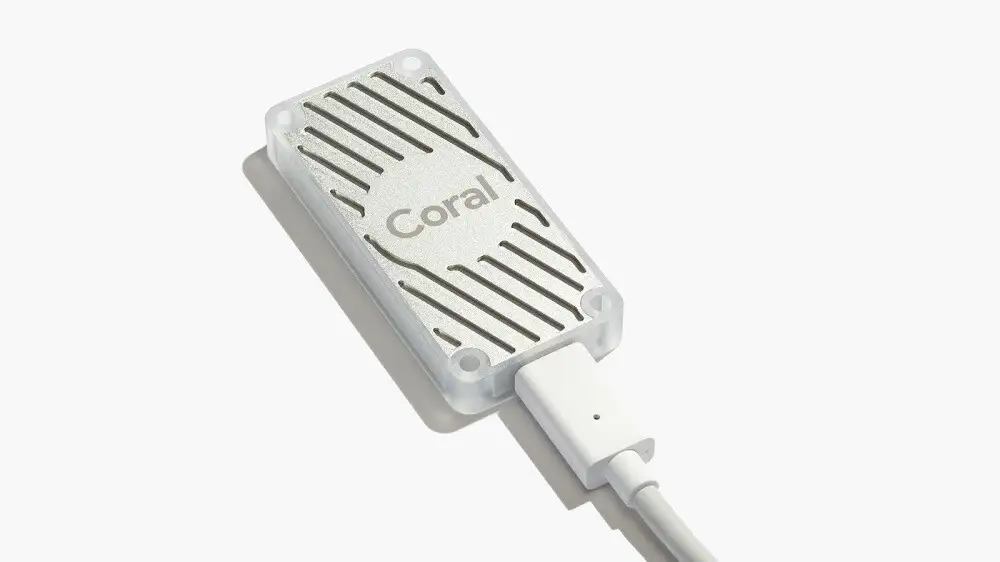
Plug-and-play usability remains a high point. Unlike most AI accelerators that demand custom boards and drivers, the Coral USB’s Type-C connection and TensorFlow Lite support make it easy to add machine learning to small form factor PCs, Pi devices, and NVR servers without overhauling existing hardware.
Common Complaints
Google’s lack of hardware refresh since Coral’s 2019 release frustrates many. One Hacker News commenter lamented that “it’s basically abandoned at this point and only works with older versions of Python,” signaling stagnation in an AI market where competitors roll out frequent updates.
Thermal management emerges as a weakness. Twitter user reports say “the USB model sucks—it overheats unless you put them in high efficiency (low performance) mode,” which undercuts its very purpose. Mini-PCIe variants avoid the heating issue but limit cross-device portability.
Availability woes dominate discussion. During the pandemic, scalpers pushed prices upward; one Reddit seller recounted paying inflated costs and later reselling for $165, still above MSRP. Recurring stock shortages make it hard for new users to buy without delays or paying extra.
Divisive Features
Model support splits opinion sharply. Fans of Google’s ecosystem run MobileNet and Inception architectures easily, but workarounds are needed for YOLO or PyTorch-based models. One developer admitted “I wasn’t able to run anything else beyond the basic examples,” while another countered with a GitHub project to “facilitate YOLO on the Edge TPU… without dependencies on Ultralytics.”
Its longevity as a relevant accelerator is debated. Some emphasize that Coral remains “great for demos” thanks to USB versatility, while others think it’s “outdated to be relevant in any way,” pointing to newer boards that triple its TOPS output.
Trust & Reliability
Supply chain instability sparked speculation about discontinuation. GitHub issue #363 confirmed stockouts were due to “silicon shortage… same as everyone else in the industry,” with small batches selling out instantly. Google recommends preorders with distributors like Mouser to secure units, but community resilience is low—many “start considering plan B” with alternatives.
Durability in the field varies. Users running Coral for years in Frigate report stable performance in consistent environments, but the USB variant’s tendency to overheat requires downclocking or careful ventilation. Prolonged lossy compatibility with modern model formats fuels skepticism about its long-term utility.
Alternatives
Hailo products dominate comparison threads. A Hailo-8L Pi Hat costs around $80 and delivers “more than 3x the compute power of the Coral USB,” with better model flexibility. Higher-end Hailo-8 hats hit >6x the compute for $135. Jetson Orin Nano “does 67 TOPS” and recently received performance boosts via software updates, but commands a $250 price.
For Intel-based setups, OpenVINO mode on mini-PCs under $200 proves “more than adequate for 5 cameras” without accelerators. Movidius NCS2 lags in performance (“far inferior to the Coral TPU” for certain workloads), but integrated solutions like Oak-D Lite cameras reduce USB bottlenecks.
Price & Value
Official MSRP sits new around $59.99–$74.99, but resale trends vary wildly. eBay listings range from $117 up to $149, with scalped pandemic sales peaking at $450. Secondary market deals hinge on condition and rarity—bulk savings emerge only in vendor overstock situations.
Buying tips from community:
- Preorder from official distributors to avoid inflated prices.
- Consider mini-PCIe or M.2 variants if thermals or portability aren’t priorities.
- Compare with newer accelerators if your workload demands more TOPS or model diversity.
FAQ
Q: Is the Coral USB Accelerator still supported by Google?
A: Official support exists, but the hardware has seen no updates since 2019. Users report needing older OS/Python versions for stable operation.
Q: How much faster is Coral compared to CPU inference?
A: Reports show moving from ~80–120 ms CPU detection to ~10 ms on Coral USB, meaning much lower latency and higher frame throughput.
Q: Can Coral run YOLO models?
A: It requires TensorFlow Lite conversion, with community projects enabling YOLO variants. Support isn’t native and may need manual shape adjustments.
Q: Does it overheat?
A: The USB model is prone to overheating under sustained load unless throttled. Mini-PCIe and M.2 designs fare better thermally.
Q: Is it worth buying for a small camera setup?
A: Yes, if low latency and power efficiency are priorities. Gains are most evident in setups with multiple detections per frame.
Final Verdict
Buy if you’re running edge ML tasks like object detection in Frigate or need a plug-and-play accelerator for low-power systems. Avoid if you need broad model compatibility, future-proof hardware, or high TOPS output. Pro tip from the community: opt for M.2 or mini-PCIe Coral variants where possible—better thermal performance, same inference gains.





