Google Coral USB Accelerator Review: Fast but Aging
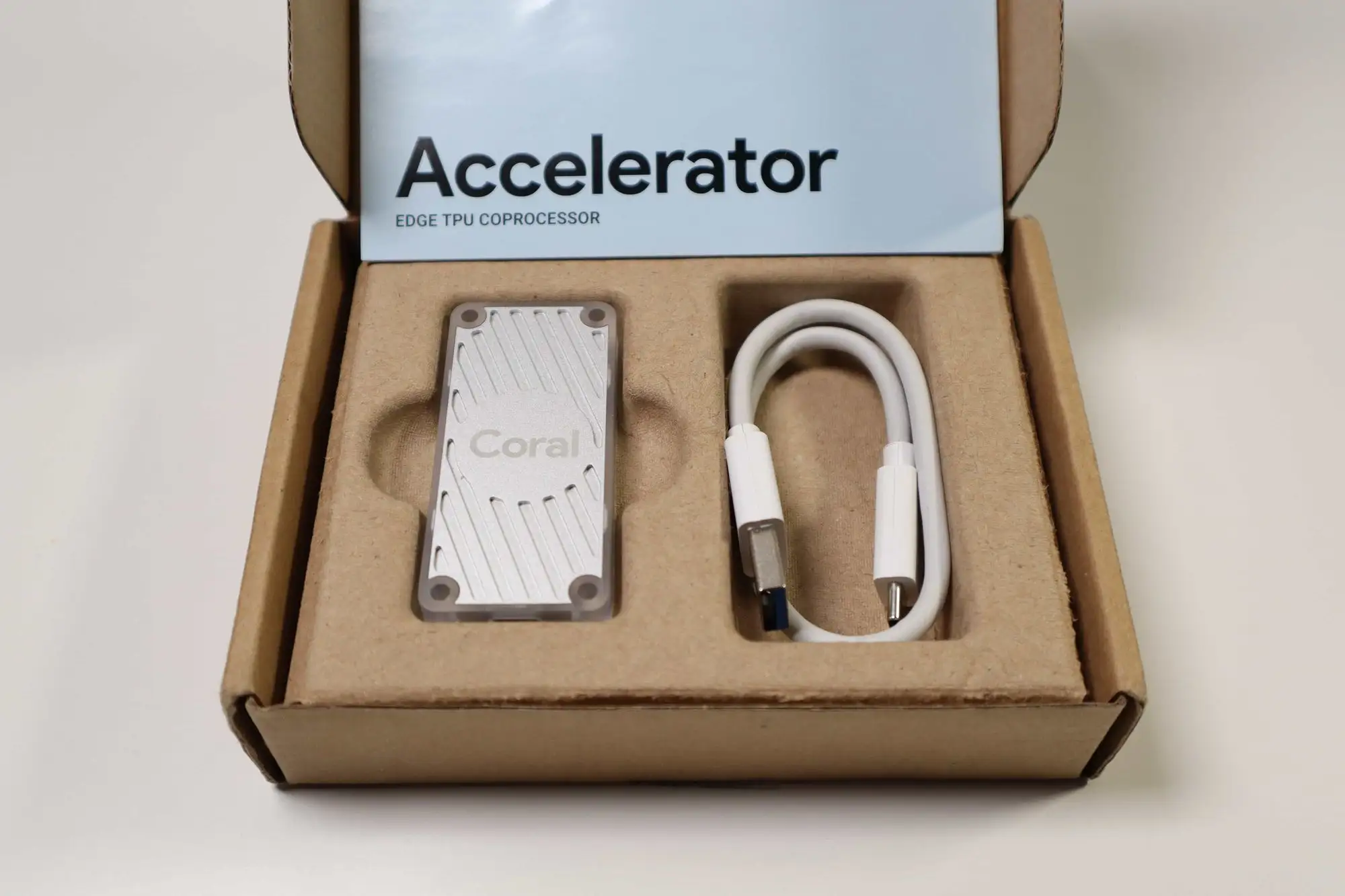
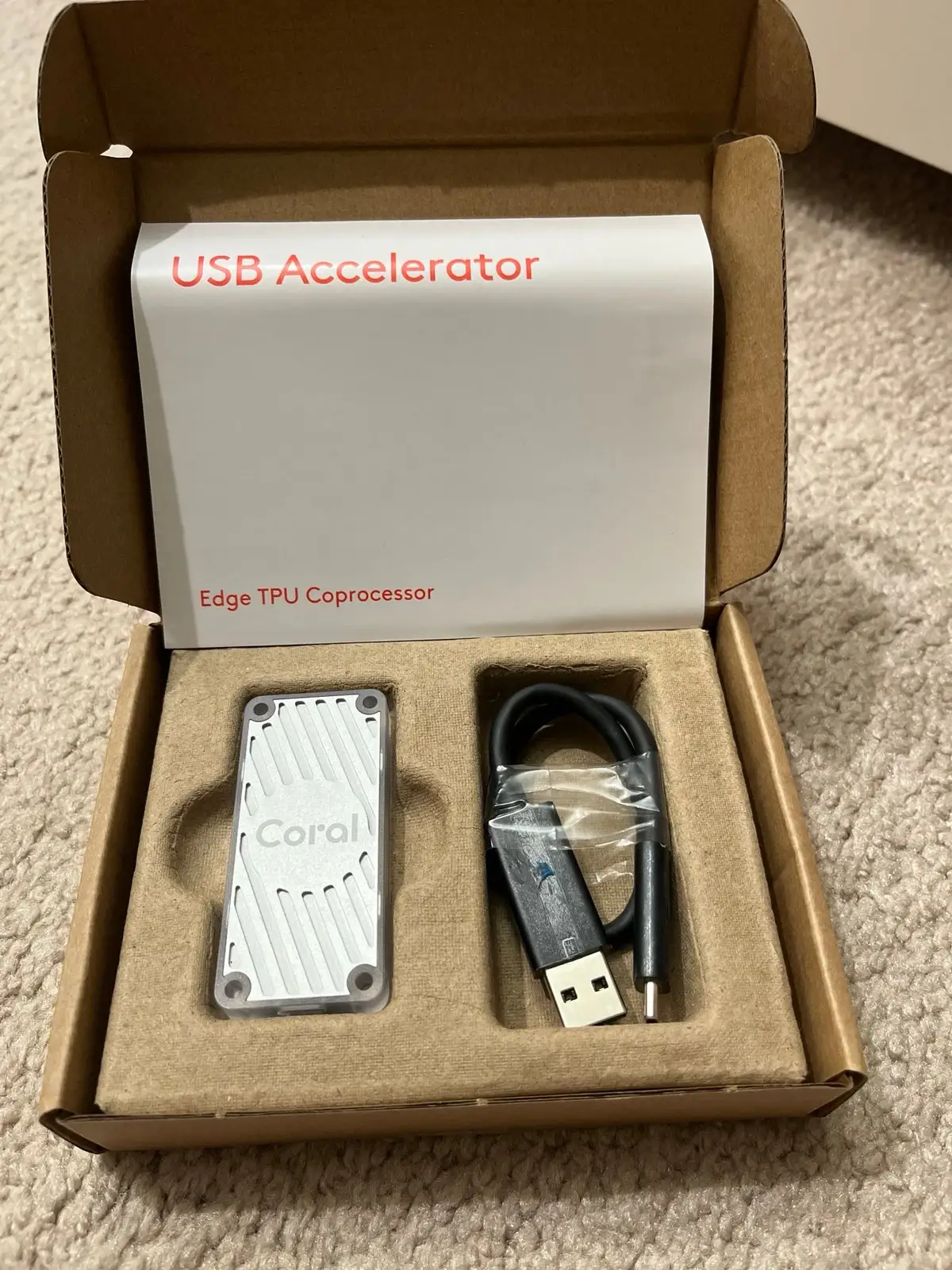
Few devices in the AI hardware scene inspire both enthusiasm and frustration quite like the Google Coral USB Accelerator — a compact Edge TPU coprocessor rated at 4 TOPS, praised for delivering 10ms inference speeds and criticized for feeling like a 2019 product trapped in 2024. Across platforms, users rate it around 8/10 for performance boosts in vision tasks but dock points for long-term viability and stock scarcity.
Quick Verdict: Conditional buy — powerful for camera-based AI workloads, but aging tech and availability issues make it less appealing for future-proof setups.
| Pros | Cons |
|---|---|
| Significant reduction in inference time (CPU → 80-120ms vs Coral USB → ~10ms) | Hardware ecosystem stagnated since 2019 |
| Excellent for object detection in Frigate, Camect, QNAP NAS | Limited model support; struggles with broader ML tasks |
| Low power draw (~0.5W/TOPS) | Frequent stock shortages and scalper pricing |
| Simple plug-and-play setup | Overheating possible on USB variant unless throttled |
| Works on Linux, macOS, Windows | Inferencing speed drop on USB 2.0 |
| Improves multi-camera busy scene detection | No updates to Edge TPU architecture |
Claims vs Reality
Google’s marketing highlights "400 FPS Mobilenet v2 performance" and “high-speed ML inferencing on any USB-equipped system.” Digging deeper into user reports, that claim holds up for certain vision models — especially pre-compiled TensorFlow Lite ones — but falls apart for broader workloads.
Reddit user reports consistently show scenarios like dual Xeon CPUs plunging from 80ms inference times to around 10ms with the Coral. One commented: “With a USB Coral we typically see about 10ms... from 80ms down to 10ms is a huge improvement.” But Hacker News users warned, “The Coral USB Accelerator doesn’t accelerate all layers, only some of them. The CPU has to do the rest.” This means that while marketing touts full offload, the practical reality is partial acceleration, especially with custom or non-TensorFlow Lite models.
Another claim — “works across platforms effortlessly” — is mostly true for initial setup, but several Reddit and GitHub voices note that compatibility is tied to older Python and Debian versions, forcing downgrades or containerized environments to keep it operational.
Cross-Platform Consensus
Universally Praised
The Coral USB’s raw speed improvement in object detection is its biggest selling point. For Frigate NVR, users consistently report lower latency, freeing CPU cycles for other tasks. Camect forum members even noticed qualitative detection improvements: “Now when we get out it states car, person, dog detected… not bad for just a $50 upgrade.”
Low power draw is another highlight. One Reddit user contrasted Coral’s 0.5W requirement with their former GPU usage: “Coral runs on 0.5 watts, way less than the Geforce 1080 I used before.” For home automation and surveillance setups, this translates to quieter, cooler systems.
Installation ease also earns praise — multiple Reddit and GitHub contributors mention “easy peasy” setup with instantaneous performance gains, making it ideal for users on Debian, Raspberry Pi, or QNAP NAS systems.
Common Complaints
The stagnation since release is a recurring theme. Hacker News discussion points to “no news here since its core wasn’t updated.” Advanced users lament being tied to Google’s ecosystem, which hasn’t expanded operator support significantly since 2019.
Stock shortages and price inflation have also soured the experience. One GitHub thread chronicles orders pushed back for months: “I placed an order with Mouser in Oct 2021… pushed to Aug 2022. It’s time to start considering plan B.” The scarcity has fueled scalper pricing, with eBay listings climbing over $150-200 for a product that retailed at $59-74.
Thermal performance is another negative: “The USB model sucks. It overheats unless you put them in high efficiency (low performance) mode,” reported one Reddit user, undermining its portability pitch.
Divisive Features
Longevity splits opinion. Some see it as a steady, reliable hardware block for specialized inference tasks — “Still works well enough for my setup doing real-time object detection with a few cameras,” said one Redditor. Others avoid it altogether, fearing Google’s “flightiness” and eventual abandonware status.
Model flexibility also divides. While some manage YOLO ports with community tools, many abandon attempts beyond Google’s supported architectures, moving toward alternatives like Hailo-8 or NVIDIA Jetson for wider compatibility.
Trust & Reliability
On Trustpilot-style discussions, skepticism abounds about Google’s commitment. Engineers recall Coral feeling like “a prototype they produced a couple hundred thousand of… and shared with the community.” The perception is that it shipped with a limited shelf life baked in, with little sign of long-term support.
Durability itself seems solid — no widespread failure reports — but operational reliability suffers from overheating on the USB stick variant. Several long-term users sidestep that by switching to m.2 or PCIe versions, which run cooler and handle sustained loads better.
Alternatives
Alternatives frequently mentioned include the Hailo-8 accelerator (13-26 TOPS, starting around $80) and Jetson Orin Nano (67 TOPS, ~$250). A Reddit user compared: “Hailo has more than 3x the compute power of the Coral USB.” Others favor integrated GPU solutions like Intel’s OpenVINO for small setups, noting they can handle multiple cameras without an external accelerator.
For constrained systems like Raspberry Pi, Oak-D cameras (Movidius Myriad X onboard) are another path — but their $400+ price tags make them less appealing for DIY home surveillance compared to Coral.
Price & Value
With official MSRP at $59-74, Coral USB offered strong value. Current markets tell a different story: eBay listings hover between $63.99 (plus shipping) and $139.99+, with bulk savings barely mitigating cost. Scalper spikes during chip shortages saw units resell for over $450.
Community advice leans toward patience: “Tiny investment when prices come back down,” one Redditor counseled. Others lock in pre-orders at reputable distributors to avoid hype pricing. For resale value, stagnation hurts — while demand in niche AI workflows persists, broader enthusiasm has waned.
FAQ
Q: Does the Coral USB Accelerator work with Raspberry Pi?
A: Yes, it supports Debian Linux, including Raspbian, but may require older OS versions or containers for compatibility.
Q: How much faster is it than CPU detection?
A: Reports show CPU inference at 80-120ms vs Coral USB at ~10ms, significantly boosting multi-camera responsiveness.
Q: Will it run YOLO or custom architectures?
A: Limited — requires TensorFlow Lite compilation. Community ports exist but often need manual tweaks.
Q: Is overheating a problem?
A: For the USB stick variant, yes in sustained workloads. Using m.2 or PCIe models improves thermals.
Q: Is Google still developing Coral hardware?
A: No major updates since 2019; many suspect the platform is in maintenance mode.
Final Verdict: Buy if you’re running AI vision tasks on constrained hardware (Raspberry Pi, low-power NAS, Frigate NVR) and demand low latency object detection without heavy power draw. Avoid if you want future-proof ML acceleration, extensive model flexibility, or hate being tied to stagnant ecosystems. Pro tip from community: look for the m.2 version if available — cooler, faster, and often cheaper than inflated USB stick prices.





