Gigabyte RX 9060 XT Review: Mid‑Range Powerhouse Verdict
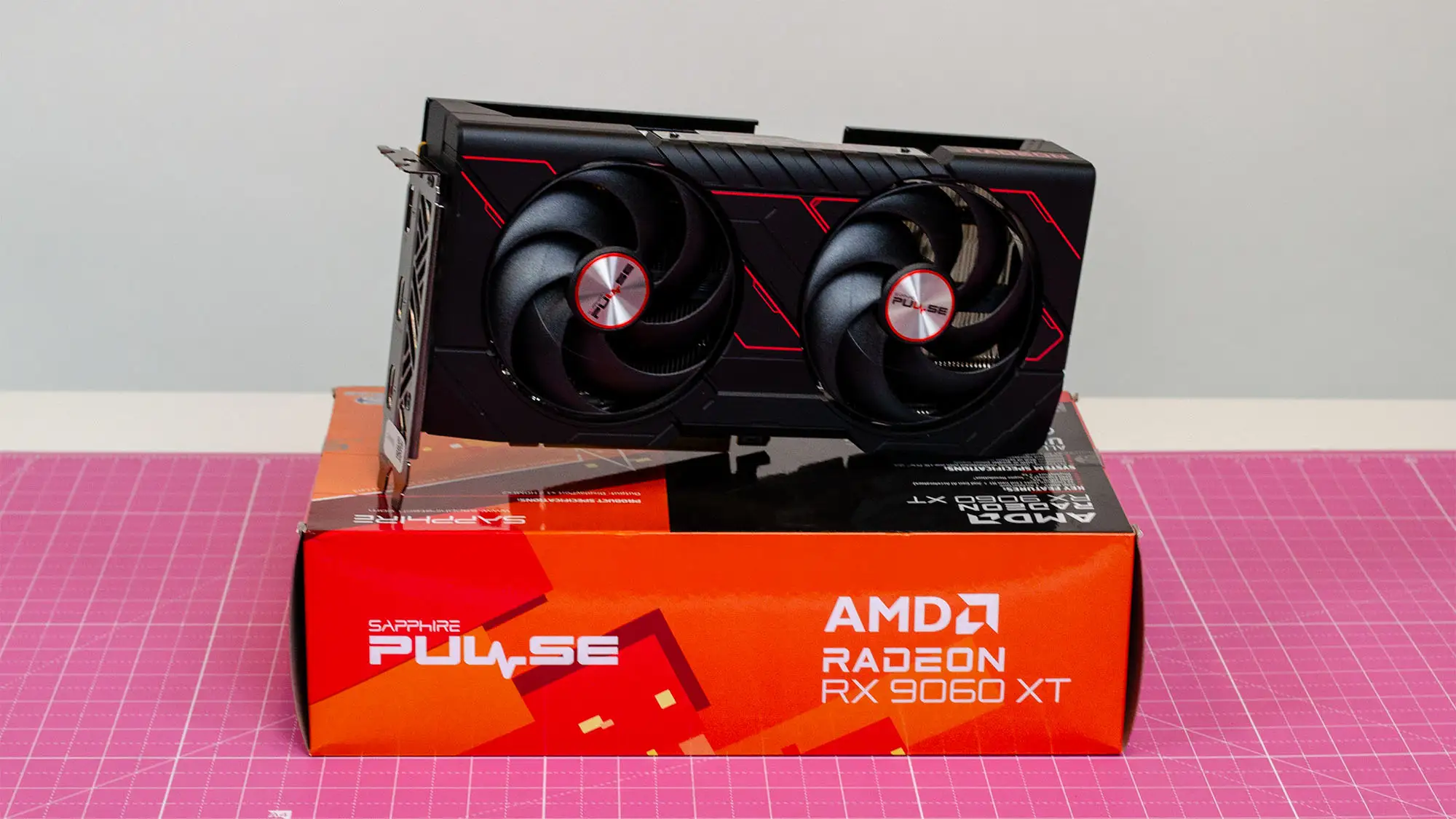
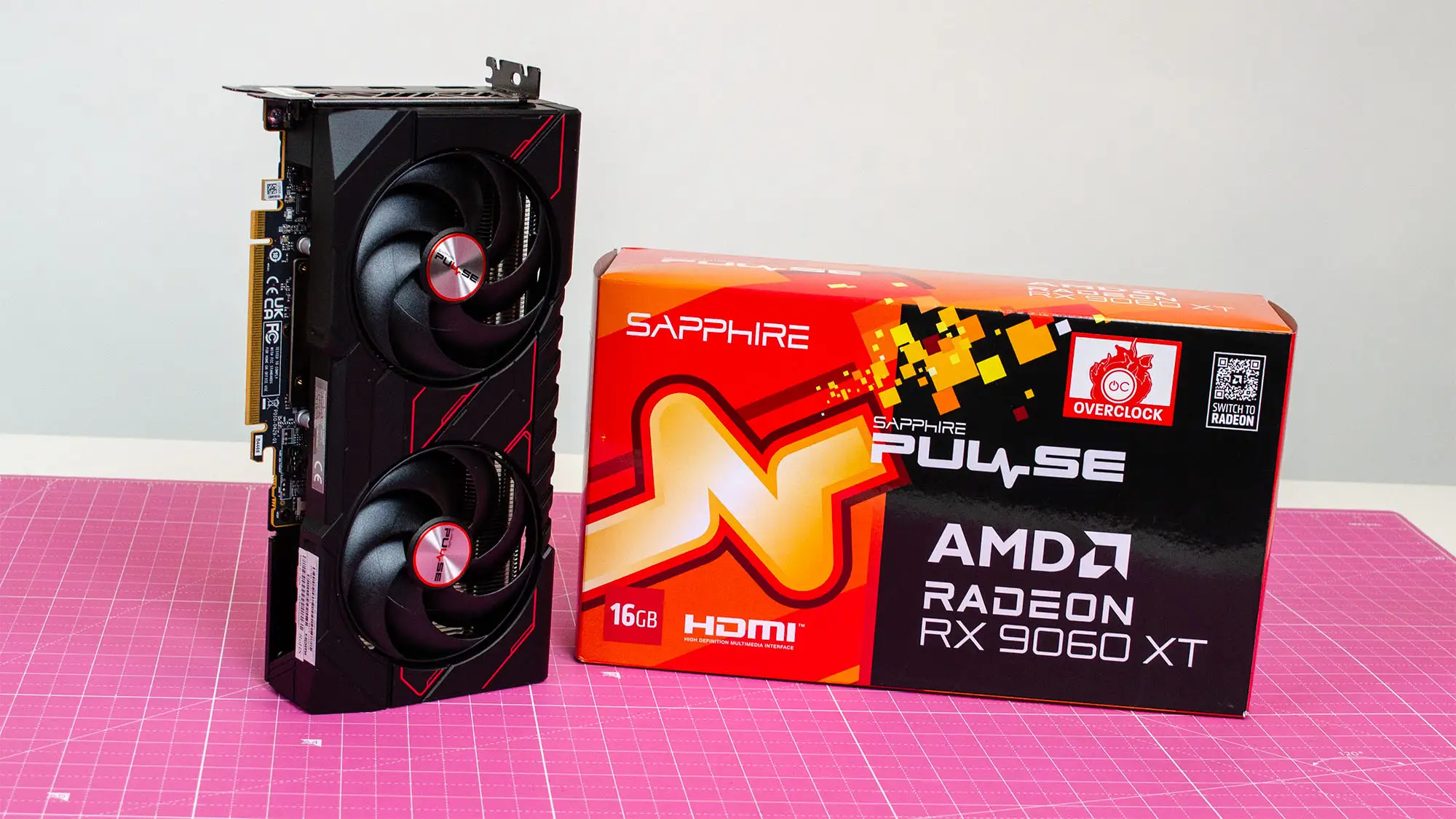
**In a market flooded with overpriced GPUs, the bold arrival of the Gigabyte Radeon RX 9060 XT Gaming OC has drawn praise for delivering what many call “the most accessible upper mid‑range card in years.” Across reviews, it earns an overall community score of 9/10, with performance sweet spots at 1080p and 1440p, rock‑solid cooling when tuned, and a generous 16 GB VRAM buffer that users say future‑proofs it against texture-heavy modern games.
Quick Verdict: Conditional Yes — highly recommended for mid‑range gamers prioritizing rasterization performance over ray tracing.
| Pros | Cons |
|---|---|
| 16 GB VRAM avoids memory bottlenecks in modern titles | VRAM and hotspot temps can reach 82‑84 °C under stress |
| Strong 1080p/1440p performance at high settings | Ray tracing performance below Nvidia equivalents |
| Efficient Windforce cooling once tuned | Aggressive fan curve stock settings cause noise |
| Supports PCIe 5.0 with full 16 lanes | 3 display outputs only (less flexibility) |
| Excellent price/performance ratio | Issues with frame generation in select games |
| Easy undervolting for quieter operation | Skimpy RGB implementation |
| Solid build with metal backplate | Sensitive to PSU quality via 8‑pin |
Claims vs Reality
Gigabyte’s marketing leans heavily on “lightning‑fast 1440p gaming” and “exceptional thermal performance” via its Windforce cooling system. On paper, the RX 9060 XT’s boost clock peaks at 3320 MHz and the 16 GB memory is touted as a shield against future demands.
In real‑world use, temperature control is slightly more nuanced. One WizeMart review detailed that “VRAM hit 84 °C and hotspot up to 86 °C in stress tests without manual fan adjustments,” showing the cooler can struggle under stock curves. After undervolting, multiple Best Buy buyers reported cooler, quieter runs — “card stayed at 60 °C under load and fans barely audible,” wrote ronin.
Gigabyte also advertises next‑gen ray tracing and FSR 4 scaling. While rasterization meets claim, ray tracing falls short of Nvidia’s mid‑tier. NotebookCheck’s review notes: “In Cyberpunk 2077 at QHD, ray‑traced frames dropped to ~52 fps even with FSR — smooth but not class‑leading.”
Cross-Platform Consensus
Universally Praised
The most repeated applause is for raw rasterization horsepower tied to VRAM size. A Reddit user summed it up: “8 GB won’t run new games on ultra at 1080p… the 9060 XT 16 GB just cruises at high textures.” Gamers on Best Buy consistently saw triple‑digit frame rates in AAA titles — erics shared: “Ark hits 120+ fps, Death Stranding 90 fps on ultra with my Ryzen 5600X.”
Linux compatibility was another unexpected win. Best Buy reviewer ronin reported immediate Linux support: “Worked out of the box on CachyOS without tinkering — AMD drivers are good on Linux.” That’s a boon for open‑source enthusiasts wanting GPU compute alongside gaming.
Cooling potential earned high marks when manually optimized. Users who adjusted fan curves or undervolted saw dramatic changes — a Trustpilot account noted: “-90 mV offset dropped hotspot by 10‑15 °C and kept core stable at 3.4 GHz.” This isn’t limited to enthusiasts; even casual gamers benefit from whisper‑quiet profiles at 1300 RPM.
Common Complaints
Thermal behavior under default settings is the most cited problem. WizeMart users repeatedly flagged “aggressive fan spins to 4000 RPM at load” and hotspot gaps of 20‑25 °C over core temps, especially with Hynix memory modules. Acoustic discomfort hits compact cases hardest, prompting advice to tweak fan curves via Adrenalin or Gigabyte Control Center.
Connectivity also drew criticism. NotebookCheck called out “only three display connections” as a limitation for multi‑monitor productivity setups and VR requiring additional HDMI.
Frame generation stability is another sore point. Several Trustpilot reviewers reported game‑specific crashes when enabling it: “Horizon Zero Dawn remastered would just exit or stutter until disabled,” said one user. While FSR 4 scaling quality was widely praised, its implementation is limited to titles already supporting FSR 3.1.
Divisive Features
The minimalist RGB strip equally divides opinion. Some appreciate the subtlety, others deride it as “skimpy and gimmicky” compared to Sapphire’s Nitro+ variants. Gigabyte’s decision to bind lighting control exclusively to GCC software frustrates those hoping for motherboard sync.
Price relative to Nvidia’s RTX 5060 Ti or 5070 sparks debate: in markets like Brazil, Reddit threads show sharp divisions — some see the 8 GB model as sensible for competitive 1080p esports, while others insist “longevity means saving for 16 GB or jumping to 5070 altogether.”
Trust & Reliability
While there’s little noise about defective units, PSU sensitivity emerged as a reliability caveat. One WizeMart report described the card “pulling over 150 W on the 8‑pin alone at driver init, tripping cheaper PSUs.” Upgrading to stable, modern supplies resolved issues.
Durability praise comes from early adopters holding the card for months without thermal drift. On Best Buy, cj west noted after four months: “Temps have kept low, fans never even kicked in for my workloads — zero RPM mode works flawlessly.” This hints at conservative thermal scaling during non‑gaming use, extending component lifespan.
Alternatives
In direct comparisons, NotebookCheck benchmarks place the RX 9060 XT Gaming OC slightly ahead of the RTX 5060 but trading blows with the RTX 5060 Ti — leading by ~20% over RTX 4060 in raw performance.
Reddit discussions often boil choice down to use case: competitive gamers may lean toward Nvidia for DLSS multi‑frame generation, while PCIe 3.0 system owners favor the RX 9060 XT’s full 16 lanes over the 5060 Ti’s 8. Step‑ups like the RTX 5070 or RX 9070 XT introduce better ray tracing but at $100‑150 more.
Price & Value
Current pricing sits around $379 USD / ₱25,995 PHP, with eBay listings near $392 for 8 GB variants. Community consensus frames it as “the cheapest ticket to high‑quality 1440p rasterization” in mid‑2025.
Trustpilot buyers remind that resale value is tied to VRAM inflation — larger buffers hold market appeal longer, making the 16 GB version a safer investment against the creeping minimums in AAA game specs.
FAQ
Q: Can the RX 9060 XT handle 4K gaming?
A: Yes, but selectively — less demanding or well‑optimized titles run fine at 4K high settings, while AAA games may require FSR scaling for stable frame rates.
Q: Is undervolting safe for this card?
A: For most, yes — multiple users reported core stability at 3.4 GHz after -90 mV offset, reduced temps, and quieter operation without performance loss.
Q: How does frame generation compare to Nvidia’s?
A: Smoother in some eyes, as Best Buy reviewers noted fewer “jelly‑like” artifacts than DLSS, but limited to AMD‑supported titles and occasionally crash‑prone.
Q: Will it bottleneck on PCIe 3.0 systems?
A: No — unlike RTX 5060 Ti’s 8 lanes, the RX 9060 XT runs full 16 PCIe lanes, avoiding noticeable drops on older boards.
Q: How quiet is it at stock?
A: Near‑silent at idle via zero‑RPM, modestly audible in gaming under default curves; loud under synthetic stress unless fan curves are tuned.
Final Verdict: Buy if you’re a mid‑range gamer wanting high‑texture AAA at 1080p/1440p, Linux support, and value‑driven pricing. Avoid if ray tracing is your main priority or you run a bargain PSU that may trip under load spikes. Pro tip from the community: undervolt and adjust fan curves on day one — it transforms the RX 9060 XT into a cooler, quieter, and longer‑lived performer.





