Garmin RV Cam 795 Review: Great Features, Flawed Routing
Starting with a shocker from multiple Amazon verified buyers: “Its ‘must-have’ feature is RV-safe routing, but it doesn’t actually do that.” The Garmin RV Cam 795 GPS Navigator with Dash Cam (Renewed) earns a conditional 6.8/10—praised for its bright 7” display, built-in dash cam, and RV-specific database, but marred by routing reliability issues and a sometimes infuriating user interface.
Quick Verdict: Conditional — Excellent for tech-savvy RV travelers who double-check routes; risky for those relying solely on GPS guidance.
| Pros | Cons |
|---|---|
| Large, bright 7” screen – easy to read on the road | Reports of unsafe routing despite custom RV profiles |
| Built-in 1080p dash cam with 140° field of view | Bluetooth traffic updates unreliable |
| Extensive RV parks, campgrounds, and POI database | Confusing, non-intuitive menu system |
| BirdsEye satellite imagery for smooth campground arrivals | Mounting challenges due to device size |
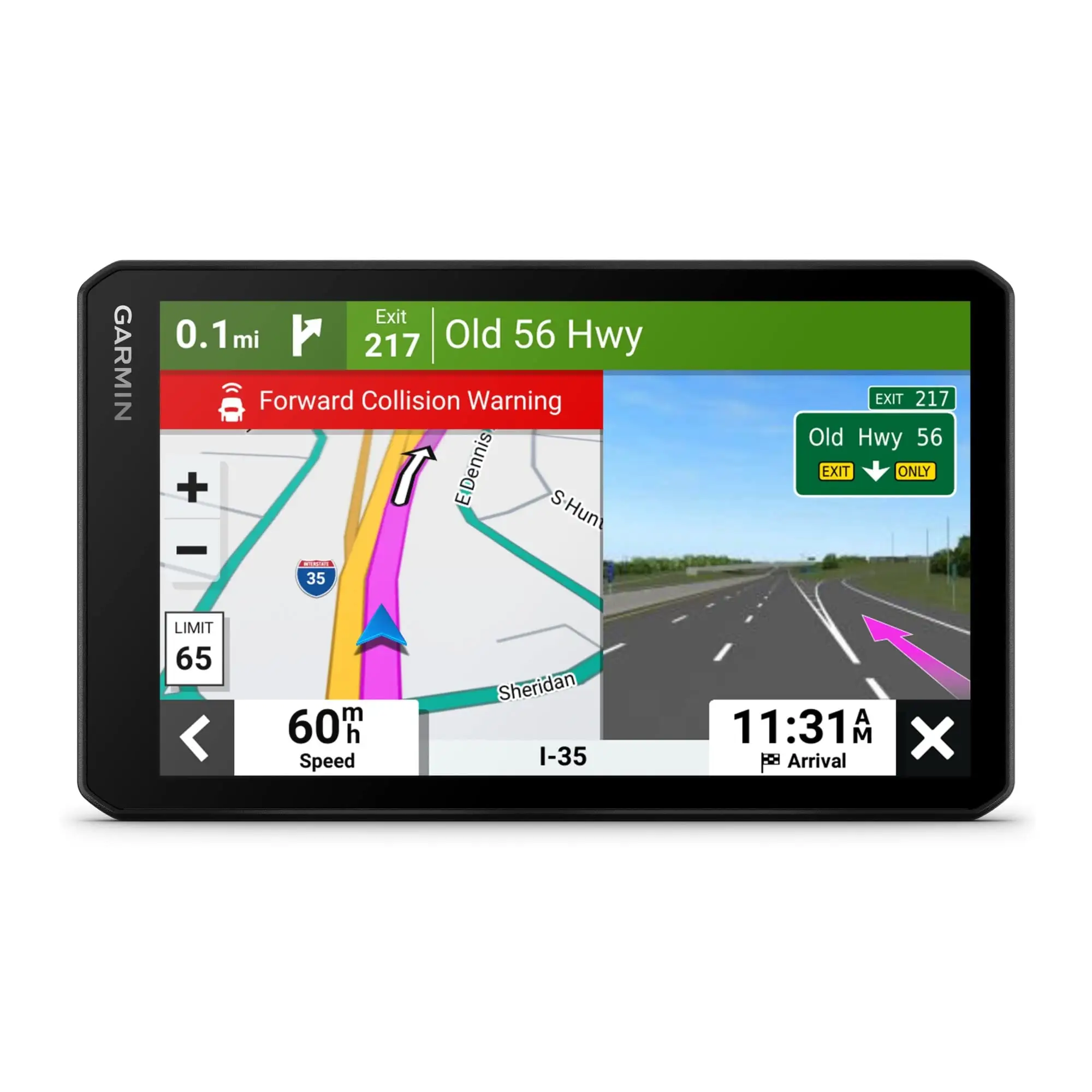
| Forward collision & lane departure alerts | Sudden screen blanks and refresh lag |
| Magnetic mount holds unit securely | Poor address lookup accuracy |
| Easy GPX file sharing over Wi-Fi | High price compared to competitors |
Claims vs Reality
Garmin markets the RV Cam 795 as delivering “custom RV routing based on your rig’s size and weight.” While attractive for RV owners, verified feedback complicates the picture. Reddit user anthonyh recounted how “the device attempted to take me over a low clearance covered bridge the first trip I used it… also took me down difficult back roads.” Another Amazon reviewer noted multiple misroutes into upscale neighborhoods ending in dead ends—exactly what RV-specific routing should prevent.
The built-in dash cam is touted as “automatic incident detection with secure online vault storage.” On this front, reality matches the marketing. Amazon users consistently praise video quality and convenience. One verified buyer said, “Dash cam works great… only downside is can’t rotate the screen so the camera is on top,” showing it’s reliable but has ergonomic limits.
BirdsEye Satellite Imagery is promoted as making campground approaches “as smooth as possible.” Users echo this benefit, with Trustpilot reviews citing “vivid aerial views” helping them avoid poor parking decisions. Yet Garmin’s update process requires Wi-Fi and patience—several owners note “updates can take significant time depending on your connection.”
Cross-Platform Consensus
Universally Praised:
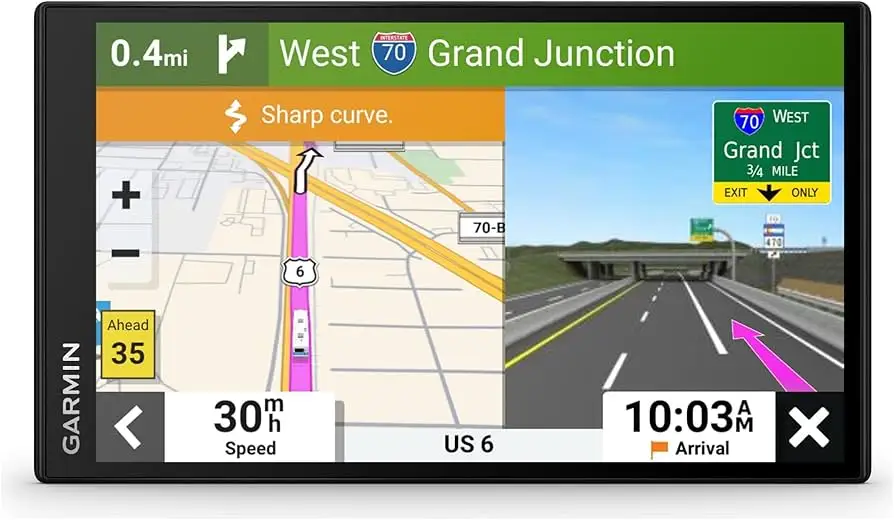
The 7-inch IPS touchscreen is a consistent hit. A verified buyer on Amazon wrote, “Large screen, good audio volume for directions, customization for vehicle height, weight, length, and width… avoided all low clearance bridges!” This benefits RV owners pulling tall fifth-wheel trailers or motorhomes navigating urban detours. Forward collision and lane departure alerts also earn appreciation from safety-conscious drivers, adding a layer of active monitoring during long hauls.
The integrated POI database—KOA listings, National Parks directories, and TripAdvisor ratings—is widely praised. Trustpilot reviewers call it “a blessing in big cities” when combined with lane-by-lane guidance. For planners using mapping apps like inRoute, the Wi-Fi GPX file import is seen as a highlight for tech-savvy travelers who customize routes before departure.
Common Complaints:
Routing errors dominate negative sentiment. Amazon user “dangerously bad” described setting RV height to 12’5” only for the unit to route under lower bridges: “The RV would have been turned into a convertible.” Similar distrust came from Reddit’s user365052: “Took me out of the way by three miles into a dead end road… now I will no longer trust it.”
Bluetooth traffic functionality is another sore spot, with reports of the connection “randomly turning off” mid-trip, leaving drivers stuck in congestion without warnings. Interface complexity is a frequent frustration: “Menus for settings like brightness are all over the place,” lamented one Amazon buyer. Mounting challenges due to size also emerge—its 11” body length means squeezing into cockpits without blocking sight lines can be tricky.
Divisive Features:
Safety alerts inspire mixed feelings. Some drivers welcome “overly cautious” curve warnings; others find them intrusive. BirdsEye imagery garners excitement from detail-oriented navigators, but subscription requirements for updates lead others to stick with free alternatives. The dash cam splits opinion—not for performance, but for legality concerns in certain jurisdictions and the fixed lens position tied to windshield mounting.
Trust & Reliability
Trustpilot and Amazon reviews reveal no scam allegations—buyers generally receive functioning units. Long-term durability isn’t deeply discussed, but magnetic mounts and responsive touchscreens are praised after months of use. However, reliability concerns focus squarely on navigation accuracy. The pattern: first trips go smoothly, then one serious misroute erodes confidence. Despite Garmin’s reputation, RV drivers voice that “I will always run Google Maps alongside Garmin… any weird Garmin directions will be very apparent and not followed.”
Alternatives
Users commonly compare the RV Cam 795 to Rand McNally’s TND 740 and Magellan RoadMate RV. Autovated’s analysis found Garmin superior in dash cam integration and aerial imagery, while Rand McNally wins on simpler menus and Magellan on price. One Amazon reviewer returned their Garmin 795 for a Rand McNally 7735, praising its “features my 10-year-old Rand had that Garmin lacks.”
Price & Value
On Amazon, renewed units hover around $379-$399, with eBay listings showing $499-$509 new with bundles. Community buying tips stress watching for certified refurbished deals—often 30%+ below MSRP—and pairing Garmin promotions with BC 50 backup cameras for full situational coverage. The higher price point draws criticism from those experiencing routing failures: “Not worth $700 when it doesn’t provide RV safe navigation,” one verified buyer concluded.
FAQ
Q: Does the Garmin RV Cam 795 actually avoid low bridges?
A: Sometimes—it depends on Garmin’s database coverage. Several users report it routing under unsafe clearances, so most recommend using it alongside another GPS or map app.
Q: Can I mount it on the dashboard instead of windshield?
A: Yes, but camera performance may suffer. Multiple owners note the dash cam’s fixed top position suits window mounts best.
Q: How reliable is Bluetooth traffic monitoring?
A: Mixed results. It requires pairing with the Garmin Drive app, but some report random disconnects that leave them without updates mid-trip.
Q: Is the BirdsEye imagery subscription free?
A: The device includes BirdsEye imagery, but refreshed high-res data requires an active subscription for updates.
Q: Can I use it in my regular car, not just RV?
A: Yes—create a profile for any vehicle and adjust routing parameters accordingly.
Final Verdict
Buy if you’re an RV traveler who values a large display, onboard dash cam, and rich POI data—and you’re comfortable double-checking routes before committing. Avoid if you need flawless RV-safe routing without oversight, particularly in unfamiliar areas. Pro tip from community veterans: run Garmin alongside a smartphone nav app for real-time cross-checking and route validation.





