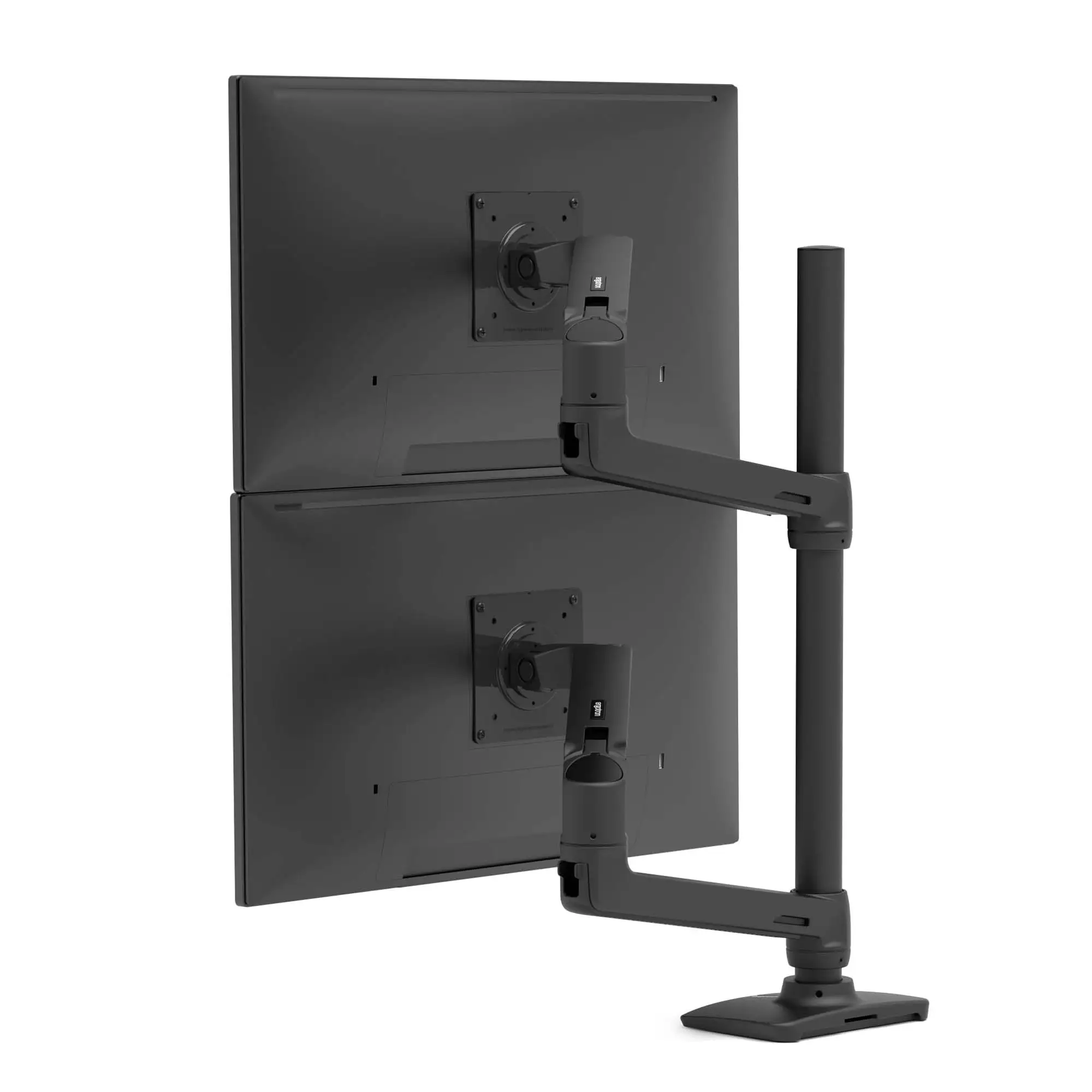
Ergotron LX Dual Stacking Arm Review: Premium Yet Flawed
Few monitor mounts inspire decade‑long loyalty, but the Ergotron LX Vertical Stacking Dual Monitor Arm, Tall Pole, Matte Black has that kind of staying power among heavy users. Across platforms, owners consistently give it high marks — consensus lands around 9.0/10 — praising its “beefy,” rock‑solid build and unmatched flexibility with large displays, while cautioning that its premium price buys into some quirks. As one verified buyer put it: “Zero sag holding two 32″ monitors, but the monitors will wobble if the desk moves. Recommend a solid mounting surface.”
Quick Verdict: Conditional — Outstanding for professionals or enthusiasts prioritizing durability and ergonomic precision, but overkill for casual setups.
| Pros | Cons |
|---|---|
| Extremely sturdy — holds large monitors without sag | Expensive compared to similar mounts |
| Flexible positioning — tilt, pan, rotation | Monitor wobble on unstable desks |
| Supports stacked or side‑by‑side setups | Limited pole height for very large monitors |
| Smooth motion via Constant Force tech | Cable management feels like an afterthought |
| Long‑term durability — 10‑year warranty | Installation can be fiddly with heavy screens |
| Compatible with curved and ultrawide displays | Arms occupy significant space |
Claims vs Reality
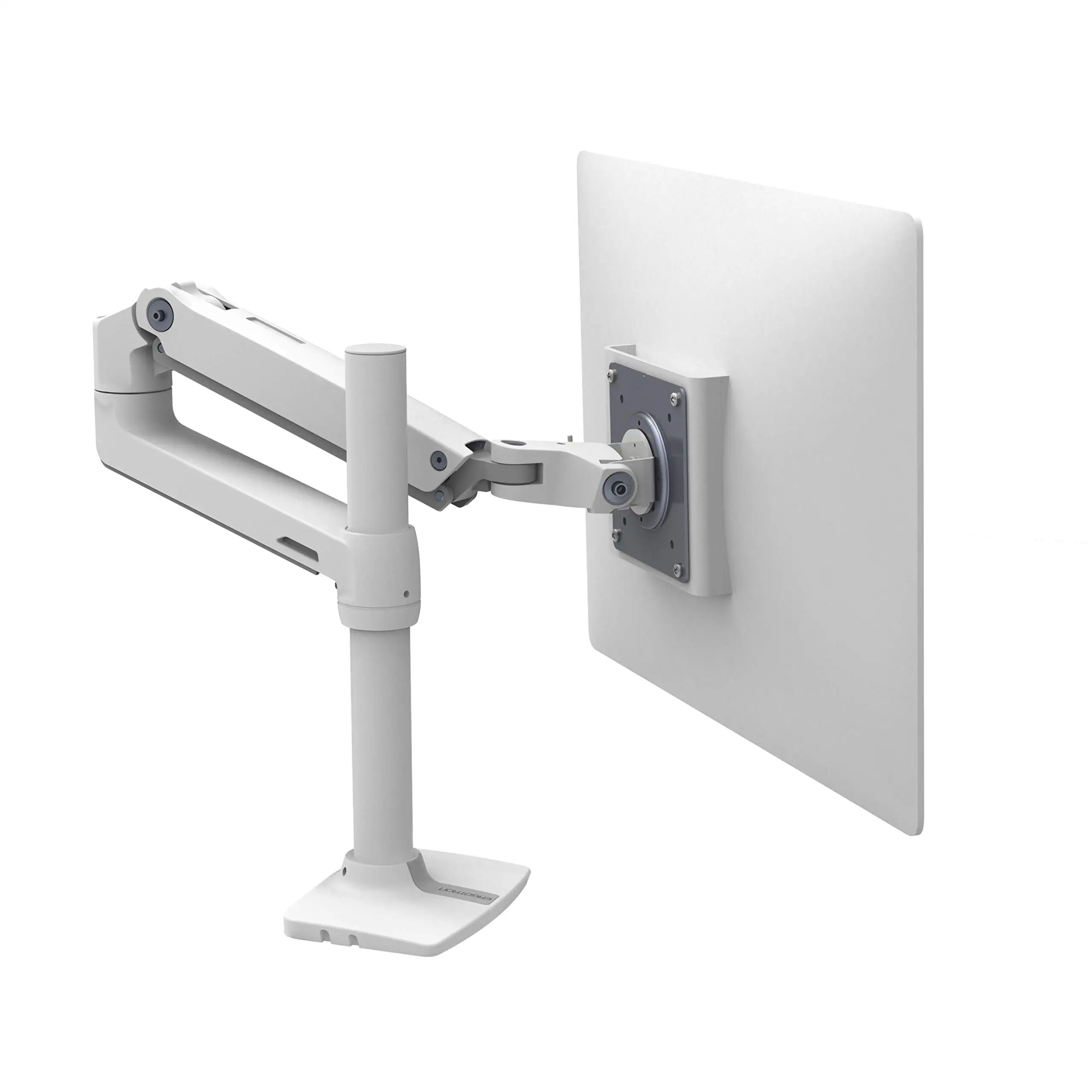
Marketing emphasizes broad compatibility, “unparalleled range of motion,” and “clean cable management.” The tall pole variant claims to handle up to 40″ screens and 7–22 lbs each, with ergonomic height adjustments and a 75° tilt.
Digging into user reports, the range of motion largely lives up to the promise — especially for stacked configurations or swapping to portrait mode. One Trustpilot reviewer highlighted using the mount “to rotate the top monitor portrait for documents” while still having easy access to the lower display.
Cable management, however, draws muted applause. A verified buyer on Amazon noted: “Cable management looked like a mere afterthought. It hides the cables well enough but nothing to write home about. Cheaper models sometimes execute this better.”
Users also find actual compatibility slightly constrained by pole length when running very large monitors, despite specs allowing up to 40″. “I wish the pole was longer — that would solve a lot of issues with mobility using large monitors,” wrote one Amazon customer stacking ultrawides.
Cross‑Platform Consensus
Universally Praised:
Build quality is the standout. Multiple owners use “beefy” and “solid” to describe the feel. One Trustpilot post marveled, “Can’t imagine any other arm being as beefy, and not for this cheap.” For professionals running heavy or curved screens, the arm’s capacity means no sag under load. Reddit user feedback also points to longevity: “Been using LX dual stacking arms for over 10 years with no issues.”
The ergonomic flexibility benefits anyone frequently adjusting monitor position, whether for sharing screens or varying posture. A B&H reviewer described swiveling their display to face their bed for evening gaming as “nothing short of a complete game changer” in a small room setup. In office contexts, quick height adjustment helps reduce neck strain during long sessions.
For stacked configurations, the mount’s independent arm movement makes it equally adept at side‑by‑side use. One Amazon user explained they bought both stacking and side‑by‑side versions but ended up favoring the stacking model for its “staggered arms” and included notebook tray, which created more desk space.
Common Complaints:
Two recurring issues are pole height and desk stability. Large‑monitor users sometimes struggle to achieve preferred spacing without hitting height limits. “Top monitor is just about using the mount’s maximum capabilities,” reported one owner of dual 34″ ultrawides. Desk wobble is a mechanical reality for any gas‑spring arm; on lighter desks, vibrations travel to the monitors. Reddit user cautioned: “If your desk is not rock solid, any vibration will travel up the arms… more apparent the more outstretched they are.”
Setup challenges emerge with heavy displays or unconventional desks. A Trustpilot reviewer advised reinforcement plates for particleboard desktops to avoid clamp damage: “Don’t cheap out and break your desk… spend $10 on a metal plate.”
Cable routing is serviceable but uninspired. While integrated channels hide cords, several owners described it as less elegant than competitors. Lack of a self‑leveling feature means perfectionists may find aligning two displays frustrating after adjustments.
Divisive Features:
Price sharply splits opinion. Enthusiasts see it as an investment in reliability — “Worth the investment. I wish I had done this sooner,” said one office user who reduced headaches after installation. Others compare to budget alternatives like Amazon Basics, Vivo, or Mountup, often a quarter of the price, which “won’t be as refined but work well enough” for simpler needs.
Aesthetic appeal is subjective. The matte black finish wins praise in understated setups, but some prefer sleeker, thinner arms in visible spaces. One owner contrasted it with HumanScale arms: “Ten times more svelte and sleek, but clearly not as strong.”
Trust & Reliability
Long‑term durability stories underpin the brand’s reputation. Several reviewers reference multi‑year use with minimal wear, even with heavy daily adjustment. Visible signs of age — minor corrosion, cracked plastic sleeves — appeared after two years for one Trustpilot user, but functionality remained intact.
No substantive scam concerns emerged. Reports of missing parts are rare and packaging is generally described as “very well organized” with clear instructions. Trustpilot and Reddit threads agree on the 10‑year warranty providing peace of mind, though returns are seldom needed.
Alternatives
Community discussions mention Amazon Basics, Vivo, Huanuo, and Mountup as viable budget competitors — especially for smaller, lighter monitors. Reddit users note these are “basically knock‑offs of the Ergotron design… may not support as heavy a monitor,” but for holding a single display, they “tend to work well.”
HumanScale arms offer more visual elegance but lack stacking capability at comparable strength. For users not committed to vertical layouts, side‑by‑side Ergotron models provide similar mechanics at lower cost.
Price & Value
At around $328–$353 for matte black tall pole versions, pricing sits firmly in the premium bracket. eBay resale values hover near $200 for used models, often retaining functionality and finish. Buyers recommend watching for discounts or considering certified refurbished units.
Given the decade‑scale lifespan, high‑demand professionals often justify the spend. As one Amazon reviewer put it: “Plenty of monitor arms will work, but not all will last. Few will perform the same on day 1 and day 1000.”
FAQ
Q: Can it really hold two large curved monitors?
A: Yes, as long as each is within the weight limit (7–22 lbs). Users report no sag even with dual 32″ curved displays, though ensure your desk can support the clamp load.
Q: Does the tall pole solve height issues?
A: It adds flexibility for stacking, especially with larger screens, but some owners still find pole height limiting with ultrawide setups.
Q: How difficult is installation?
A: Most find setup straightforward if following the manual, but heavy monitors and certain desk designs may require reinforcement plates or grommet mounts.
Q: Is cable management effective?
A: It’s adequate for hiding wires inside the arms, but several users feel it’s less refined than competitors.
Q: Will it work with a sit‑stand desk?
A: Yes, many owners pair it with sit‑stand setups. Stability improves on heavier desks; lighter models may transmit more wobble to the displays.
Final Verdict: Buy if you’re a multi‑monitor power user, creative professional, or office worker needing heavy‑duty stacking with daily adjustment. Avoid if you rarely re‑position monitors or have a lightweight desk that can’t handle the clamp load. Pro tip from community: reinforce particleboard surfaces before clamping — a $10 plate can prevent expensive damage.