Ergotron HX Monitor Arm Review: Premium but Pricey Verdict
Few monitor arms inspire both reverence and sticker shock, but the Ergotron HX Premium Heavy Duty Monitor Arm walks that line with a solid 9/10 community score. Among ultrawide aficionados, it’s described as “the only brand/model I trust for 49” monitors,” yet the high price sparks debate over whether that trust is worth over $300.
Quick Verdict: Conditional Buy
| Pros | Cons |
|---|---|
| Holds large ultrawide monitors (up to 49", 42 lbs) effortlessly | Expensive compared to similar arms |
| Exceptional build quality with heavy-duty tilt pivot | Cable management system seen as cheap/ugly |
| Smooth, effortless adjustments via Constant Force™ technology | Limited rotation on base unless modified |
| 10-year warranty and responsive US-based support | Some units require tilt pivot upgrade for certain monitors |
| Stable with little to no wobble even for massive curved displays | Setup can be tricky for solo installers |
| Stylish finishes (matte black, polished aluminum, white) | Depth adjustment shorter than advertised |
| Broad VESA compatibility | Initial lift tension may need fine-tuning |
Claims vs Reality
Ergotron markets the HX as capable of “supporting large monitors up to 49 inches and 42 pounds with smooth motion and ergonomic versatility.” This claim mostly holds true in practice. A verified buyer noted: “It holds up my 33 lb Samsung 49” super ultrawide monitor with ease… my only regret is not getting this monitor arm sooner.”
Where marketing meets resistance is in setup ease. While advertised as “straightforward,” several buyers encountered mounting struggles with heavier ultrawides. One user explained, “It took me two hours to assemble and mount my monitor, and then it didn’t even hold up…” — though Ergotron replaced their tilt mechanism under warranty, restoring function.
Marketing also touts “clean cable management” but many disagree. As one Reddit user complained: “Two little velcro strips that are ugly, hard to close neatly… I’ve bought sub-$50 arms with more elegant solutions.” The arm’s strength and motion quality earn praise, but cable routing remains a common weak point matching similar complaints across platforms.
Cross-Platform Consensus
Universally Praised
Across Amazon, Reddit, and Trustpilot, build quality emerged as the HX’s defining trait. “You can feel the difference in quality… the weight, mounting pieces, and the pivot made me feel like I wouldn’t have anything to worry about,” said a long-time ultrawide user who abandoned budget brands. That heft translates into stability: owners of 43" LG and Dell ultrasharps report “almost no detectable movement” when adjusting or working.
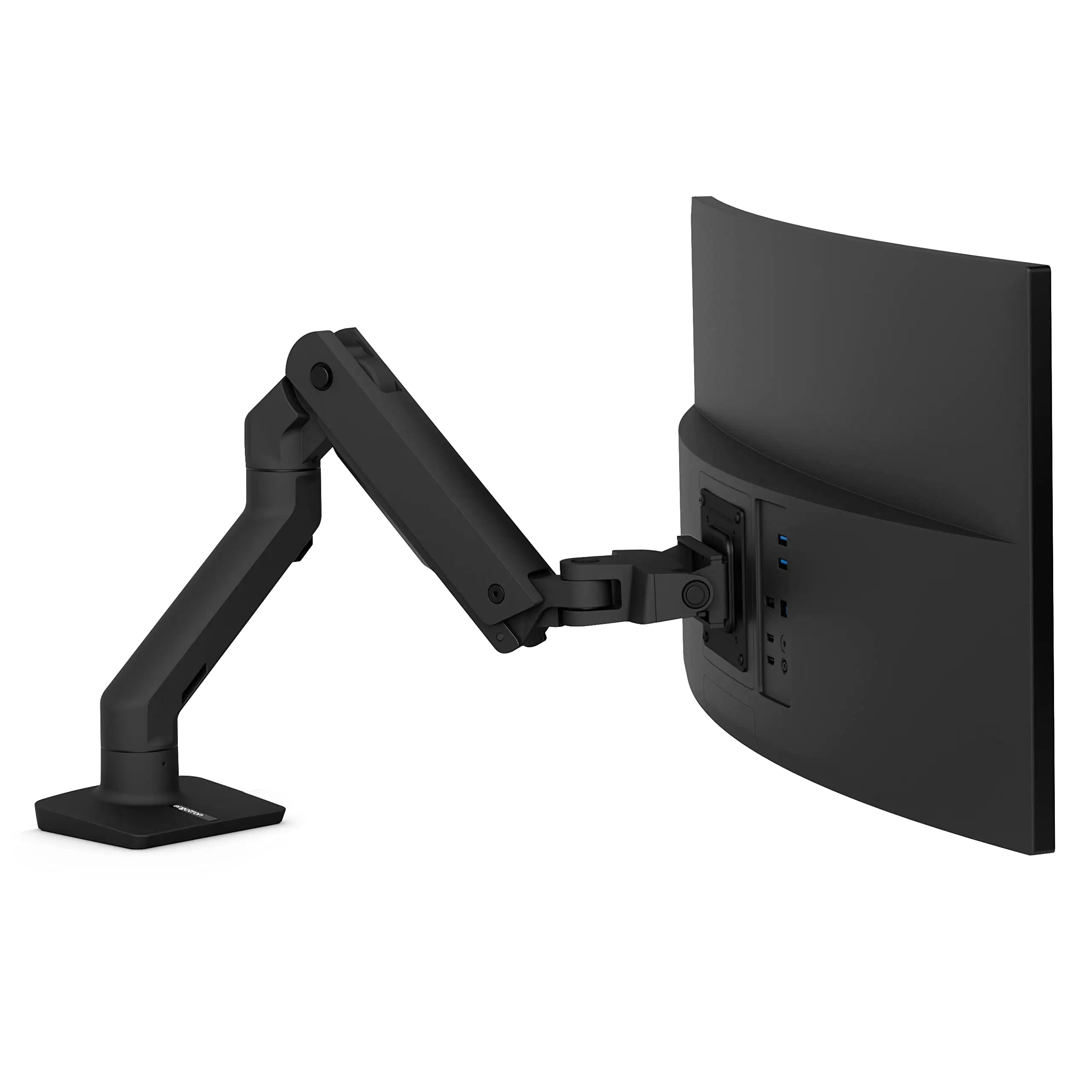
For gamers and workstation builders, the heavy-duty tilt pivot is transformative. A Reddit enthusiast explained how it handles curved weight distribution: “Curved monitors feel heavier because the force isn’t directly over the stand… this premium arm stands rock-solid.” Its Constant Force™ tech ensures finger-tip control even online, where ergonomic positioning for sit/stand desks matters.
Warranty and support also bolster trust. One Amazon buyer who battled a sagging tilter got “plenty strong replacement… kudos to them, they constantly kept in touch.” That reliability reassures pros investing in multi-monitor setups knowing upgradability (optional triple bow kits) is possible without replacing the core arm.
Common Complaints
The steep cost — regularly $300-$350 — is the chief gripe, especially when budget competitors claim similar capacities. “A basic monitor arm costs literally one-tenth the price… you’re paying for brand name and unique capacity,” said one skeptical G9 owner. For smaller screens (under 34"), many users concede cheaper arms perform adequately.
Installation hurdles hit solo buyers of massive ultrawides hardest. Without another person, lifting and aligning a 49” curved display to the mount is challenging. The design demands precise engagement of the VESA plate with the arm slot and bolts, a safer two-person task.
Rotation limitations also frustrate some. By default, the base is capped at 180°, restricting lateral swing. “It’s puzzling because you can rotate 360° by removing the set screw… but risky without knowing why they limited it,” reported one buyer. And depth movement falls short of advertised numbers unless angled off-center — limiting flexibility in narrow desk spaces.
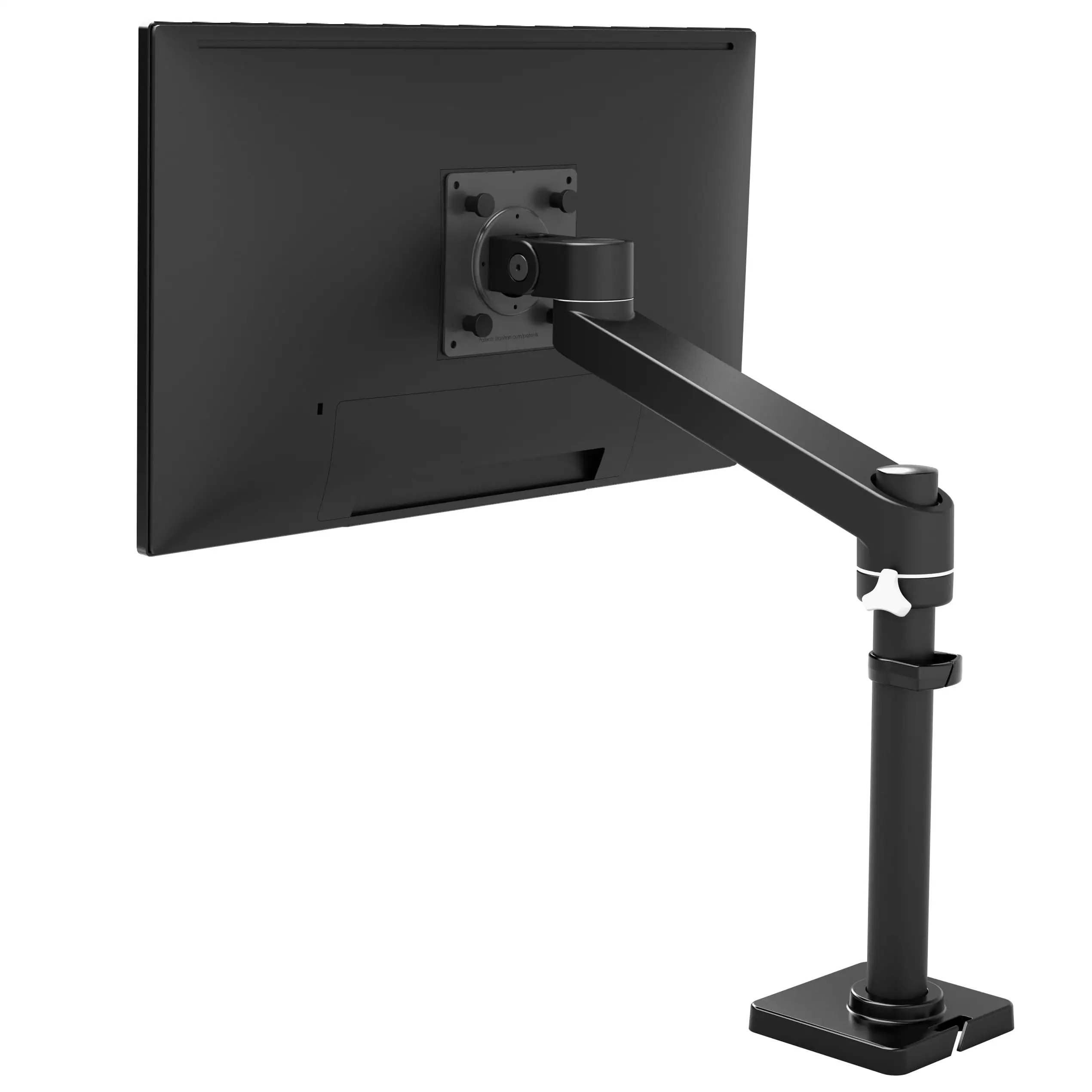
Cable management complaints are near-universal. Many dislike exposed sections and cheap velcro ties, contrasting with the premium arm’s otherwise high-grade finish.
Divisive Features
The HX’s ability to handle weights beyond spec surprises, but opinions split on whether this overperformance is sustainable. Anthony Garreffa wrote about mounting a 15.5 kg Asus ROG Strix monitor “without a problem,” exceeding recommended 8 kg — some cheer its resilience; others caution against long-term strain.
Aesthetic tastes divide as well. Polished aluminum and white versions delight art professionals for their clean look, while matte black blends with gaming rigs. Yet, mismatched workspace color schemes spur debates, showing that for $300+, buyers weigh visual integration heavily.
Trust & Reliability
Durability stories stretch years: “Friend has had hers for years and it’s still going strong,” said one Trustpilot review. Mechanical wear issues, like tilter sag, are handled well under warranty, cementing Ergotron’s responsive support reputation.
No scam or counterfeit trends appear in verified channels — price shocks come from genuine units. On resale markets like eBay, open-box HX arms hold value, often selling above $270, reflecting strong second-hand confidence.
Alternatives
VIVO’s V101G1 appears in discussions as a cheaper alternative rated up to 33 lbs. Reddit users admit these can suffice for sub-40" displays, but “for large monitors, this can’t be beat” remains the refrain for HX. AVLT’s DM42, budget-rated for 38" ultrawides up to 33 lbs, wins praise in 38" setups — but those with 49" behemoths stick to Ergotron for guaranteed performance.
Price & Value
At $346 on Amazon and ~$280–$320 in open-box resale, the HX commands a price far above common monitor arms. Its resale retention supports perceptions of lasting value; buyers recoup 80–90% of cost in private sales. Community buying tips emphasize patience: watch for rare discounts or bundle purchases including the HD tilt pivot to avoid aftermarket accessory costs.
FAQ
Q: Can it hold the Samsung Odyssey G9 without extra parts?
A: Not by default. Buyers must purchase the HD tilt pivot accessory or buy the HX model bundled with it for safe, long-term support of ultracurved 49" G9 displays.
Q: Is setup truly doable solo for large monitors?
A: Possible but difficult. Heavier ultrawides are awkward to align single-handed; most users recommend a second person for lift and mounting, especially with curve depth factors.
Q: Does it work on standing desks?
A: Yes. Sit/stand desk users praise its smooth vertical adjustments via Constant Force™, making repositioning effortless through daily height changes.
Q: Can rotation be unlocked to 360°?
A: The base includes a stop screw limiting swing to 180°. Removing it allows full rotation but risks unknown stresses — proceed only if necessary.
Q: How is cable management?
A: Functional but unattractive. Uses velcro straps and plastic sheaths, which some users replace with aftermarket solutions for cleaner aesthetics.
Final Verdict
Buy if you’re a heavy ultrawide or curved monitor user seeking uncompromising stability, smooth ergonomic adjustments, and long-term warranty backing. Avoid if your displays are under 34" or you need budget-friendly mounting — cheaper arms can suffice there. Pro tip from the community: if going G9 or similar, get the HD tilt pivot bundle upfront to save cost and hassle later.





