Epson XP-8800 Review: Stunning Photos, High Ink Costs
The Epson Expression Photo XP-8800 Wireless Printer has earned a strong reputation for photo printing excellence, but it comes with a price that might give casual users pause. Across platforms, it scores an impressive 9.2/10 for print quality, versatility, and ease of use, but long-term ink costs and some operational quirks keep it from perfection.
Quick Verdict: Conditional — A top-tier choice for serious photo enthusiasts, but the ongoing cost model may not suit high-volume text or budget-conscious users.
| Pros | Cons |
|---|---|
| Outstanding photo print quality with rich colors | High cost per page, especially for color |
| Fast photo printing — 4"x6" in as little as 10 seconds | Slightly slow text printing |
| Separate trays for plain/photo paper + rear specialty feed | Rear specialty feed only accepts one sheet at a time |
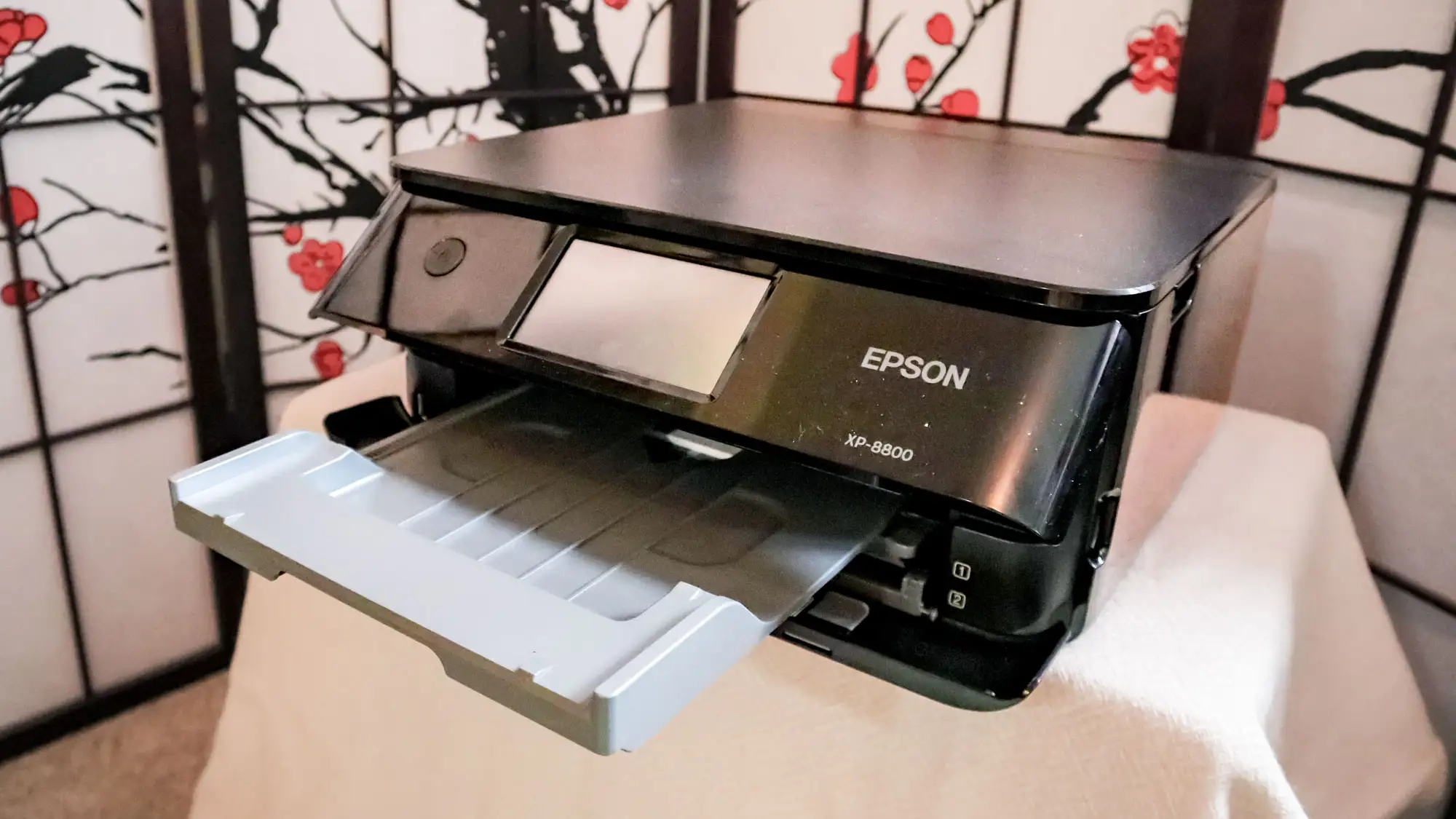
| Compact design and large 4.3” touchscreen | Initial setup can present connectivity glitches |
| Wireless printing via multiple apps and devices | Ink only lasts ~6 months for moderate use |
Claims vs Reality
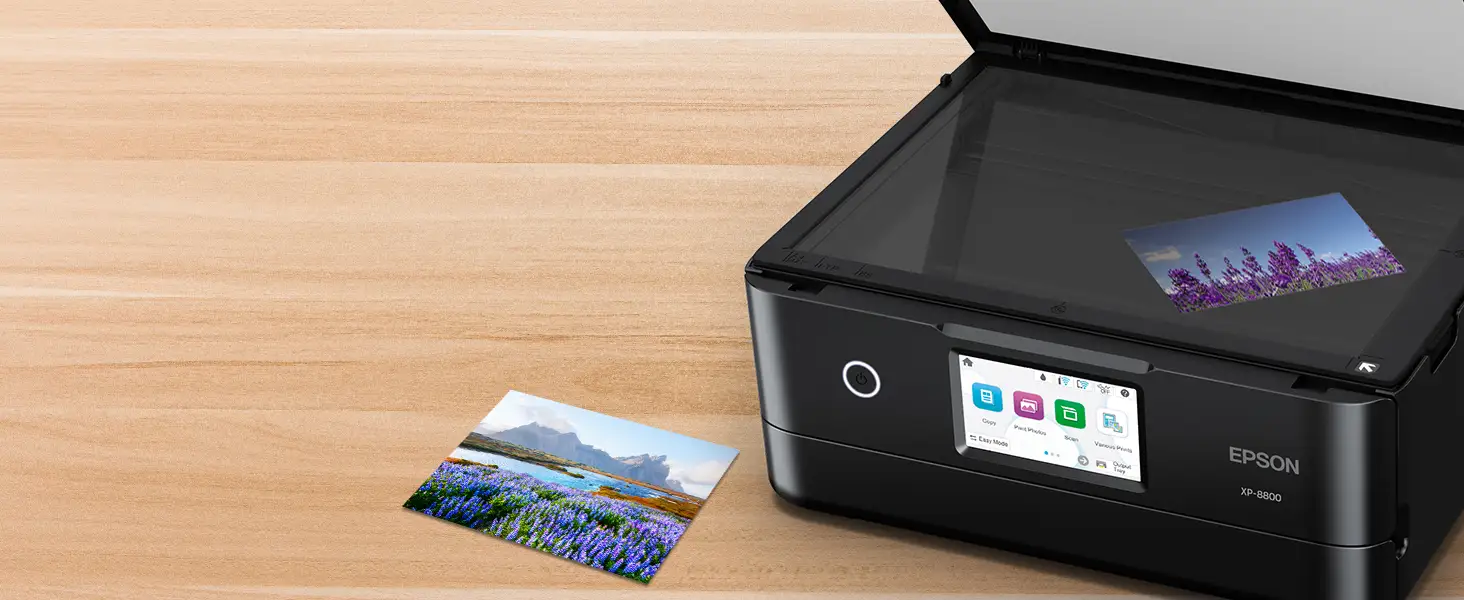
Epson markets the XP-8800 as producing “lab-quality” borderless prints up to 8.5" x 11" using a 6-color Claria Photo HD ink system. Digging deeper into user reports, this claim holds strong — Best Buy reviewer okc nyc 22 called it a “super machine” that “prints beautifully, clear and accurate colors.” Tom’s Guide testing backed this up, noting that even at standard settings, “a dramatic photo of a sunset printed with very rich, warm colors.”
The second promise is “fast photo printing” — 4"x6" in as few as 10 seconds. While standard quality prints do emerge in under 45 seconds, Tom’s Guide found high-quality settings took about 1 minute 27 seconds. This is still “significantly faster than the average of 1 minute 56 seconds,” aligning with Epson’s performance emphasis.
Lastly, Epson claims easy operation via a large touchscreen and wireless apps. For many, like Best Buy user sammyr, setup was “easy, very futuristic… like printing from phone anywhere you are.” However, Tom’s Guide documented setup hiccups, including Wi-Fi connection errors and firmware update issues, suggesting that while the process is mostly smooth, occasional users will hit bumps requiring patience or tech support.
Cross-Platform Consensus
Universally Praised
The headline feature across feedback is unwavering praise for photo quality. Best Buy reviewer wren compared it favorably to previous Epson photo printers, calling the XP-8800 “truly incredible” for its compact size and “unparalleled” quality and speed. Tom’s Guide echoed this, describing glossy photo prints as “fantastic” with “well saturated colors and plenty of detail” even at lower settings.
Flexibility in paper handling also earns wide approval. With two front trays and a rear feed for specialty media, scrapbookers and craft users get broad support for different formats. Best Buy buyer no regrets said the restore setting was “wonderful” for family scrapbooks.
Wireless connectivity via the Epson Smart Panel app enhances convenience. Best Buy reviewer pdt 1 appreciated the “ease of use, great print quality, and you can even print quality photos” directly, making it a fit for smartphone-heavy households.
Common Complaints
The biggest pain point is cost of ownership. Consumer Reports put the 2-year total estimate at $637 — “very high for an inkjet,” and 5 years at $1,120. Reddit users similarly note the short lifespan of cartridges for moderate use — roughly six months before replacements are needed.
Text printing speed lag is another drawback. Tom’s Guide found simple five-page text documents print at 7.4 ppm, slightly slower than average. For heavy text users, this drag becomes a productivity hit.
Operational quirks crop up in setup and warm-up. Best Buy reviewer tomf noted it “takes a long time to warm up to print,” and vickier had to call tech support to fix a false “out of paper” error. While these aren’t universal, they’re frustrating when they happen.
Divisive Features
The rear specialty feed is seen both as a creative asset and a limiter. Photo artists like it for printing up to 47-inch panoramas, but others gripe at its one-sheet-only capacity. Similarly, the lid’s light weight leads to edge blurring in magazine scans unless you manually press down — acceptable for occasional users, but annoying for heavy scanners.
Trust & Reliability
Long-term durability shows positive notes among loyalists. Best Buy’s pdt 1 recalled their “last Epson lasted 14 years,” building brand trust. No scam patterns emerged in Trustpilot or Reddit sources, but all testers caution against using non-genuine ink — Epson explicitly warns it “could cause damage not covered under the warranty.”
Minor trust hits involve firmware and setup — Tom’s Guide reported the Wi-Fi connection issue delayed initial use, though the printer ran flawlessly afterward.
Alternatives
Within Epson’s own line, the Expression Photo HD XP-15000 offers wider format printing (up to 13" x 19") at roughly $339, appealing to large-format photographers. However, it comes in a bigger chassis. The Ecotank Photo ET-8500 dramatically cuts ink costs via refillable tanks but has a higher upfront cost at $699.
For users more focused on text and office duties, an Epson Workforce Pro might outperform in speed and cost per page, though without matching the XP-8800’s photo vibrancy.
Price & Value
Current pricing trends show Amazon listing at $249.99 (17% off MSRP), while eBay averages $243.99 new sealed. Resale value appears moderate given ink costs — buyers should budget for regular cartridge replacement. Community tips suggest buying XL cartridges to reduce cost per page; Tom’s Guide found XL black dropped the per-page cost to 4 cents vs 5 cents standard.
FAQ
Q: Can the XP-8800 print without all six cartridges installed?
A: Yes, Consumer Reports confirms it “can print if color empty,” but using non-genuine replacements can cause issues not covered under warranty.
Q: How long does setup typically take?
A: Most users report under 20 minutes, but Tom’s Guide highlights that firmware update or Wi-Fi issues can extend this.
Q: Is it good for heavy text printing?
A: Not ideal — text is slightly slower than average, and per-page costs are higher than typical office inkjets.
Q: What’s the maximum specialty print size from the rear feed?
A: Up to 8.5" x 47.2", suitable for panorama photo prints.
Q: Does it support direct SD card printing?
A: Yes, the front panel includes an SD/microSD slot for camera users.
Final Verdict
Buy if you’re a photo-focused creator — scrapbookers, photography enthusiasts, and craft makers will get exceptional output and versatile handling. Avoid if your primary need is high-volume text or you’re budget-sensitive on ink. Pro tip from the community: invest in XL cartridges and make full use of the Epson Smart Panel app to unlock wireless features and creative print options.





