Epson DURABrite Ultra T288 Ink Review & Buyer Verdict
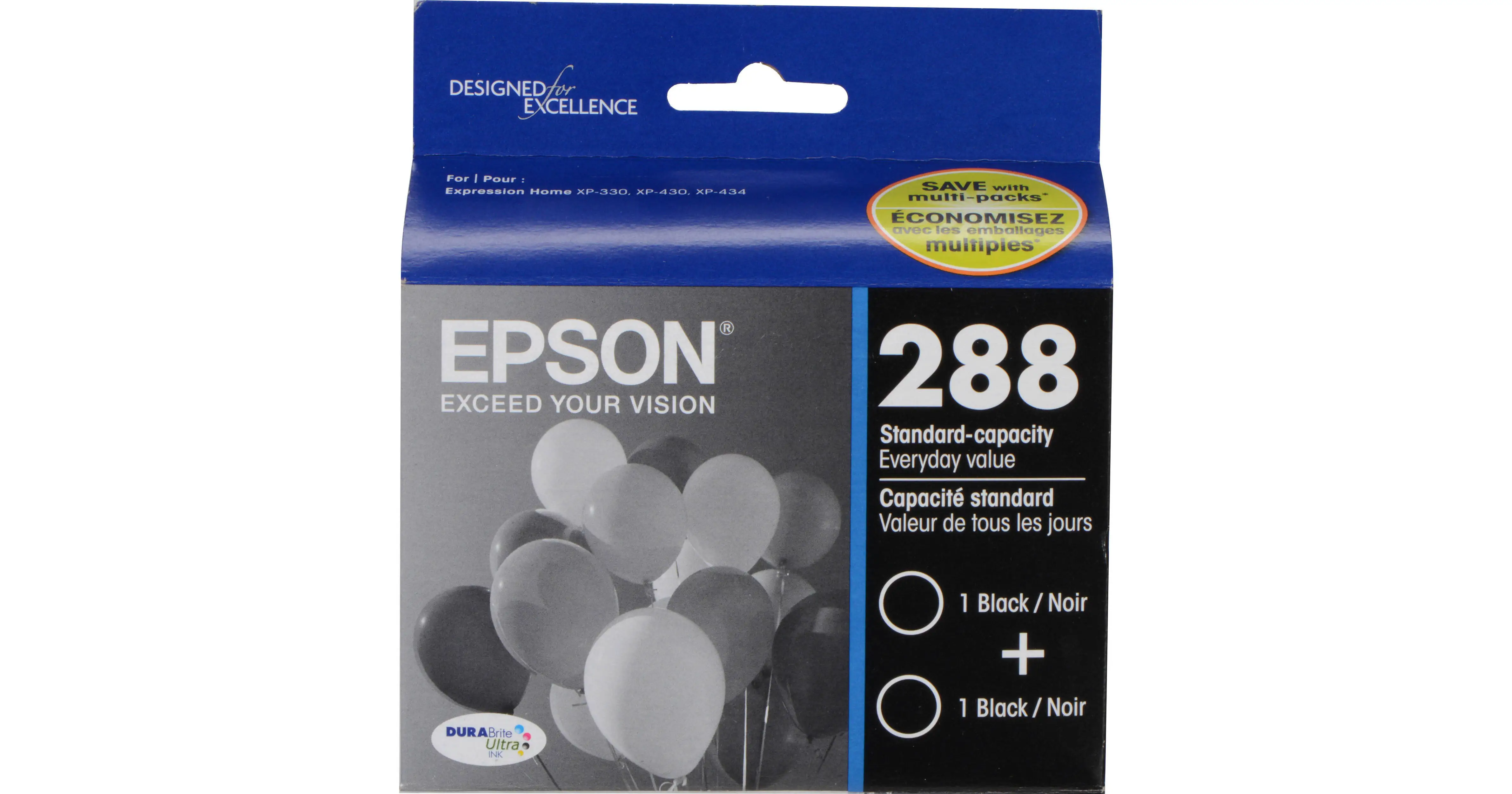
A verified buyer once remarked that the Epson DURABrite Ultra Ink Black Cartridge Pack (T288120-D2) “lasts quite awhile… very clear, doesn’t smudge.” With an average rating hovering between 4.5 and 4.9 stars across major retailers, the consensus points to strong performance—yet scattered reports of frustratingly short lifespans and printer lockouts prevent a perfect score. Overall verdict: 8.7/10 for quality and ease of use, but with caution regarding page yield expectations.
Quick Verdict: Conditional Buy
| Pros | Cons |
|---|---|
| Sharp, smudge‑resistant print quality | Some users report very low actual yield |
| Easy installation | High price for standard capacity |
| Long‑lasting pigment ink for archival storage | Printer locks if any color cartridge is flagged empty |
| Works reliably in compatible Epson XP models | Shipping delays can dry out ink before use |
| Widely available from major retailers | Common warnings about firmware controlling ink usage |
| Individual cartridge replacements | Occasional clogging if printer sits idle |
Claims vs Reality
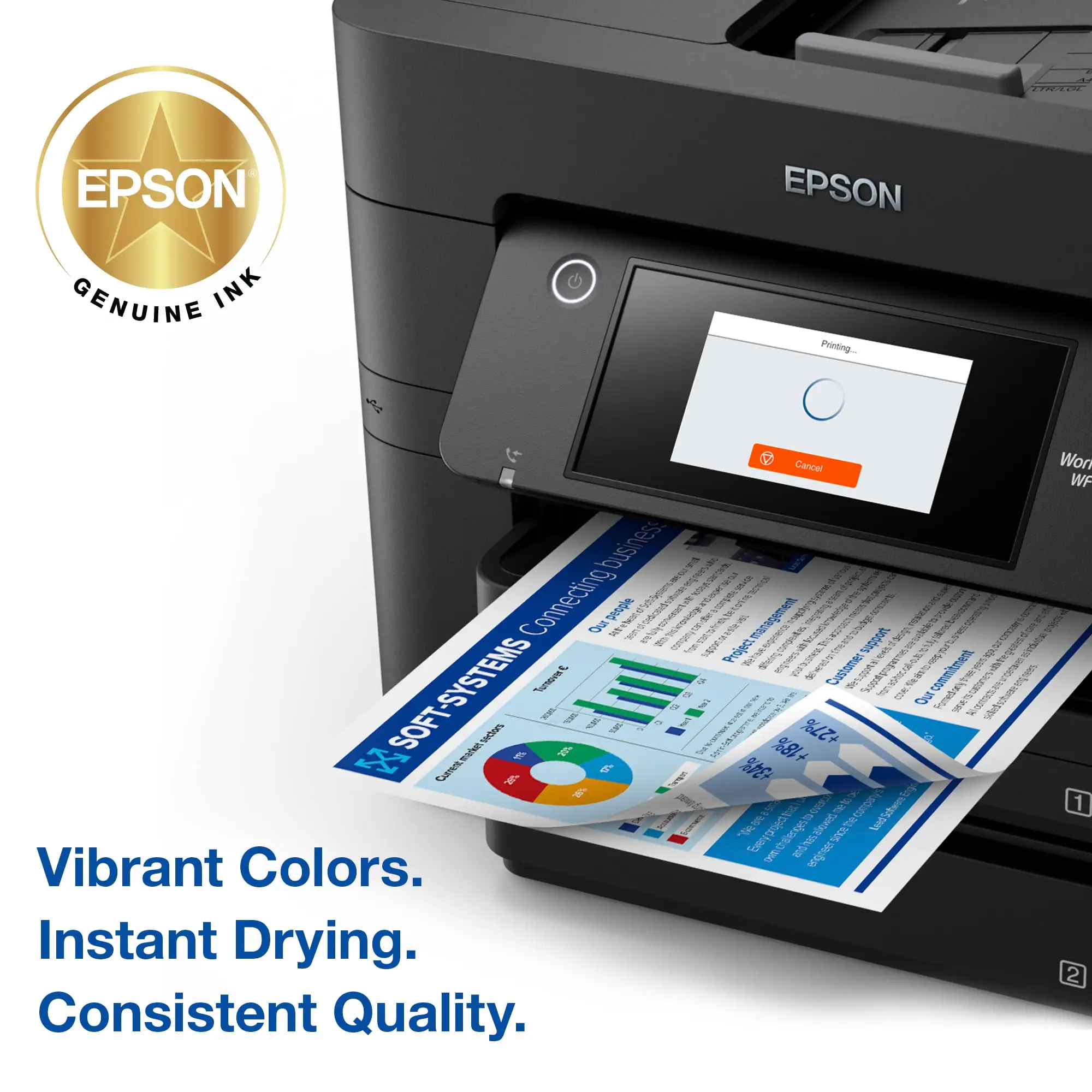
Marketing emphasizes “bold and sharp text,” “smudge-, fade-, and water-resistant prints,” and yields “up to 175 pages” per standard black cartridge. While these claims resonate with many buyers, daily experiences show a more complex reality.
One Best Buy reviewer celebrated the advertised durability: “Ink works great… lasts a good amount of time!” This matches Epson’s pitch of longevity and crisp output, particularly for documents stored long term. Pigment technology indeed offers fade resistance, echoed by a Walmart buyer noting, “they last pretty well as far as color, fade, longevity.”
Yet yield claims are disputed. While 175 pages is the official spec, a Walmart customer complained, “It needed to be replaced after 7 pages… horrible quality and expensive cost for 7 pages.” Others suspect the printer reports low ink prematurely due to embedded chips—a point raised in a stinging comment: “I’m constantly reminded… am I really low, or is this just Epson wanting to make money?”
The marketing's “fast and reliable printing” holds true for active users—the instant‑dry formula pleases office workers who handle high‑volume print jobs—but for intermittent users, reports of clogs suggest downtime affects performance far more than Epson admits.
Cross‑Platform Consensus
Universally Praised
Consistency in print quality emerges as the top compliment. Office Depot buyers praise “brilliant results on plain and glossy photo paper.” For home users producing legal documents or marketing materials, pigment accuracy and water resistance are invaluable. One verified Best Buy customer summed it up: “Good printing quality, lifetime, and easy to install and use.”
Ease of installation is another plus. Across Amazon, Walmart, and Best Buy, comments like “very easy to replace new with old” and “easy ordering—great service” dominate. For occasional printers, this means less hassle getting the machine back online.
Finally, the ink’s archival stability wins over scrapbooking and photography enthusiasts. A Walmart reviewer said their prints “last pretty well… they don’t smear,” highlighting the advantage for anyone storing prints for years without degradation.
Common Complaints
Yield disputes are the most corrosive point in community sentiment. While many reach or exceed the 175‑page claim, others see far shorter lifespans. The complaint of “13 times of cleaning the print head and now I’m low on ink” from a Walmart buyer underscores how maintenance can quickly burn through reserves.
Printer lockout frustrates multi‑cartridge owners. If one color empties, black‑only printing is often blocked. A scorned Walmart reviewer described it as “big brother nightmare… the printer won’t even print in black if Epson says I need a new color cartridge.”
Idle printers also risk clogging; pigments settle over time, requiring nozzle cleaning that eats into yield. This disproportionately affects casual home users who print sporadically.
Divisive Features
Price splits opinions. Some see it as fair given performance—“very good product for the price” per a Best Buy buyer—while others deem it inflated, especially when real‑world page counts fall short. Similarly, reliance on genuine Epson ink polarizes buyers: enthusiasts tout reliability, while budget‑minded users resent the brand’s lockout of third‑party cartridges.
Trust & Reliability
Long‑term patterns show genuine Epson ink maintains output quality over multiple years, provided printers are kept active. One Walmart user noted using their XP‑440 for almost four years with reliable colors “for just about any job.” Best Buy feedback often references repeat purchases without incident.
On the trust front, skepticism surrounds Epson’s firmware updates and low‑ink prompts. Some feel the monitoring system exists purely to force frequent replacements, warning that “chips in the cartridges are another way of Epson controlling you.”
That said, purchasing from major outlets like Best Buy, Office Depot, and Walmart mitigates counterfeit risks—no widespread reports of fakes or scams emerged in community threads.
Alternatives
Competitors in the pigment ink space include Epson’s own XL capacity cartridges (T288XL120‑S), offering up to 500 pages. This option suits heavy users: higher upfront cost but potentially lower cost per page. The debate mirrors standard versus extended‑capacity for other brands—those printing less may find XL cartridges expire before use, negating savings.
Off‑brand compatible cartridges are mentioned but cautioned against. A Best Buy customer abandoned discounts after “cheap ink… stopped working… realized I always should buy ink I can really trust.”
Price & Value
Current pricing varies sharply: $24.99 for a dual pack at Epson’s US store and Best Buy, $36.24 at specialty retailers, $19.99 on eBay plus shipping. XL variants increase cost but reportedly extend yield.
Community advice leans toward sales events—one Best Buy buyer called their Black Friday purchase “a very good deal.” Bulk buys or combo packs are favored for avoiding mid‑project shortages, though warehouse storage times risk shipping delays that dry out cartridges, as one Walmart reviewer experienced.
FAQ
Q: Does the Epson 288 ink really yield 175 pages?
A: Officially yes, but yield varies. Continuous printing with minimal maintenance may match specs, whereas frequent cleaning cycles or intermittent use can drop yield sharply.
Q: Can I print only in black if colors run out?
A: Many users report the printer blocks black‑only printing when a color cartridge is empty, due to Epson’s chip management.
Q: How long will prints last in storage?
A: Pigment ink in this cartridge can last over 100 years in album conditions, making it suitable for archival documents and photos.
Q: Are third‑party inks worth trying?
A: Feedback warns of compatibility issues and malfunctions—many revert to genuine Epson after poor experiences with off‑brand substitutes.
Q: Will unused cartridges dry out before use?
A: Yes, especially if stored in hot or dry environments or subject to delayed shipping. Buy fresh from high‑turnover retailers to minimize risk.
Final Verdict: Buy if you need sharp, durable prints and own a compatible Epson Expression XP printer. Avoid if you dislike strict cartridge lockouts or have very low printing volume prone to clogging. Pro tip from community: Time purchases around sales, store cartridges sealed, and run a test print weekly to preserve nozzle health.