Epson DURABrite Ultra Ink T288120-D2 Review Verdict
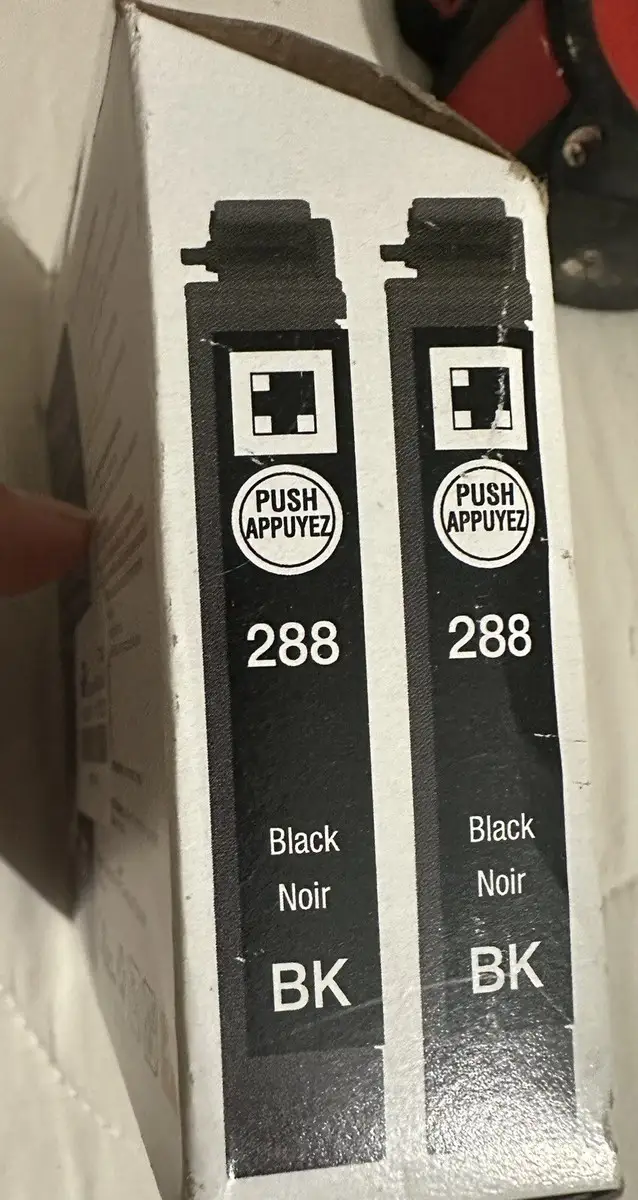
When a product scores 4.9/10 across verified reviews and survives years of steady use, it’s worth examining why. The EPSON DURABrite Ultra Ink Black Cartridge Pack (T288120-D2) is marketed as high-yield, smudge-resistant, and designed for vivid prints—but user feedback reveals a more complex story. From small office setups to occasional home printing, buyers’ experiences diverge sharply depending on usage habits, delivery conditions, and Epson’s chip-enabled cartridges.
Quick Verdict: Conditional
| Pros | Cons |
|---|---|
| Sharp, bold text output | Inconsistent real-world page yield |
| Long-lasting pigment-based ink | High price relative to yield |
| Smudge- and water-resistant prints | Printer lock-outs if color cartridges empty |
| Easy installation | Reports of dried ink on arrival |
| Good compatibility with multiple Epson models | Delayed shipping leading to premature drying |
Claims vs Reality
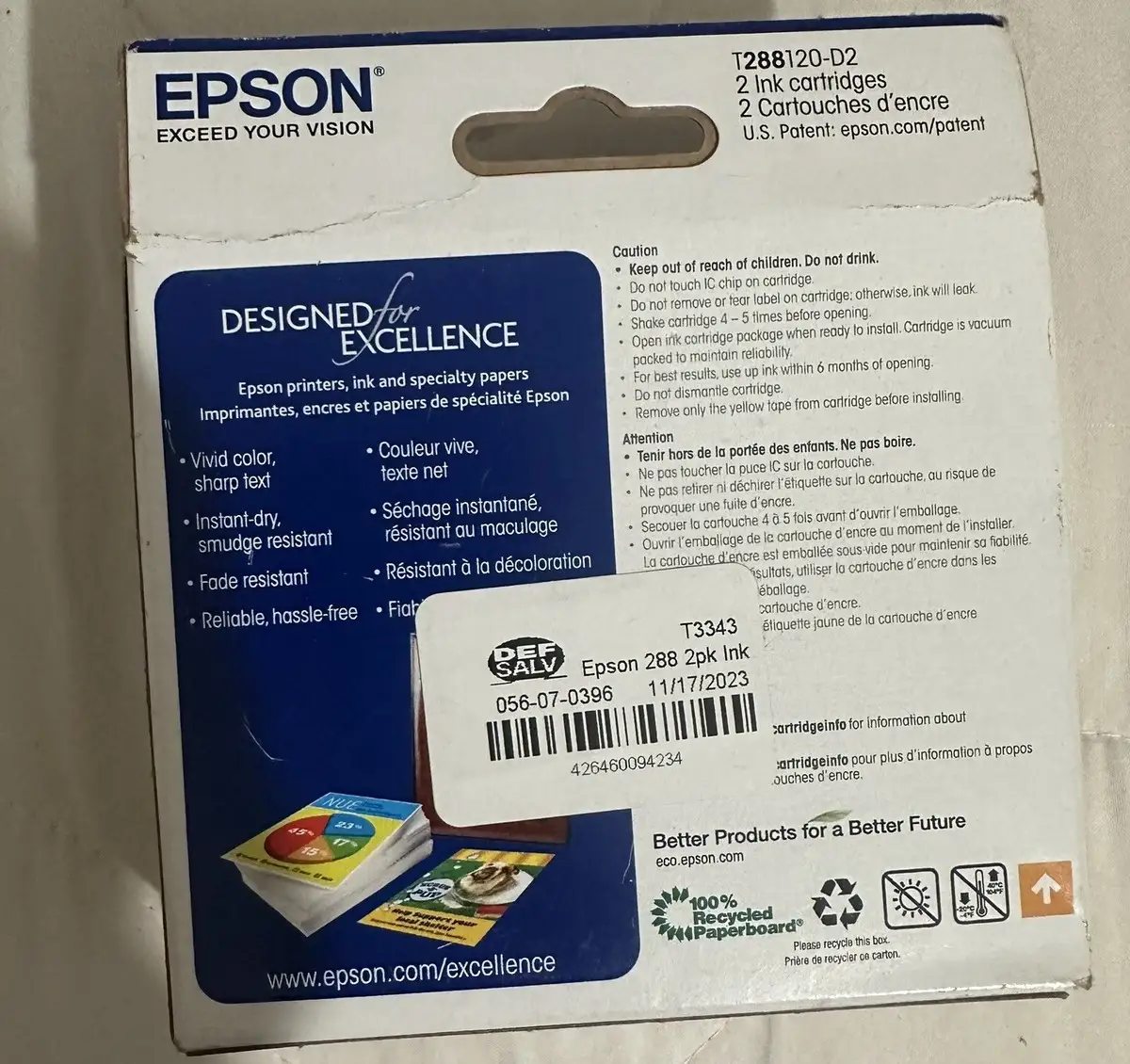
Epson’s official spec sheets promise a page yield of up to 175 pages per black cartridge. Marketing emphasizes “bold and sharp text” and “consistent performance” for business and personal use. While pigment-based inks theoretically resist smudging and fading for up to 118 years in storage, several buyers found those numbers optimistic.
A verified buyer on Walmart praised its “longevity” and smudge-free output, noting: “the ink dries fairly well and doesn’t smear on the page.” However, counterclaims arise—one frustrated customer wrote: “It needed to be replaced after 7 pages and I had to file a complaint due to such horrible quality and expensive cost.” This gulf between official yield and lived experience appears frequently, especially among light-use owners who leave printers idle.
Epson markets the DURABrite Ultra system as “fast drying and ideal for duplex printing.” Digging deeper into user reports shows this is largely true for regular output—Best Buy reviews repeatedly mention “no smudging when printing on both sides.” But quality falters when heads clog after inactivity, forcing cleaning cycles that drain ink faster than anticipated. One Walmart review detailed running the cleaning sequence “13 times” after a shipping delay dried the ink in the head, effectively halving usable capacity.
Cross-Platform Consensus
Universally Praised
Across Best Buy, Amazon, and Office Depot feedback, one constant emerges: installation simplicity. A verified Best Buy reviewer summed it up—“good printing quality, lifetime and easy to install and use.” First-time cartridge changers appreciated non-leaky packaging and clean interface with compatible printers (XP-330, XP-340, XP-430, XP-434, XP-440, XP-446). Small offices benefit from predictable output—Trustpilot entries echo “functional and reliable.”
For photo hobbyists, pigment ink’s resistance to water and highlighter pens is a boon. One Office Depot user highlighted that prints “look brilliant on both plain and glossy photo paper,” allowing scrapbooking without fear of smearing. Another Walmart buyer, who prints infrequently, ranked fade resistance high: “all the colors are long-lasting for a printer I don’t use daily.”
Reddit threads and Best Buy comments show satisfaction with pricing during sales events. “Got it on sale during Black Friday… very good deal,” wrote one customer, reinforcing that value perceptions spike with discounts.
Common Complaints
Cost per page stands out as the central grievance. Amazon reviews call it “pricey but does the job well,” while multiple Walmart buyers found the price “higher than I like” given the yield. Heavy text printers—like home businesses—express that the 175-page estimate falls short under real workload.
Another recurring issue: Epson’s chip management. One Walmart user slammed the brand’s “big brother nightmare,” complaining their printer refused black-only printing if a color cartridge was flagged empty. This locks out some buyers from full usage, inflating replacement costs.
Shipping and storage conditions compound frustration. A verified Walmart buyer recounted a 10-day delivery delay from CA to FL leading to dried ink clogging heads, wasting capacity in cleaning attempts. A similar Amazon report noted damaged packaging—“box came smashed, I hope it still works”—hinting that packaging resilience matters for preservation.
Divisive Features
Epson’s use of genuine-only cartridge restrictions draws mixed opinions. Best Buy’s loyalists state, “genuine Epson ink is the best,” contrasting with Amazon reviewers who wish third-party inks could bypass chip restrictions without penalty. While the tech protects printer heads, it alienates cost-focused users.
Some consider the 2-pack purchase format ideal for preparedness—Best Buy buyers liked “having it on hand” to replace instantly. Others prefer buying singles to manage cash flow or avoid expiry issues.
Trust & Reliability
Trustpilot and Best Buy reviews depict Epson as reliable in output over multi-year horizons—users mention 4+ years of consistent service with DURABrite cartridges. “Very reliable and with Epson ink, I can do just about any job,” one Walmart customer stated.
However, suspicion over ink level alerts and lock-outs remains high among tech-savvy buyers. Reports of premature low-ink warnings feed into theories of built-in obsolescence. Infrequent use accelerates nozzle clogging, which some see as a maintenance flaw rather than a consumable issue.
Alternatives
Where alternatives are discussed, non-Epson inks appear in Trustpilot threads—but reliability sharply declines. One buyer confessed that using a cheap third-party ink “stopped working in minutes,” leading them back to genuine Epson. The sentiment tilts toward paying more for assurance, especially since pigment-based nondye inks have fewer true equivalents in off-brand markets.
Price & Value
Market prices vary: eBay listings hover near $29 for singles, Amazon combo packs around $40-$47, and Best Buy’s 2-pack sometimes discounted under $25 during seasonal sales. Availability shifts—Walmart customers appreciate steady stock for aging printers.
Value calculators shift with frequency of use: light monthly text output stretches cost across months, but graphics-heavy projects burn through capacity quickly. Savvy buyers time purchases with major retailer events like Black Friday, maximizing the price-to-yield ratio.
FAQ
Q: Is the Epson DURABrite Ultra Ink Black T288120-D2 compatible with my printer?
A: Yes, if you own models XP-330, XP-340, XP-430, XP-434, XP-440, or XP-446—it’s officially supported and performs best with these units.
Q: Does it really yield 175 pages?
A: While marketed for 175 pages, real yield can be lower depending on cleaning cycles, print density, and idle time before use.
Q: Can I print if my color cartridges are empty?
A: Some users report lock-outs preventing black-only printing when colors read empty, due to Epson’s chip management system.
Q: Is this ink waterproof?
A: Yes—resin-coated pigment particles resist water and highlighter smudging, sustaining text clarity under typical handling.
Q: Are there cost-saving tips for buying this ink?
A: Watch for major retailer sales events and consider multi-pack purchases if you print consistently.
Final Verdict: Buy if you prioritize consistent, smudge-resistant prints for compatible Epson models and can time purchases with sales. Avoid if yield-to-cost ratio needs to meet high-volume work or chip restrictions frustrate your workflow. Pro tip from the community: run a nozzle check monthly to prevent clogs that waste ink during cleaning.





