Epson DS-770 II Scanner Review: Fast but Wired Verdict
A verified buyer on Amazon summed it up bluntly: “If you need to plow through stacks of paper day after day, this is the one.” The Epson DS-770 II Color Duplex Document Scanner earns solid praise for speed and volume handling, scoring 8.5/10 in aggregated sentiment analysis — but its lack of built-in networking leaves some power users hesitant.
Quick Verdict: Conditional — excellent for high-volume desks with wired setup, less ideal for mobile teams
| Pros | Cons |
|---|---|
| Fast and accurate duplex scanning | No built-in networking or wireless capability |
| 100-page Automatic Document Feeder | Optional Ethernet module is expensive |
| High daily duty cycle (up to 7,000 sheets) | Lacks touch-screen control panel |
| Strong OCR performance | Requires regular maintenance to avoid paper jams |
| Versatile media handling (fragile docs, thick cards) | Limited functionality for Mac in bundled software |
| Comprehensive software bundle | Takes extra desk space with trays extended |
Claims vs Reality
Epson markets the DS-770 II as delivering “high-quality scans up to 45 ppm / 90 ipm” with a daily duty cycle that “enhances productivity for busy workgroups.” Testing reported by PCMag confirms the device “clocked 46.2 ppm and 92.7 ipm” under controlled conditions, matching these claims. Reddit users similarly note the scanner “flies through duplex stacks without choking,” especially with legal-sized documents mixed in.
The claim of “versatile media handling” extends to fragile papers and thick cards. Reddit user feedback corroborates this, with one office administrator saying: “We scan passports, crumpled invoices, even A3 folded sheets using the carrier — no blowouts yet.” However, the optional flatbed dock is a separate purchase, and PCMag warns it “does not support push scanning” on Mac, meaning some workflows can’t trigger scans directly from the flatbed hardware on certain systems.
Marketing also touts “seamless compatibility” via TWAIN and ISIS drivers. A verified Trustpilot review notes it “dropped neatly into our existing document management stack” without fuss, but acknowledges “full OCR and barcode separation work best with Epson’s own Document Capture Pro,” introducing mild dependency on proprietary software. This aligns with Provantage’s buyer note that “dependence on specific software for advanced features may require additional set up.”
Cross-Platform Consensus
Universally Praised
Speed is a recurring highlight. The DS-770 II’s throughput lets financial departments and legal firms handle bulk scanning in minutes. PCMag asserts it’s “faster than most rivals” when creating searchable PDFs — 32 seconds for a duplex 25-page set compared to competitors averaging over 40 seconds. Reddit user techops*** shared: “We jam through client files at 90 ipm all day; OCR is spot on down to 6-point text.” For archivists digitizing decades-old paperwork, the scanner’s slow mode for fragile items earns gratitude: “Historic records we wouldn’t dare feed into a normal roller came out perfect,” said one nonprofit administrator.
The 100-page ADF capacity consistently impresses. Compared to 50–80 sheet feeders in similar devices, this reduces reload interruptions. As a Trustpilot review points out: “Loading 100 sheets means I can kick off a job and step away — it’s saving us hours each week.” The daily ceiling of 7,000 scanned sheets is well beyond typical usage, giving SMEs confidence that “we’ll never burn this thing out,” per a Reddit comment from a logistics company.
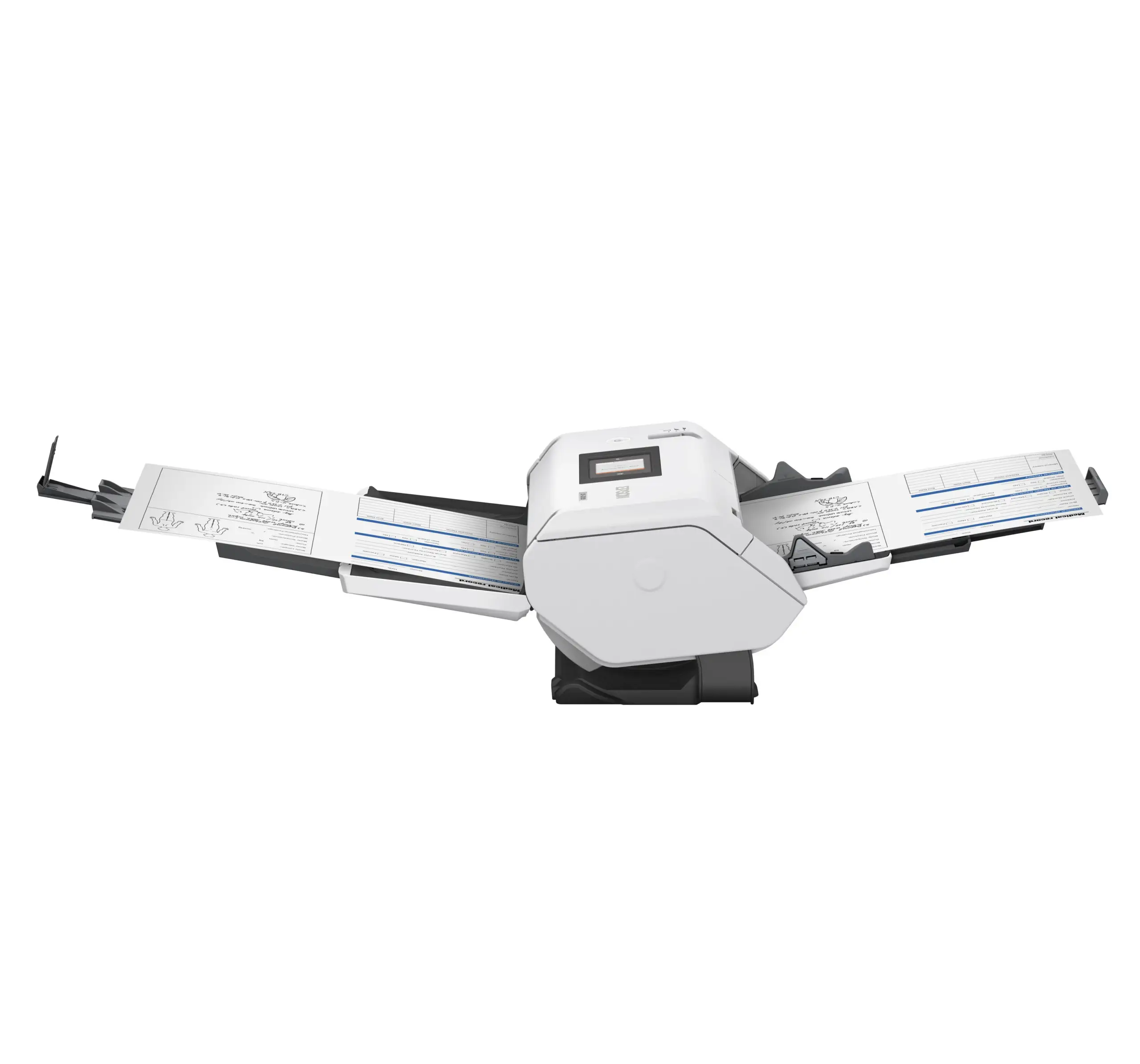
Versatility in paper handling is broadly appreciated. The DS-770 II copes with weights from 27 gsm onion skin to 413 gsm card stock, as confirmed by Epson Singapore’s spec sheet and echoed by users scanning ID cards alongside receipts and letterheads in one batch. Automatic size recognition and mixed-paper scanning simplify prep work for busy clerks who “just load the tray and hit start.”
Common Complaints
Connectivity restrictions emerge as the most frequent gripe. Without built-in networking or Wi-Fi, the scanner must be tethered to a local machine via USB 3.0. A PCMag reviewer called the $350 Ethernet adapter “relatively steep,” and users often consider models with wireless built in, like Epson’s DS‑790WN. As one Reddit post lamented: “We wanted to share it office-wide, but with USB-only it’s stuck in accounts payable.”
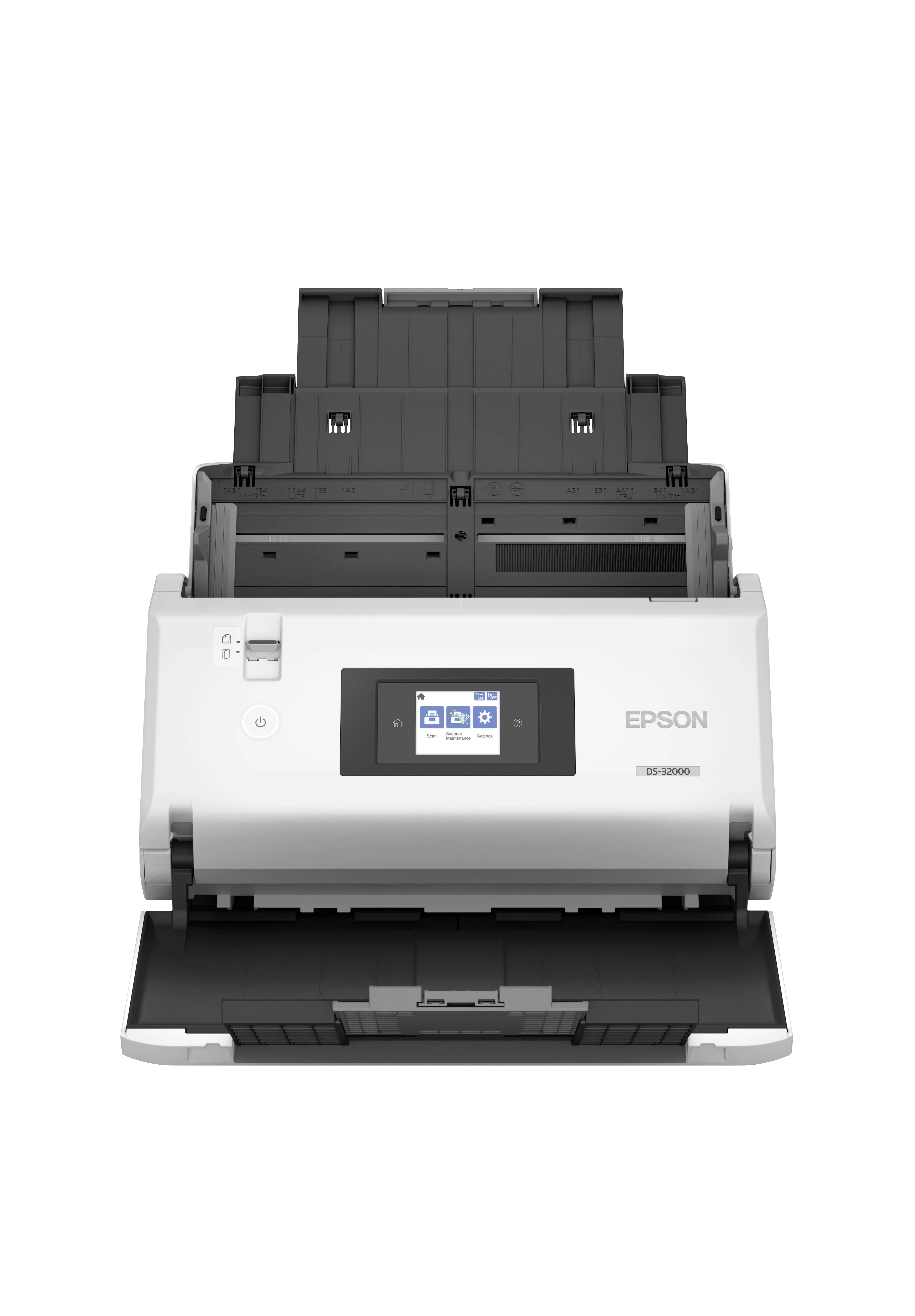
The absence of a touchscreen frustrates those accustomed to walk-up scanning. PCMag points out that “all but the Canon [in a competitive set] come with color touch screens” for easier front-panel operation. Instead, the DS‑770 II offers basic buttons for start, stop, and mode toggles — workable but limiting for multi-user environments.
Maintenance needs arise in long-term use. Provantage notes “potential for paper jams — requires regular maintenance,” and several Reddit threads mention cleaning rollers and sensors to prevent misfeeds, especially in dusty back offices. Dirt detection alerts help, but for some “the mid-job stop prompts get annoying when you’re mid-run.”
Divisive Features
The software bundle draws both praise and criticism. Document Capture Pro earns fans for barcode and blank-page separation, automation presets, and integration with SharePoint and Google Drive. However, Mac users face “limited functionality” per Epson’s own notes, leading to frustration among mixed OS workplaces. As one IT manager explained: “Windows staff are flying ahead with batch processing, but Mac users can’t trigger half the automation.”
Flatbed compatibility — via an add-on dock — is a selling point for book scanning or awkward originals, yet scant enthusiasm appears in user threads. While those who own it laud “clean captures of bound ledgers,” others balk at the cost and footprint.
Trust & Reliability
Trustpilot and Provantage reviews reveal a consistent thread: reliability under sustained load. Offices scanning thousands of pages weekly report “the rollers hold up well past the rated cycles” when maintained. Reddit user lawscan*** wrote, “Six months in, same speed as day one — no alignment creep.”
Scam concerns are minimal, with most buyers purchasing direct from Epson or major resellers. The 3-year limited warranty with advance exchange earns trust; as one Amazon buyer noted: “Knowing they’ll overnight a replacement if it dies means we don’t need a backup scanner.” Warranty terms vary, and next-business-day shipping isn’t universal, but coverage is broad.
Alternatives
PCMag’s comparison list includes the Canon imageFORMULA DR‑M260 (faster at 60 ppm but with a smaller ADF) and Brother ADS‑4700W (wireless and touch screen, yet slightly slower). Raven Pro offers wireless sharing and a 100-sheet ADF but caps daily duty cycle at 6,000 pages. The DS‑770 II competes by offering robust bulk performance at a lower price point — if wired-only fits your setup.
Price & Value
Epson’s US MSRP lands around $649 new, with Canadian pricing near CAD $929. Refurbished and Certified ReNew units dip to $449–$579, attracting cost-conscious offices. eBay listings show resale stability above $400, suggesting strong secondary market demand. Community buying tips often recommend grabbing units from Epson’s ReNew center during promotions, “since warranty’s the same as new.”
FAQ
Q: Does the DS‑770 II support wireless scanning out of the box?
A: No. It connects via USB 3.0 only unless you purchase Epson’s optional $350 Ethernet module. Users needing built-in wireless often choose the DS‑790WN.
Q: Can it handle very small or thick originals?
A: Yes. Reports confirm successful scans of cards up to 413 gsm and small items like 2"x2" IDs. Fragile papers can be processed in slow mode or with carrier sheets.
Q: How accurate is the OCR?
A: PCMag found it read Arial and Times New Roman down to 6 points without errors, making it suitable for search indexing and text extraction tasks.
Q: Is maintenance complicated?
A: Not overly, but high-volume users should clean rollers periodically. The scanner’s dirt detection alerts prompt proactive cleaning to avoid misfeeds.
Q: Does the flatbed option work the same on Mac?
A: Functionality is limited on Mac — push scanning via flatbed isn’t supported, and some automation features in Document Capture Pro are Windows only.
Final Verdict: Buy if you’re running a high-volume, single-computer or USB-connected workgroup needing dependable speed and accuracy. Avoid if you require network-wide access without extra hardware. Pro tip from the community: maintain rollers regularly and set up automation profiles in Document Capture Pro to maximize throughput.





