EPSON 220 (T220120-S) Review: Worth It? Verdict
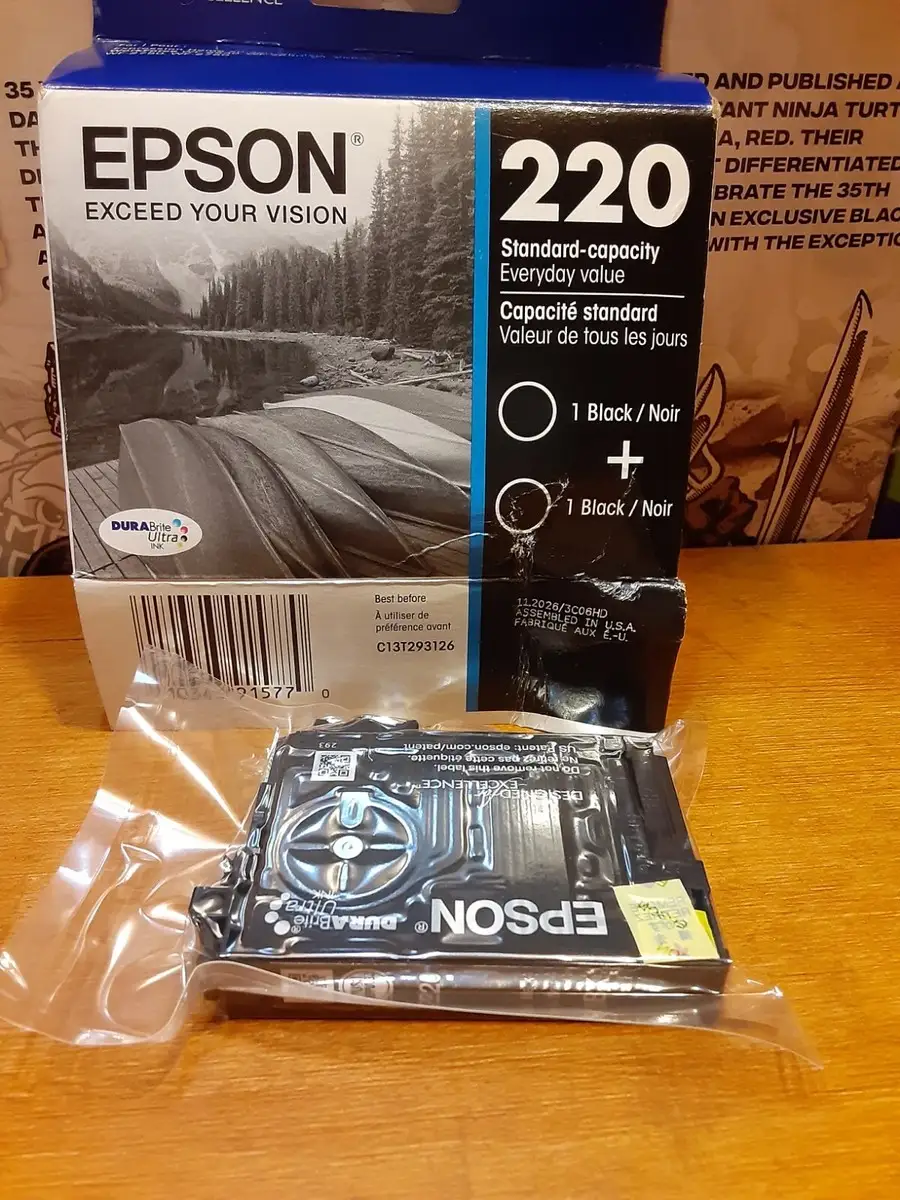
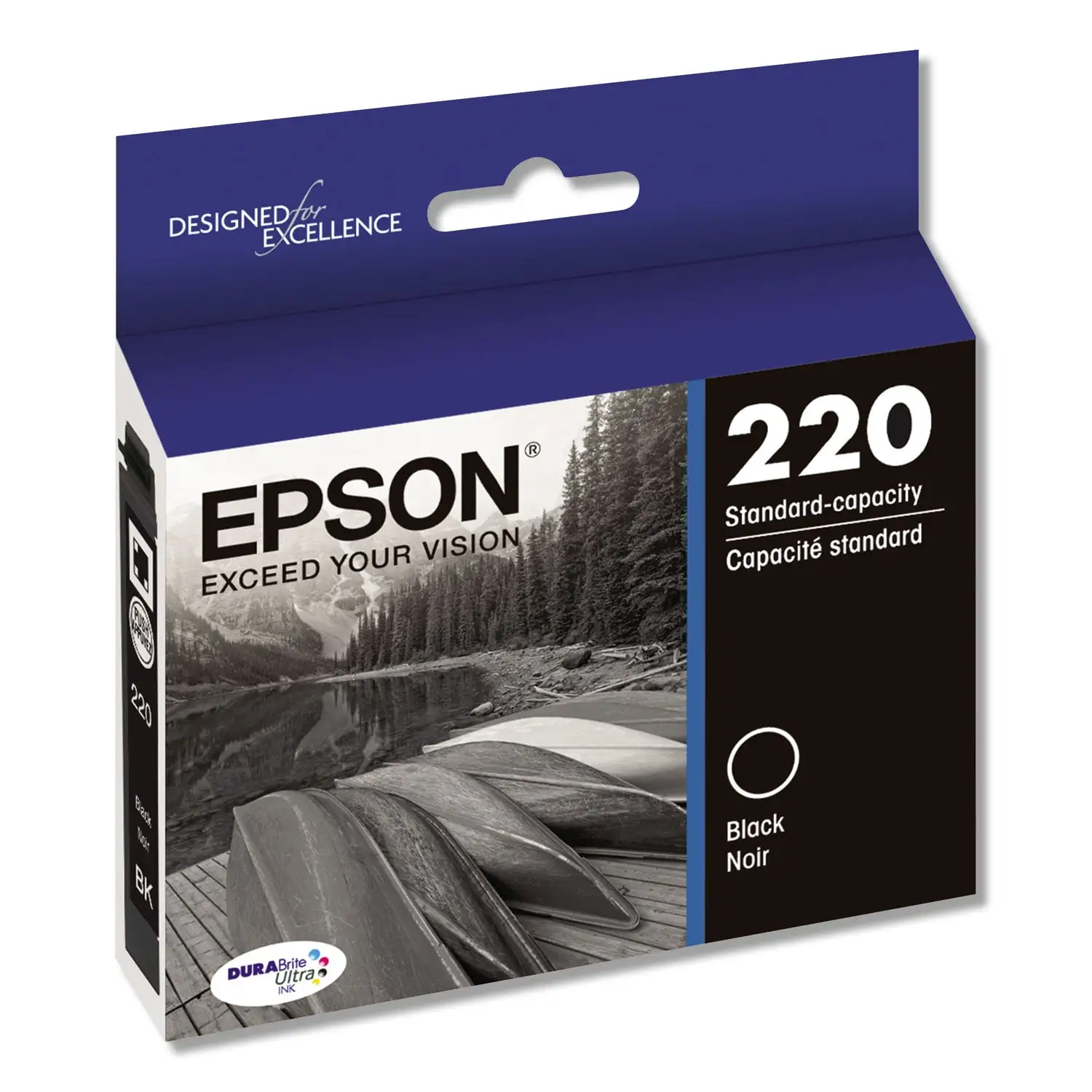
“Easy to install, pops right in… prints great!” sits right next to “it should last more than a few prints.” That tension defines the EPSON 220 DURABrite Ultra Ink Black Cartridge (T220120-S) experience across platforms: strong print quality and simple swaps, but recurring complaints about short life, cleaning cycles, and occasional recognition issues. Verdict: a dependable OEM pick for people who prioritize compatibility and crisp black text—conditional on how often you print. Score: 7.4/10.
Quick Verdict
Yes—Conditional. It’s widely liked for OEM reliability, ink quality, and easy installation, but frequent or infrequent printers (ironically both) report waste from maintenance cycles, “drying up,” or lower-than-expected page yield.
| What buyers agree on | What it means in real use |
|---|---|
| Easy installation | Less hassle for home/office users swapping cartridges |
| Strong black print quality | Good for documents and business printing |
| OEM recognition/compatibility | Fewer “not recognized” headaches than some generics |
| Some report low yield | Heavy printers may replace more often than expected |
| Some report clogging/cleaning | Occasional head-clean cycles can burn through ink |
| Price sensitivity | Deal-dependent: clearance pricing changes the value story |
Claims vs Reality
Epson’s marketing centers on DURABrite Ultra producing “smudge-, fade and water-resistant prints” and emphasizes the convenience of individual cartridges. Those themes largely align with day-to-day impressions, but user feedback adds a caveat: the real cost isn’t just the cartridge price—it’s how quickly some people feel it empties, especially when the printer triggers maintenance.
Claim 1: “Worry-free handling — smudge, fade and water resistant prints.”
Digging deeper into user experiences, the “worry-free” part shows up less as lab-style durability talk and more as practical, immediate output quality. Best Buy reviewer “jem 09” framed it as speed and usability: “as advertised, ink is quick drying and paper can be handled as soon as it comes out.” For document-heavy households, that kind of quick-dry behavior matters more than formal fade ratings—no waiting, less smearing, fewer reprints.
Yet durability claims don’t shield the product from complaints about longevity inside the cartridge. A verified buyer on Amazon noted: “prints great! seems to dry up or run out quickly… if it sits for a few months it seems like… [I] have to replace it again… it should last more than a few prints.” So while the output may resist smudges, multiple users suggest the ink supply itself can feel short-lived depending on printing patterns.
Claim 2: “Convenient individual ink cartridges—replace only the color you need.”
This is where user stories strongly reinforce the pitch, especially for people who don’t want to buy a full multipack. A verified buyer on Amazon summed up the appeal: “only needed the one color cartridge… didn’t want to buy the whole set of 4 when others were full.” For budget-conscious users, buying only black can feel like the most rational path—until the printer ecosystem forces the issue (more on that below).
But “replace only what you need” also collides with how some printers behave. Best Buy reviewer “tenderfoot” described repeated low-ink warnings and then a hard stop: “I finally tried to print a page and the printer refused to print.” That turns “convenience” into a constraint for people who try to stretch cartridges, because the printer may enforce replacement earlier than they’d like.
Cross-Platform Consensus
Universally Praised
A recurring pattern emerged around installation being almost frictionless, which especially benefits users who just need their printer to work without troubleshooting. On Amazon, a verified buyer wrote: “easy install… works as advertised. no mess.” Best Buy reviewer “war 13” echoed the same low-drama experience: “This ink is easy to load and unload in the printer.” For families printing school forms or small offices producing invoices, that “pop it in and go” reliability is the difference between printing today and losing time to errors.
Print quality also comes through as the headline positive, particularly for black text documents. Best Buy reviewer “sammy” described a last-minute need—documents due the next day—and concluded that after installation “the… ink cartridges was printed out nice and simple black on my documents.” Another Best Buy reviewer, “tenderfoot,” put it plainly: “Ink quality is excellent.” For users printing contracts, shipping labels, or resumes, that consistent black output is exactly what they’re paying OEM prices for.
Longevity is praised too—just not universally, and often framed as “better than expected” rather than matching a specific page-yield number. Best Buy reviewer “justin mm 357” said: “reliable and lasts well past what it says on the packaging.” Best Buy reviewer “pk andres” similarly emphasized consistency: “lasts a long time and does not dry out.” Those stories matter for light-to-moderate printers who want a cartridge that won’t suddenly fail mid-task.
After the narrative, the most repeated positives look like this:
- Easy to install and recognized by the printer (Best Buy; Amazon verified buyers)
- Strong black ink quality for documents (Best Buy)
- Often perceived as long-lasting for some users (Best Buy)
Common Complaints
The loudest frustration is page yield and perceived “ink disappearing,” which hits heavy printers hardest. Best Buy reviewer “thanks jim” (3 stars) didn’t mince words: “ink eater printer… very costly if you print a lot.” That’s not just a complaint about the cartridge—it’s a complaint about the total cost of printing when replacement cycles feel frequent.
Infrequent printers also report a different version of the same pain: the cartridge may feel like it degrades while sitting. A verified buyer on Amazon explained: “I don’t print much… if it sits for a few months it seems like I print a few things and have to replace it again… the ink may evaporate?” For occasional users who expect a cartridge to be “ready when needed,” that experience feels like paying a premium for ink that won’t stay viable between print jobs.
Maintenance and clogging show up as an additional tax on ink life. Best Buy reviewer “something clever” called it “good, when it works,” then described a recent shift: “the cartridge kept getting blocked and i’ll have to clean the printer heads several times… otherwise, it produces rich print and lasts long when it’s not getting run down from constant cleaning processes.” The key detail is the implied tradeoff: if the printer forces repeated cleanings, the cartridge can feel like it drains faster than normal.
After the narrative, the most repeated negatives look like this:
- Lower-than-expected page yield for some users (Best Buy; Amazon verified buyers)
- Head-cleaning/clogging episodes that burn through ink (Best Buy)
- Cost concerns for frequent printing (Best Buy)
Divisive Features
“Long lasting” is the most divisive theme because user contexts vary dramatically. Best Buy reviewer “artb” praised durability: “this epson 220 black ink cartridge last long.” Meanwhile, a verified buyer on Amazon had nearly the opposite experience: “it should last more than a few prints.” Digging deeper into user reports, the split often tracks printing cadence—steady printing may keep things flowing, while long idle stretches can make the cartridge feel unreliable or wasteful.
The “OEM only” ecosystem is another point where people land on different sides. Some lean into brand reliability: a verified buyer on Amazon wrote: “it’s ink. brand name and it worked.” But aggregated review excerpts (from a review-analysis source) highlight the underlying constraint many users bump into: “I’ve tried the generic brands, but they aren’t ‘coded’ correctly & the printer will not recognized them as oem replacements.” For bargain hunters, that can turn OEM into a reluctant purchase; for risk-averse users, it’s a reason to stick with Epson.
Trust & Reliability
Scam anxiety doesn’t dominate the feedback here as much as functional reliability does—will it be recognized, and will it last? The review-analysis excerpts capture a recurring fear point: the cartridge being rejected or not recognized. Examples include: “as soon as i installed the black ink cartridge the printer rejected the cartridge,” and “the cartridge would not be recognized my printer… appeared to be authentic.” Even when most users say it “works as intended,” those stories matter because a single DOA cartridge can derail a deadline.
Longer-term reliability stories tilt more positive on retail reviews, especially for repeat buyers who keep purchasing the same model. Best Buy reviewer “something clever” said: “have purchased this epson ink for years,” even while noting a one-off clogging issue. And Best Buy reviewer “marym,” describing business use over time, wrote: “ink is used [in] a small business printer… free and quick shipping.” For repeat purchasers, the product’s reliability seems tied not just to ink performance but to dependable availability when they need replacements.
Alternatives
Competitors are rarely named directly in the provided feedback, but one practical “alternative” repeatedly appears: off-brand/generic cartridges. That comparison comes through as a risk tradeoff rather than a spec battle. The review-analysis excerpts include: “i have bought off brand ink that will last me 6-8 months but this one was less than a month,” suggesting some users perceive longer life from generics. Yet the same dataset also captures the counterpoint many Epson owners run into: “generic brands… aren’t ‘coded’ correctly & the printer will not recognized them.”
So the alternative story isn’t “better prints” versus “worse prints”—it’s potential savings and longevity versus a higher chance of recognition or compatibility headaches. For users who can’t afford downtime (small business invoices, school deadlines), the OEM cartridge is repeatedly framed as the safer bet.
Price & Value
Value perception swings heavily based on where and when people buy. Best Buy reviewers frequently mention deals and member discounts. Reviewer “dice 828” said: “good price and additional discount for being elite rewards member.” Another, “sammy,” described discovering “extra discount… if i have a membership,” which turned an urgent purchase into a “great” experience. When the cartridge hits clearance pricing, buyers tend to describe it as a solid bargain.
But full-price buyers and high-volume printers often tell a different story. “thanks jim” complained it’s “very costly if you print a lot,” and the Amazon verified buyer who prints only a couple times a year still felt forced into replacement too quickly. Officially, retailers list the black cartridge around a 175-page yield (Office Depot/OfficeSupply listings), yet multiple user reports suggest real-world yield can feel lower—especially when maintenance cycles, low-ink lockouts, or idle periods enter the picture. While officially rated around 175 pages, multiple users report needing replacements sooner than expected.
Buying tips implied by the community experience:
- Deal-hunt if possible (Best Buy discounts/clearance references)
- Consider printing patterns; very occasional printing can feel wasteful (Amazon verified buyer comment)
- Avoid mix-ups between similarly numbered cartridges; Best Buy reviewer “candy” warned “the numbers are too close… i bought the 220 and needed the 200”
FAQ
Q: Is the Epson 220 black cartridge easy to install?
A: Yes. Multiple reviewers describe it as a simple swap. A verified buyer on Amazon noted: “easy to install, pops right in… prints right away,” and Best Buy reviewer “war 13” said it’s “easy to load and unload.” Most feedback frames installation as quick and mess-free.
Q: Does it actually last the rated page yield?
A: It depends. Retail listings cite about a 175-page yield, but real-world experiences vary. Best Buy reviewer “justin mm 357” said it “lasts well past what it says,” while a verified buyer on Amazon felt it “should last more than a few prints,” especially after sitting unused for months.
Q: Will my printer refuse to print when ink is low?
A: Sometimes, yes—at least one user reported this behavior. Best Buy reviewer “tenderfoot” said they ignored repeated “low ink” warnings until “the printer refused to print.” If you rely on last-minute printing, keeping a spare cartridge on hand may prevent downtime.
Q: Are there clogging or cleaning issues?
A: Some users mention it, particularly with recent purchases. Best Buy reviewer “something clever” reported the cartridge “kept getting blocked” and required multiple head cleanings, which then reduced how long the ink lasted. Others say they’ve “never had any problems,” so it’s not universal.
Q: Are generic/off-brand cartridges a good alternative?
A: Feedback suggests a tradeoff: some users report generics can last longer, but compatibility can be risky. Review-analysis excerpts mention generics that aren’t “coded” correctly so the printer “will not recognized them.” If recognition errors are a concern, many buyers stick with OEM.
Final Verdict
Buy the EPSON 220 DURABrite Ultra Ink Black Cartridge (T220120-S) if you’re a reliability-first home user or small business owner who values OEM compatibility and clean black text—Best Buy reviewer “felishar” summed it up: “printer recognizes it as original cartridge.” Avoid it if you print heavily and are highly cost-sensitive, or if your printer tends to trigger frequent cleanings—“thanks jim” called it an “ink eater printer” and “very costly if you print a lot.” Pro tip from the community: watch for membership/clearance deals, since “good price… additional discount” (Best Buy reviewer “dice 828”) can significantly change the value equation.





