DYMO LabelWriter 450 Twin Turbo Review: Mixed Verdict
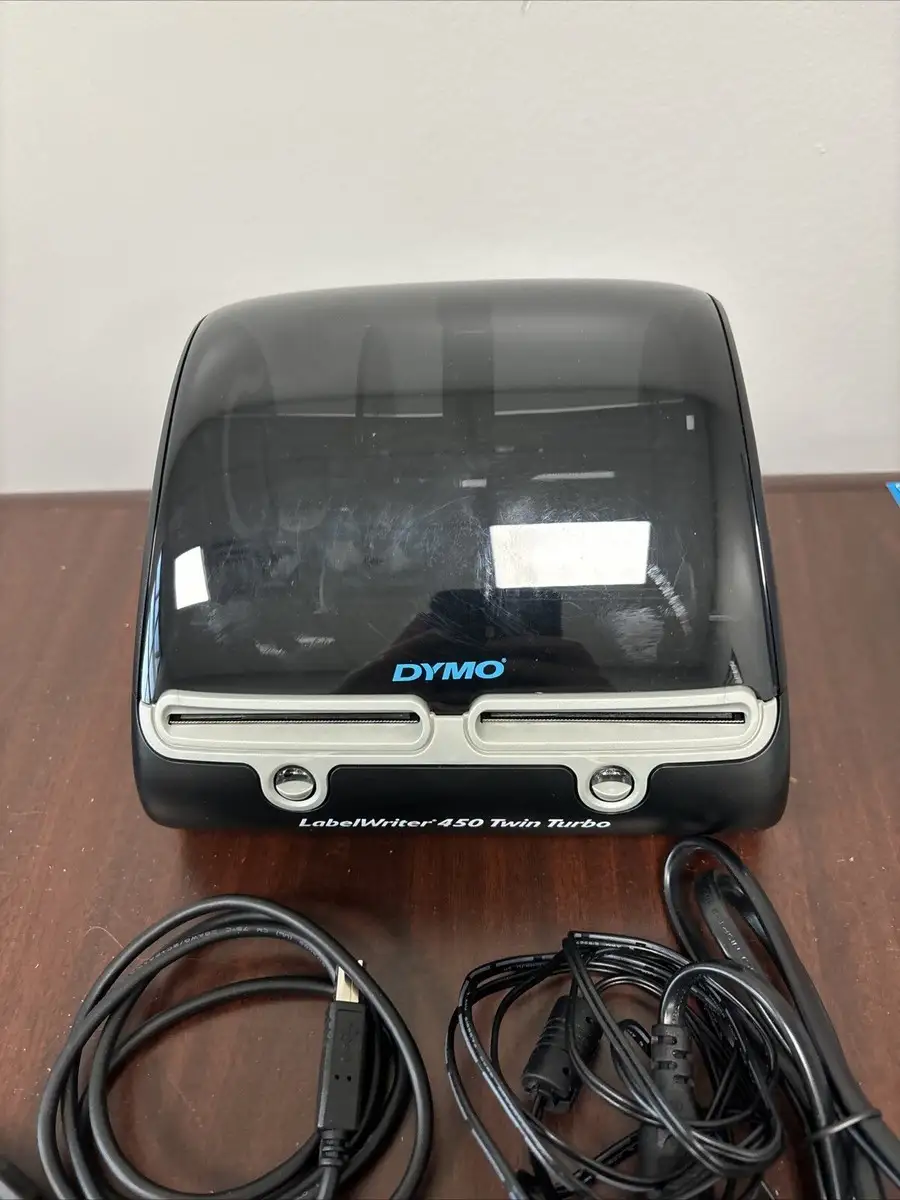
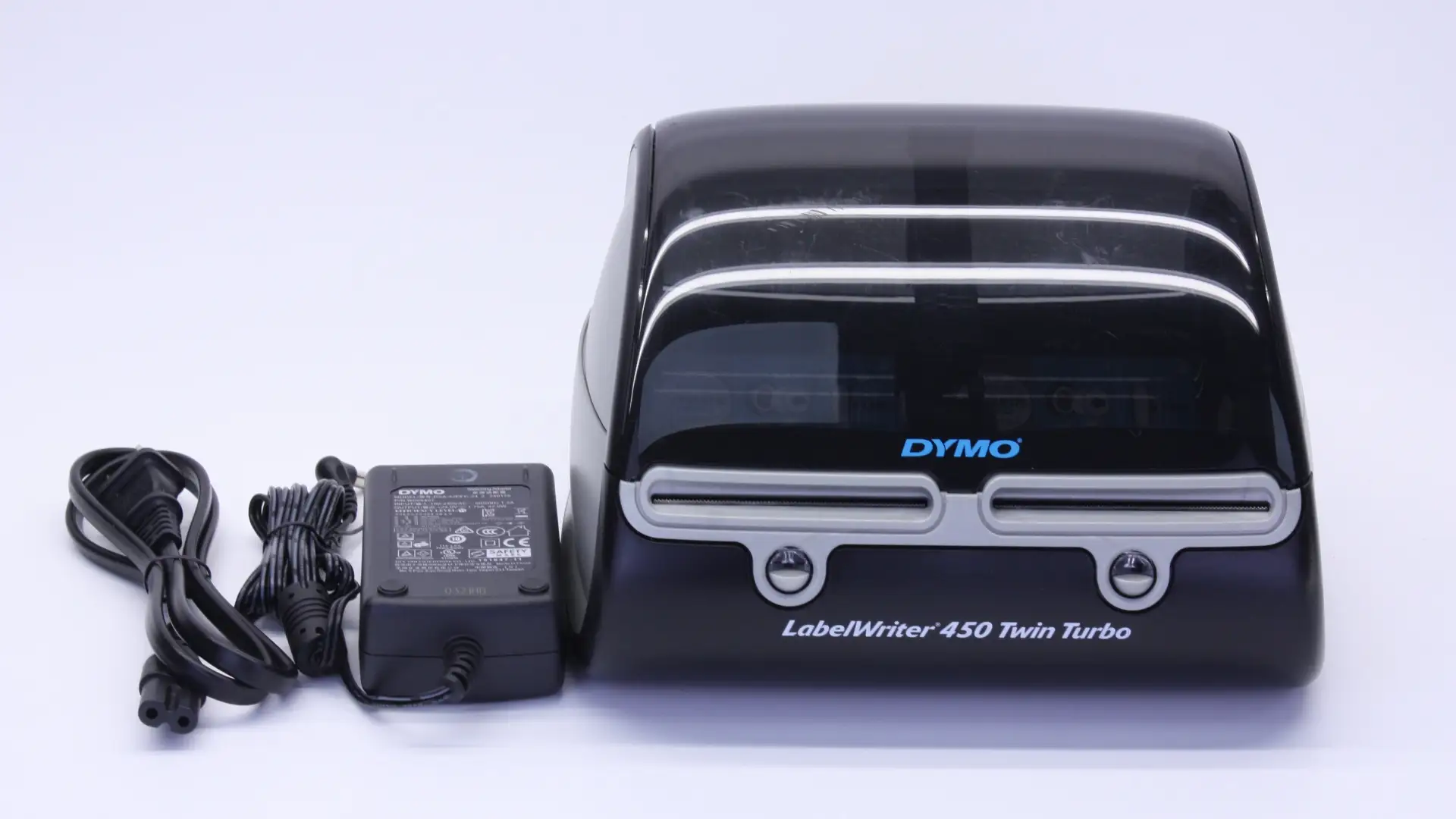
While the DYMO LabelWriter 450 Twin Turbo is marketed as a “fast and efficient, dual-roll labelling solution,” digging into hundreds of real-world accounts reveals a split verdict. With an average rating of 6.5/10 across major platforms, it scores high on speed and dual-roll convenience, but faces widespread criticism over software reliability, driver compatibility, and unexpected long-term failures.
Quick Verdict: Conditional — worth buying for high-volume label printing if you can handle software quirks and have compatible systems.
| Pros | Cons |
|---|---|
| Prints up to 71 labels per minute — ideal for bulk jobs | Frequent Windows 10 and macOS compatibility issues |
| Dual-roll setup saves time switching sizes | Software described as “horrible” and unintuitive |
| No ink or toner — thermal printing cuts consumable costs | Sudden hardware failures within months reported |
| Easy physical setup and loading | USB connection dropouts requiring replugging |
| Versatile — supports address, barcode, file, and name badge formats | Cannot print wide 4x6 shipping labels |
| Compact footprint fits small desks | Occasional wasted labels mid-print |
Claims vs Reality
One major selling point is the advertised speed: "Print up to 71 labels per minute." The manufacturer emphasizes efficiency for bulk mailing and inventory workflows. In practice, several users confirm the speed is impressive. Reddit user said: "I use inventory labs... just enter the ASIN and print on demand. I can't imagine printing onto 30-up papers on a traditional printer." However, others note the waste when rolls run out mid-job — "Wastes one label every time you run out of labels mid print," reported a Newegg buyer.
Another claim is “dual rolls ready at all times,” meant to eliminate swapping between label sizes. This draws praise from Amazon reviewers who “love being able to print two different sizes simultaneously.” Yet, Trustpilot feedback includes frustration over the printer not recognizing label sizes, forcing manual intervention: "It would be helpful if the printer could recognize the installed size label."
Dymo promises “PC and Mac compatibility” going back to older OS versions. While some owners use it successfully on Windows 7 or macOS 10.10, numerous accounts challenge newer compatibility. As one Twitter review warns: "Beware — this printer does not work with Windows 10. Dymo has had plenty of time to fix it and they simply won't." This gap between marketing and reality is especially problematic for businesses upgrading hardware.
Cross-Platform Consensus
Universally Praised
Speed is the standout benefit. High-volume users — from e-commerce sellers to office mailrooms — consistently highlight time savings. A verified Newegg buyer stated: "Great printer, saves lots of time especially for an ecommerce business." This advantage is amplified by dual-roll capability, avoiding tedious swaps between formats. Professionals printing mixed batches (e.g., address and barcode labels) find that having “the two extra labels already loaded” improves workflow.
Thermal printing also earns repeated praise. No ink or toner costs appeal to budget-conscious offices, and the print quality is generally described as clear and professional. One Reddit seller explains: "The labels are generic but they work just fine." For small offices and home businesses, eliminating consumable costs can be a big win over time.
Ease of use — at least on the hardware side — gets strong endorsements. Loading labels is straightforward, the footprint is compact, and physical setup is fast. Twitter users say "Anytime I need to add labels or change labels it’s so easy." This simplicity makes it accessible even for non-technical staff.
Common Complaints
Compatibility headaches dominate complaints. Multiple users across Trustpilot and Reddit mention dropped USB connections, printers disappearing from the system, and having to unplug/replug repeatedly. This is most prevalent on Windows 10 and modern macOS releases. Trustpilot notes “incorrect driver installation… printers that stopped working last week… printers disappearing.”
Software issues are another sore point. The included Dymo Label v.8 platform is often labeled “horrible” or “completely unintuitive,” with reports of lost templates after updates. Some describe it as confusing to install, while others note discontinued features like automatic address verification.
Reliability over time shows worrying patterns. Twitter users recount units completely failing in under a year. One said: "After less than 60 days it has quit working... no matter what we can't get it working." Others have seen units “go nuts” and print junk until unplugged.
Finally, label limitations frustrate heavy shippers. Many expected support for 4x6 shipping labels but discovered it’s not possible: "I misread the specs… thought it could print 4x6 labels, but it can’t, so I bought a used Zebra for that."
Divisive Features
Dual-roll advantage is loved by some and dismissed by others. Bulk mailers appreciate avoiding swaps, while low-volume users feel a single-roll 450 suffices at lower cost. Another split involves software integration: some praise smooth Word/Excel imports, while others fight with unstable drivers.
For print quality, most agree it’s adequate for text and simple graphics, but detailed design suffers. One Twitter reviewer gave “print quality” 3/5 because fine details don’t match the LW 4XL. This matters for branding-heavy labels but not for basic postage.
Trust & Reliability
On Trustpilot, some users voice concerns about declining build quality compared to older Dymo generations. A veteran owner wrote: "Dymo label printers used to work fine. Now they are crap." Reports of sudden failures, disappearing device connections, and persistent driver bugs undermine long-term confidence.
Durability stories vary: Reddit sellers have used 450 models for years without issue, but others report failures after months, sometimes coinciding with software updates. Hardware “lemons,” as one Trustpilot user put it, are particularly frustrating for environments like chemical labs where print quality degrades under certain conditions.
Scam fears occasionally appear in pricing discussions, mainly from inflated third-party marketplace listings. While not direct scams, users caution against overpaying when comparable units or newer replacements are available.
Alternatives
Competitors mentioned by users include the Dymo LabelWriter 4XL for wide-format (4x6) shipping labels, and Zebra desktop printers for high-detail graphics or shipping labels. Those who only print standard address formats may opt for the single-roll Dymo 450 or 450 Turbo, which are cheaper and share the same print speed in Turbo models.
A Reddit user who needed FBA (Fulfilled by Amazon) labels kept the Twin Turbo but bought a Zebra for shipping, showing that mixing devices can cover different formats more effectively than expecting one unit to handle all.
Price & Value
Current U.S. marketplace listings for a new DYMO LabelWriter 450 Twin Turbo hover between $199 and $334, depending on condition and extras. Used units can dip under $140 but carry risk of wear and compatibility with current OS versions.
Resale trends suggest steady value for functioning units due to demand among small businesses, though discontinued status means prices may climb unpredictably. Community buying tips stress checking label format needs before purchase, as assuming 4x6 capability leads to costly mistakes.
FAQ
Q: Can the Dymo 450 Twin Turbo print 4x6 shipping labels?
A: No — it’s limited to narrower formats (up to 2.3" wide). Users needing 4x6 often buy a Dymo 4XL or Zebra printer alongside the Twin Turbo.
Q: Does it work with Windows 10?
A: Officially yes, but many report connection and driver issues. Success seems inconsistent, with some resorting to older OS or workarounds.
Q: Are generic labels compatible?
A: Yes. Many sellers use generic rolls, though Dymo warns about quality. Generic options are cheaper and can work fine for basic text.
Q: How reliable is the dual-roll switch?
A: Generally smooth. When both rolls are the same, the printer auto-switches without interruption. Different sizes work well too, if software recognizes them correctly.
Q: What’s the main benefit over a single-roll model?
A: Time savings for high-volume or multi-format jobs. Low-volume users may find the single-roll 450 adequate at a lower price.
Final Verdict
Buy if you’re a high-volume label printer working within compatible systems and value speed plus dual-roll efficiency. Avoid if you need modern OS stability, advanced graphics detail, or wide-format shipping labels — these are better served by other models like the Dymo 4XL or Zebra series.
Pro tip from community: Pair the Twin Turbo with cheap generic labels for everyday jobs, but keep a backup printer for critical formats or if driver issues strike mid-production.





