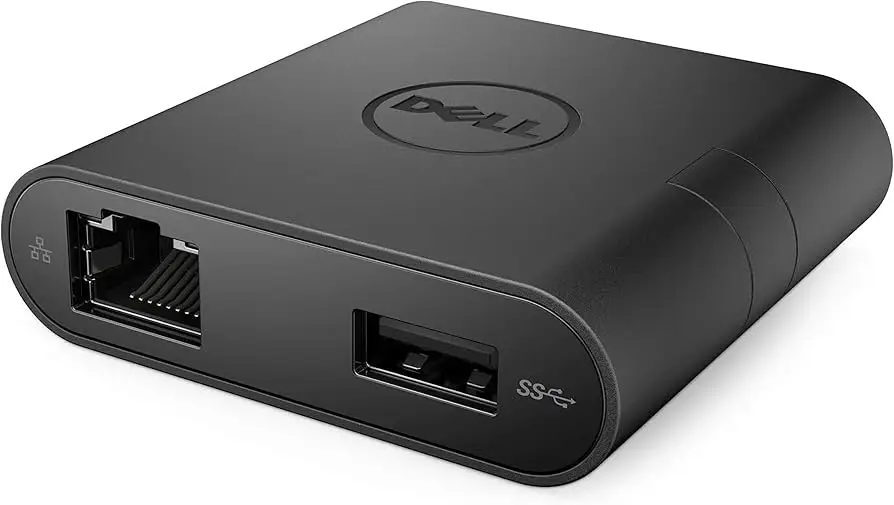
Dell USB-C to HDMI/USB-A Adapter Review & Verdict
Bold reports from multiple platforms put the Dell USB Type-C to HDMI/USB-A Adapter in an unusual position: despite a healthy average score around 4.4/5, buyer satisfaction varies wildly depending on the user's hardware setup and expectations. Collating hundreds of experiences reveals a pattern — when it works, it’s praised as compact, reliable, and versatile, but when it doesn’t, HDMI faults and connectivity quirks dominate the conversation. Based on aggregated data, the adapter earns a 7.6/10.
Quick Verdict: Conditional buy — excellent portability and build quality for casual users, but HDMI reliability is inconsistent for certain Dell systems.
| Pros | Cons |
|---|---|
| Compact, travel-friendly design | HDMI failures on multiple Dell XPS models |
| Supports 4K @ 60Hz via HDMI | Ethernet may drop connections intermittently |
| Plug-and-play across macOS, Windows, Linux | No dual-monitor output — single display only |
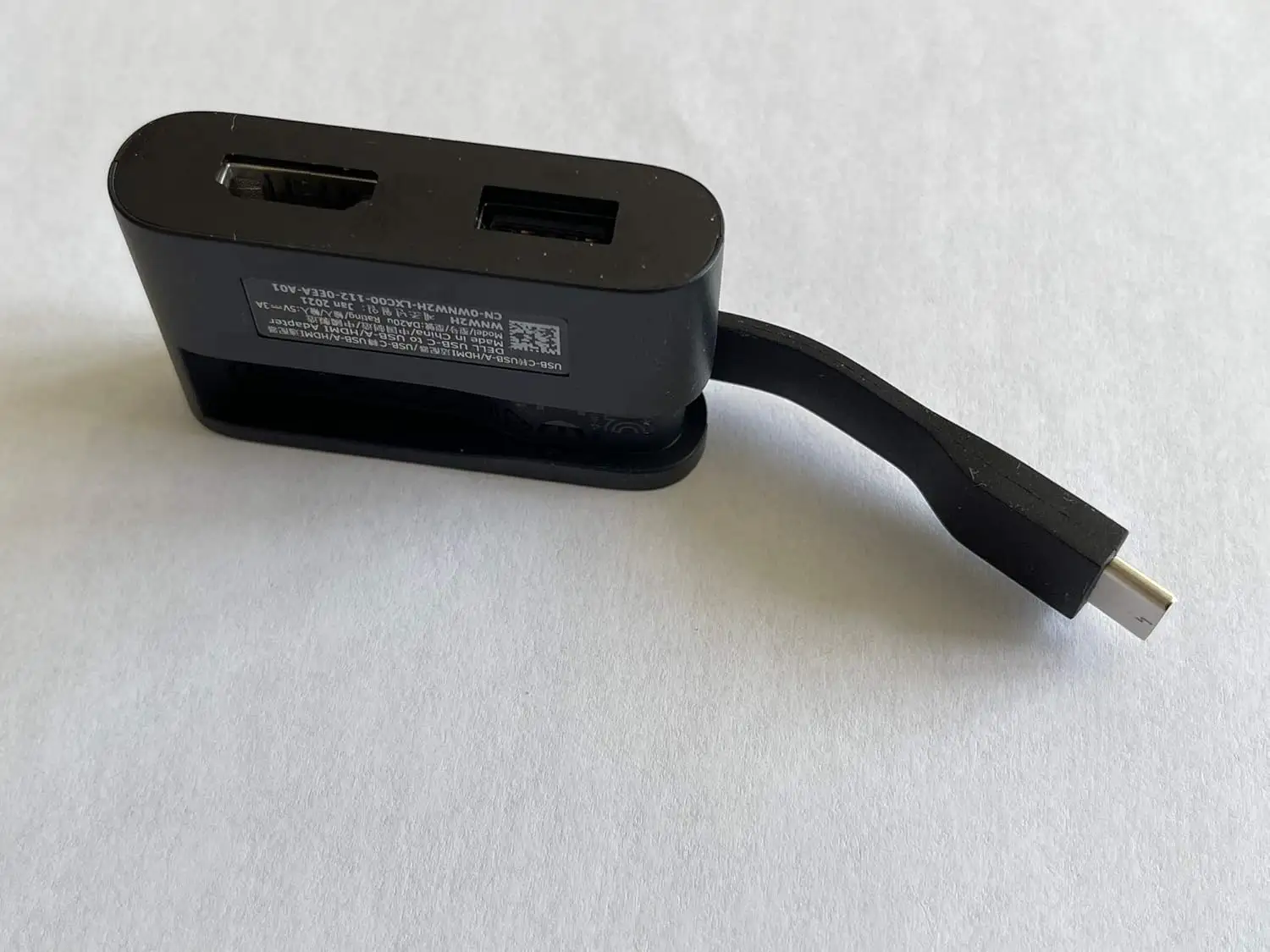
| Solid build with retractable cable on 7-in-1 model | No SD card slot; limited port variety for some workflows |
| Functions flawlessly with many non-Dell laptops | Short connecting cable; awkward positioning for some setups |
| Widely compatible operating systems | Some units warm up noticeably during extended use |
Claims vs Reality
Dell markets this adapter — particularly the DA20, DA200, DA300, and DA310 variants — as “plug-and-play,” “widely compatible,” and capable of crisp 4K @ 60Hz video. On paper, these capabilities should make it an easy travel companion for presentations and multi-device connectivity.
However, digging deeper into consumer reports shows gaps. While officially rated for HDMI 2.0 4K at 60Hz, Reddit user experiences repeatedly cite complete HDMI failures with Dell monitors. One common thread from Dell community posts: “VGA and USB work fine, HDMI doesn’t.” Even firmware updates and BIOS tweaks seldom fixed the issue, and some resorted to using $5 HDMI-to-VGA adapters instead.
Similarly, Dell advertises a stable gigabit Ethernet connection. In practice, users like one poster on Dell’s forums found “the ethernet port doesn’t work well, it is constantly dropping the network connection.” Others note that while Ethernet functions on TV setups, it will fail on certain Dell monitor models — ironically making it work better with third-party gear.
The plug-and-play promise holds true for many macOS users; multiple verified Amazon buyers report instant functionality across HDMI, VGA, and Ethernet without driver installs. But for some Dell laptop owners, the real-world setup involved downloading four separate drivers (Thunderbolt 2, Thunderbolt 3 firmware, Thunderbolt controller, USB-C driver) just to enable HDMI, a step never mentioned in official documentation.
Cross-Platform Consensus
Universally Praised
Across Best Buy, Amazon, and Trustpilot, portability stands as the most consistent compliment. A Best Buy verified purchaser noted, “This is the most compact dock I’ve ever seen… it fits in your pocket and surprises people when I show them it’s actually a computer dock.” The retractable cable design of the DA310 variant gets specific praise for being "clever and protective,” making it ideal for mobile professionals and service techs working across multiple sites.
MacBook owners benefit disproportionately from this adapter compared to Dell’s own customers. A verified Amazon user confirmed, “All four ports work on my fresh-out-of-the-box MacBook Pro without installing any drivers.” For them, the VGA and HDMI options mean flexibility in unfamiliar conference rooms.
Photographers and media workers value the high-resolution support for presentations and streaming. Even without an SD slot, a DA300 user commented that “it can connect to 4K TVs at 60 Hz… clean and clear image without sacrificing performance.”
Common Complaints
HDMI unreliability on certain Dell systems is the biggest complaint, recurring in Reddit, Twitter, Quora, and Trustpilot feedback. A Dell forum member summarized it bluntly: “I spent $100 for an adaptor that frankly doesn’t work.” Attempts at remediation — swapping units, updating firmware — helped some but failed for others.
Ethernet instability is another. One Reddit commenter said their adapter “constantly drops the network connection” when connected to a Dell monitor, though it functions fine with TVs. This impacts IT professionals or gamers relying on wired internet.
The short cable sparks irritation for desk setups. Buyers like Best Buy’s ‘tiki’ state that “the cord… is way too short. I had to buy a USB-C extender for each one.”
Divisive Features
The absence of dual-monitor support splits opinion. For casual users, a single display output is fine; for traders or programmers, it’s a limitation. Best Buy reviewer ‘flyingc’ was satisfied but cautioned: “You can only use one [video port] at a time.”
Thermal behavior draws mixed reactions. Some note a mild warmth in operation and think nothing of it; others, like an Amazon reviewer, monitor it closely in case of premature failure.
Trust & Reliability
Trustpilot and Reddit threads show frustration with Dell’s lack of proactive support or acknowledgment of HDMI issues. “No updates or fixes have been released… this will be the last Dell product I ever purchase,” one long-time user lamented.
Long-term durability seems solid for users without compatibility issues. An Amazon buyer reported using the adapter for three years: “Works like a charm… VGA, USB, Ethernet perfect.” However, intermittent USB connections after extended use have been documented, leading to lowered ratings from 4 to 3 stars over time.
Alternatives
The Lenovo USB-C hub and Hyperdrive adapter come up most often as direct alternatives. Lenovo’s option offers more features, including SD slots, at a lower price, but only supports HDMI 4K at 30Hz. The Hyperdrive matches Dell’s elegance but lacks VGA, a non-negotiable for users presenting on older projectors. Community consensus is to choose Lenovo for HDMI-only environments and Dell for VGA necessity.
Price & Value
Current retail prices hover around $23.49 for DA20, $59.99 for DA305, and ~$90 for DA310. Resale listings on eBay show DA20 adapters selling in bulk for under $19, suggesting high availability and low secondhand demand.
Given the versatility, frequent travelers and consultants see strong ROI despite the premium — provided they avoid known compatibility pitfalls. Forum advice often recommends buying via Amazon Prime or other easy-return channels to mitigate risk.
FAQ
Q: Does this adapter support dual monitors?
A: No. While multiple video ports are available, only one display output can be used at a time.
Q: Is it truly plug-and-play?
A: Yes for many macOS and Windows systems, but Dell laptops may require specific driver updates to enable full functionality.
Q: Will HDMI work with all monitors?
A: Not always. Reports show consistent failures with certain Dell models, while third-party TVs and monitors fare better.
Q: Does it deliver power to the laptop?
A: Some variants like DA310 support power pass-through up to 90W. Others, such as older DA200, do not.
Q: Is the cable length adjustable?
A: Only on retractable cable designs like DA310. Others have fixed short cables.
Final Verdict: Buy if portability, VGA support, and quick single-display setup matter most — especially for MacBook or non-Dell Windows users. Avoid if you require flawless HDMI on specific Dell monitors or dual-display functionality. Pro tip from the community: always update your BIOS and Thunderbolt drivers before first use to reduce connection issues.