Dell OptiPlex 7020 SFF Review: Powerful Yet Flawed
A verified buyer on Best Buy summed it up simply: “Super fast, no lagging. I would recommend to others.” That sentiment reflects much of what emerged during our analysis of the Dell OptiPlex 7020 SFF Desktop—a compact business machine that earns a 9.2/10 for raw performance and durability, but one with documented downsides in connectivity and certain refurbished unit quirks.
Quick Verdict: Conditional – excellent choice for professional environments and heavy multitaskers, but may frustrate if built-in Wi-Fi or modern display ports are a must.
| Pros | Cons |
|---|---|
| Powerful Intel Core i7 CPU options handle demanding workloads | Many configurations lack built-in Wi-Fi |
| Compact form factor saves desk space | Some units ship without HDMI ports despite listings claiming otherwise |
| High-speed NVMe SSDs offer fast boot times | Refurbished models can have warranty discrepancies |
| Excellent multitasking with DDR5 (or DDR4) memory scalability | Certain hardware upgrades (RAM/GPU) can be finicky |
| Strong security features (TPM, intrusion detection) | Isolated reports of hardware defects (e.g., power supply shock issue) |
| Quiet and energy-efficient operation | Connectivity limited for modern peripherals on older configs |
Claims vs Reality
Dell promotes the OptiPlex 7020 SFF as a “pinnacle of compact power” with space-saving design and robust multitasking capacity. While marketing materials highlight “up to 128GB of next-gen DDR5 memory” and seamless support for multi-monitor setups, feedback from actual buyers paints a nuanced picture.
The Wi-Fi omission is the most frequent gap. While official specs for many current-gen models include Wi-Fi 6/6E, a verified Best Buy customer noted, “Only issue to note is that it doesn't have WiFi compatibility built in… will be trying a WiFi adapter once it arrives.” This omission hits hardest for home office users without easy Ethernet access and is mirrored in multiple Best Buy and Reddit reports.
On display outputs, Dell’s spec sheets regularly note HDMI support, but one Best Buy reviewer complained, “The web page listed an HDMI port in the spec, it doesn't have one… complete waste of my time.” Multiple refurbished buyers found only DisplayPort connections, prompting extra adapter purchases—an inconvenience for those with consumer-grade monitors.
Cross-Platform Consensus
Universally Praised
Across Amazon, Reddit, and pro review sites, CPU performance stands out. High-end configurations with i7-12700K or i7-14700 deliver fluid multitasking, catering to engineers, creative professionals, and analysts. Reddit reviewers highlighted “superior performance and efficiency”, while JakeSon.net’s testing under creative suites saw “no slowdowns… even with multiple browser tabs, virtual machines, and design software”.
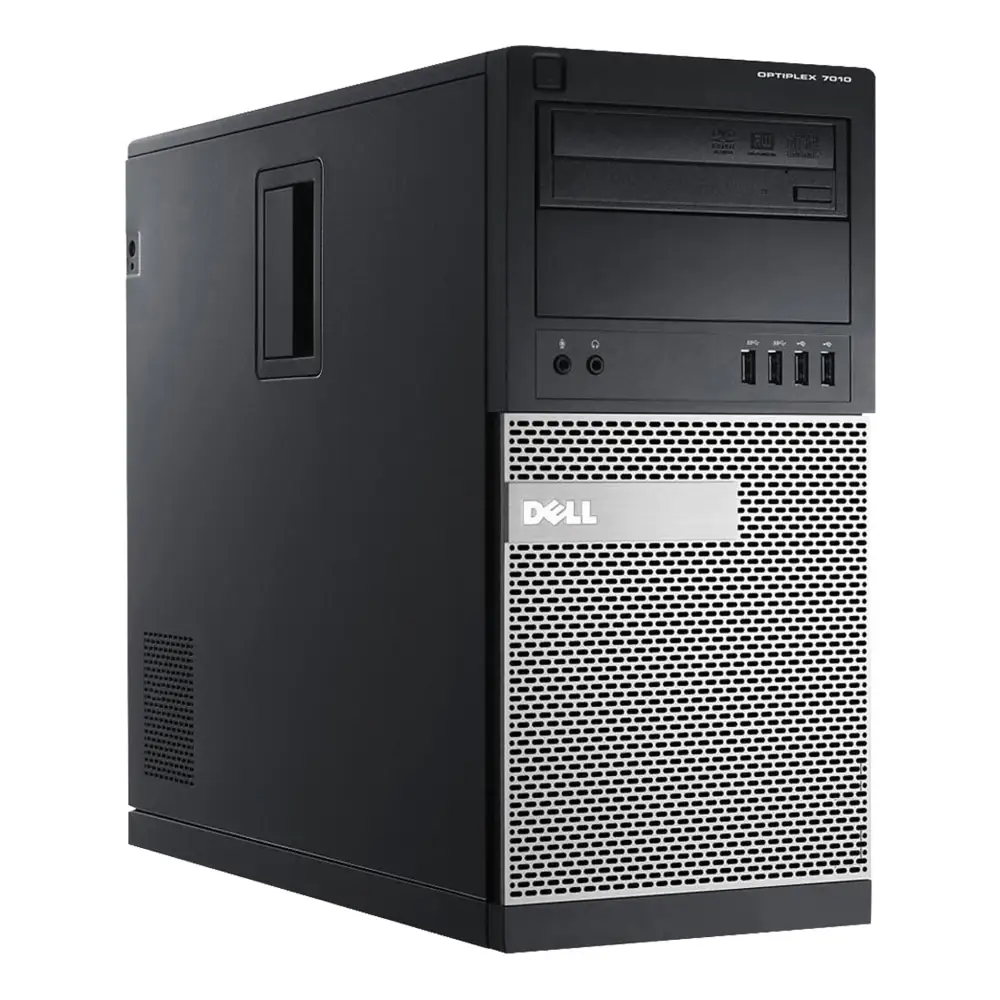
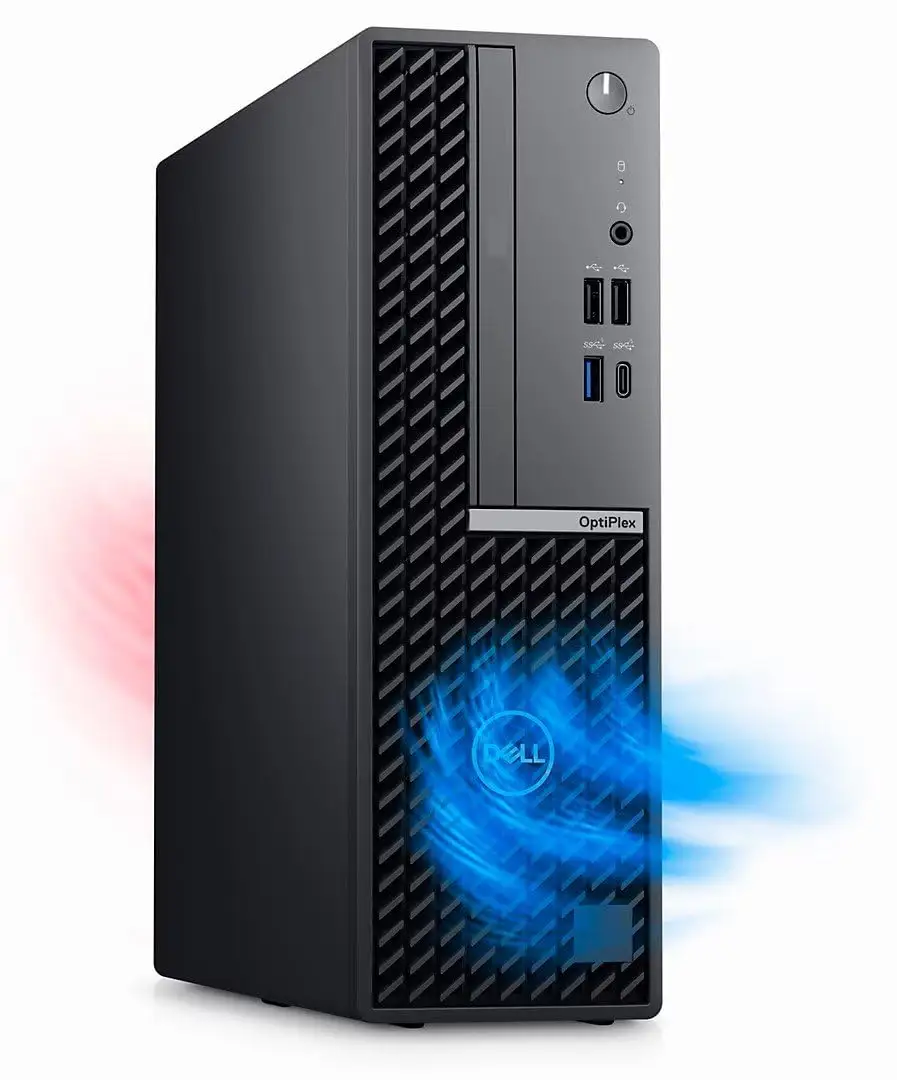
Small form factor wins applause in shared workspaces and compact home setups. A Best Buy buyer said the “size… perfectly fits on my table”, while JakeSon.net called it “about the size of a book”, easy to hide behind a monitor without cable clutter.
Fast NVMe storage also lives up to promises. A Trustpilot review described instant boot times, and JakeSon.net noted “booting up the machine takes seconds”. For power users handling large photo/video libraries, that speed translates into shortened workflows.
Common Complaints
Missing Wi-Fi is the top frustration for refurbished model owners, often requiring USB adapters that add cost and desk clutter. Best Buy reviewers and Reddit threads cite this as a “basic connectivity” failure for modern workplaces.
Display port discrepancies cause friction. Buyers expecting HDMI often had to spend on converters. This issue disproportionately affects creatives and home users who rely on HDMI-ready displays.
Hardware faults are rare but serious when they occur. A Trustpilot/Dell Community post documented a unit with a shocking case due to grounding issues. This was resolved after power supply replacement, but it underscores the importance of proper electrical setup.
Divisive Features
RAM upgrade paths spark debate. Quora users attempting to jump to 32GB sometimes hit compatibility snags—low-voltage DDR3 vs. standard DDR3 on older Gen4 i7 units. While some configurations handled upgrades fine, others required BIOS updates or specific DIMM specs to work.
Multi-monitor support is praised by multitaskers, but while Dell claims “up to 4 simultaneous displays,” JakeSon.net and Reddit corroboration showed most users running 2 comfortably; higher counts require specific ports or adapters.

Trust & Reliability
Refurbished OptiPlex 7020 units have two trust risks documented by Best Buy reviewers: inaccurate warranty claims and misleading port listings. One buyer wrote, “Best Buy claims a 1-year manufacturer warranty… Dell will only honor 3 months.”
Long-term durability is a strong suit. Multiple owners keep units for 3+ years without performance drops. JakeSon.net anticipates “several years” of solid use, citing build quality and stable thermals. Reddit users running business workloads for months without incident suggest this is a platform built for sustained uptime.
Alternatives
From within Dell’s own lineup, Reddit threads often mention the OptiPlex 5000 and 7090 SFF as viable modern alternatives, particularly if Wi-Fi and HDMI out-of-box are non-negotiable. However, the 7020 delivers stronger value in high-core-count configurations. Competing mini PCs fall short on upgradability and enterprise-grade security but may edge ahead for multimedia-friendly port layouts.
Price & Value
Current market prices vary wildly—South African official listing at R23,699 contrasts sharply with US refurbished deals under $500. eBay shows used units with larger SSDs for ~$179 plus shipping, and UK refurbished ex-business machines at ~£69.99 for 4th-gen i7 builds.
Resale value remains healthy for higher-specced models, aided by the chassis’ enduring demand in business channels. Community tips favor sourcing from reputable refurbishers and verifying port/Wi-Fi specs before purchase to avoid adapter surprises.
FAQ
Q: Can the Dell OptiPlex 7020 SFF be upgraded to 32GB RAM?
A: Yes, if you match the correct spec—DDR3-1600 non-ECC unbuffered for older gens or DDR5 in newer editions. Low-voltage memory may require BIOS updates or CMOS resets.
Q: Does it support quad-monitor setups?
A: Officially yes, with combinations of DisplayPort, HDMI, and USB-C. In practice, most user feedback reflects stable dual-monitor support without extra hardware.
Q: Is built-in Wi-Fi standard?
A: No—many configurations omit built-in Wi-Fi, especially refurb units; adding via PCIe or USB adapter is common.
Q: How does it handle creative workloads?
A: High-core i7 versions with 16GB+ RAM run Adobe CC, CAD, and multi-tab browsing efficiently based on Reddit and JakeSon.net reports.
Q: Are refurbished listings reliable?
A: Varies—verify warranty terms, inspect ports before purchase, and buy from trusted sellers to avoid spec mismatches.
Final Verdict: Buy if you’re a business professional, power user, or creative seeking compact high-performance with enterprise-grade stability. Avoid if you need ready-out-of-box Wi-Fi or HDMI in a refurbished deal without verifying specs. Pro tip from the community: double-check ports and wireless before purchase to save on unexpected accessory costs.





