Dell KB216 Keyboard Review: Quiet, Affordable, Mixed Verdict
Some users call it their "soulmate," while others have slammed it as “nearly worthless.” The Dell Keyboard KB216 earns an 8/10 from aggregated feedback — praised for quiet, comfortable typing and affordability, yet stained by durability complaints and overly basic design for serious typists.
Quick Verdict: Conditional buy
| Pros | Cons |
|---|---|
| Comfortable chiclet keys with low noise | Keys prone to sticking or failing over time |
| Affordable and widely available | No mechanical feel; divisive actuation force |
| Full-size layout with numeric keypad | Limited rollover (no 3-key simultaneous) |
| Handy multimedia controls | Warranty service criticized for upselling |
| Compact but retains full number pad | Some users report multiple replacements in months |
| Works across OS platforms | Wrist rest compatibility issues |
Claims vs Reality
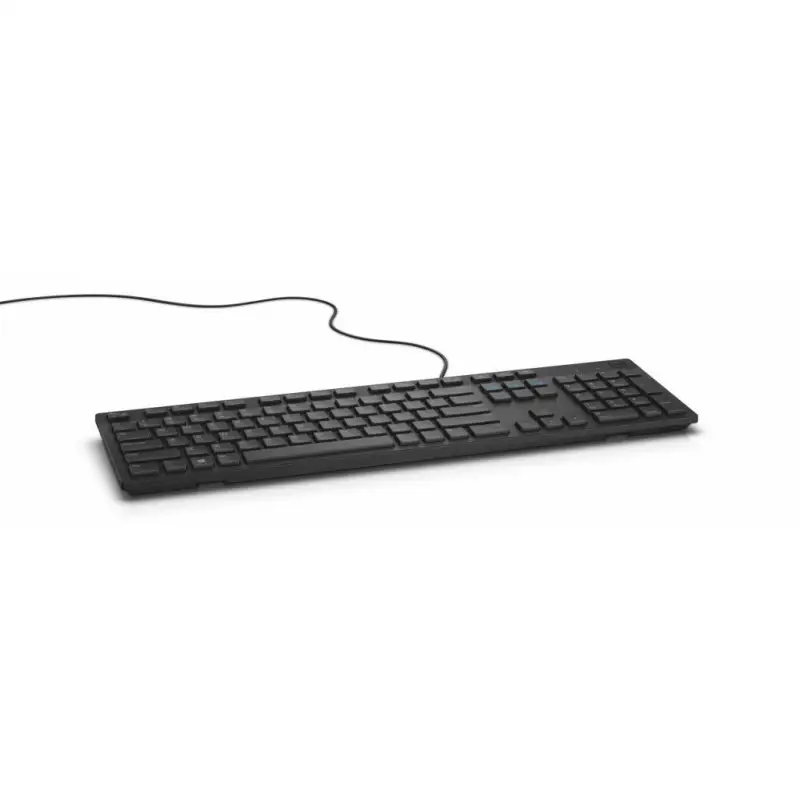
Dell markets the KB216 as having “efficient, comfortable typing” with a chiclet layout and multimedia keys for quick access to playback and volume functions. While this matches the experience for many casual users, it falls apart for those expecting long-term reliability.
On the claims of comfort, Reddit user u/Typing*** enthused: "It feels very smooth and nice typing on it because the actuation is just perfect for me... I don't understand why I would need to use a mechanical, or expensive keyboard." This echoes Dell's copy, highlighting that office or everyday typing users may genuinely enjoy the feel. However, another Reddit poster countered: "Feels cheap, is cheap, and gets the job done—although certain keys like both control keys and caps lock have already stopped working."
Dell also hints at the KB216 being "ideal for home and office environments," but forum posts document key-sticking issues weeks after purchase. A Dell Community contributor wrote, "Third replacement on order. Down arrow key, tapped once... went down, never came back up." This mechanical brittleness undermines its marketing promise of “durable build.”
Cross-Platform Consensus
Universally Praised
A recurring highlight is the keyboard’s footprint and noise profile. The KB216’s full layout yet compact size appeals to users in constrained desk spaces. Office staff value quiet performance; a Best Buy customer said of a different Dell scissor key model, "The keys are quiet when typing, not silent but quieter than most boards I've used... looks sleek on the desktop."
For budget-conscious buyers, eBay listings show large volumes sold at under $13, making replacements cheap and easy. Multimedia keys get steady applause from multitaskers. One Reddit user explained that they love "the numpad, and the dedicated F keys... the media keys being a nice and handy-dandy touch."
The wide OS compatibility—Windows, macOS, Ubuntu, ChromeOS—means IT departments can deploy them across mixed environments without needing per-device drivers.
Common Complaints
The sharpest pain points are durability and key mechanics. Reports span multiple platforms about stuck or dead keys after light use. Twitter users called them “lightweight flimsy things” and “nearly worthless.” On the Dell forums, some buyers were ordering third replacements in a single month. While the KB216 has no backlighting, some users would accept that trade-off if core reliability improved.
Gamers run into functional limits: it does not support 3-key rollover for combinations like shift+W+space. As one Reddit thread confirmed: “No it doesn’t.” This potentially frustrates anyone using it beyond basic typing.
Wrist rest compatibility is another nag: the keyboard's slim profile means standard rests may obstruct the bottom row. A Reddit user noted using one “way too high for the board... obstructs the bottom row and the space bar a little.”
Divisive Features
The chiclet keycaps split opinion. Some ex-mechanical keyboard users find them mushy, reminiscent of laptop typing. Others appreciate their lighter actuation for reducing wrist fatigue during long office hours.
While multimedia keys are celebrated, newer Dell models adding the controversial “Copilot” key drew backlash. In one Dell Community thread, a left-handed typist wrote, “I use right control key all the time... spend $2000 on a stupid computer have no right control key!!” Although not a KB216 issue specifically, it colors perception of Dell’s keyboard design direction.
Trust & Reliability
Trustpilot stories warn about warranty frustrations. One XPS owner recounted paying for extended coverage after keys cracked, only to be told repairs would cost $200 per key. They replaced caps themselves, but more failed within a month. “I think the best thing is to buy yourself a 3rd party keyboard... probably of higher quality,” they concluded. This sentiment reflects a broader caution about Dell support, with accusations of upselling unnecessary parts.
Long-term Reddit anecdotes show KB216s holding up for some—it’s “super affordable, perfect weapon of choice” for one repeat buyer—yet failing early for others with broken control or caps lock keys.
Alternatives
Comparative mentions include the Logitech MX Master series (for paired mice) and Cherry KC 200 MX keyboards for those wanting mechanical-like travel. Dell’s own SK-8135 and SK-8115 heritage models are remembered fondly for curvature and build quality—"far superior" in comfort according to several forum veterans.
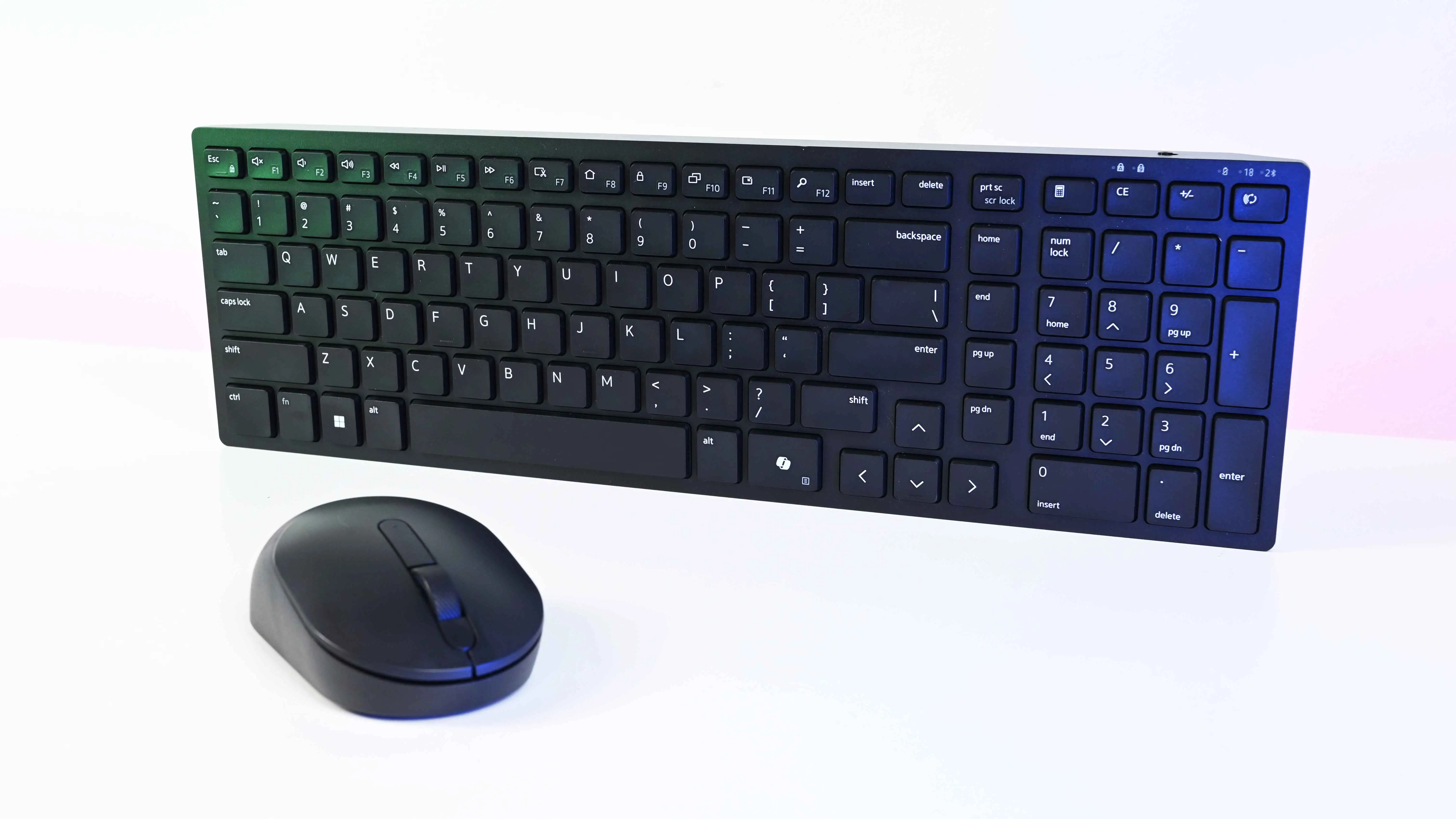
For wireless setups, Dell’s KM555 Silent Keyboard and Mouse bundle drew solid mid-tier reviews despite “gummy membrane switches,” offering Bluetooth and USB dongle connectivity. Meanwhile, the KB525C adds video call controls for frequent Zoom or Teams users, though its membrane switches still divide opinion.
Price & Value
Current eBay averages show new KB216s around $12–$13, with bulk lots (10 units) at $79–$159. This rock-bottom pricing means low replacement pain—even for offices experiencing failures, swapping units may be cheaper than servicing. Resale value is negligible, but high availability ensures quick sourcing.
Buying tips from the community emphasize watching for bundled deals with Dell desktops—often cheaper than standalone retail—and considering older Dell models for better build.
FAQ
Q: Does the Dell KB216 support 3-key rollover for gaming?
A: No. Multiple Reddit confirmations note it cannot register shift+W+space together. Gamers may prefer Dell KB500/700/900 for this feature.
Q: Is the Dell KB216 spill-proof?
A: The German-market KB216 variant is splash-proof, but US buyers should note most versions are not officially water resistant.
Q: Can you get a wrist rest for the KB216?
A: Dell does not offer a dedicated wrist rest. Users report third-party rests may sit too high and obstruct keys.
Q: How long does the KB216 last?
A: Lifespan varies. Some users report years of use without issue, others see mechanical failures within months—often stuck or unresponsive keys.
Q: Will this work on macOS or Linux?
A: Yes, the KB216 works across major OS platforms, but multimedia keys may have limited function outside Windows.
Final Verdict
Buy if you’re a budget-conscious office user who prizes quiet typing and full-size convenience. Avoid if you demand gamer-level rollover, heavy-duty build, or guaranteed long-term reliability. Pro tip from community: source KB216s in bulk for cheap replacements and pair with a comfortable external wrist rest for extended sessions.





