Dell Active Pen Review: Mixed Verdict on Compatibility
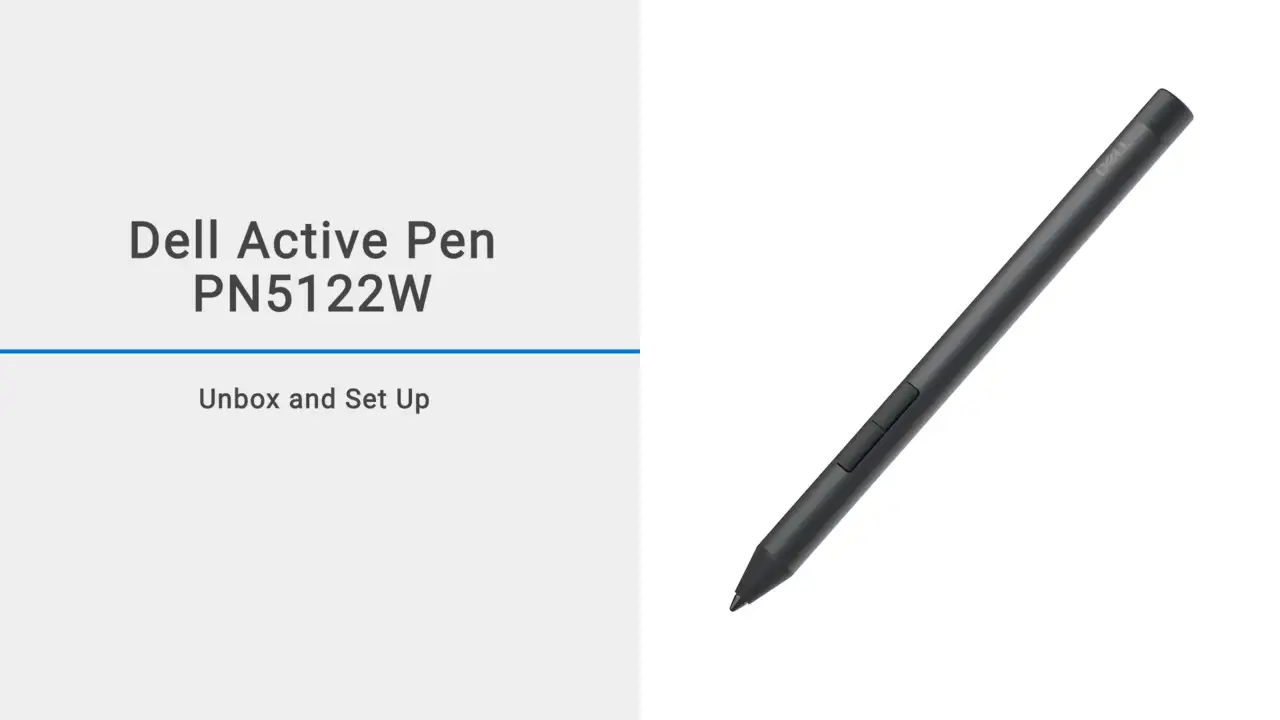
Less than a week into ownership, one Reddit user proclaimed of the Dell Active Pen PN557W: "It's working now but it's annoyingly inconsistent with how it disconnects sometimes." That sums up a recurring frustration across multiple platforms. While some buyers praise the right model’s smooth writing, precision, and strong magnetic attachment, others are locked in a cycle of battery changes, driver reinstalls, and connection drops. Across the PN350M, PN557W, PN579X, and newer PN7522W lines, the verdict over thousands of reports averages a cautious 6.8/10.
Quick Verdict: Conditional — Only worth buying if your exact Dell 2‑in‑1 model is confirmed compatible and you’re willing to troubleshoot Bluetooth quirks.
| Pros | Cons |
|---|---|
| Strong magnetic attachment prevents loss | Frequent Bluetooth disconnections (PN557W) |
| Precise pressure sensitivity up to 4096 levels on supported models | Awkward battery setup (coin cells + AAAA) |
| Palm rejection praised by note-takers | Random writing dropouts mid‑session reported |
| Multi‑protocol support (MPP, AES 1.0, AES 2.0) broadens compatibility | Firmware/driver fixes needed to resolve jitter on PN579X |
| Lightweight and comfortable design | Shorter battery life than advertised for some |
| Customizable buttons improve productivity | Side buttons awkward to reach for some grip styles |
Claims vs Reality
Dell’s marketing boasts “up to 12 months battery life” for the PN579X and “world’s longest battery life” for the PN7522W’s rechargeable cell, alongside flawless multi‑protocol compatibility. Yet a Trustpilot buyer of the PN7522W said: "I can't use this pen for more than 5 mins without it messing up." Even after Dell confirmed compatibility with their XPS, the pen still cut out during use — suggesting better battery stats don’t prevent connection issues.
Tilt support and 4096 pressure levels are marketed to artists. But Reddit user u/Hoosier79 found “a cheap universal Windows 10 pen… switching modes worked” whereas the Dell pen offered just one mode and “clearly no longer works with Windows 10 OS.” The protocols may be there on paper, but in cases of firmware lag or OS incompatibility, the benefits are moot.
The PN579X’s “low lag” claim clashed with jitter complaints on the XPS 9310. One user couldn’t draw a straight line without resorting to OneNote’s ruler, until a firmware update improved performance — “totally different experience… finally able to draw straight lines” — although glitches persisted until Dell replaced the entire display.
Cross-Platform Consensus
Universally Praised
For those with confirmed compatible devices, palm rejection delivers. A verified Amazon buyer wrote: "Got this to use with my Dell Latitude 7400 2‑in‑1… works great and attaches magnetically." Students value that: the pen won’t slide away in lectures and allows resting the palm without stray marks. The customizable top button for quick‑launching OneNote resonates with productivity‑focused users. Dell’s PN7522W rechargeable design, magnet mount, and Tile tracking add convenience for professionals prone to misplacing accessories.
Artists and note‑takers on Reddit praise the pen’s feel. One PN579X owner noted improved accuracy after firmware: "Similar to writing with pen on paper" is echoed for the PN7522W when the wireless link is stable.

Common Complaints
Bluetooth dropouts dominate PN557W feedback on Dell’s forums and Twitter. One owner saw disconnections “2 or 3 times an hour,” forcing battery reseats mid‑session. Another added: “Frustrating because the top button working properly is really useful for what I primarily use the pen for.” Battery contact issues — springs too loose, coin cells shifting — break the circuit, killing pairing. Community fixes range from shrink‑wrapping cells to wedging non‑conductive material behind the board.
On the PN350M, failures pile up. A Reddit owner had two replaced under warranty before quitting: “Built to fail… want a pen that will work consistently.” The lack of repair options leaves users searching for alternatives.
Even when technically working, the ergonomics frustrate. Heavy rear‑weight balance tires the hand, and side buttons fall under fingers awkwardly. The PN557W’s battery combination (AAAA + coin cells) confuses first‑time owners about insertion order.
Divisive Features
Multi‑protocol support splits opinion. For some, it’s the reason Surface Pens and Bamboo Ink styli can fill in when Dell’s models fail. This cross‑compatibility breadth is applauded by users swapping between different device brands. For others burned by a nominally compatible Dell pen, the promise feels hollow.
Rechargeability on the PN7522W pleases those done with coin cells but raises skepticism over the “40‑day battery”; heavier users suspect recharge cycles will be more frequent. Tile tracking charms forgetful owners, yet some feel it’s overkill for a stylus.
Trust & Reliability
Trustpilot complaints about the PN7522W reveal mismatches between Dell’s compatibility lists and actual function: “Listed in the compatibility list… then they said my screen did not support this pen.” That undermines buyer confidence.
Long‑term Reddit threads show fixes holding months — u/BizzyBob’s electrical contact shim kept his PN557W paired “after days of no use” — while others find issues recurring seasonally, hinting at environmental factors (static buildup, humidity). Without consistent QA across model revisions, durability remains hit‑or‑miss.
Alternatives
The Bamboo Ink Smart Stylus CS321AK is cited as a $20‑range alternative with dual AES/MPP modes, barrel buttons, and palm rejection — fitting users whose Dell pen only runs one protocol. A Microsoft Surface Pen is another cross‑protocol option: one Inspiron 7591 owner said it “works perfectly… pressure and palm rejection work.”
Some jump ship to Huawei Mate Pen for reliability, though at “triple” the Dell’s price.
Price & Value
New PN579X listings on eBay trend around $28.99 USD, PN557W at ~$24.95 USD, and older PN350M from $19.99 USD, reflecting tangible depreciation — likely due to reputation for connection faults. The rechargeable PN7522W commands higher resale, but its glitch reports may affect secondary market confidence.
Community wisdom: confirm part numbers against Dell’s Design For list rather than relying on broad compatibility claims. Buying open‑box without verifying your exact display’s digitizer tech risks wasting money.
FAQ
Q: Will a Dell Active Pen work on any touchscreen Dell laptop?
A: No — only models with an active digitizer supporting AES or MPP will work. Passive touchscreens won’t provide pressure sensitivity.
Q: How can I fix PN557W Bluetooth disconnects?
A: Users report success with driver reinstalls, tightening battery contacts via tape or shims, or removing coin cell batteries to bypass Bluetooth buttons.
Q: Does the PN579X support tilt?
A: Yes, on Dell 2‑in‑1 notebooks with Wacom AES 2.0 technology. Owners note improved shading after updates, though jitter may persist on some screens.
Q: What’s the battery setup for the PN557W?
A: One AAAA cell for inking and two coin cells for Bluetooth functions. Incorrect insertion can prevent pairing.
Q: Is the PN7522W worth its price premium?
A: Only if you value rechargeability, Tile tracking, and multi‑protocol support, and your model is confirmed compatible.
Final Verdict: Buy if you own a pen‑enabled Dell 2‑in‑1 confirmed to match the pen’s exact protocol and you’re ready to update firmware/drivers. Avoid if you need flawless Bluetooth top‑button use on the PN557W or have a history of battery contact issues. Pro tip from community: when in doubt, try a dual‑mode alternative like Bamboo Ink — it may save both money and frustration.