Crucial T700 4TB Gen5 SSD Review: Fast But Not for Everyone
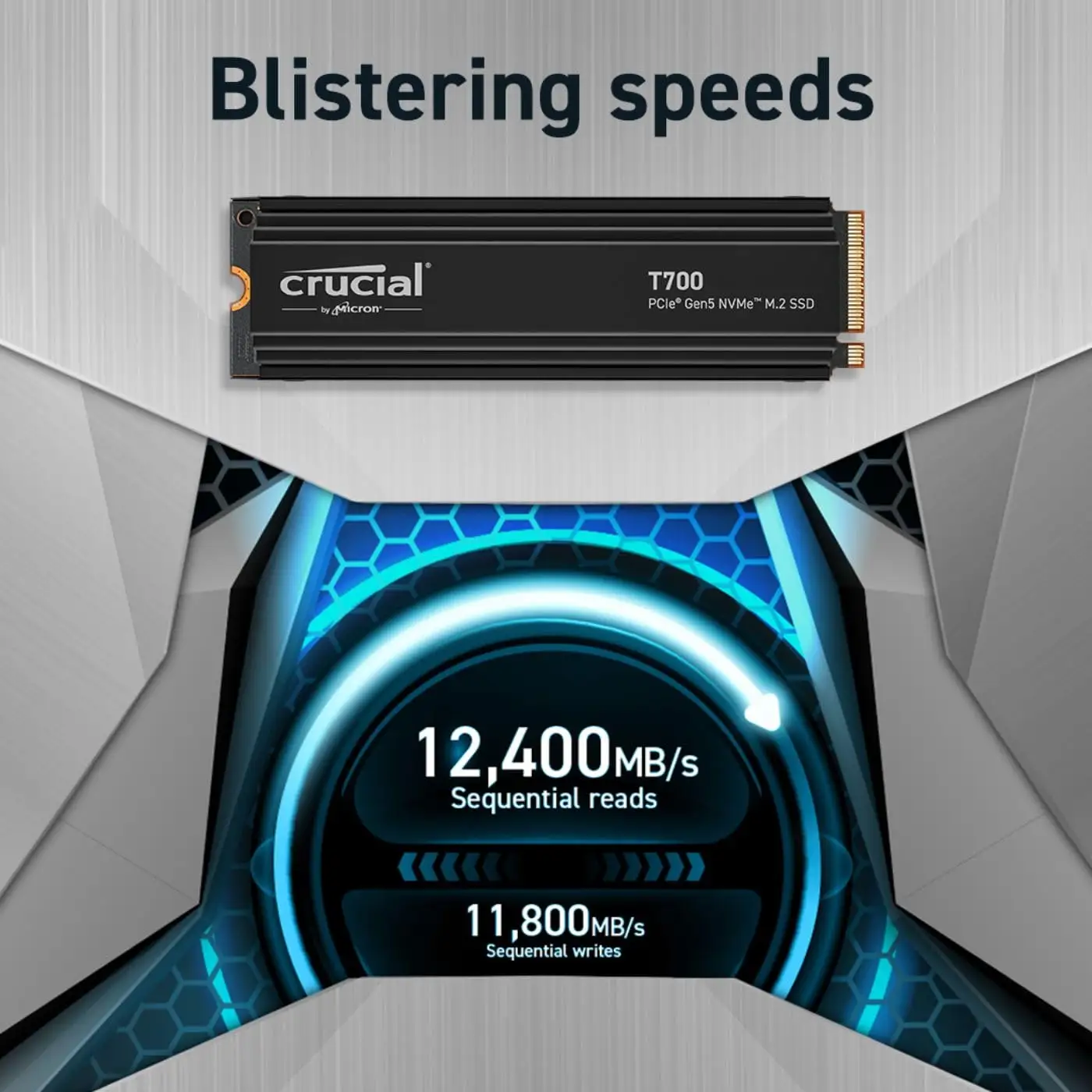
With read speeds hitting 12,400 MB/s, the Crucial T700 4TB Gen5 NVMe M.2 SSD has been called “the fastest PCIe Gen5 SSD on the market” by more than one Best Buy buyer. Scoring an overall 8.8/10, this drive is a powerhouse for gamers, content creators, and professionals—yet heat and compatibility issues mean it’s not a universal fit.
Quick Verdict: Conditional – buy for top-tier Gen5 builds with strong cooling, avoid for portable enclosures or poor airflow setups.
| Pros | Cons |
|---|---|
| Extreme speed – up to 12,400 MB/s sequential read | Runs hot, potential thermal throttling without proper cooling |
| Massive 4TB capacity | Poor compatibility with external enclosures |
| DirectStorage support for faster texture loads | Expensive vs Gen4 alternatives |
| Premium heatsink option helps maintain performance | Some units report firmware/initial health issues |
| Backward compatibility with PCIe 3.0/4.0 | Size of heatsink may limit fit in compact builds |
| Ideal for heavy workloads like 8K video rendering | Reports of BSODs and instability in select systems |
Claims vs Reality
Marketing leans heavily on “blistering speeds” and DirectStorage boosts, promising “up to 60% faster texture renders” and “99% less CPU utilization.” Real-world testing by Best Buy buyers backs much of this up for internal use: one user noted, “large files transfer in seconds, and load times for games and applications are virtually instant.” Video editors in particular cite flawless rendering even under heavy load.
Where Crucial claims “stay cool with our premium heatsink,” results vary. On Newegg, a top critical review warns of “overheating, even with a large mb heatsink” and suggests adding a fan-based cooler. This contrasts with Best Buy’s “even with stress testing it I can't get it over 72C” thanks to integrated motherboard cooling, showing airflow is a make-or-break factor.
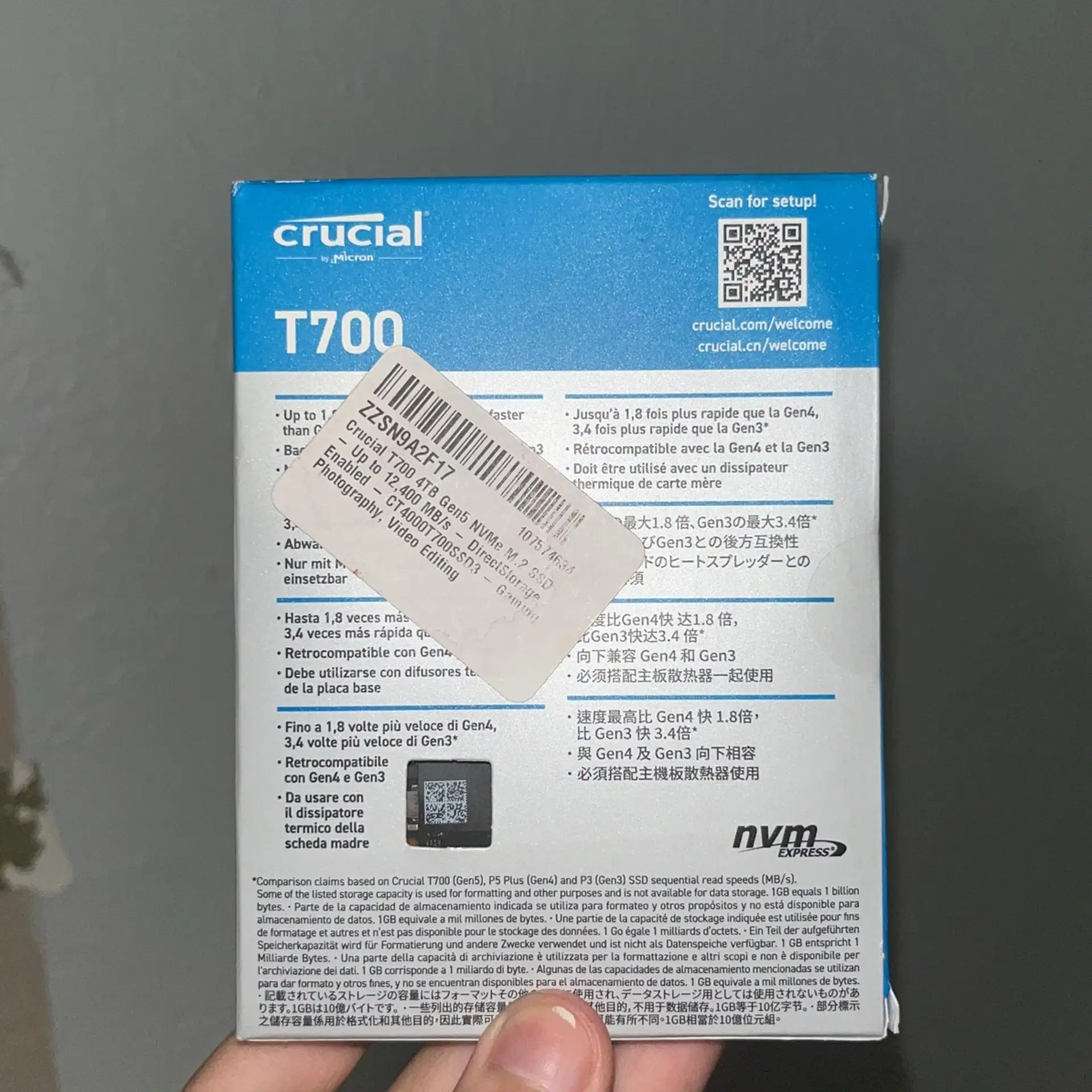
Compatibility claims also fall short in certain setups. One frustrated Best Buy buyer wrote: “the T700 will not work in an enclosure… it’s useless to me now.” While Crucial markets backward compatibility with PCIe Gen3/4, multiple users reported failures in non-Gen5 motherboards, forcing them to upgrade.
Cross-Platform Consensus
Universally Praised
Speed is the headline victory. From Reddit threads to Best Buy ratings, owners call it “insanely fast storage,” “a juggernaut in terms of data throughput,” and “absolutely blazing fast speeds.” Gamers benefit from lower load times and asset streaming: one user detailed loading Battlefield 2042 and Helldivers 2 without lag, even when switching between titles. Content creators moving 4K and 8K media note drastic workflow improvements—render tasks that took minutes now finish in seconds.
Storage capacity is another strength. With 4TB of TLC NAND, it’s described as “plenty of space for all my games” and “perfect balance of speed and storage” for mixed gaming and professional workloads. Large libraries and bulky video projects can coexist without compromise.
Backward compatibility, when it works, offers flexibility. Several Best Buy buyers appreciated running it in Gen4 slots until upgrading, calling this “nice if you need more storage now but eventually plan on upgrading.”
Common Complaints
Heat emerges as the biggest pain point. Trustpilot users describe “crash due to overheating,” while Newegg reviewers warn it “runs a bit hotter than my Gen4 drives.” Even with heatsinks, one reported 53–72°C under normal load with “many BSODs.” Cooling is mandatory; lack of case airflow can lead to throttling.
Compatibility limitations are another frustration. Portable SSD workflows are essentially ruled out—external enclosure failures are widely reported. One user attempting Thunderbolt enclosures found the drive would mount “for ~1 minute before ejecting” and couldn’t be recognized at all by their Gen4 board despite listed compatibility.
Price is also divisive. Gamers who can afford it see value in future-proofing, while budget-conscious buyers note Gen4 models like the T705 or Samsung 990 Pro offer “maybe 2000 MB/s” less speed for significantly lower cost.
Divisive Features
The premium heatsink’s size and design divide opinion. On one hand, it’s “custom designed… without noisy fans or liquid cooling” and praised for preventing throttle in well-cooled cases. On the other, Newegg’s top favorable review admits, “I don't love the heatsink or its size but… it should definitely have a heat spreader” to protect the chip.
Backward compatibility messaging sparks debate too. While some praise it for working fine in Gen4 and Gen3 slots, others see this as misleading when certain boards fail to mount the drive.
Trust & Reliability
Long-term trust is mixed. Newegg’s top favorable reviewer lauded “incredible, perceptible performance” and reported stable health readings after multiple tests, but also committed to “monitor if need be” due to heat concerns. Negative trust points surface from users encountering early health readings of just “14%” in Hard Disk Sentinel right out of the box, pointing to possible firmware or QA inconsistencies.
Customer service scores poorly in edge cases—one Best Buy buyer branded it “absolute worst” after Crucial dismissed their enclosure issues and suggested a Gen5 motherboard. This lack of clarity on supported setups undermines buyer confidence.
Alternatives
The Crucial T705 appears in discussions as a cooler, faster successor—Best Buy buyers noted “the newer T705 is quicker and cooler” but costs about $200 more for 4TB. Samsung’s 990 Pro Gen4 also surfaces as a frequent point of comparison, with some saying they “don’t notice a huge diff” in everyday tasks despite the lower peak speeds. For those without Gen5 boards, these Gen4 drives may deliver better thermals and compatibility at lower prices.
Price & Value
Prices vary wildly by region and seller—from $369.99 at Best Buy to over $900 AUD on eBay. Flash sales see it dip to $300 for 4TB, which buyers call “great bang for your buck” given the speed. Resale value should remain high given limited Gen5 SSD competition, but buying tips from the community stress matching it with a motherboard that offers full Gen5 support and strong airflow.
FAQ
Q: Will the Crucial T700 work in an external enclosure?
A: Feedback indicates poor compatibility—multiple users report mounting for only a brief period before disconnecting. It’s best suited for internal installation in Gen5-compatible motherboards.
Q: How hot does the T700 run under load?
A: Temperatures can reach above 70°C without optimal cooling. Proper airflow or a premium heatsink setup keeps it below throttle limits for most users.
Q: Is the T700 backward compatible with PCIe Gen3/4?
A: Officially yes, but user reports show mixed success—some boards recognize it without issue, others fail entirely.
Q: Does DirectStorage make a real difference?
A: Gamers with supported GPUs report faster texture loads and reduced CPU usage; benefits are most visible in asset-heavy titles.
Q: Is it worth upgrading from a fast Gen4 SSD?
A: For typical tasks, the difference may be subtle. For heavy media work or bleeding-edge games on Gen5 platforms, the jump can be substantial.
Final Verdict
Buy if you’re a Gen5 system owner with strong case airflow—especially heavy gamers or video professionals needing extreme throughput and capacity. Avoid if you rely on external storage setups or have limited cooling. Pro tip from the community: ensure your M.2 slot doesn’t share lanes with your GPU to maintain full performance.