Crucial 32GB DDR5 Laptop RAM Review: Conditional Buy Verdict
Digging into user experiences across platforms, the Crucial 32GB DDR5 RAM Kit (2x16GB) Laptop Memory earns a strong 9/10 score, with widespread praise for reliability, ease of installation, and noticeable performance boosts in multitasking and creative workloads. While marketing touts blazing speeds up to 5600 MHz, real-world reports show some systems downclocking to 4800 MHz due to CPU or motherboard limits—a point seasoned upgraders say is worth checking before purchase.
Quick Verdict: Conditional buy
| Pros | Cons |
|---|---|
| Easy installation process even for novices | May downclock to 4800 MHz on certain CPUs |
| Noticeable improvements in multitasking and creative apps | High CAS latency compared to DDR4 |
| Reliable brand reputation with lifetime warranty | No heat sinks included |
| Stable performance under heavy workloads | Occasional long initial boot after upgrade |
| Compatible with wide range of laptops | AMD EXPO compatibility issues on some models |
| Low operating voltage (1.1V) for efficiency | Gains in gaming performance can be minimal |
Claims vs Reality
One key marketing claim is “up to 5600 MHz speeds for next-gen Intel and AMD systems.” While this is accurate for 13th/14th Gen Intel and Ryzen 7000 laptops, multiple Best Buy reviewers note speed caps: “Even though these DDR5 sticks are rated to run at 5600 MHz, my 13th generation Intel Core i7 processor is only capable of handling 4800 MHz,” explained user dork head 2. This doesn’t diminish stability, but it tempers expectations for gaming FPS boosts.
Another headline claim is “1.75× faster data transfer than DDR4.” Reddit user feedback supports this in productivity contexts: “Testing showed 1.3× increase over my DDR4 overclocked RAM… no more lag running Moi 4 design software,” said one builder. However, in GPU-bound gaming, several Trustpilot reviewers admit “gaming performance seemed unchanged… most games I play are more GPU bound.”
Crucial also promotes “optimized power efficiency via on‑module voltage regulation.” This aligns with hands-on reports. Best Buy reviewer jason measured idle temps in the mid‑40°C range, peaking under stress at 92°C—still “well within specs,” and noted the efficiency made future upgrades simpler without buying new RAM.
Cross-Platform Consensus
Universally Praised
Ease of installation is a standout. Even novice upgraders describe the swap as straightforward. A verified Best Buy buyer, apalmo, shared: “Even if you are a novice, you can upgrade the memory with a few tools around your home… the new memory worked perfectly and showed up in settings as 32GB.” For professionals, this plug-and-play nature means minimal downtime—content creator angelm noted returning to editing 4K videos “right away” after a quick swap.
Performance gains in resource-heavy applications are consistent across reports. craigb found photo editing smoother, eliminating stuttering in GIMP with large files. Gamers in Reddit threads echo these improvements in load times and scene transitions, even if FPS remains flat. Multitasking also benefits; barking potato described upgrading a gaming laptop and “multitasking never looked so good.”
Reliability and stability get repeated praise. Best Buy reviewer red scorpion ran memtest86 and Windows diagnostics with “several passes without error,” while Reddit builders emphasize Crucial’s track record with “never had a failure or issue… install, forget and enjoy.”
Common Complaints
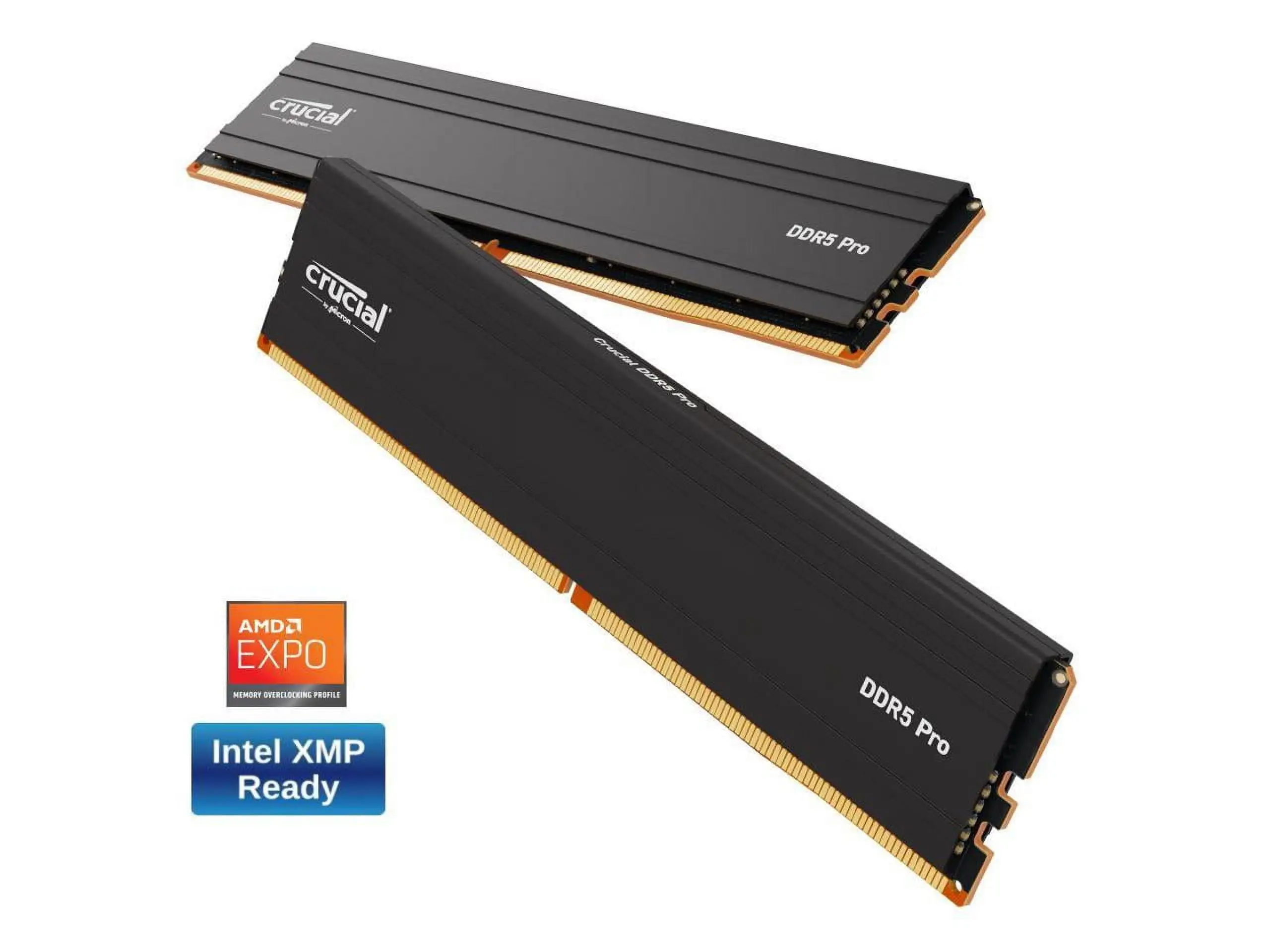
Speed limitations on certain CPUs or locked BIOS settings frustrate performance‑focused buyers. dork head 2 and robertv both highlighted downclocking to 4800 MHz, with no option to enable XMP. This mainly impacts gamers aiming for peak bandwidth, though productivity users see less impact.
High CAS latency (CL46 on 5600 MHz kits) is another recurring theme. craigb calls it “crazy high but more common for DDR5,” and while offset by bandwidth, latency-sensitive workloads like competitive gaming may feel marginal gains.
Initial boot delays after installation are reported by multiple users. craigb described a tense “3+ minutes of keyboard lights and silence” before the system confirmed the memory change, something other Dell laptop owners corroborated as normal for DDR5 verification.
Compatibility disclaimers around AMD EXPO support caused headaches for some. Reddit cautionary posts warn “4800 MHz DDR5 not compatible with AMD EXPO,” urging buyers to check specs closely.
Divisive Features
The absence of heat sinks splits opinion. Some appreciate the low-profile design fitting in tight spaces, as Reddit builders note better airflow. Others, like kadete, add aftermarket plates “to help with excess” heat during gaming loads.
Gaming performance impact is debated. While moni mouse claims “significantly improved” responsiveness, others like dork head 2 find FPS unchanged, attributing gains instead to smoother loading and reduced stutter in cutscenes.
Trust & Reliability
On Trustpilot and Best Buy, Crucial’s warranty and brand history inspire confidence. Buyers like shaun orlando cite “over 20 years” of dependable upgrades. Long-term Reddit owners report months of stable use under heavy CAD or creative workloads with “no crashes or failures.”
Delivery issues are rare but noted—robertv rated 3/5 after a late shipment. However, no widespread scam patterns emerged; the majority receive genuine, sealed product with the advertised specs.
Alternatives
While no direct competitors are deeply discussed in the provided data, some Reddit users suggest spending “about $40 more” for overclockable DDR5 with tighter timings if extreme performance is the goal. Corsair is mentioned as a heat-sinked alternative in PCPartPicker builds, but Crucial remains the “best bang for your buck” for stability and price.
Price & Value
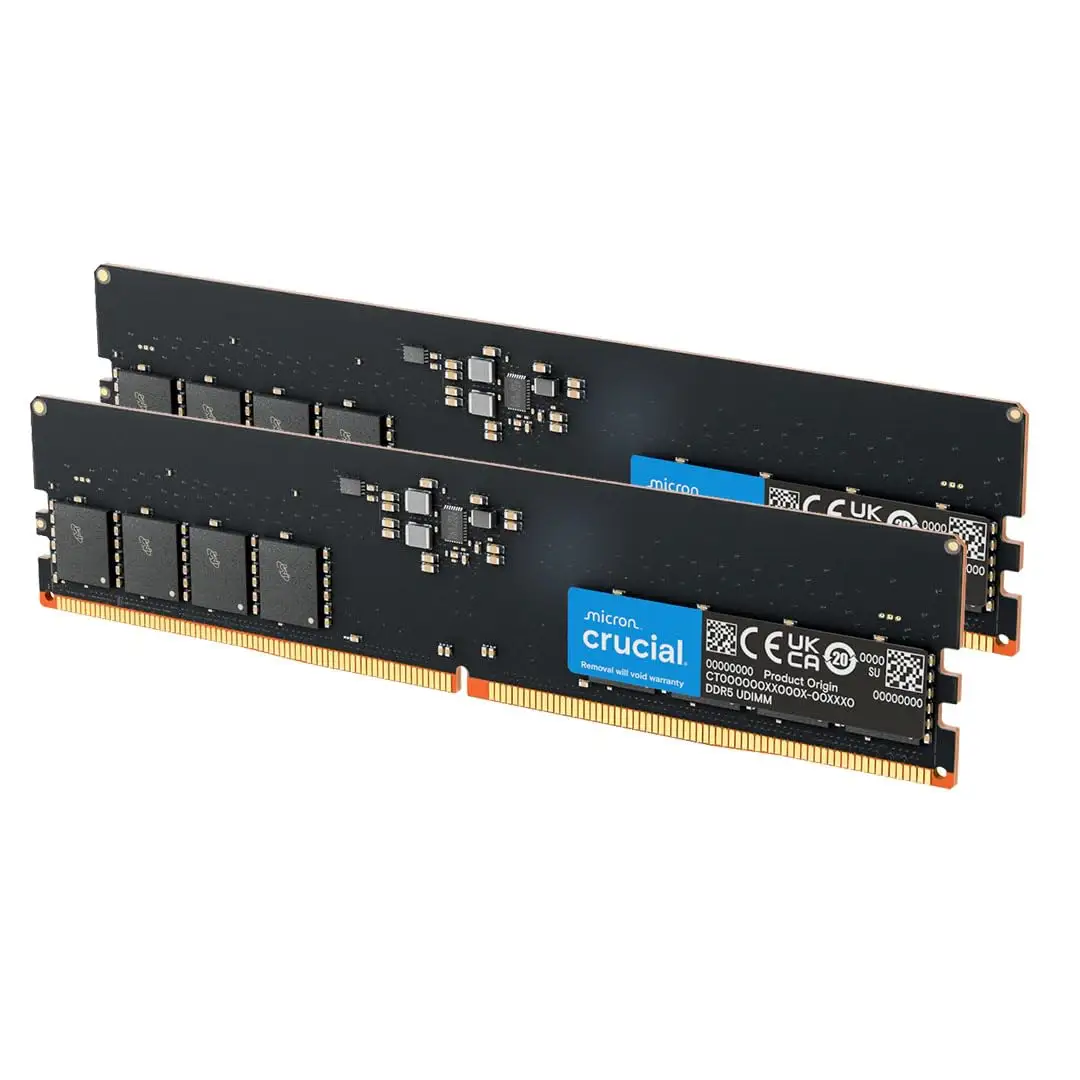
At current listings, eBay prices hover around $89–$95 for DDR5‑4800 kits, with DDR5‑5600 kits near $110–$120—significantly under many premium brands. Resale value holds due to laptop DDR5 demand, and community advice stresses using Crucial’s compatibility checker to avoid mismatched speeds. Buyers upgrading older DDR5 laptops often see the kit as “future‑proof,” ready for faster CPUs later.
FAQ
Q: Will this RAM run at 5600 MHz in my laptop?
A: Only if your CPU and motherboard support it. Many 12th/13th Gen Intel laptops cap at 4800 MHz, as noted by multiple users. Check specs or use Crucial’s compatibility tool before purchase.
Q: Is installation difficult for beginners?
A: Most reviewers found it easy—remove the laptop’s bottom panel, swap modules, and reboot. Some laptops may pause on first boot for memory checks.
Q: Does the high CAS latency affect performance?
A: For everyday use and creative tasks, bandwidth gains offset latency. Competitive gamers may notice less improvement compared to DDR4 with lower latency.
Q: Is AMD EXPO supported?
A: Official specs list support, but Reddit reports suggest certain 4800 MHz kits don’t work with EXPO. Verify with your system manufacturer.
Q: Will this improve gaming FPS?
A: Gains are modest in GPU-bound titles. Most improvements are in load times, scene transitions, and multitasking stability.
Final Verdict: Buy if you’re a laptop user needing more memory for multitasking, creative work, or smoother gameplay in resource-heavy titles. Avoid if your main goal is maximizing DDR5 speed on a locked BIOS or unsupported CPU. Pro tip from the community: run Crucial’s compatibility checker before ordering to ensure you hit the advertised MHz.





