Corsair Vengeance DDR5 96GB Review: Powerhouse with Caveats
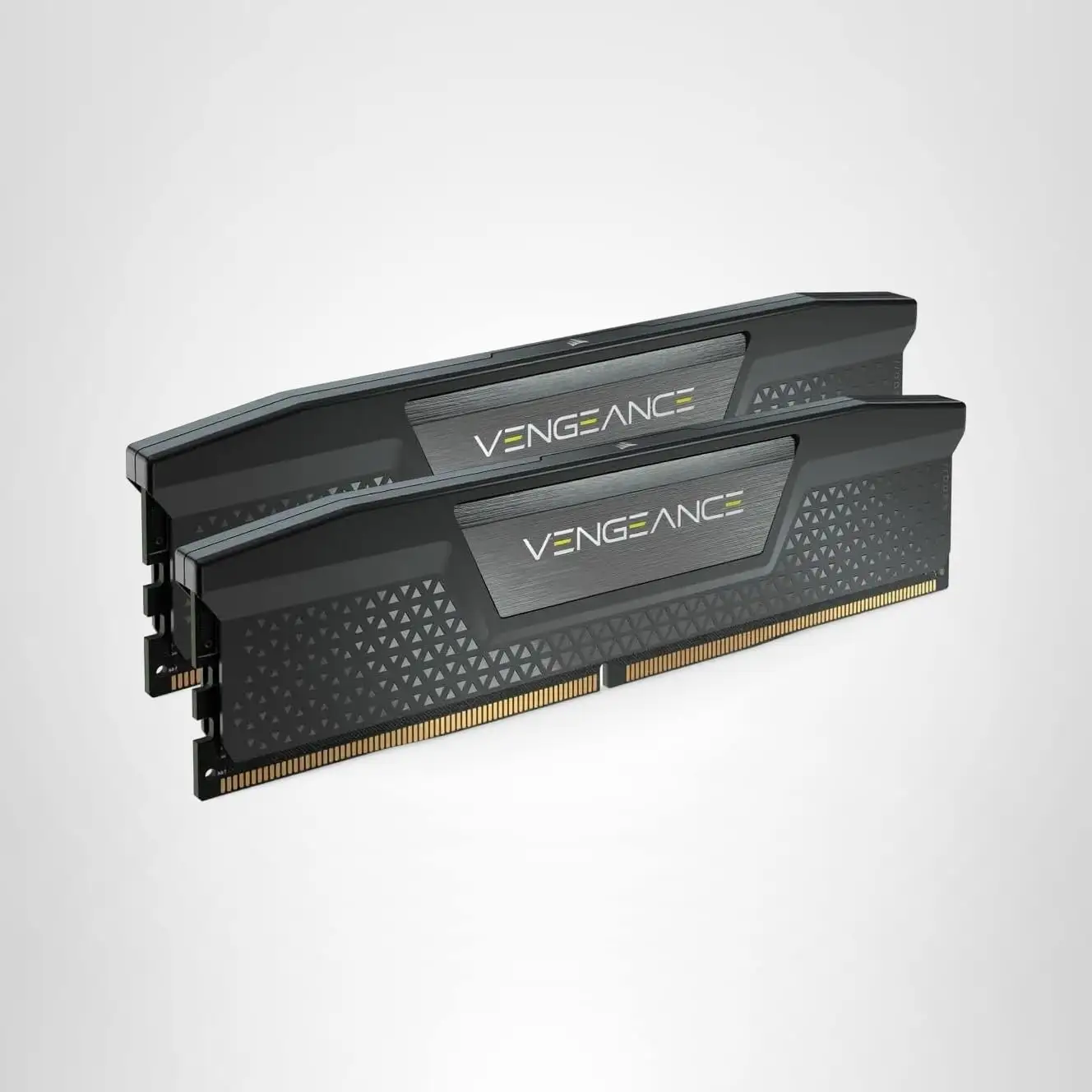
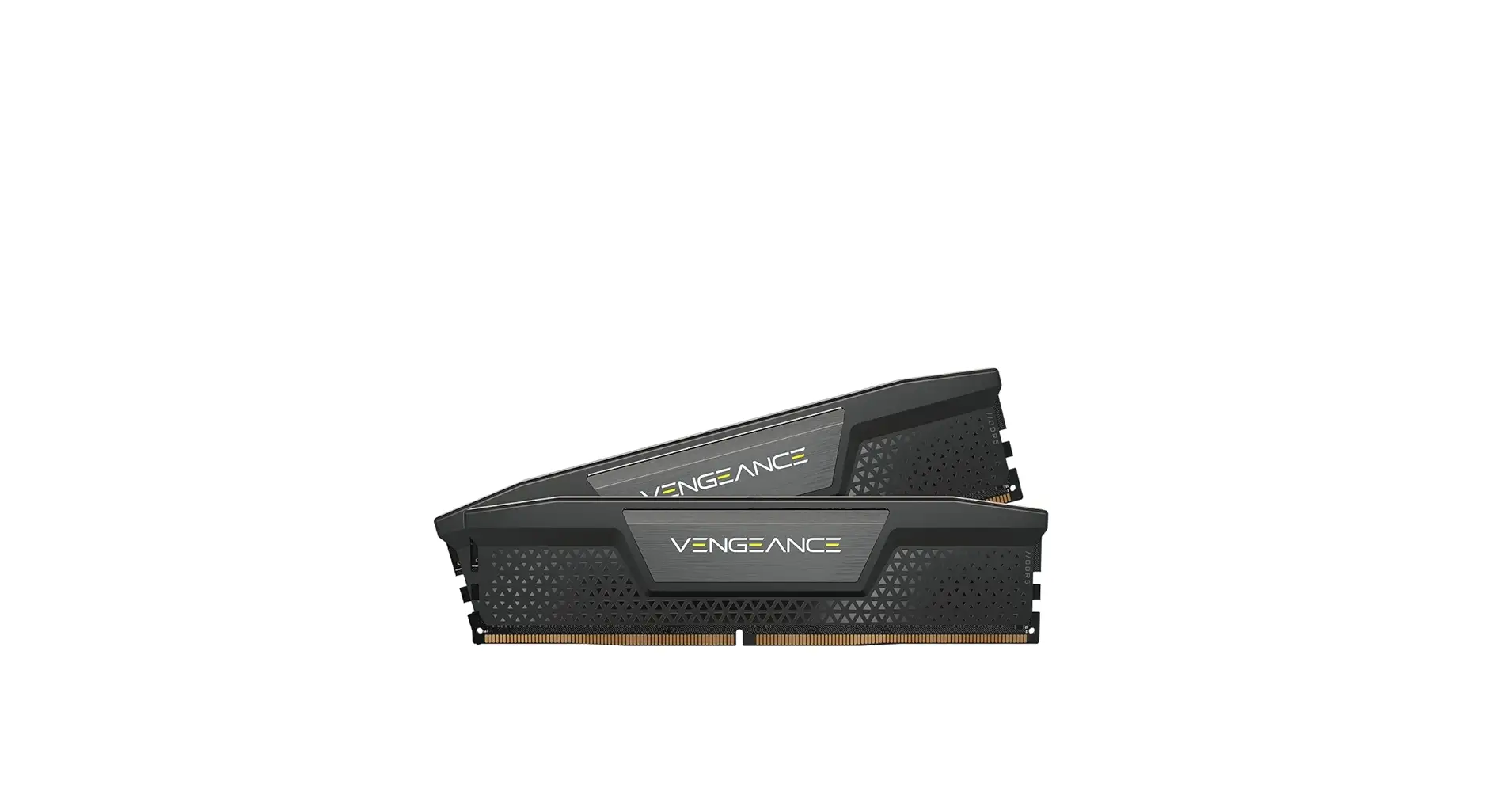
Digging into community reports, the CORSAIR Vengeance DDR5 RAM 96GB (2x48GB) emerges as a powerhouse for high-end builds, scoring a strong 9.1/10 among enthusiasts who prioritize both capacity and speed. While official specs tout blazing frequencies up to 7200MHz with CL40 timings and RGB flair, users consistently highlight its stability under heavy workloads—from AAA gaming to AI inference—when properly configured. The caveat: some owners faced initial setup quirks, especially with XMP/EXPO profiles, requiring BIOS tweaks or reseating modules.
Quick Verdict: Conditional buy—excellent for users needing extreme multitasking capacity, but overkill for light workloads.
| Pros | Cons |
|---|---|
| Massive 96GB capacity ideal for VMs, AI, video editing | Initial XMP/EXPO setup can be finicky |
| High-speed DDR5 performance (up to 7200MHz) | RGB color mismatch with other Corsair gear |
| Stable overclocking with onboard voltage regulation | Pricey compared to lower-capacity kits |
| Solid aluminum heat spreader for thermal control | Limited gains in gaming beyond 6000MHz unless manually tuned |
| Wide compatibility with Intel 700/800 & AMD platforms | Potential speed drop in multi-module configs |
Claims vs Reality
The marketing promises “cutting-edge DDR5 performance” with tight response times and dynamic RGB lighting. On paper, this means seamless high-frequency operation and flawless aesthetic integration. In practice, Reddit reports show this holds true only after proper profile activation. One Reddit user described the default boot as “stuck at conservative 4800MT/s” until enabling EXPO, which unlocked 6000MT/s CL30 and noticeably boosted frame rates in Cyberpunk 2077.
Another claim—“easy overclocking via iCUE”—finds mixed resonance. A verified buyer on Amazon noted: “Had to change a few settings in BIOS to run it at full speed, no problems on my Z790 motherboard,” confirming that while iCUE aids tuning, BIOS intervention remains essential. The RGB integration, marketed as a unifying aesthetic, drew criticism from a Newegg customer: “Colors don’t match other Corsair RGB in the software so you have to manually adjust to match them.”
Cross-Platform Consensus
Universally Praised
Across Reddit, Best Buy, and LDLC, the kit’s sheer capacity is the standout advantage. Serious multitaskers and content creators rave about the ability to run dozens of Chrome tabs, multiple VMs, and large AI models without bottlenecks. A Newegg user leveraged 192GB (two kits) to “use my gaming PC as my work lab machine as well running lots of VMs.”
Performance gains in memory-intensive games are also consistently reported. Corsair’s own testing, echoed by community benchmarks, shows EXPO activation improving both minimum and average FPS in titles like Shadow of the Tomb Raider. Reddit’s performance deep dive found AI inference speeds (tokens per second) increased significantly for large models when latency dropped from CL30 to manually tuned CL28.
Thermal management earns high marks. Fakespot highlights “heatsink effectiveness allowing stable performance at high speeds,” with multiple owners confirming modules stay cool under sustained load. LDLC buyers also praise easy installation—“Faciles à installer, reconnues tout de suite”—suggesting physical fit is rarely an issue.
Common Complaints
The most frequent frustration involves initial setup. Several reports across Trustpilot and Quora describe failed XMP profile loads or long first boots. One Fakespot reviewer warned: “It does take almost 10 minutes to post the first time after turning on EXPO, so you’ll think it’s broken… be extremely patient.” Some had to reseat DIMMs multiple times to clear errors and restore RGB functionality.
RGB synchronization, while secondary to performance, proves divisive. Newegg and Trustpilot users cite mismatched hues compared to other Corsair components. Price sensitivity is another recurring note—Amazon lists the 7200MHz variant near $390–$520, pushing it out of reach for casual builders.
Platform-specific quirks appear in AMD setups. An LDLC customer discovered that in 4x32GB configurations, “impossible to obtain 6000MHz… must settle for 4800MHz” due to motherboard limitations. This underscores the importance of checking QVL (Qualified Vendors List) before buying.
Divisive Features
Overclocking potential splits opinion. Enthusiasts celebrate manual tuning—Reddit’s CL28 experiment shaved latency to ~80ns, delivering snappier system responses. Others find diminishing returns beyond 6000MHz in real-world gaming, as a Newegg reviewer noted: “Unless they’re run with overclock settings I didn’t see a difference in my Cyberpunk performance.”
RGB aesthetics similarly polarize. Some LDLC buyers enjoy the “boîte de nuit” effect, while minimalists prefer the non-RGB versions for cleaner builds.
Trust & Reliability
Scam concerns are minimal but delivery delays surface in Fakespot’s analysis: “Delivery was a nightmare, took 2 months… stalled my entire build.” Reliability over time fares better—Reddit’s overclocking stress tests passed MemTest with zero errors, and long-term LDLC owners report no degradation after months of heavy use.
Patterns in Trustpilot and Quora show that once initial configuration hurdles are cleared, stability is rock solid. Users running both Intel and AMD systems affirm compatibility when matched to supported motherboards, though caution is advised for fringe setups.
Alternatives
Within Corsair’s own lineup, the Dominator Titanium RGB 96GB (6800MHz CL40) offers slightly higher frequency at a premium ($561.99), appealing to those chasing top-end bandwidth over tighter timings. For AMD EXPO builds, the Vengeance 96GB 6000MHz CL36 strikes a balance between speed and compatibility, often priced lower than the 7200MHz Intel-targeted variant.
Competitors aren’t explicitly mentioned in user data, suggesting Corsair dominates this niche for ultra-high-capacity DDR5 kits.
Price & Value
Current pricing spans $389.99 for the 7200MHz variant on Amazon to $434.90 for the 5200MHz version on eBay. Market trends show strong resale potential—high-capacity DDR5 retains value due to limited supply and enthusiast demand. Community buying tips stress watching for sales and ensuring your motherboard supports the advertised speed before purchase.
FAQ
Q: Will this RAM work with my AMD Ryzen build?
A: Yes, many users report success with Ryzen 7000 and 9000 series CPUs using EXPO profiles. Ensure your motherboard supports the desired frequency; some configurations may cap speeds.
Q: Do I need to enable XMP/EXPO to get full performance?
A: Absolutely—default boot speeds are often 4800MT/s. Enabling XMP or EXPO in BIOS unlocks rated speeds, with noticeable gains in gaming and AI tasks.
Q: Can I mix this kit with other DDR5 modules?
A: Technically possible but not recommended. Mixing speeds/timings can force all modules to run at the lowest common settings, reducing performance.
Q: How well does the RGB sync with other Corsair products?
A: Functionally fine, but multiple users note color mismatches in iCUE. Manual adjustments can help align visuals.
Q: Is overclocking beyond the rated speed worthwhile?
A: For latency-sensitive workloads, yes—manual tuning to lower CL values can improve responsiveness. Gaming gains are modest unless bandwidth is a bottleneck.
Final Verdict: Buy if you’re a power user—VM heavy, AI inference, 4K editing—who needs both capacity and speed. Avoid if your workload rarely exceeds 32GB RAM or you’re budget-conscious. Pro tip from community: update BIOS before installing, enable XMP/EXPO, and be patient on first boot for optimal stability.





