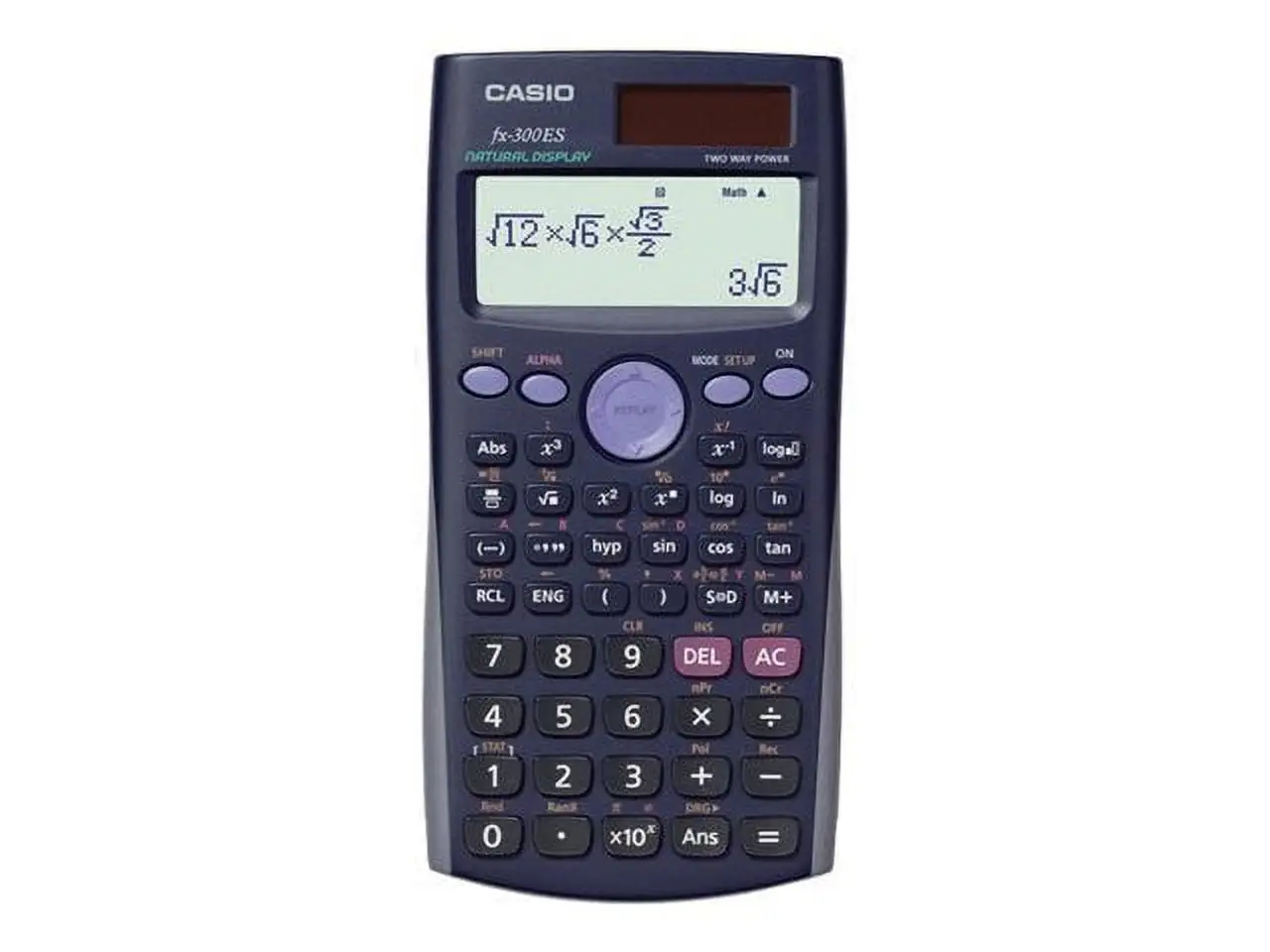
Casio MH-10 Desktop Calculator Review: Worth It? 8.6/10
“Simple and easy to use!” is how a verified buyer on Amazon summed it up—and that plain-spoken praise captures why the Casio MH-10 Desktop Calculator keeps showing up on desks instead of being replaced by a phone app. Verdict: Yes, for most basic office math needs—8.6/10.
Quick Verdict
The Casio MH-10 Desktop Calculator is a mini desktop calculator that wins people over with a big, readable display and straightforward day-to-day usability. On Amazon, it holds 4.7 out of 5 stars across 1,700+ ratings, which signals consistent satisfaction for a low-cost office tool.
Digging deeper into user feedback, the “desk-friendly” experience is the headline: people talk about readability, the comfort of large keys, and the convenience of solar + battery backup for casual and business calculations. But there are also sharp complaints from users who care about tactile key feel, stability on the desk, or specific “cost/sell/margin” workflow behavior.
A recurring pattern emerged: this calculator is loved as a no-fuss workhorse, yet criticized when buyers expect premium keyboard feedback, backlighting, or certain memory behaviors in business pricing routines.
| Verdict | Evidence from user feedback |
|---|---|
| Buy? | Conditional Yes — strong ratings and repeated “easy to use” comments |
| Best for | Basic office/home accounting, people who prefer desktop calculators over phones |
| Biggest pro | Readability + “nice large buttons” experience |
| Biggest con | Key feel complaints (“shorter travel,” “better…feedback”) |
| Watch-outs | Stability (“top heavy”) and battery replacement concerns |
Claims vs Reality
The Casio MH-10 Desktop Calculator is marketed (via Amazon listing details) around a “large 10 digit display,” “large keys,” and business-oriented shortcuts like tax and cost/sell/margin keys. On paper, that reads like a simple win: a clearer screen, easier input, and faster pricing math.
In practice, the “large display” claim is one of the most consistently validated pieces of user feedback. A verified buyer on Amazon called it “simple and easy to use!” and another wrote, “works as advertised… exactly what i wanted… a perfect size.” BestViewsReviews’ aggregated community excerpts also reinforce that readability and screen clarity are a major reason people keep it on their desk, describing “a clear screen” and “calculations and accounting tasks effortless.”
But the “large keys for easy input” claim runs into a real-world split: many people like the size, yet some dislike the feel. A verified buyer on Amazon said: “wish the buttons had better feedback… i wish the buttons had shorter travel and better, discerning feedback. i often have to check if my finger input registers (which is 95% of the time).” BestViewsReviews echoes this same complaint string, suggesting it’s not an isolated reaction but a recurring frustration for tactile-focused users.
The other gap shows up in business workflow expectations. While the product positioning emphasizes margin and tax keys, one verified Amazon reviewer reported a friction point in repeated pricing entries: “does not retain pcm values… when entering multiple items i have to enter the margin for every item… those are extra steps that should not be required.” That’s not about whether the keys exist—it’s about whether the workflow matches how some businesses price batches of items.
Cross-Platform Consensus
Universally Praised
A strong thread across Amazon reviews and the BestViewsReviews community excerpts is that the Casio MH-10 Desktop Calculator feels “desk-ready” in a way phone calculators don’t. One verified buyer on Amazon explained the preference plainly: “i always like using a desktop calculator than a smartphone one. this casio calculator is perfect fir my needs.” For office workers, bookkeepers, and anyone doing repetitive totals, that sentiment frames the product’s role: a dedicated tool that reduces friction.
Readability is another recurring point where marketing and lived experience align. Multiple user snippets highlight a “clear screen,” and Amazon buyers repeatedly mention it doing exactly what they expected. A verified buyer on Amazon wrote: “works as advertised,” while another went further with: “the best desk calculator!” For users who struggle with small screens or simply want fewer squint-and-recheck moments, the wide, easy-to-read display becomes a quality-of-life feature rather than a spec.
Button size and general ease-of-use also come through as a consistent benefit—especially for casual home use and day-to-day accounting tasks. BestViewsReviews summarizes the experience in user-quoted form: “the calculator is easy to use with nice large buttons and a clear screen, making calculations and accounting tasks effortless.” That kind of feedback points to who wins most: people who prioritize speed and clarity over specialized functions.
- Common praise themes (Amazon + BestViewsReviews): readability, straightforward operation, desk convenience
- Typical use cases implied by reviews: office totals, small business pricing, home budgeting
Common Complaints
The most emotionally specific complaints center on key feel and input confidence. One verified Amazon buyer described needing reassurance during typing: “i often have to check if my finger input registers.” BestViewsReviews repeats a near-identical complaint string—“shorter travel” and “better…feedback”—which suggests a pattern: for users sensitive to keyboard-like responsiveness, the MH-10M can feel mushy or uncertain.
Stability is another tangible pain point for certain desk setups. A verified buyer on Amazon called it “a little ‘top heavy’” and warned that it “ittipseasily.” For users who tap fast, work on slick desks, or keep the calculator near the edge of a counter, that design balance complaint matters more than it would for someone who uses it occasionally.
Battery servicing expectations also trigger frustration. While Amazon specs state an LR44 battery is included and solar power is part of the design, at least one verified reviewer flagged a practical barrier: “you can't change the battery yourself,” adding that instructions suggested taking it to “a specialty shop… a place that changes watch batteries.” That’s less about power type and more about long-term ownership convenience—especially for buyers who expect a quick DIY battery swap.
- Repeated negatives: key feedback/feel, tipping stability, battery replacement hassle
- Who’s most affected: fast typists, heavy daily users, DIY-oriented owners
Divisive Features
A recurring divide appears around “simple” versus “feature-expectant” buyers. Some people celebrate its basic reliability—“simple and easy to use!”—while others bump into workflow constraints, like the pricing/margin behavior reported by a business user who felt it “does not retain pcm values.” For a small shop entering many items with the same margin, that becomes a persistent annoyance; for someone just doing totals and taxes occasionally, it may never surface.
There’s also a broader expectation mismatch visible when comparing communities. A Reddit user in a separate calculator thread (not about the MH-10M specifically as a desk calculator) expressed enthusiasm for a different Casio device’s programmability: Reddit user (no username provided in the data) said: “I love this calculator… especially its Python implementation.” That kind of conversation signals that some shoppers come to Casio expecting advanced “calculator culture” features—whereas the MH-10M’s audience feedback is grounded in office practicality. The divisiveness, then, isn’t that the MH-10M is inconsistent—it’s that buyer expectations vary dramatically.
Trust & Reliability
The Casio MH-10 Desktop Calculator benefits from a large volume of Amazon feedback and a high average rating, which typically reduces the risk of one-off hype. Verified-purchase snippets repeatedly emphasize that it works as expected: “works as advertised,” “good buy,” and “they both work great so far,” suggesting a baseline reliability that matches its simple mission.
From the BestViewsReviews aggregation, the overall tone is strongly positive (“87% positive” is presented), but there’s also a notable reliability-adjacent red flag embedded in the excerpts: “the calculator shuts off after less than a minute of use.” While that line doesn’t include a username or full context, it’s the kind of operational complaint that would matter to anyone doing longer entries or intermittent work sessions.
Reddit data in the provided set is not a “6 months later” durability thread about the MH-10M specifically; the linked discussion is about a different style of Casio calculator. So long-term MH-10M durability stories aren’t directly evidenced here beyond the general tone of “works… so far” and the aggregated “durable material” sentiments.
Alternatives
The Casio MH-10 Desktop Calculator is repeatedly compared—implicitly—against phone calculators rather than named competing models. One verified Amazon buyer drew the line clearly: “i always like using a desktop calculator than a smartphone one.” That frames the real alternative as behavioral: using a smartphone app versus keeping a dedicated calculator on the desk for speed and fewer mistakes.
Within the provided data, another “alternative” that appears is the broader world of advanced graphing/programming calculators discussed on Reddit—where a user talks about “Python implementation” and wanting “dedicated alphanumeric keys.” That’s not a direct competitor named for the MH-10M, but it shows an alternative path for shoppers who realize they want far more than basic tax/margin math.
If your goal is business totals, pricing, and quick corrections, user feedback suggests the MH-10M fits. If your goal is programmability or backlit/keyboard-grade feel, the complaints (“wish the buttons had better feedback,” “also wish this had batteries for a backlight”) suggest looking elsewhere—though no specific competitor model is named in the provided data.
Price & Value
At around the low teens on major retail listings in the provided data—Amazon shows $10.82, while other listings show higher pricing (for example, a reseller listing shows $19.71)—the Casio MH-10 Desktop Calculator appears to be a “buy it once for the desk” kind of purchase rather than a shopping project. That spread hints at a common pattern: the best value is often tied to where you buy, not what you buy.
Resale/market listings on eBay show both inexpensive and higher total-cost scenarios depending on shipping. One eBay listing shows $20.98 + $6.99 shipping, while another shows $8.99 + $21.78 shipping—a reminder that shipping can erase the “cheap calculator” advantage. For deal hunters, that’s a practical takeaway: the sticker price alone doesn’t define the value.
User feedback reinforces that value comes from convenience and clarity. When someone says, “the best desk calculator!” or “exactly what i wanted,” they’re not celebrating luxury—they’re celebrating a tool that reduces daily friction. On the flip side, for buyers bothered by key feel or battery replacement constraints, the value proposition weakens because those issues show up repeatedly in complaints.
- Value sweet spot: low-cost desk calculator replacing phone use
- Buying tip implied by listings: watch shipping totals on marketplace sellers
FAQ
Q: Is the Casio MH-10 good for basic office or small business use?
A: Yes—many Amazon verified buyers describe it as “simple and easy to use!” and say it “works as advertised.” It’s frequently framed as a better fit than a smartphone calculator for desk work, with a clear display and business-friendly keys (tax, cost/sell/margin).
Q: Do the buttons feel good for fast typing?
A: It depends. Some users like the “nice large buttons,” but others complain about feedback. A verified Amazon buyer wrote: “wish the buttons had shorter travel and better, discerning feedback… i often have to check if my finger input registers.” If key feel matters, expect mixed satisfaction.
Q: Can you replace the battery yourself?
A: Some users say battery replacement isn’t straightforward. A verified Amazon buyer warned: “you can't change the battery yourself,” noting packaging instructions that suggested taking it to a “specialty shop… a place that changes watch batteries.” That may matter for long-term ownership planning.
Q: Does it stay stable on a desk while you type?
A: Not always. A verified Amazon buyer described it as “a little ‘top heavy’” and said it “ittipseasily.” For people who type quickly or work on slick surfaces, stability may be an issue compared with heavier, wider-base desk calculators.
Q: Do the cost/sell/margin functions work smoothly for repeated pricing entries?
A: Not for everyone. A verified Amazon reviewer reported workflow friction: “when entering multiple items i have to enter the margin for every item… those are extra steps that should not be required.” If you batch-price items with a fixed margin, this may feel inefficient.
Final Verdict
The Casio MH-10 Desktop Calculator is a buy for desk-bound users who want big, readable numbers and straightforward daily totals—especially anyone who agrees with the Amazon verified buyer who said: “i always like using a desktop calculator than a smartphone one.”
Avoid it if you’re sensitive to key feel or stability; the most pointed complaints target “shorter travel” button feedback and a “top heavy” tendency that “ittipseasily.” Pro tip from the community mindset: if your work involves repeated margin entries, pay attention to the verified buyer who warned it “does not retain pcm values,” because that workflow can shape your day more than any spec sheet.