Canon Selphy QX20 Review: Portable Printing Verdict
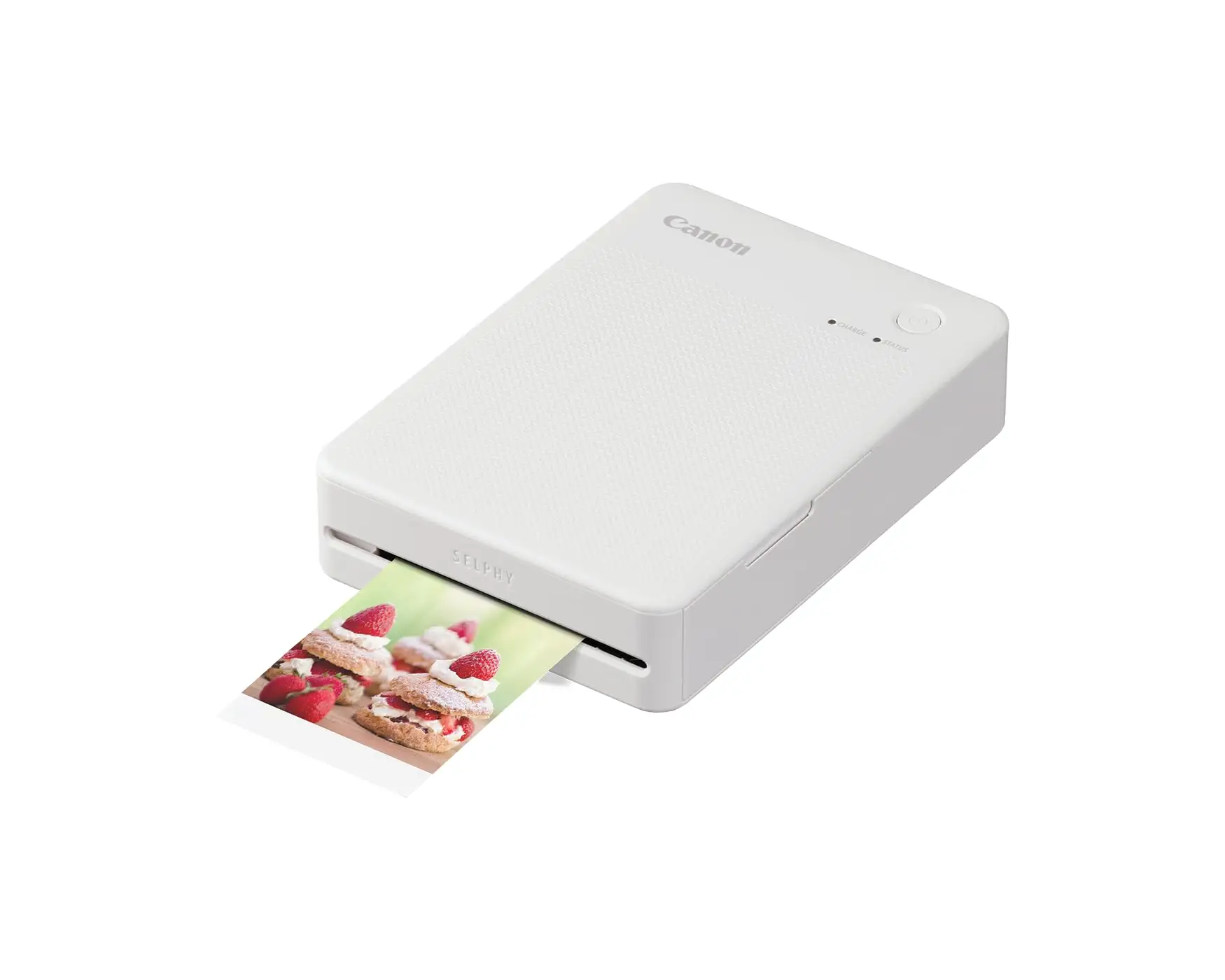
If you’re the type to hand out printed memories on the spot, the Canon Selphy QX20 earns a solid 8.5/10 for its balance of quality, portability, and creative flexibility. Multiple reviewers called it “a small wonder” and “super compact,” with prints that can “last up to 100 years” — but they also warn that high refill costs can become a reality check for frequent users.
Quick Verdict: Conditional — ideal for casual, portable photo printing, less so for high-volume use.
| Pros | Cons |
|---|---|
| Vibrant, high‑quality sticker prints | High cost per print (≈$0.68–$0.75) |
| Two print sizes (square & card) | Limited battery life (~20 prints/charge) |
| Simple app‑based setup | No charging while printing |
| Portable palm‑sized design | No display, relies entirely on app |
| Creative collage & text tools | Collage feature not intuitively located |
| Fast print speed (~40 sec) | Paper/ink bundles sold separately |
Claims vs Reality
Canon markets the Selphy QX20 as producing “life‑like colors” with “advanced dye‑sublimation technology,” up to 256 shades per color, and a protective overcoat resisting “water, dirt and fading” for a century. While reviewers broadly agree on color quality, Reddit user Aloysius Low was impressed that “prints look great, and colors are vibrant and accurate,” but noted print longevity claims are based on lab conditions: “Exposure to light and moisture could shorten the lifespan,” echoing Digital Trends’ caution.
The official 40‑second print speed was also confirmed in real‑world use. Verified reviewers repeatedly timed prints at “around 40 seconds or less,” even accounting for the four‑pass color layering. A verified buyer on Amazon described it as “a cool process to watch,” watching yellow, magenta, cyan, and overcoat roll through sequentially.
Battery resilience is another key claim — Canon promises 20 prints per charge, roughly 80 minutes to recharge. Both Digital Trends and Trustpilot reviewers found that figure accurate in practice. However, Aloysius Low added a nuance: “You can't print and charge at the same time — when printing, it will not charge the battery.”
Cross‑Platform Consensus
Universally Praised
One of the strongest cross‑platform points was print quality. Digital Trends highlighted that “every photo I printed looked good and most were excellent,” with borderline‑borderless output that “finally” removed thick margins from Selphy’s portable line. Marc M. on Trustpilot, a freelance photographer, remarked the QX20’s “colors are really vibrant and the images look simply professional,” even without post‑processing tweaks.
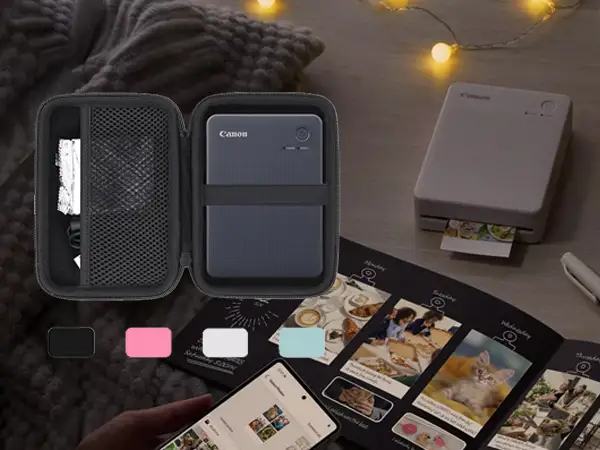
Portability resonated with nearly all reviewers. Aloysius Low called it “palm‑sized” and easy to slip into a crossbody sling, while Digital Trends appreciated that it “fits in a small bag or cargo pants pocket,” noting weight is noticeable but manageable. Reddit and Twitter mentions repeatedly framed it as a travel‑friendly creative tool for scrapbooks, events, and journaling.
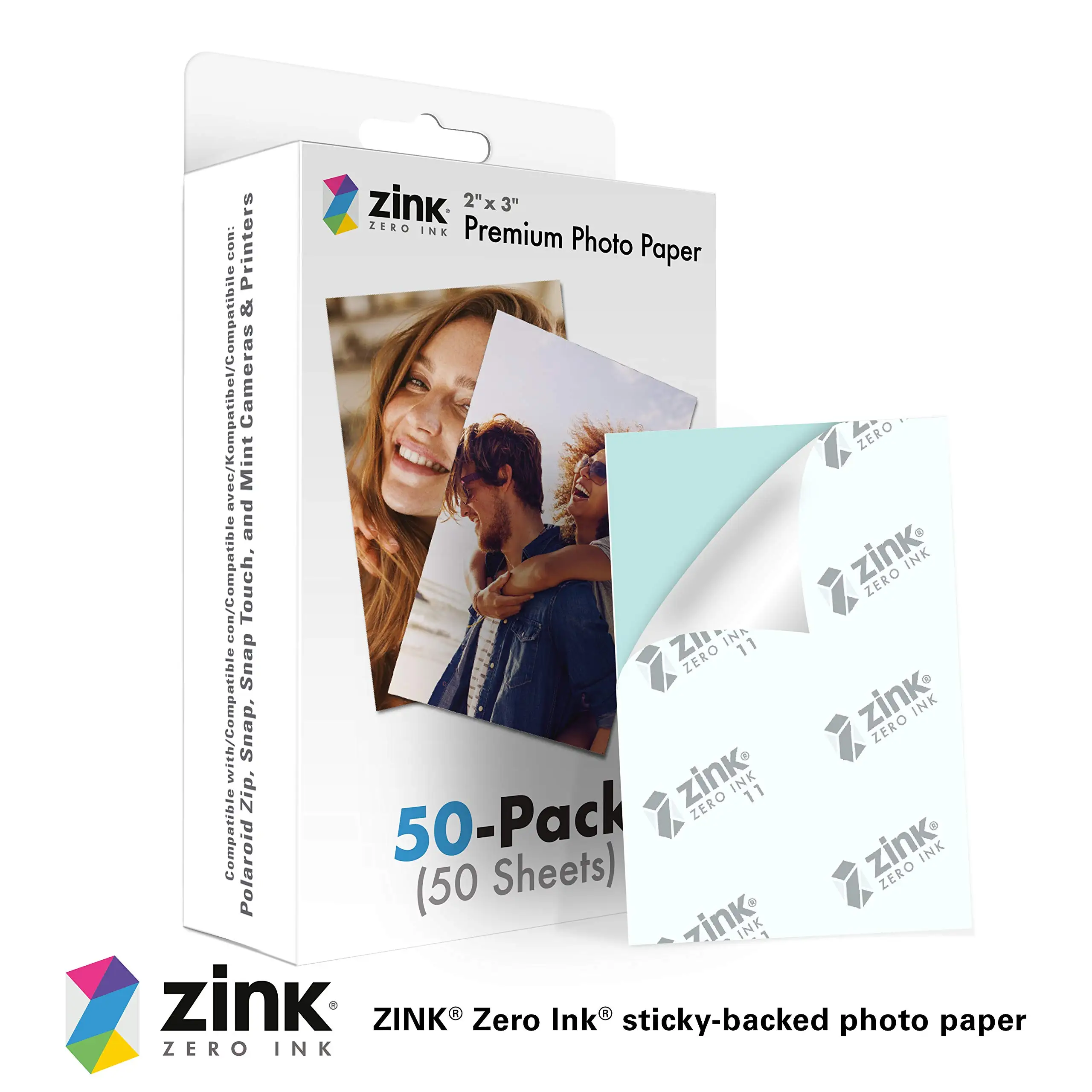
The sticker‑backed paper was a sleeper hit. Aloysius Low admitted he “didn't realise” they were stickers at first, later using prints for laptops and scrapbooks. Marc M. stressed the versatility: “I can stick my favorite photos anywhere I want,” expanding beyond the album format.
Common Complaints
Price per print dominated complaints. With packs at $15 for 20 sheets or $41 for 60, you’re paying $0.75–$0.68 each. Digital Trends labeled it “high cost per print,” and Aloysius Low warned “if you’re planning to print a lot, the cost will start adding up.” For heavy users like event photographers, this makes the QX20 a poor economic choice compared to desktop solutions.
The app’s UI was another friction point. Aloysius Low found that “you can’t jazz it up with pictures or text like a neo print” unless you dig into the collage feature, buried below the main photo option. While functional, this reduces spontaneous creativity unless you already know where to look.
Battery constraints, while predictable, capped workflow flexibility. Both Digital Trends and Trustpilot confirm the 20‑print limit, but users disliked the inability to charge mid‑print. Marc M. advised careful session planning if printing on‑location.
Divisive Features
Border options divided opinion. Some loved being able to choose between full‑bleed and bordered prints, leveraging writable margins for notes, while a few saw the thin bottom strip on borderless prints as “reminiscent of polaroids” — charming to some, inconsistent to others.
Color accuracy was mostly celebrated, but a sliver of users noted it could be “a bit less vibrant than the original,” as per Digital Trends. This didn’t detract from general satisfaction yet may matter to purists comparing to lab‑quality inkjets.
Trust & Reliability
Trustpilot entries and long‑form Reddit reviews reveal no scam‑related warnings — most hardware functioned flawlessly out of box, with smooth wireless setup via Canon’s Selphy Photo Layout 4.0 app. Pairing via QR code was often cited as “ready to print in minutes.”
Durability impressions are limited due to the printer’s recent release, but handling and build inspire confidence. Digital Trends called its high‑impact plastic casing “grippy” and resistant to surface damage, though no one risked a concrete drop test. No reports surfaced of mechanical failures or misfeeds during early ownership.
Alternatives
The only explicit competitor named was Epson’s Expression Photo XP‑8800. It boasts faster (10‑second) 4×6 prints and a six‑color system for lab‑quality output, but is tethered to AC power and lacks portability. For event setups or stationary craft stations, XP‑8800’s throughput may outweigh QX20’s mobility.
Canon’s own Zoemini 2 was mentioned indirectly in marketing — a pocket‑sized alternative using ZINK technology, trading longevity and quality for instant dryness and lower media cost. However, ZINK prints have shorter archival lifespans and less color depth compared to QX20’s dye‑sub process.
Price & Value
As of recent listings, the QX20 hovers around $149.99–$229 depending on market, with consumables as the real long‑term expense. Community buying tips emphasize ordering bulk packs (XC‑60L) to shave cents off each print. Digital Trends calculates ~$0.68 per photo in bulk vs $0.75 in singles.
Resale trends are unclear, given its niche. eBay activity shows accessories and media rather than used hardware dominating listings, hinting early adopters are holding onto units.
For occasional scrapbooking, travel journaling, or kids’ events, users find the per‑print premium acceptable for the novelty and immediacy. For professional or high‑volume scenarios, those same costs rapidly negate portability benefits.
FAQ
Q: Can the Canon Selphy QX20 print while charging?
A: No. Multiple reviewers confirm it will not charge during active printing; you can connect to a charger once printing stops.
Q: How many prints can you make on one battery charge?
A: About 20. This matches Canon’s spec and was verified in real‑world use by Digital Trends and Trustpilot reviewers.
Q: Are the prints really stickers?
A: Yes. All QX20 media has a peel‑off adhesive back, allowing you to affix prints to albums, laptops, or crafts.
Q: How long will the prints last?
A: Canon claims up to 100 years in dark, dry storage. Users reiterate exposure to light and moisture will reduce this lifespan.
Q: What paper sizes are supported?
A: Square (72×85 mm, XS‑20L) and card‑size (54×85 mm, XC‑20L/60L), both available with bordered or borderless options.
Final Verdict
Buy if you’re a casual creative, traveler, or parent wanting instant, waterproof sticker prints without a PC and full control from a mobile app. Avoid if you’re a high‑volume printer or need ultra‑cheap consumables. Community pro tip: invest in bulk media packs and learn the app’s collage tools early to unlock its full creative range.





