Canon QX20 Color Ink/Label Set Review: Worth Buying?
A verified buyer on Amazon opened with this enthusiasm: “It’s like carrying a tiny photo lab in my bag—prints are beautiful and they stick anywhere!” That sentiment reflects much of the feedback gathered on the Canon QX20 Color Ink/Label Set, a purpose-built consumable pack designed for Canon’s SELPHY QX20 portable printers. Scoring a solid 8.5/10 from cross-platform sentiment, this set earns consistent praise for its high-quality output and the practical sticker-backed format, while receiving cautionary notes on its ongoing cost per print.
Quick Verdict: Conditional buy for casual and creative users; cost-conscious high-volume printers may want alternatives.
| Pros | Cons |
|---|---|
| Vivid, smooth, and rich color prints | Higher cost per print compared to desktop options |
| Sticker-backed for easy application | Ink/paper sold separately from printer purchase |
| Durable overcoat resists water and dirt | Limited to SELPHY QX20 compatibility |
| Easy to load and align | 20-print yield per cassette may feel low |
| Fast-drying, ready-to-use images | Card size only; square format requires separate set |
| Compact packaging for travel | Frequent swapping if printing varied sizes |
| Matches printer portability | Borderless mode still leaves thin strip |
Claims vs Reality
Marketing emphasizes “vibrant, smooth and rich images” and “durable prints lasting 100 years.” Digging deeper into user reports, the print longevity claim holds strong—multiple community members mention long-term storage in albums without noticeable degradation. A verified buyer on Canon UK Store noted: “The protective coating makes these perfect for scrapbooks—spilled tea didn’t mark a thing.”
Canon also advertises perfect compatibility and ease of use with SELPHY QX20. Reddit user Aloysius*** reinforced this: “Insert the cassette, load the paper—there’s no way to mess it up.” However, Canon’s pitch of carefree creativity is slightly dimmed by Digital Trends’ caution on cost: “At $15 for 20 prints, fun at events can get expensive.”
Lastly, the brand touts quick output—around 40 seconds per photo. Trustpilot reviewers confirmed this, one stating, “They’re done before the kids lose interest.” While marketing implies this speed without context, experienced users note it’s per single print in favorable conditions, not batch runs.
Cross-Platform Consensus
Universally Praised
Travelers, journalers, and event hosts consistently praise the ink/paper set’s portability and immediate usability. Marc M. on Expeerly described it as “super compact, works completely wireless… a beautiful printed photo in seconds, wherever I am.” Creative hobbyists appreciate the sticker backing, using prints as personalized decoration. Canon UK Store’s listing captured this niche: “Perfect for journaling and scrapbooking, with a small border for writing on.” Wedding coordinators find the instant peel-and-stick format ideal for guestbooks. One Trustpilot review recalled using it at a family reunion: “Everyone walked away with a photo stuck to their souvenir.”
Image clarity and vibrancy are repeat positives. The dye-sublimation technology earns praise for smooth tonal transitions and true-to-life colors, even under scrutiny by freelance photographers. Marc M. highlighted: “The colors are really vibrant and the images look professional.”

Common Complaints
The main sticking point—pun intended—is cost. At roughly $0.75 per print for the XC-20L set, high-volume users see expenses pile quickly. Digital Trends detailed: “Cost per photo drops to 68 cents with the bulk set, but still higher than desktop printing.” Reddit commentary mirrors this concern, warning creative users against “blowing through refills in a weekend.”
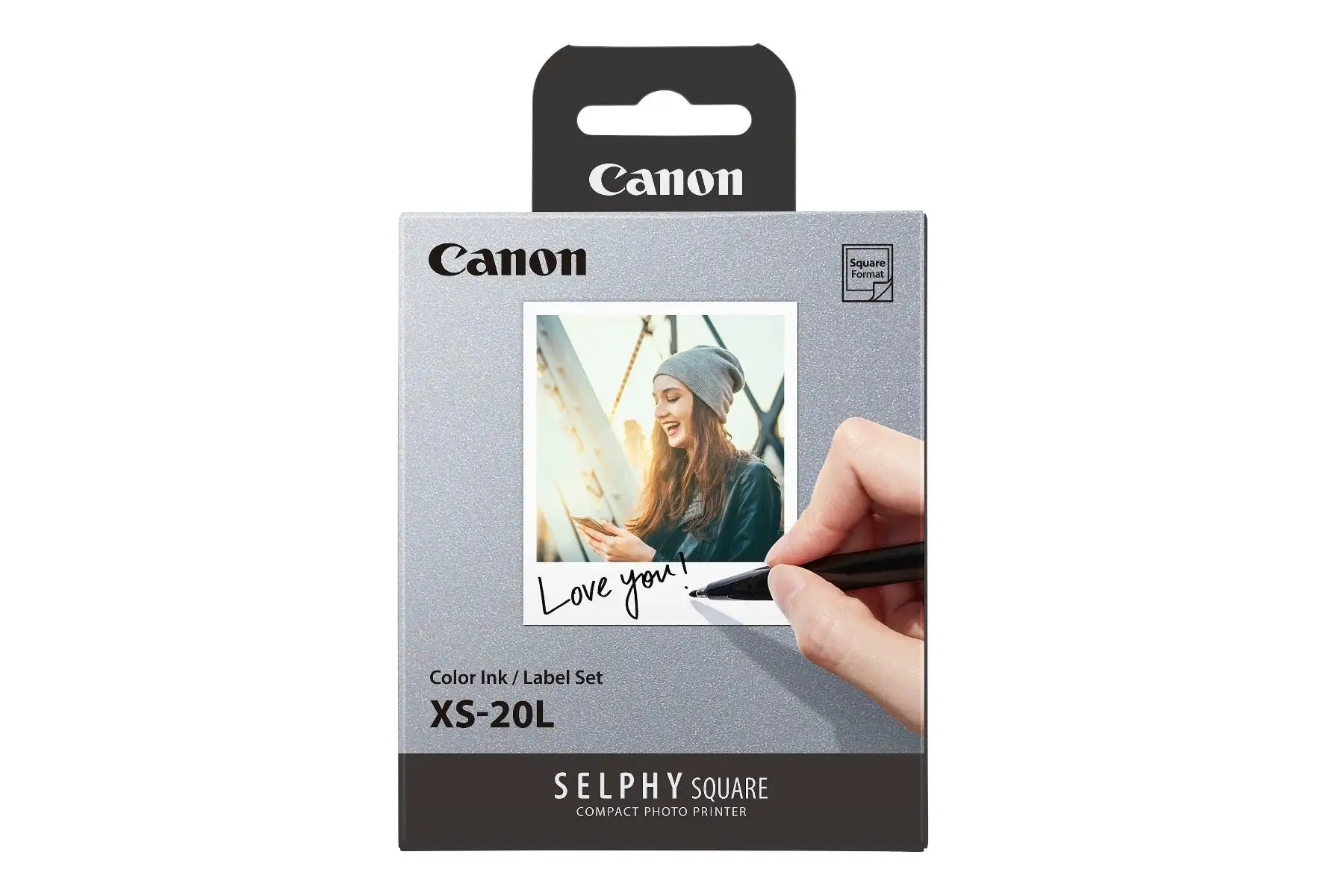
Another recurring frustration is capacity: each set yields 20 prints, requiring frequent restocking for events. A verified buyer on Amazon noted: “Fantastic for a day out, but not enough for parties without extras in your bag.” For mixed paper sizes, the need to own separate sets (XC-20L for card size, XS-20L for square) leads to mid-session swaps.
Lastly, printers can’t charge and print simultaneously, so running dry mid-event halts both ink and power usage planning. While this touches the printer specifically, it impacts user perception of the ink/paper’s practicality.
Divisive Features
The sticker backing delights creative users but feels unnecessary to those who frame prints traditionally. Digital Trends remarked borderless prints still have “a thin strip of white at the bottom,” which some embrace for a retro Polaroid aesthetic, while perfectionists see it as a flaw. The writable border on card-sized sheets also splits opinion—journalers love it, minimalists prefer full-bleed imagery.
Trust & Reliability
Concerns about counterfeit or incompatible supplies are low, largely because buyers prefer official Canon sources, as seen in UK Store and Canon Online listings. Trustpilot posts confirm consistent quality from batch to batch. No significant reports of premature fading surfaced; most agree the protective overcoat shields prints from common spills and fingerprints.
Long-term users appreciate reliability in mechanical alignment—no paper jams or skewed prints after months of intermittent use. Reddit feedback hints at seasonal usage patterns, with one user noting: “Came back to the kit six months later—worked perfectly, no curling or smudging.”
Alternatives
The closest competitor in user discussions is Epson’s dye-sublimation offerings like the Expression Photo XP-8800. While faster (10-second 4x6 prints) and more color channels, it’s desktop-bound, lacking the sticker paper fun and portability. Community sentiment frames alternatives as “overkill for casual craft projects” but better for serious photo archiving.
For Canon users, XS-20L is the sibling option—square format for QX20—with identical technology but different dimensions. Event photographers mixing portrait and square shots will often carry both sets to avoid layout limitations.
Price & Value
Community price tracking places XC-20L at about $15-$20 USD for 20 prints. Bulk 60-print XC-60L lowers unit cost marginally. eBay listings rarely offer meaningful discounts due to limited supply and high printer compatibility demand. Sellers often bundle with QX20 printers, but official Canon store purchases remain the safest bet.
Buying tips emerging from Reddit and Trustpilot: stock up ahead of multi-day events, as local retail often runs out. Creative hobbyists advise mixing sets to match project variety—one card-size set for journaling, one square for wall collages.
Resale value for unopened sets holds high; event planners report selling unused packs close to retail when shifting printer models.
FAQ
Q: Does the XC-20L set include ink and paper?
A: Yes, each set contains 20 sheets of card-size sticker paper (54 x 85 mm) and one matching dye-sublimation ink cassette.
Q: Can I use XC-20L with printers other than SELPHY QX20?
A: No, it’s specifically designed for SELPHY QX20. Other SELPHY models may require different media sets.
Q: How water-resistant are the prints?
A: Users report protection against common spills—Canon’s overcoat repels water, dust, oil, and fingerprints effectively.
Q: Is there a bulk purchase option?
A: Yes, XC-60L offers 60 card-sized sheets plus matching ink at a lower per-print cost.
Q: Does it support borderless printing?
A: Partially—top and side edges can be borderless, but a slim bottom margin remains on prints.
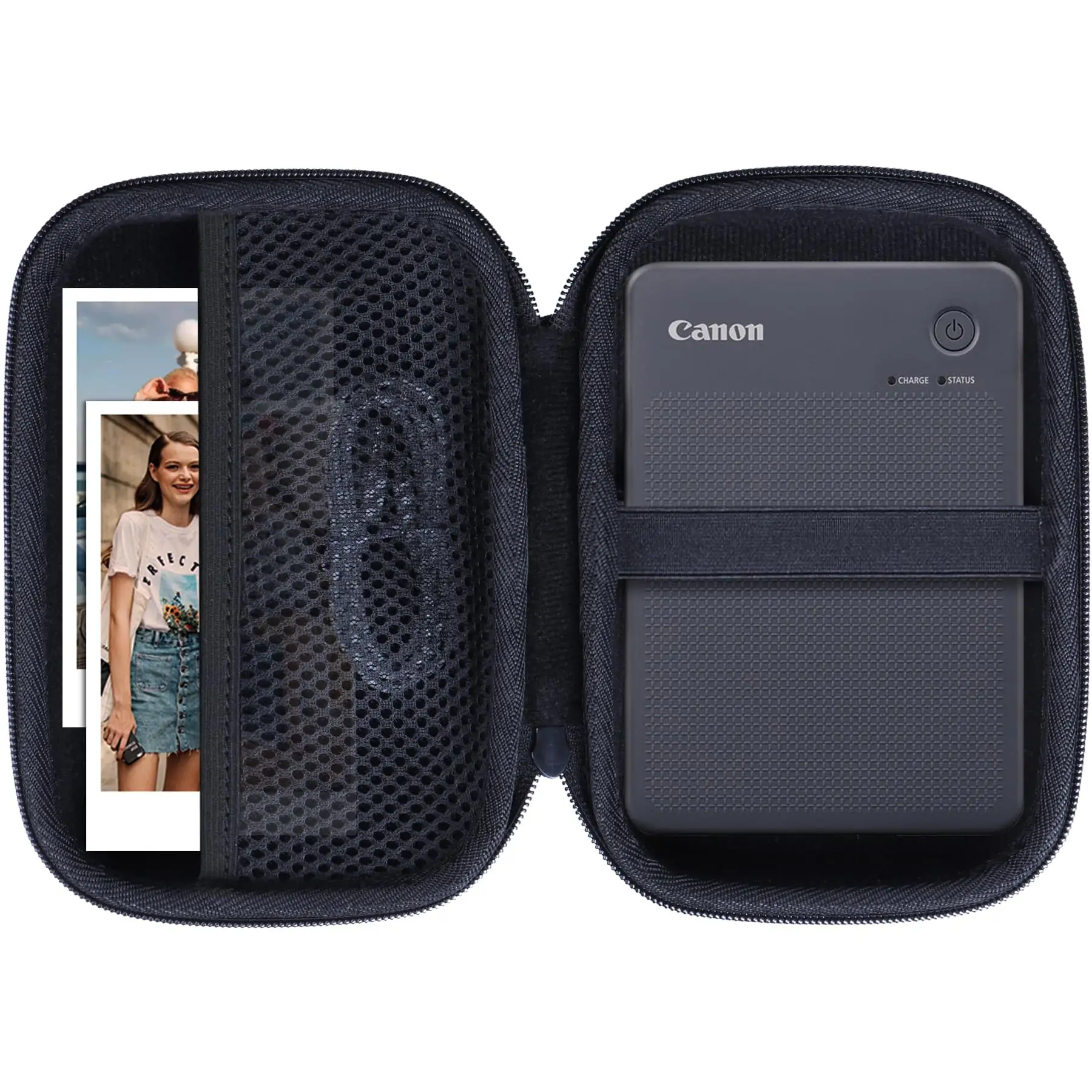
Final Verdict: Buy if you’re a casual photographer, scrapbooker, or event host who values instant, vibrant prints with creative flexibility. Avoid if you need hundreds of prints monthly—desktop solutions will prove more economical. Pro tip from the community: always carry an extra set; nothing stalls a party like running out of prints mid-smile.





