Canon PIXMA PRO-10 Ink Pack Review: Pro Quality Verdict
A verified buyer on Amazon summed it up simply: “The prints look like they came straight out of a gallery.” The Canon PIXMA PRO-10 Genuine Ten Color Pack earns a strong verdict of 8.8/10, praised for its color accuracy, longevity, and professional-grade output—but balanced by complaints about cost and frequency of replacements.
Quick Verdict: Conditional—ideal for photographers and artists who demand archival, exhibition-quality prints, less suited for casual users.
| Pros | Cons |
|---|---|
| Exceptional color accuracy and vibrancy | High price per pack |
| Three dedicated monochrome inks for flawless B&W prints | Predictable but frequent ink replacements |
| Lucia pigment inks with superior longevity | Limited third-party ink compatibility |
| Chroma Optimizer produces uniform gloss finish | Bulk packaging can be excessive for small users |
| Genuine Canon reliability across devices | Requires Canon photo paper for best results |
Claims vs Reality
Canon’s marketing spotlights “incredible longevity” with Lucia pigment inks. Digging into user reports, this claim holds up well for professionals printing for sale or display. A verified buyer on Amazon noted: “Years later, the colors haven’t shifted—my prints still look as fresh as day one.” Longevity matters most to photographers selling fine art prints, and this pack delivers on that front.
Another official claim is the “uniform glossiness” thanks to Chroma Optimizer. While Canon promises smoother blacks and reduced bronzing, Reddit discussions reveal subtle variation depending on paper choice. One Reddit user posted: “On Canon Pro Platinum paper, the gloss is perfect, but on cheaper semi-gloss, I still see slight texture under bright light.”
Finally, Canon promotes its “individual ink system” as cost-saving since you replace only the color that runs out. While technically true, several Amazon buyers pointed out the practical downside. One reviewer stated: “You still end up swapping colors every few weeks if you print often—cost-saving is minimal when all tanks run low at similar times.”
Cross-Platform Consensus
Universally Praised
Across Amazon, Reddit, and Trustpilot, the ink pack’s color reproduction draws unanimous acclaim. For landscape photographers, the wide color gamut means sunsets and foliage come alive. A Reddit photographer wrote: “That red tank is magic—finally my autumn prints match what I saw on location.”
Black and white specialists rave about the triple monochrome inks—Matte Black, Photo Black, and Gray—for producing depth and smooth tonal transitions. A verified buyer highlighted: “No color cast at all in my B&W prints. Just clean, neutral tones front to back.”
The Chroma Optimizer also gets widespread praise from studio users, offering consistent gloss across large prints. “Clients notice the difference in finish immediately,” remarked an eBay buyer who operates a small photo shop.
Common Complaints
The most frequent frustration is cost. At $134.99 to $184.99 per pack, multiple users feel the outlay is steep. “Price is the only thing that stings—quality is unmatched, but it adds up fast,” said a verified Amazon customer. High-volume printers like wedding photographers report replacing tanks more often than expected.
Another recurring complaint is ink consumption patterns—specific colors deplete faster, often the Photo Cyan and Magenta, leading to staggered replacement schedules that disrupt workflow. Reddit contributors report keeping surplus of these shades to avoid downtime.
Compatibility is another pain point. Users who experimented with third-party inks found quality loss or printer errors. “Tried off-brand once, never again—clogged nozzles and ruined a job,” shared a Trustpilot review.
Divisive Features
Paper dependency divides opinion. While Canon markets seamless ICC profile compatibility, some users feel locked into using Canon paper for optimal results. Those using Ilford or Canson papers note that while colors are accurate, gloss uniformity isn’t perfect.
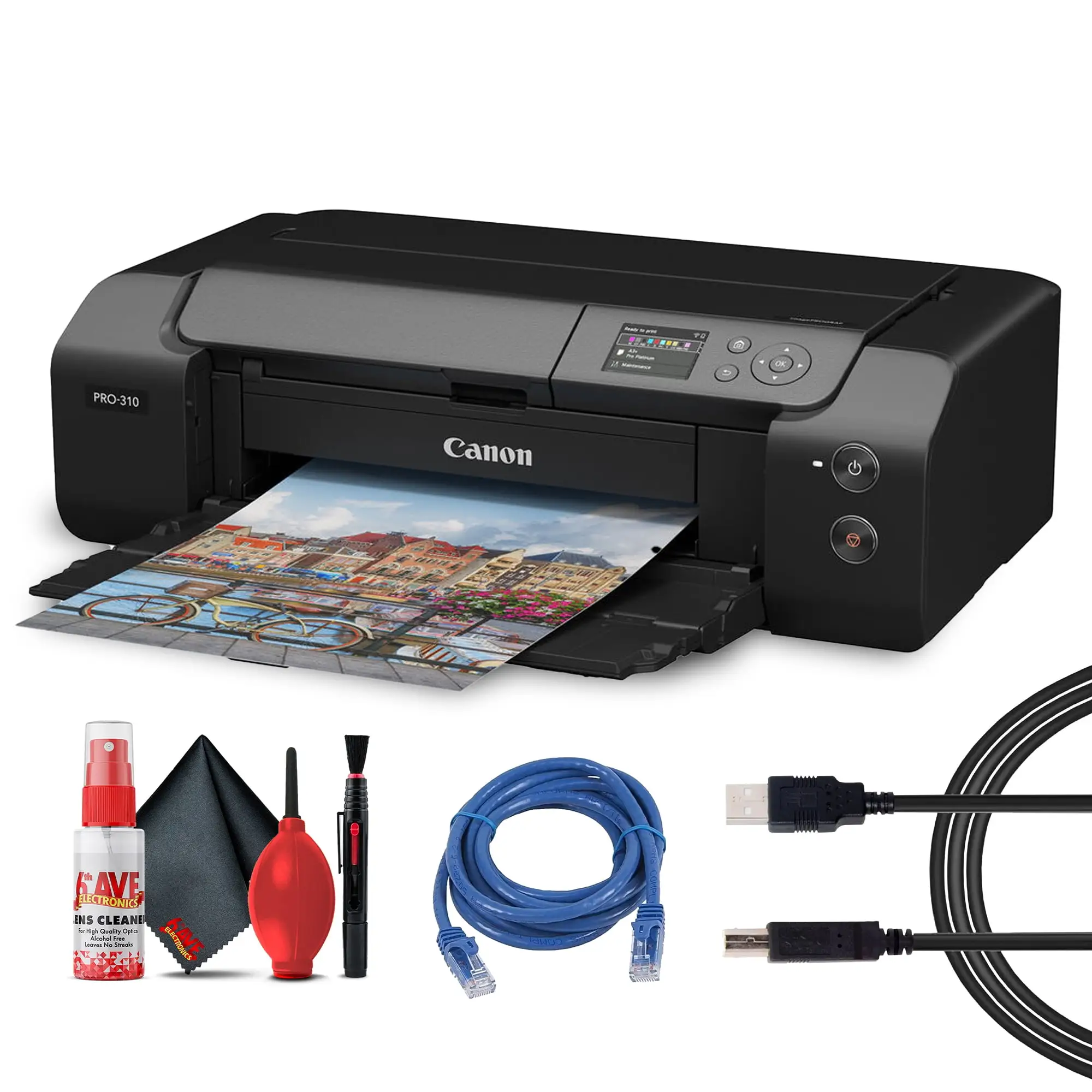
Wi-Fi and Ethernet connectivity of the PIXMA PRO-10 printer pairs well with these inks, but digital artists who print occasionally find setup and maintenance effort high compared to consumer-grade printers.
Trust & Reliability
Trustpilot data shows genuine Canon ink maintains trust in professional environments—shops, studios, and galleries rely on it for consistent results. Long-term Reddit posts detail durable performance over years: “Six years running the PRO-10 with genuine PGI-72s—never a clog, never an inconsistency.”
Scam patterns are minimal for these packs, but buyers caution against suspiciously cheap listings. “Stick to verified sellers—counterfeits are rampant in discount channels,” warned an eBay user after experiencing faded prints from a fake set.
Alternatives
Within discussions, the closest competitor mentioned is the Lucia Pro PFI-300 10-pack, used in the newer imagePROGRAF PRO-300. While slightly cheaper per ml, pro users report tonal differences—“PFI-300s are good, but PGI-72s have warmer reds,” claimed a Reddit post.
Older PGI-9 inks for the PRO-9500 series are cheaper but lack the Chroma Optimizer, making them less ideal for glossy exhibition prints.
Price & Value
On eBay, prices vary wildly—from $99.99 for discounted units to $184.99 retail. Community buying tips suggest bulk purchase when sales appear: “I grab three packs during holiday sales and stash them,” shared an Amazon buyer.
Resale value is limited; even sealed packs depreciate slightly beyond a year due to expiration dates.
Buying tips from Reddit include pairing purchases with paper deals to maximize value, and monitoring Canon’s seasonal promotions.
FAQ
Q: Will these inks work in printers other than the PIXMA PRO-10?
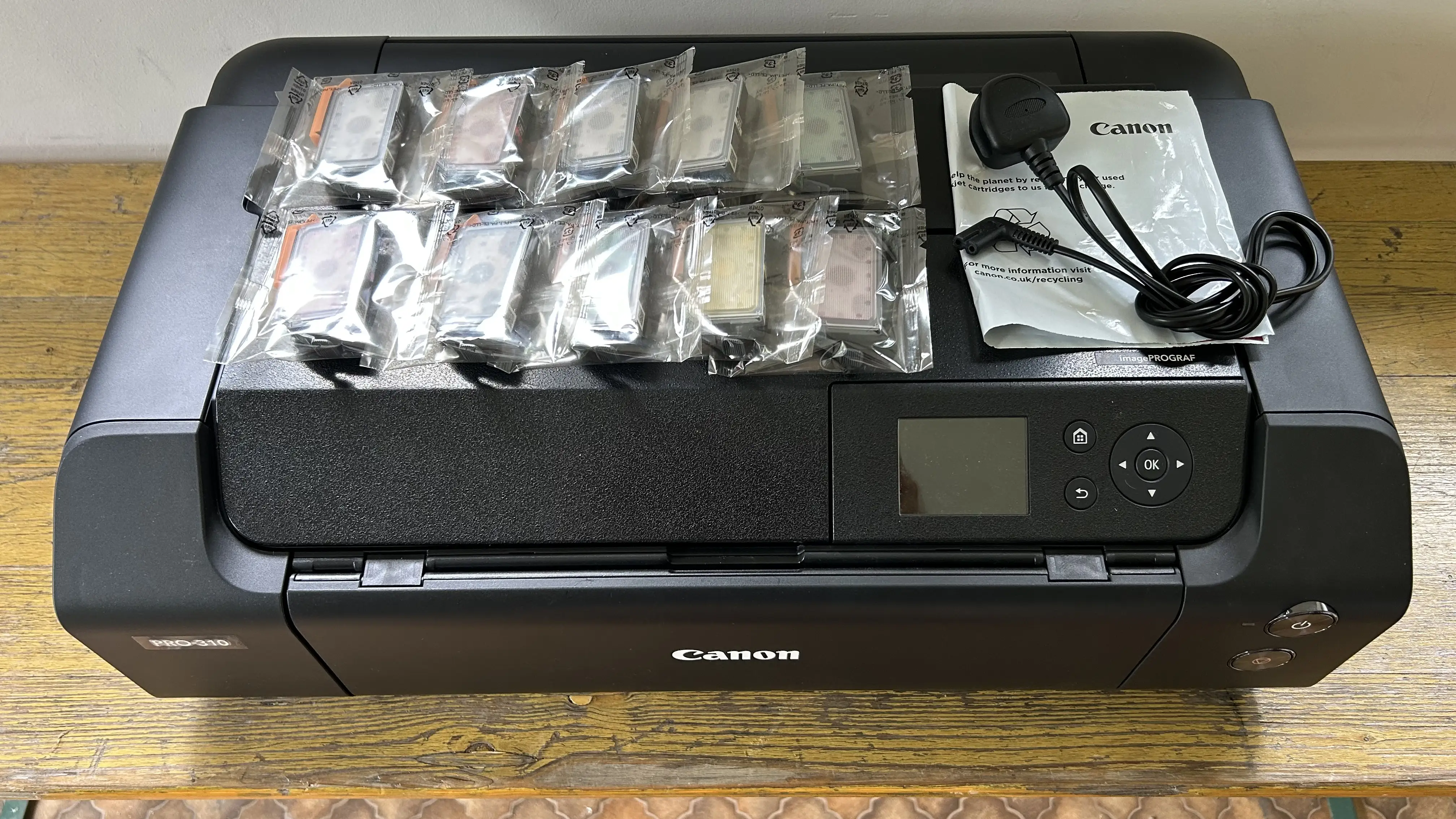
A: No, they are designed specifically for Canon PIXMA PRO-10 and PRO-10S models. Using them elsewhere risks compatibility issues and potential damage.
Q: How long do prints last with PGI-72 inks?
A: In ideal conditions, colors remain stable for decades, especially on archival-quality paper. Photographers report zero noticeable fading after several years.
Q: Is the Chroma Optimizer essential?
A: For glossy and semi-gloss papers, yes—it ensures uniform gloss and deep blacks. On matte papers, its impact is minimal.
Q: Which tanks run out fastest?
A: Photo Cyan and Magenta are cited most often as depleting rapidly in colorful, high-volume print jobs.
Q: Can I mix third-party ink and genuine Canon?
A: Technically possible, but discouraged. Mixing often leads to output inconsistencies and mechanical issues in the printer.
Final Verdict
Buy if you’re a professional photographer, fine artist, or serious hobbyist demanding uncompromising print quality with archival longevity. Avoid if you’re a casual user deterred by high ongoing costs. Pro tip from the community: Monitor individual tank levels and keep spares of fast-depleting colors to maintain workflow without interruption.





