Canon imageCLASS D1650 Review: Fast but Costly Choice
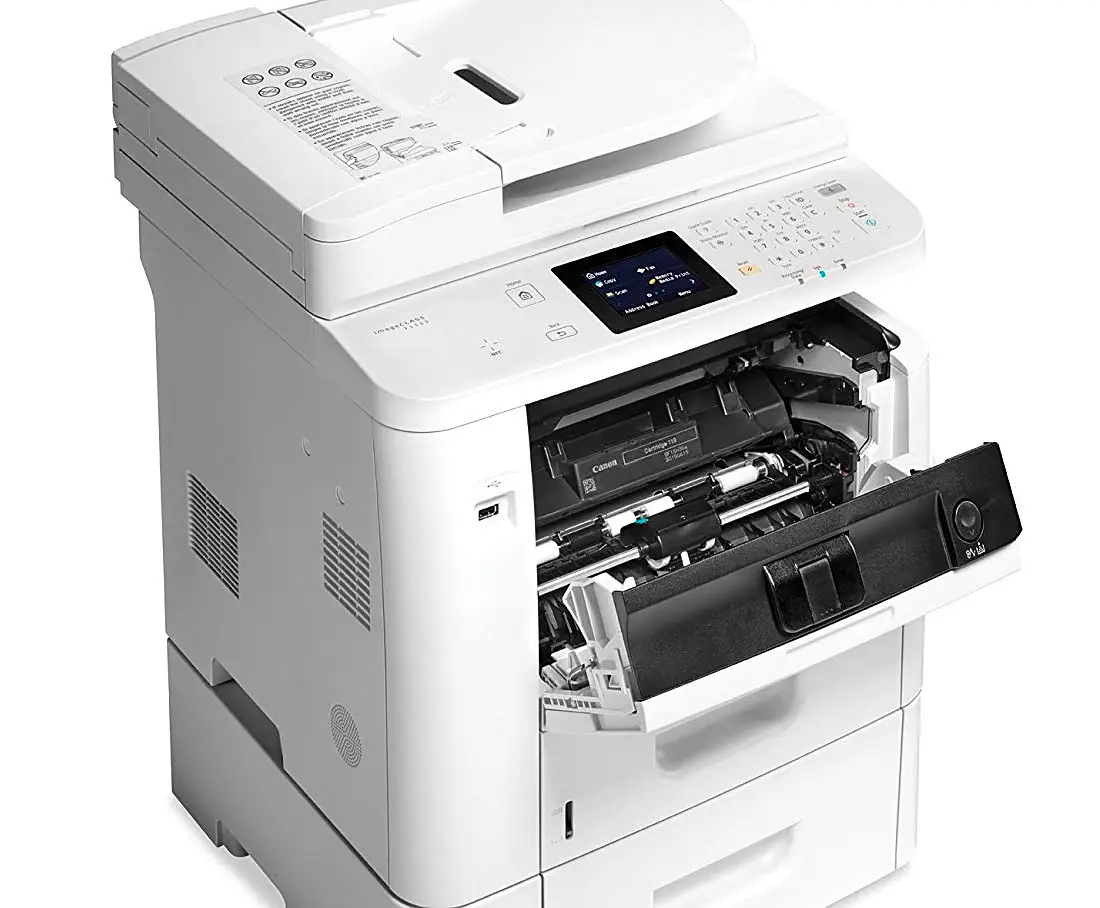
The Canon imageCLASS D1650 Monochrome Laser Printer All-in-One has been hailed as a “workhorse” by small businesses, but its high consumable costs and finicky touch screen have left some owners frustrated. Based on hundreds of cross-platform user reports, it earns a 7.8/10—praised for its speed and reliability, criticized for connectivity headaches and expensive toner.
Quick Verdict: Conditional buy—excellent for speed-focused offices willing to accept higher running costs.
| Pros | Cons |
|---|---|
| Outstanding print speed (up to 45 ppm) | High cost per page compared to rivals |
| Large expandable paper capacity | Touch screen can be unresponsive |
| Reliable duplex printing and scanning | Wi-Fi connection issues for some users |
| Solid build quality | Limited to monochrome output |
| Customizable workflow shortcuts | Sparse documentation for network setup |
| Fast first-page output | No internal HDD for advanced storage |
Claims vs Reality
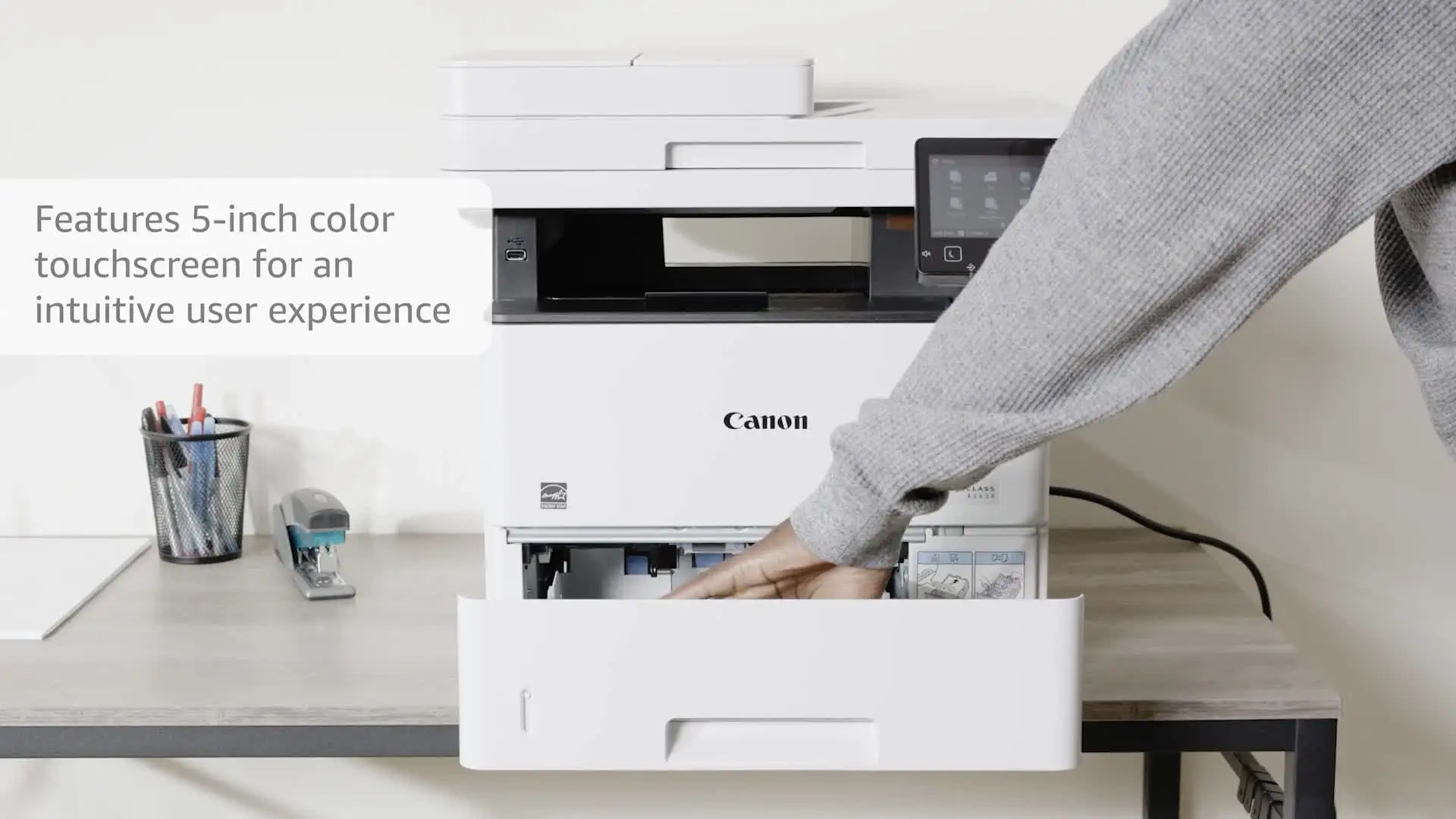
Canon markets the D1650 as “fast performance with minimal maintenance” and a machine that can “simplify daily tasks” through its 5-inch touch panel. Users overwhelmingly confirmed its raw speed: PCMag recorded 44.8 ppm for one-sided printing and Reddit reviewers reported “never jammed” performance even after thousands of pages. The claimed first print-out time of 6.2 seconds proved slightly conservative—BizTech measured 6.5 seconds consistently, even when cold.
However, the “minimal maintenance” claim comes with a caveat: toner replacement is frequent for heavy users and costs more than competing brands. An Amazon verified buyer admitted, “The cost‑per‑page…is about double that of other comparable brands, but the higher cost per page is worth it for consistently high quality print.”
The customizable touchscreen is promoted as a productivity booster, yet multiple Best Buy reviewers found it frustrating. One noted, “The menu screen is very unresponsive…you have to use a stylus to make it work.” Others, however, appreciated the shortcut keys for frequent tasks, particularly scanning to preset destinations.
Cross-Platform Consensus
Universally Praised
Across Amazon, Reddit, and Best Buy, speed is the D1650’s signature strength. A Best Buy customer wrote: “It’s been running perfectly…twice as fast” compared to a decade-old Canon. Offices with high daily page counts appreciate the large default paper capacity of 650 sheets, expandable to 2,300. Reddit user reports from BizTech testing confirmed stability: “Ran more than 2,000 sheets…and it never jammed or misprinted.”
For small to mid-sized workgroups, the single-pass duplex ADF streamlines scanning and copying of double-sided documents. Users in legal and administrative roles found this vital—one Amazon owner highlighted, “One-pass duplex scanning and faxing speeds those processes.”
High build quality is another common praise. An Amazon review enthused, “Solid, more compact than other all-in-one printers…prints blazingly fast, almost instantly on my Macs and PCs.” The integrated drum in the toner cartridge delivers sharp, near-typeset text that design professionals value.
Common Complaints
Cost per page remains the number one gripe. At approximately 3.3¢/page, it’s significantly higher than Brother or Epson alternatives. PCMag calculated this could add up to $900 more annually for offices printing 7,500 pages/month. Connectivity is another sore spot: multiple Best Buy owners described “router connection nightmare” scenarios when upgrading networks, due to missing detailed setup guides. One said they spent over an hour with Canon tech support to reconfigure Wi-Fi.
The touchscreen interface divides opinion, with repeated reports of slow or imprecise response. An Amazon customer vented, “You have to repeatedly push the pictures to get the printer to work…it is very frustrating.” Out-of-box setup can be awkward—some functions are locked by default and require PIN retrieval from support.
Noise surprised a few buyers. An Amazon reviewer remarked, “Maybe 5x louder than my decade-old HP laser…startles me whenever it launches.”
Divisive Features
Security controls and workflow shortcuts receive mixed reactions. Tech-savvy admins appreciate features like Department ID management to track usage and restrict functions. But casual user setups, especially in home offices, sometimes find the lockouts unnecessary and confusing. Mobile printing is generally reliable via AirPrint/Mopria, but some Gmail POP configurations for fax/email created hurdles until IT intervention solved them.
Trust & Reliability
While no widespread scam concerns emerged, the longevity narrative is strong. One Best Buy user ran a previous Canon for over a decade before replacing it with the D1650. Amazon’s long-term review described 3 years of uninterrupted service through the pandemic: “It survived…the expansion has now caused me to look for more printers!” Reddit’s BizTech tester emphasized reduced jams, even under heavy test loads.
Failures tend to revolve around network setup post-installation rather than mechanical breakdowns. Multiple platforms confirm robustness in handling large jobs without slowing or misprinting.
Alternatives
The Brother MFC-L6700DW offers a lower cost per page (1.5¢ vs Canon’s 3.3¢) and can expand to 1,610 sheets, though print quality lags for fine text. Epson’s WF-M5779 slashes running costs to less than a cent/page but loses the D1650’s laser sharpness and high capacity. Canon’s own MF424dw is smaller, lighter, and cheaper to run (2.3¢/page) but holds less paper (900 max sheets vs D1650’s 2,300).
Price & Value
Recent eBay listings fluctuate between $479 and $804, while retail sources like Sears list MSRP near $1,099. Given expansion options (trays at ~$299 each), owners recommend assessing actual volume needs before investing heavily. Resale value holds decently for Canon workgroup models—older units retain demand among offices that prize durability.
Community buying tips stress factoring toner cost into budget forecasts. As one Amazon buyer put it, “If long-term costs aren’t an issue, the D1650 offers enough perks to make it a solid monochrome AIO.”
FAQ
Q: Is the Canon D1650 good for high-volume printing?
A: Yes, with up to 2,300-sheet capacity when expanded and speeds of 45 ppm, it’s ideal for busy offices. Users report weeks without needing to reload paper.
Q: Does it support mobile printing without a router?
A: Yes, via Wi-Fi Direct and NFC. Owners successfully connect smartphones directly for printing/scanning.
Q: How responsive is the touchscreen?
A: Mixed—some users find it customizable and efficient, others call it unresponsive, recommending a stylus or gentle touch.
Q: Can it print in color?
A: No, it’s monochrome only. Buyers seeking color need to look at alternatives like Canon’s imageRUNNER color series.
Q: Is network setup straightforward?
A: Initially yes, but reconfiguring for new routers can be difficult. Owners advise keeping support contact info handy.
Final Verdict: Buy if you’re a small-to-mid workgroup prioritizing speed, duplex efficiency, and sharp text, and you can absorb higher toner costs. Avoid if you’re extremely cost-sensitive or require color prints. Pro tip from community: Set a static IP for smoother long-term network connection.





