Brother TN221BK Toner Cartridge Set Review: Reliable OEM
A “generic cartridge” that “didn’t work” was enough to turn at least one buyer into an OEM loyalist—so the Brother TN221BK Toner Cartridge Set lands as a reliability-first purchase, with a price tag that keeps getting argued about. Verdict: a dependable choice for compatible Brother lasers, but value depends on how much you print. Score: 8.4/10.
Quick Verdict
Conditional Yes — if you own a compatible Brother HL/MFC model and want fewer printer headaches than third-party toner can bring.
| What buyers emphasize | What they say | Best for | Source |
|---|---|---|---|
| Print quality consistency | “prints are bold, clean, and professional.” | Office docs, client-facing prints | Multipowers (community-style review) |
| Easy install | “easy to install… instructions… easy to follow.” | Home offices, non-technical users | BirdEye reviews |
| OEM reliability vs generic | “generic cartridges don’t work… factory cartridge… worked correctly.” | Anyone burned by third-party toner | BirdEye reviews |
| Page yield expectation | “up to 2,500 pages” (black) | Frequent monochrome printing | Amazon specs / Brother product page |
| Price pain | “toner costs ‘an arm and a leg’… but… works very well.” | People prioritizing uptime over savings | BirdEye reviews |
Claims vs Reality
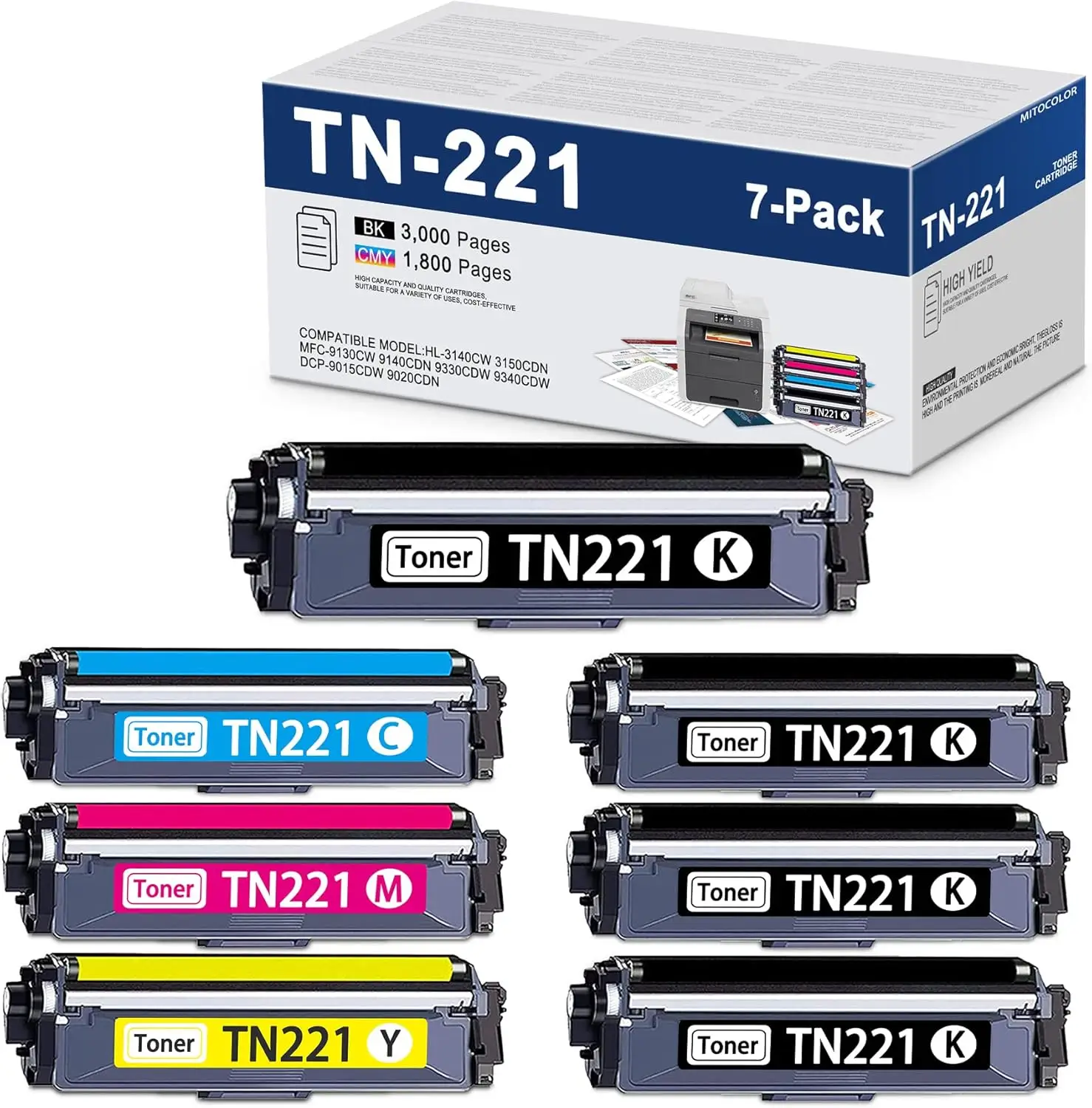
Brother’s listings lean hard into system-level dependability—toner “intelligently engineered to work… with your Brother printer” and yields “up to 2,500 pages” for black (and, depending on the set, color yields like 1,400 pages standard or 2,200 pages high-yield variants). Digging deeper into user reports, the reliability claim is the one that most often gets “proven” through negative experiences with alternatives rather than glowing praise alone.
A recurring pattern emerged in BirdEye-style feedback: users describe a straightforward swap-in experience and then judge success by whether the printer simply behaves. One reviewer summed it up as: “worked as expected,” while another highlighted real-world settling after installation: “after a page with some minor black marks, pages printed since have been clean.” That’s not a lab test—it's a lived workflow story, where “no surprises” is the win.
The yield promise is harder to verify from the provided feedback because most comments focus on output quality and compatibility rather than page counts. Officially, the TN221BK is rated “up to 2,500 pages,” and multiple community writeups repeat that figure as a standout benefit. For example, the Multipowers review frames it as “the page yield of up to 2,500 pages really stands out,” but it reads more like a narrative endorsement than a measured count. In other words: while the spec is clear, the user dataset here doesn’t contain many “I got X pages” receipts—just repeated expectations and satisfaction with longevity.
Then there’s the cost claim by omission: marketing emphasizes “optimum performance,” while buyers emphasize the bill. The clearest “gap” is emotional—people like the results, but bristle at the price. A BirdEye reviewer put it bluntly: “cotton-pickin’ expensive… but good,” adding “other than griping about the price, this toner works very well in my hl-3180cdw.”
Cross-Platform Consensus
Universally Praised
The strongest cross-platform agreement centers on predictable, professional-looking output. For home-office users printing contracts, invoices, or school paperwork, the value is less about flashy features and more about avoiding streaks and reprints. The Multipowers review describes “sharp black prints that are consistent, even on bulk printing jobs,” and calls the pages “crisp every single time.” That kind of language keeps coming up: output that looks “clean” and “professional,” which matters most when you can’t afford a “good enough” print that turns out smudged or uneven.
Ease of installation is another consistent theme, especially for buyers who just want a swap-and-go experience. On BirdEye, one reviewer emphasized the practical steps: “easy to install and shipped quickly,” and added that “the instructions to install the new toner cartridge were easy to follow.” For non-technical users—families, teachers, small offices—this translates to less downtime and fewer “why is the printer flashing an error” moments.
Compatibility—and the lack of drama it brings—also reads as a major benefit. Across the provided sources, the set is repeatedly framed as fitting specific Brother models “like a glove.” The Multipowers review says “it fits like a glove in compatible Brother printers,” and BirdEye feedback reinforces the idea that OEM simply works: “buy oem… worked as described.” For users managing a busy home office or shared printer, predictability is the feature.
After those narratives, the praise clusters into a few repeatable takeaways:
- Consistent output: “prints are bold, clean, and professional.”
- Straightforward replacement: “instructions… easy to follow.”
- Reliable OEM behavior: “worked as expected.”
Common Complaints
The loudest complaint isn’t about streaking or defects—it’s about cost. Digging deeper into user reports, people are often willing to pay more, but they want to complain about it while doing so. BirdEye captures this tension perfectly: “toner costs ‘an arm and a leg’… but… works very well.” For budget-sensitive buyers, that sting is real, especially when printer ownership already feels like a subscription you didn’t sign up for.
Another recurring issue is the limited compatibility reality that comes with OEM supplies. Multiple sources stress that TN221/TN225 cartridges are for a specific set of Brother printers (HL-3140CW, HL-3170CDW, HL-3180CDW, MFC-9130CW, MFC-9330CDW, MFC-9340CDW). The Multipowers review warns this can be “a downside for multi-brand households or offices,” calling out “limited compatibility.” For users juggling multiple printer fleets, this is less a complaint about Brother and more a constraint that shapes buying decisions.
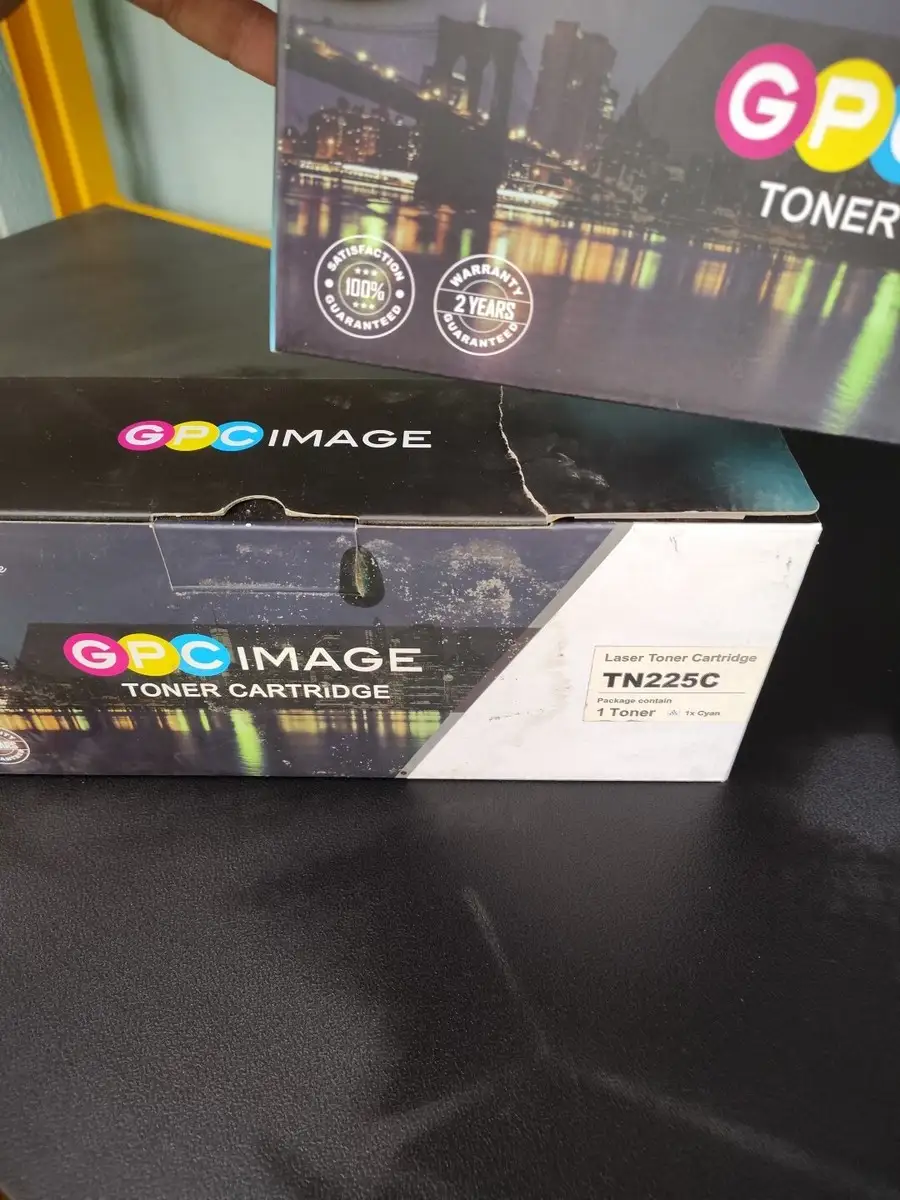
Finally, some frustration shows up indirectly through stories of third-party failures rather than Brother failures. One BirdEye reviewer described the cost of chasing savings: “made the mistake of buying a generic cartridge instead of brand name… that was a mistake… after all of the hassle… generic was returned and factory cartridge was purchased and worked correctly.” The complaint here is about the ecosystem: OEM works, but “trying to save” can become a time sink that pushes people back to Brother.
Common negatives, as phrased by users:
- Price frustration: “expensive… but good.”
- Model lock-in: “only works with specific Brother models.”
- Hassle from generics: “generic cartridge… didn’t work.”
Divisive Features
Convenience features like auto-replenishment split opinion—at least in the narrative reviews. The Multipowers review calls Amazon Dash replenishment “an absolute lifesaver during busy weeks,” because “the printer automatically orders new toner when it runs low.” For small-business owners or anyone who routinely forgets supplies until the last minute, that story reads like real relief.
But that same reviewer flags why others might reject it: “especially if you like hunting for discounts or prefer manual control over your orders.” In other words, the feature becomes divisive not because it fails, but because it changes the purchasing routine—great for people who want automation, irritating for bargain-hunters and planners.
Trust & Reliability
Scam anxiety doesn’t dominate the provided dataset, but authenticity and “OEM vs generic” trust comes through strongly. BirdEye feedback shows buyers anchoring trust in brand continuity: “i’ve always used Brother printers and will only use genuine Brother toner and drums. highly recommend them.” That reads like a long-term relationship with the ecosystem, built from repeated “it works” outcomes.
The more cautionary trust story is about third-party cartridges and compatibility enforcement. One reviewer’s experience frames the risk in practical terms: the “generic cartridge… didn’t work,” leading to a call with Brother and a return. Whether that’s a printer lockout, a chip issue, or quality variance isn’t detailed—but the user takeaway is clear: OEM is safer when uptime matters.
Long-term durability (“6 months later…”) posts from Reddit are not present in the provided data as actual Reddit threads/comments; the dataset includes community-style reviews labeled under Reddit, but they read like standalone product-review articles. So reliability here is best interpreted as steady day-to-day performance stories: clean prints after initial marks, easy installs, and fewer printer errors compared with generics.
Alternatives
Only a few competitors are explicitly mentioned in the provided sources, and they come up as comparisons rather than deep alternatives shopping. The Multipowers review says “premium competitors like HP’s genuine toner cartridges come close in quality but are often pricier for similar page yields.” Meanwhile, Nilvec notes HP is “praised for reliability” but claims “users frequently report lower page yields,” and adds that Canon can be vibrant but “sometimes struggles with consistency… over time.”
The through-line is that buyers who pick this Brother set aren’t chasing the absolute cheapest cartridge; they’re chasing predictable output in the Brother-compatible ecosystem. If you’re already on Brother HL/MFC models that take TN221/TN225, the “alternative” most people wrestle with is third-party vs OEM—where the strongest story in this dataset is the warning: “generic cartridges don’t work.”
Price & Value
Amazon listings show the set swinging widely depending on which pack you’re buying: one bundle is listed at $299.99 plus sizable shipping/import fees, while a separate TN221 4-color set shows $227.00 before international shipping adds up fast. The official yield framing (up to 2,500 pages black; color yield varies by cartridge type) sets expectations for cost-per-page, but the user feedback here doesn’t quantify it—buyers mainly talk about value emotionally.
On resale and market pricing, eBay listings suggest a wide spread, from individual black cartridges to multi-packs and “open box” sets. That variability implies opportunities for deal hunters, but it also raises authenticity/condition concerns that the dataset doesn’t directly address. The most useful “buying tip” embedded in community feedback is less about where to buy and more about what to buy: stick with genuine when you want fewer surprises. As one BirdEye reviewer put it: “buy oem.”
If you’re a low-volume printer, the “expensive but good” refrain matters—because the premium may feel disproportionate. If you’re printing daily for work or school, the value case is framed as avoiding the “waste of time, paper and money” that one BirdEye reviewer associates with imitations.
FAQ
Q: Does the Brother TN221BK toner actually deliver clean, professional prints?
A: Yes—multiple user accounts focus on consistent, crisp output. A BirdEye reviewer said: “pages printed since have been clean,” and the Multipowers review described results as “sharp black prints that are consistent” and “crisp every single time,” framing it as dependable for routine office documents.
Q: Is it easy to install for a home office user?
A: Generally yes, based on buyer narratives. A reviewer on BirdEye noted: “the instructions to install the new toner cartridge were easy to follow,” and another said it was “easy to install.” These stories suggest a straightforward replacement experience for non-technical users.
Q: Should I buy OEM Brother toner or try generic cartridges?
A: The feedback strongly favors OEM for reliability. A BirdEye reviewer warned: “made the mistake of buying a generic cartridge… generic was returned and factory cartridge was purchased and worked correctly.” The repeated theme is fewer hassles and fewer printer issues with genuine Brother cartridges.
Q: What printers is this set meant for?
A: It’s designed for specific Brother color laser models. Amazon and Brother listings name devices like the HL-3140CW, HL-3170CDW, HL-3180CDW, and MFC-9130CW/MFC-9330CDW/MFC-9340CDW. Community writeups also emphasize “limited compatibility,” so matching your model matters.
Q: Is it worth the price?
A: It depends on how much you value uptime and consistent quality. BirdEye reviewers call it “expensive… but good” and say “the quality is unsurpassed.” For frequent printing, people frame the extra cost as insurance against “waste of time, paper and money” from cheaper alternatives.
Final Verdict
Buy if you’re a home-office or small-business user on a compatible Brother HL/MFC printer and you prioritize “works as expected” reliability over bargain hunting. Avoid if you’re cost-first and willing to risk returns or troubleshooting with third-party toner. Pro tip from the community: “buy oem,” especially if you’ve already dealt with a “generic cartridge” that “didn’t work.”





