Brother QL-1100 Review: Fast Labels, Mixed Verdict
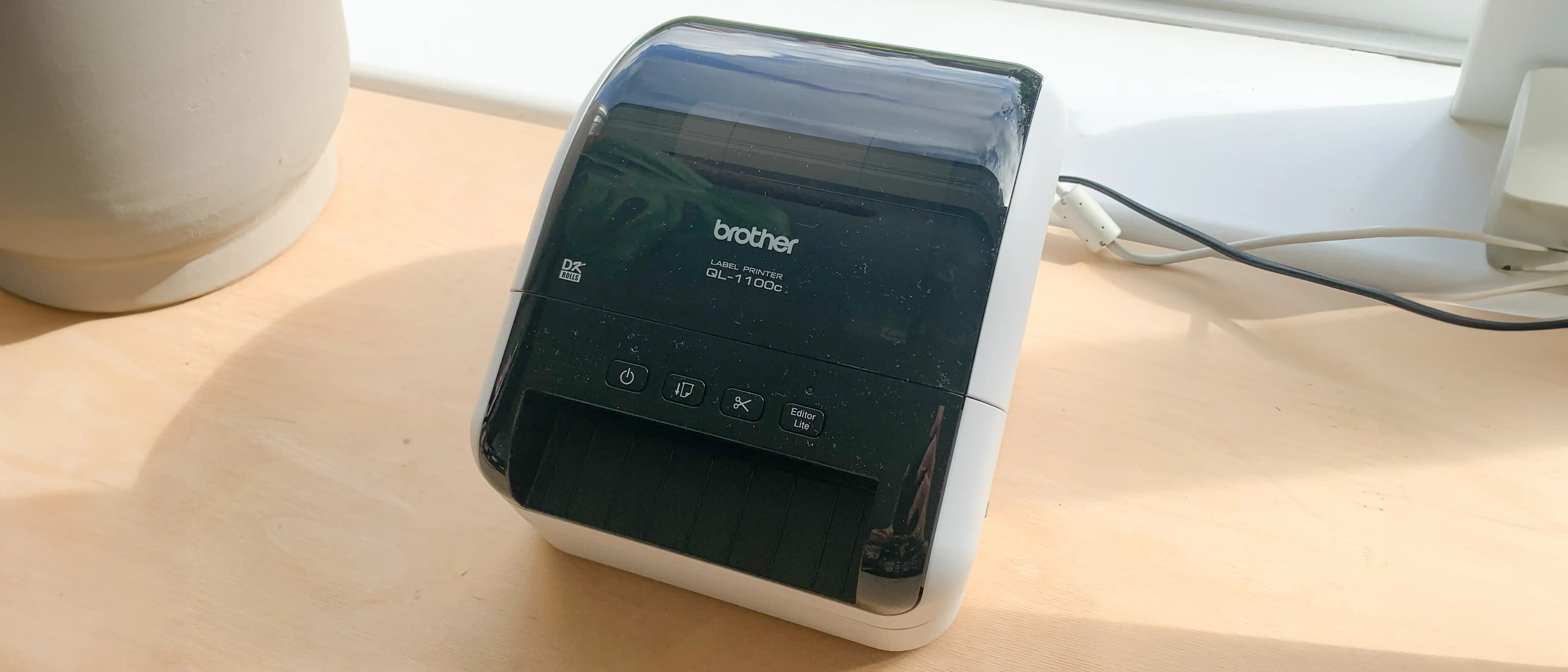
A surprising number of small business owners rave about the Brother QL-1100 Wide Format Thermal Label Printer for speed and print clarity—yet the overall sentiment is far from glowing. Across platforms, feedback lands it at 6.5/10, with printing performance earning praise but proprietary label costs and connectivity headaches dragging the score down.
Quick Verdict: Conditional
| Pros | Cons |
|---|---|
| Fast printing speed—users note shipping labels “shoot out” instantly | Proprietary labels only; generic replacements often fail |
| Crisp text and barcode scanning accuracy | High per-label cost compared to competitors |
| Auto cutter saves time when printing multiple labels | Frequent Mac compatibility issues and clunky setup |
| Works well with MS Office integration | Limited wireless options without upgraded model |
| No need for ink or toner | Manual file “snapshot” cropping for Amazon/eBay labels |
| Robust DK roll loading mechanism | Error messages over label size settings frustrate new users |
Claims vs Reality
Brother advertises “high-speed 69 labels/min” output and “plug & label” ease of use for Windows. While the speed claim holds true, many buyers stress that it’s only smooth once configured. Staples customer Bill admitted, “Love the QL-1100… but it did take a hot minute to figure it out,” noting that initial setup isn’t instant.
The plug-and-play promise also crumbles for Mac users. On Trustpilot, one reviewer was blunt: “Note that this printer hates Mac. I’ve followed all the instructions and paper sizes and it’s giving me various error messages or saying it’s printing and doing nothing.”
Brother promotes “maximum compatibility” with shipping platforms due to its true 4-inch print head, yet buyers printing Amazon return labels hit workflow snags. A verified Staples buyer explained that you must “save the file as a PDF, open with Adobe, snapshot just the label, then print”—several extra steps beyond seamless direct printing.
Cross-Platform Consensus
Universally Praised
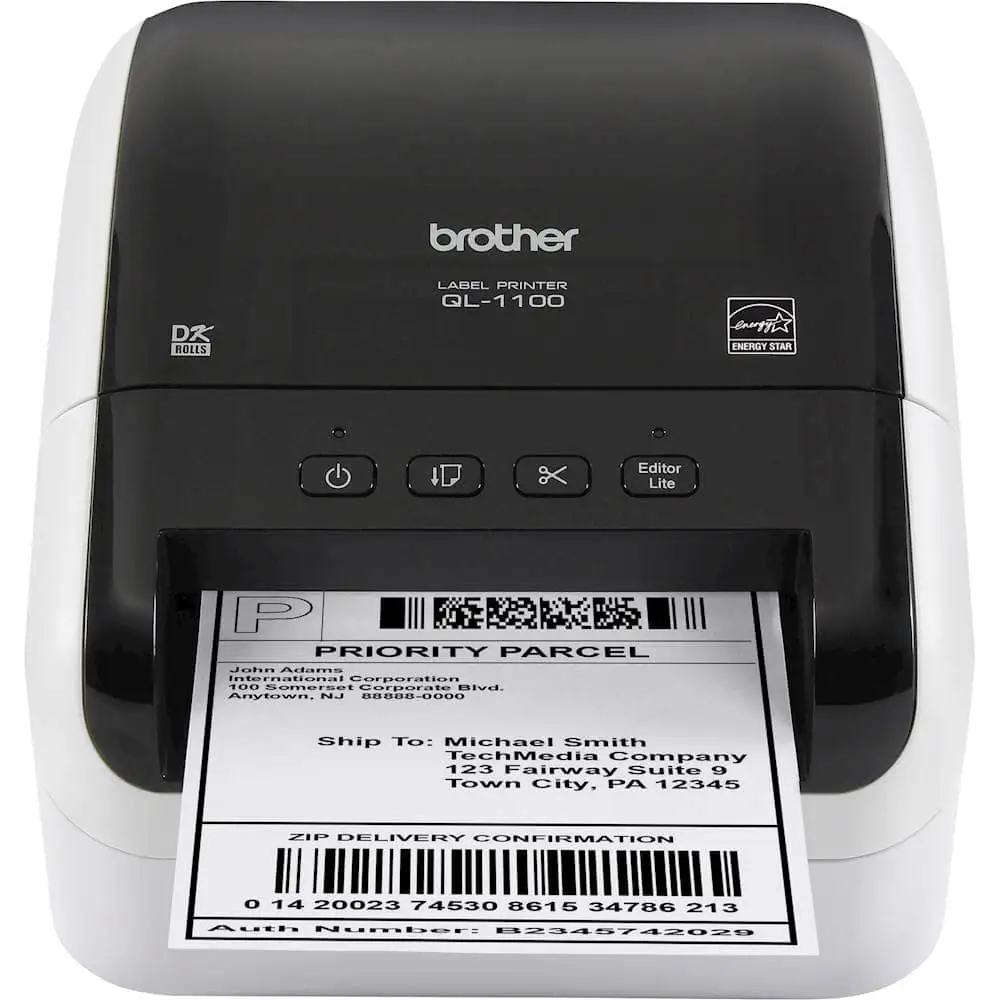
Speed and print clarity form the QL-1100’s strongest appeal. On BirdEye, one small retailer said, “This is very fast & I’m still amazed there’s no need for ink.” The auto cutter gets similar appreciation—Trustpilot users loved that labels are “automatically cut between them” when printing batches.
The crispness of barcode output creates real business benefits. A verified buyer using Shippo stated that printed barcodes were “very legible” compared to their previous thermal printer. For warehouse and e-commerce operations, producing scannable labels on-demand keeps shipping desks efficient.
The DK roll loading system also earns consistent praise for simplicity. Multiple Staples reviews highlight how “easy to change label types on the fly” it is, eliminating downtime. Resellers on eBay mention liking the included starter roll, using it to get up and running without immediate extra purchases.
Common Complaints
The single loudest complaint across Trustpilot, Staples, and Quora is label supply lock-in. Attempting third-party rolls often triggers recognition errors. As one BirdEye reviewer warned, “Good printer, but you have to use Brother’s expensive labels… they’re literally twice the price of others.” Prices are cited at over $0.12 per label compared to competitor costs under $0.02.
Mac compatibility is another sore point. From Trustpilot’s “I can’t print it on my Mac” to Staples customer Kmac’s “new MacBook Air… would not print quality no matter what I did,” frustration is chronic. Many also report size mismatch errors—one Staples buyer installed a 4x6 roll, selected the correct setting, yet received “labels in printer not the same size” alerts endlessly.
Setup complexity crops up for both platforms. While Windows fares better, several users still call the process “clunky.” Trustpilot narratives describe multi-hour troubleshooting simply to print a single label. “It took me 4 hours… then paste it into P-Touch and print out the fuzzy label,” complained one Mac user.
Divisive Features
The automatic crop function is either transformative or irrelevant depending on workflow. Sellers using mixed barcode sheets from inventory systems find it “comes in handy” (Brother Canada product notes), yet Staples users printing single platform labels often bypass it due to extra steps.
Another split is seen in print consistency. Many report flawless output once dialed in, but others echo Epic from Staples: “Works perfectly or not at all.” Those in automation-heavy environments found they needed to invest in premium software like Bartender Automate to stabilize the workflow.
Trust & Reliability
Trustpilot reveals suspicion toward Brother’s proprietary approach, with customers discovering the DK roll data pins only after purchase. One Quora commenter described it as a “surprise after I had started setting up the device.”
Long-term durability is mixed. While some note years of smooth use—BirdEye reviewer citing a Brother printer “running without a single failure”—Troubles reconnecting after weeks off is another theme. A BirdEye customer admitted they “wish I would have ordered the wireless one” after repeated connectivity drops.
For businesses scaling production, small quirks become bottlenecks. Without label alternatives that work reliably, supply chain disruptions can occur simply from running out of stock.
Alternatives
Inside the community dialogue, the Dymo and Rollo label printers appear as primary alternatives. Staples buyer “my name is Jeff” weighed them before settling on the QL-1100, initially favoring Rollo for lower supply costs but opting for Brother after research. Others reverted to Dymo on account of easier Mac integration and broader third-party label support.
Against Rollo, Brother carries the edge in built-in cutter convenience but loses in consumable affordability. Against Dymo, it matches print quality but lags in cross-platform software comfort.
Price & Value
eBay listings show new/open-box units between $179.99 and $242.76, undercutting Brother’s own $229.99-$349.95 retail range. Resale opportunities remain healthy; tested units still fetch $125-$160.
Given the locked-in label supply, value hinges on volume needs. High-throughput shippers can justify the cost via time saved on cutting and ink replacement. Light users may overpay on supplies versus generic-compatible printers.
Community buying tips emphasize checking included rolls: Sellers offering an extra DK-1241 pack boost initial ROI. Others recommend securing multiple rolls at online discount before committing—minimizing shock from per-label expenses.
FAQ
Q: Can you use generic label rolls with the Brother QL-1100?
A: Technically yes, but many users report the printer fails to recognize them due to embedded data pins. BirdEye reviewers caution that only Brother originals work consistently.
Q: Is the QL-1100 compatible with Mac systems?
A: It installs on Mac, but numerous Trustpilot and Staples users faced persistent print quality issues and error messages, requiring manual cropping workarounds.
Q: Does it support automation from Shopify or Pirate Ship?
A: Yes, and several BirdEye users confirm smooth output once configured. However, Amazon and eBay exports often need extra “snapshot” cropping steps.
Q: How fast is it in real-world use?
A: Buyers say speeds live up to the 69 labels/minute claim—Stapes customers describe it “just shoots labels out,” keeping pace with busy fulfillment stations.
Q: Is the auto cutter reliable?
A: Yes, most reviews praise its precision and durability, even under heavy batch printing.
Final Verdict
Buy if you’re a Windows-based small business printing high volumes of 4-inch shipping labels and want inkless speed with sharp barcode results. Avoid if you’re a Mac user seeking one-click marketplace label printing or need flexibility with consumables.
Pro tip from the community: Pair the QL-1100 with Brother’s P-Touch Editor from the start, avoid third-party rolls, and stock supplies during sales to offset ongoing label costs.





