Brother MFC-L2690DW Review: Reliable Monochrome Choice
Punching above its budget-class weight, the Brother MFC-L2690DW Monochrome Laser All-in-One Printer has carved out a reputation as a capable, compact workhorse for home offices—holding a review consensus around 7.6–9/10 depending on the platform. Buyers consistently call it “reliable” and “easy to use,” but its monochrome-only output and occasional network quirks temper enthusiasm for some.
Quick Verdict: Conditional Buy — Ideal for home and small offices needing reliable monochrome printing; skip it if you expect color output or heavy-volume workflows.
| Pros | Cons |
|---|---|
| Fast B&W printing (~26 ppm) | No color printing |
| Automatic duplex printing | Paper capacity smaller than some rivals |
| Solid build quality | Occasional network connection drops |
| 250-sheet paper tray | Starter toner yield relatively low |
| Easy wireless setup | No double-sided scanning |
| Economical running costs | Some users find menus clunky |
Claims vs Reality
Brother promotes “fast print speeds of up to 26 pages per minute” with “automatic duplex printing” as default. Digging deeper into user reports, these claims largely stand. A verified buyer on Amazon noted: “Love it. Easy to set up… more bells and whistles than I will ever use.” Print speed wasn’t seen as exaggerated by most, especially for text-heavy documents.
Marketing leans on “Wireless printing from desktop, laptop, smartphone, and tablet.” In reality, setup is straightforward for most but not perfectly effortless. On Trustpilot, one reviewer praised quick setup—“up and running in minutes”—while another warned about “occasionally losing its network connection.” This intermittent drop particularly affects users with mixed-device environments, forcing manual reconnects.
Brother also touts “compact design with dependable construction.” That claim lines up well with feedback from long-term users. Reddit threads describe it as “solid” for daily office tasks, and a Trustpilot user with a 13-year-old larger Brother said their new compact model “could not be more satisfied” with the trade-off in size.
Cross-Platform Consensus
Universally Praised
Speed and straightforward reliability are the two qualities most praised. For home-based consultants or small office teams, fast printing means less downtime. Trustpilot’s top-rated feedback called it “best all-in-one printer for the money,” adding that an older HP was “complete garbage” by comparison. AirPrint support and Brother’s iPrint&Scan app are popular with households—one Trustpilot reviewer highlighted wireless printing as “the biggest plus in our house.”
Running costs are another selling point, particularly for those burned by expensive inkjets. “I got tired of buying ink jets… Brother really blew the competition,” said one Walmart reviewer who found cartridges “much easier to load” and cheaper in the long run. High-yield toner options stretch intervals between replacements, with Reddit users citing less than one cent per page when using TN-730 high-yield.
Common Complaints
Monochrome output is the most immediate limitation. Multiple Trustpilot one-star reviews stemmed from buyers assuming color capability. “No where on the box did it say it didn’t print in color…,” lamented one user two months after purchase. This mismatch hits casual users hard, particularly those expecting to print school graphics or marketing material without researching specs.
Paper capacity—though sufficient for moderate volumes—is seen as limiting for higher output offices. While the spec sheet confirms 250-sheet input, Consumer Reports measured text speed lower than max claims (16.7 ppm in their test) and noted lack of double-sided scanning as another bottleneck for document-heavy users.
Network stability issues surfaced in several accounts. A Trustpilot reviewer noted their Brother “occasionally losing its network connection,” forcing reconfiguration. For offices relying on quick print jobs from multiple devices, momentary dropouts are frustrating.
Divisive Features
The interface experience splits opinion. Brother markets a “user-friendly two-line LCD,” but those accustomed to touchscreens sometimes find it dated. In contrast, others appreciate its simplicity—Walmart reviewers described it as “does everything I need… without any confusing menu paths.”
Build size is another split point. While promoted as compact, users upgrading from tiny inkjets sometimes call it “big,” yet those downsizing from older business-class models are impressed by the smaller footprint.
Trust & Reliability
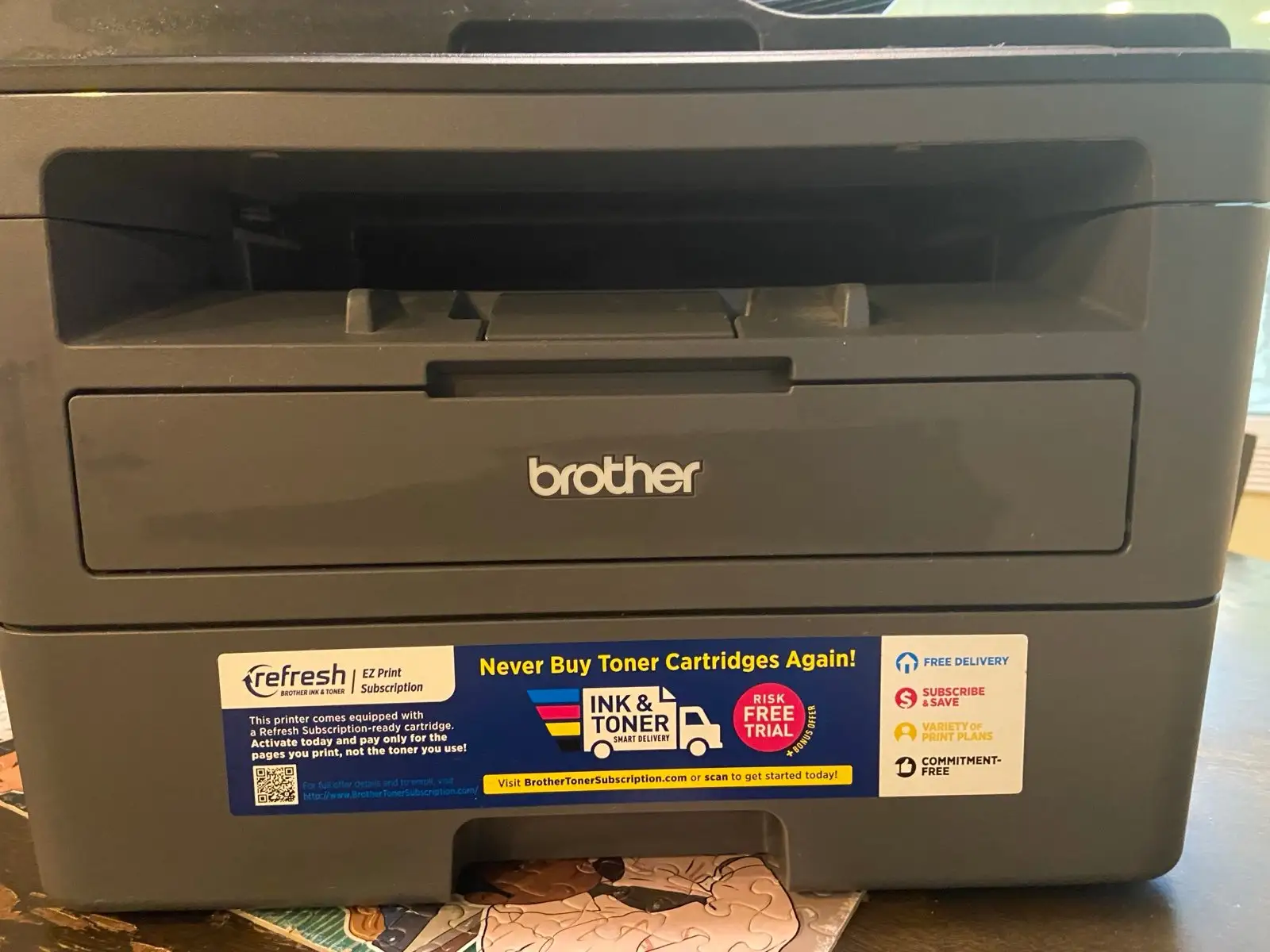
Trustpilot sentiment tilts positive, with durability a recurring theme. Longtime Brother owners boast multi-year service without major faults: “My previous Brother started to break down after making 80,000 copies,” a user wrote, noting they replaced it with the DW model for similar reliability. Community trust extends to refurbished units—several buyers reported their refurbs “packed as if… brand new” and functioning flawlessly.
Scam concerns are virtually absent; dissatisfaction tends to stem from misunderstanding features rather than deceptive sales. The monochrome-only surprise underscores the need for spec-checking before purchase rather than mistrust in the brand’s authenticity.
Alternatives
In datasets, competing mentions include HP’s multifunction units and Canon inkjets. HP is viewed as weaker in build quality at similar price points—Trustpilot’s top review replaced an HP with the Brother MFC-L2690DW after calling the former “complete garbage.” Canon inkjets score for color but fall behind in cost efficiency for B&W-heavy workflows; one Walmart review replaced a Canon due to reliability issues, praising the Brother’s dependable output.
Price & Value
On Amazon, list prices around $176 (discounted from $205) compete with eBay’s range from $159.99 to nearly $300 depending on condition. A $139 price appears in multiple review contexts for deals. Community buying tips stress high-yield toner for best ROI. Resale remains possible—eBay listings show strong resale if kept in good condition, with sellers maintaining near-100% feedback.
Buying refurbished is common and well-regarded; Trustpilot reviewers describe refurbs as indistinguishable from new, suggesting strong value retention.
FAQ
Q: Does the Brother MFC-L2690DW print in color?
A: No, it is a monochrome-only laser printer. Users expecting color output have reported disappointment, so confirm specifications before purchasing.
Q: Can it scan double-sided documents automatically?
A: No, the automatic document feeder handles single-sided scans only. Duplex printing is supported, but scanning requires manual flipping.
Q: Is it compatible with mobile printing?
A: Yes, supports AirPrint, Brother iPrint&Scan, Mopria, and Wi-Fi Direct. Set up is generally straightforward for smartphones and tablets.
Q: How economical is it in terms of toner usage?
A: With high-yield TN-730 cartridges, running costs can be under one cent per page, making it efficient for B&W-heavy tasks.
Q: Does it work well for large offices?
A: It’s best suited for small to medium offices; larger teams may find the 250-sheet tray and 2,000-page recommended monthly volume limiting.
Final Verdict: Buy if you run a home office or small team producing mostly black-and-white documents and value speed, reliability, and low running costs. Avoid if you need color output or heavy-duty scanning. Pro tip from the community: opt for high-yield toner and confirm monochrome specs before purchase to avoid buyer’s remorse.





