Brother HL-L5210DWT Review: Fast, Quiet Office Pick
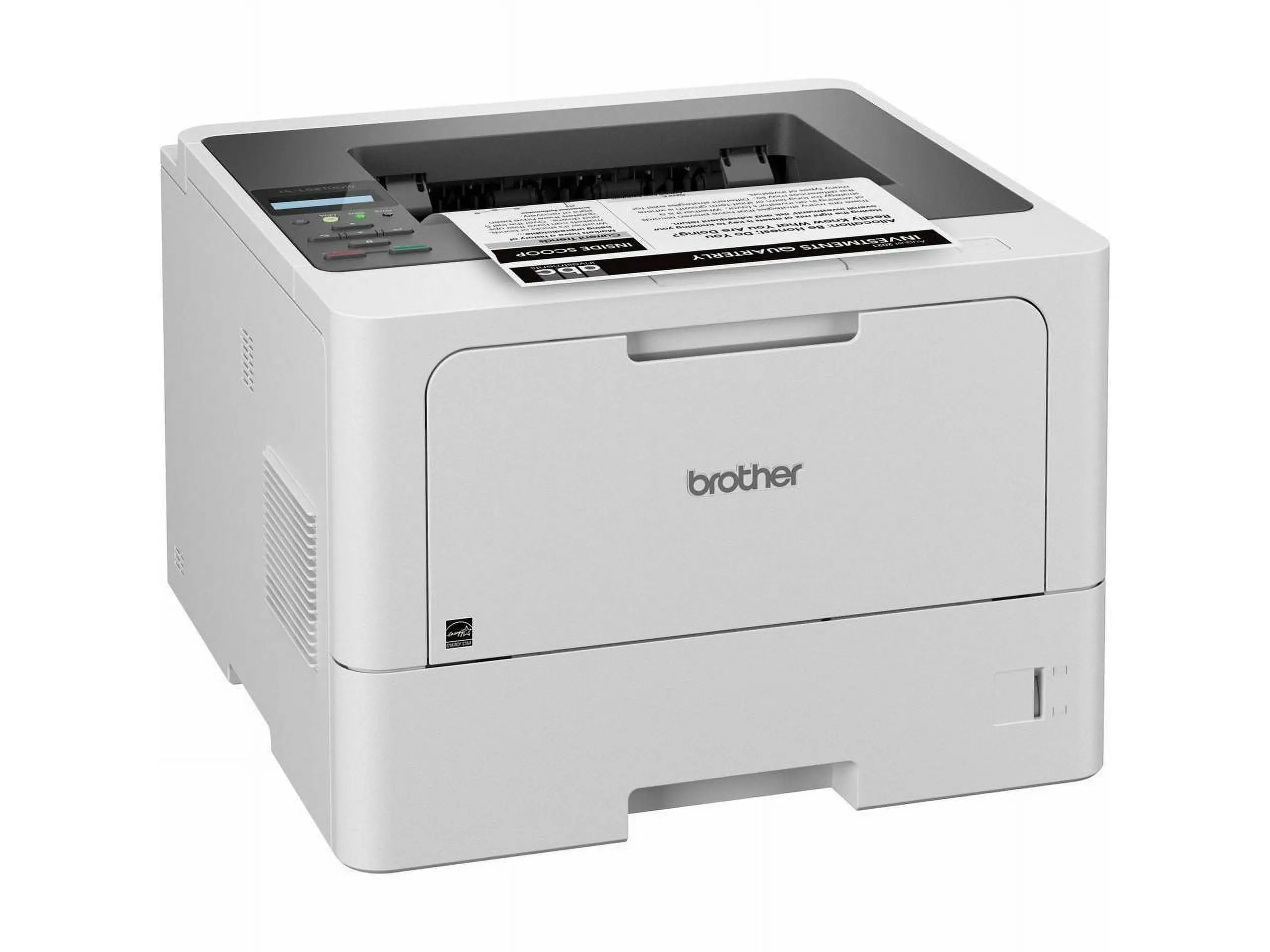
“Fast quiet & great quality” is the kind of line that keeps popping up around the Brother HL-L5210DWT Monochrome Laser Printer with Dual Trays, Wireless, White—and it’s paired with a clear warning from home users who didn’t expect how much space it takes. Based on the available customer reviews, the overall read is strongly positive for speed, print quality, and setup ease, with size and a few usability hiccups as the main friction points. Verdict: a confident office‑leaning pick, 8.7/10.
Quick Verdict
Yes, especially for small offices, teachers, and high‑volume home users who want fast black‑and‑white output and big paper capacity.
| What users liked / disliked | Evidence from users |
|---|---|
| Very fast printing | A verified buyer on Staples noted: “print time was next to nothing.” Another said it was a “fast, efficient printer.” |
| Easy setup and install | A verified buyer on Staples wrote: “very easy to assemble and the app made software installation a breeze.” |
| Quiet operation | A verified buyer on Staples described it as “fast quiet & great quality.” Another said it “operates quietly.” |
| Strong monochrome print quality | A verified buyer on Staples called it “great quality,” while another said it has “excellent print quality.” |
| Large footprint | A verified buyer on Staples warned: “the only downside is that it is pretty large.” |
| Tray/driver quirks | A verified buyer on Staples complained: “can’t configure lower tray driver.” |
| Starter toner looks light | A verified buyer on Staples said the included toner printed “super light” until replaced. |
Claims vs Reality
Marketing leans hard on speed. Official specs promise up to 48 ppm, and the user feedback doesn’t push back on that. Digging deeper into user reports, speed is one of the most consistently celebrated parts of living with this printer. A verified buyer on Staples summarized their experience as “print time was next to nothing,” and another called it a “fast, efficient printer.” The lived experience lines up with the claim, especially for people who print in bursts—teachers, parents printing schoolwork, or offices pushing out forms.
The company also emphasizes easy networking and mobile printing. In practice, users talk less about the technical side and more about how frictionless it felt. A verified buyer on Staples shared: “the app made software installation a breeze. i love that i can print from my computer or phone.” Another described wireless as “fabulous for quick printing from anywhere in my room,” framing it as a real convenience for classroom use. The reality seems to match the promise for non‑technical users who just want it to show up on Wi‑Fi and work.
Paper handling and duplex printing are central to the product pitch, but one user expectation stands out as a gap. While the specs clearly state automatic duplex printing, a verified buyer on Staples still wrote: “the only thing i would add is a double sided printing feature.” That reads less like a failure and more like a mismatch in how the feature is surfaced in setup or defaults. Another buyer’s frustration was more concrete: “can’t configure lower tray driver,” suggesting that dual‑tray workflows may require extra driver attention for some setups. So while officially positioned as a dual‑tray duplex workhorse, a small slice of users hit configuration friction.
Cross-Platform Consensus
Universally Praised
“Brother does what brother does best” is how one Staples reviewer framed the core experience, and a recurring pattern emerged across comments: this machine feels fast, dependable, and straightforward once it’s out of the box. For small workgroups and busy households, speed is not abstract—it changes how often they hesitate to print. A verified buyer on Staples said installation took “under 10 min,” and another emphasized that after setup, “print time was next to nothing.” For anyone who prints dozens of pages at a time—lesson packets, legal documents, or weekly reports—the speed praise implies a lower wait-and-watch burden.
Setup and onboarding are another near‑universal win in this data. Multiple buyers talk about assembly being simple even for non‑technical users. A verified buyer on Staples wrote: “very easy to assemble and the app made software installation a breeze,” while another said “super easy to set up and easy to connect to my computer. anyone can set it up.” This matters most for home offices or classrooms where there isn’t IT support; the printer’s value is tied to being usable in the first hour rather than becoming a weekend project.
Quiet printing and clean monochrome output round out the positives. A verified buyer on Staples described it as “fast quiet & great quality,” and another said it “operates quietly” while producing “great quality” black‑and‑white pages. For shared spaces—teachers with kids in the room, partners working nearby, or offices trying to avoid constant machine noise—quietness reads as quality-of-life. Print clarity shows up in casual proof: one user references a “printed recipe” as evidence of sharp output, highlighting that even informal prints look professional.
Common Complaints
The most repeated downside is physical size. While marketing frames this as a business‑class printer, some home users bought it for monochrome needs and were surprised by the footprint. A verified buyer on Staples said plainly: “the only downside is that it is pretty large,” then added that it took up nearly an entire chair while they hunted for space. Another reviewer echoed the vibe, noting it felt “pretty large, and corporate style.” For apartment dwellers or people trying to tuck a printer into a shelf, these stories suggest the HL‑L5210DWT may require dedicated real estate.
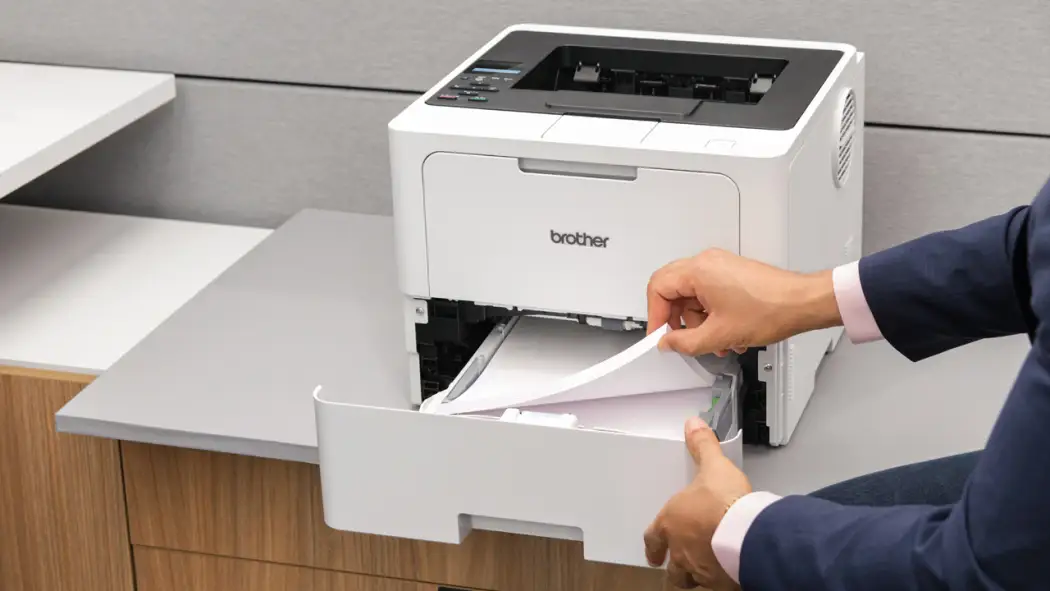
A second complaint cluster is about paper trays and drivers. One verified buyer on Staples said the printer is great but “can’t configure lower tray driver.” That’s a niche issue, but it matters a lot to the user type who bought this specific model for dual‑tray convenience—people switching between letterhead and plain paper, or teachers with different worksheet sizes. The frustration implies that while the hardware supports it, the software mapping might not be intuitive in every environment.
Consumables out of the box also drew some critique. A verified buyer on Staples reported that the starter toner printed “super light” until they swapped it out: “once i replaced it with my own ink, it came out darker.” For high‑expectation users, that suggests the first cartridge may not showcase full density, or default toner‑save settings may be on. It’s not a deal‑breaker in the feedback, but it’s a recurring practical note for early impressions.
Divisive Features
The printer’s “big, corporate” feel splits opinion depending on context. Some home buyers initially thought the packaging looked oversized, but then reframed it positively after setup. A verified buyer on Staples wrote: “it looked really big in the packaging but was the perfect size for my home office,” suggesting that if you have a dedicated desk, the heft feels appropriate and stable. Others, especially those using temporary setups, found the bulk a downside. The divide is less about quality and more about whether your space matches a business‑class footprint.
There’s also a subtle split between those who view it as a home device and those who see it as clearly office‑grade. One verified buyer on Staples called it “top of the line… used in a big/small office environment,” while another said they “really needed a printer for home” and were happy with monochrome focus but not with the size. The same strengths—speed, capacity, build—land differently depending on your expectations.
Trust & Reliability
The available data doesn’t include third‑party scam or warranty‑fraud narratives, so the trust picture comes mostly from user tone. Reviews lean toward confidence in the brand and repeat‑buyer loyalty. A verified buyer on Staples wrote: “we have been loyal customers to brother brand printers for years,” framing this purchase as a continuation of good past experiences.
Long‑term durability “six months later” style stories aren’t present in the dataset, so there’s no direct user evidence on wear, drum life, or multi‑year performance. What can be said from the reviews is that early reliability is strong: setup succeeds quickly, prints are consistent, and there aren’t reports of jams or breakdowns in these comments.
Alternatives
No competing printers are mentioned directly in the user feedback provided, so there’s no basis here for a narrative comparison against specific Canon, HP, or Epson models. The closest “alternative” implication is internal: buyers comparing it to prior Brother printers. The loyalty comment—“Brother does what brother does best”—suggests that for existing Brother users, this model feels in line with their expectations for speed and reliability.
Price & Value
At around $409.99 on Amazon in the provided listing, pricing reads as mid‑to‑upper for a monochrome printer, but users frame the value through performance and workplace fit rather than sticker shock. A verified buyer on Staples called it “top of the line… lots of great features,” implying the cost feels justified when used like an office machine. Teachers and parents highlight day‑to‑day usefulness—wireless printing, speed, big paper supply—which is another value lens.
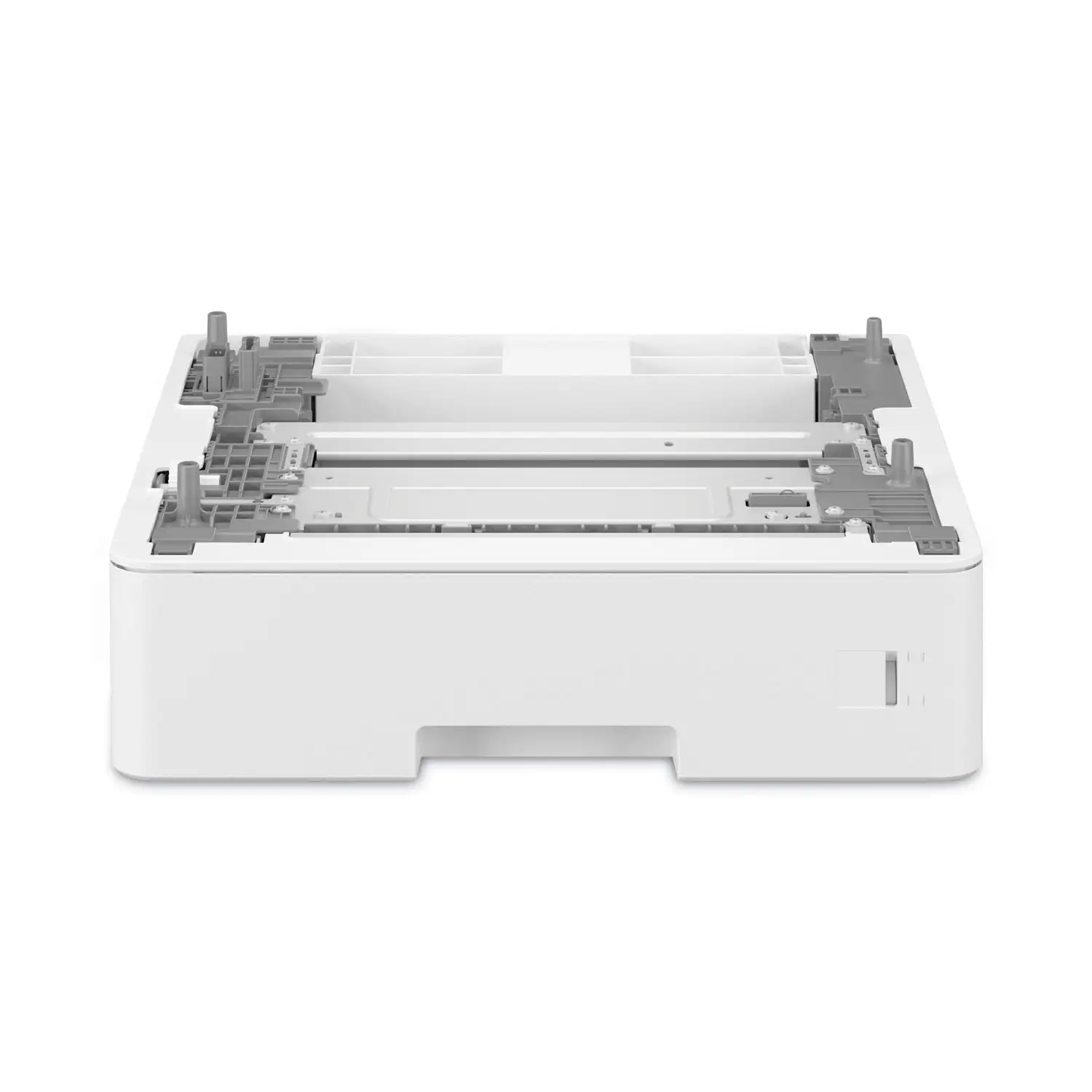
There’s no user talk about resale value or second‑hand pricing in the dataset. Buying tips that do emerge are practical rather than financial: expect a large device, and consider swapping the included toner if output looks light at first. For high‑volume users, the dual trays and large capacity are part of the value story because they reduce reload time.
FAQ
Q: Is the Brother HL-L5210DWT easy to set up?
A: Yes. Multiple Staples reviewers emphasize quick, simple setup. One verified buyer said it was “very easy to assemble and the app made software installation a breeze,” and another reported being able to install it “under 10 min,” even as a non‑technical user.
Q: How fast does it print in real use?
A: Users consistently describe it as very fast. A verified buyer on Staples wrote that “print time was next to nothing,” and another called it a “fast, efficient printer.” No reviews in the data suggest speed falling short of expectations.
Q: Is it suitable for home use?
A: Conditionally. Home users like the quality and quiet operation, but several warn about size. One Staples reviewer said the “only downside is that it is pretty large,” and another noted it felt “pretty large, and corporate style,” so space matters.
Q: Does the dual‑tray system work smoothly?
A: Mostly, but not universally. While most comments praise overall operation, one verified Staples buyer said they “can’t configure lower tray driver,” suggesting some users may need extra driver setup to fully use the lower tray.
Q: Why does the first toner look light?
A: At least one buyer noticed lighter output with the included toner. A verified buyer on Staples wrote that the starter cartridge printed “super light,” but “once i replaced it with my own ink, it came out darker,” implying the bundled toner or default settings may be conservative.
Final Verdict
Buy if you’re a teacher, small‑office worker, or high‑volume home user who wants fast monochrome printing, easy wireless setup, and doesn’t mind a business‑class footprint. Avoid if you’re tight on space or need totally plug‑and‑play dual‑tray driver behavior. Pro tip from the community: if early prints look faint, try adjusting toner settings or plan on a fresh cartridge—one buyer said output improved a lot after replacing the included toner.





