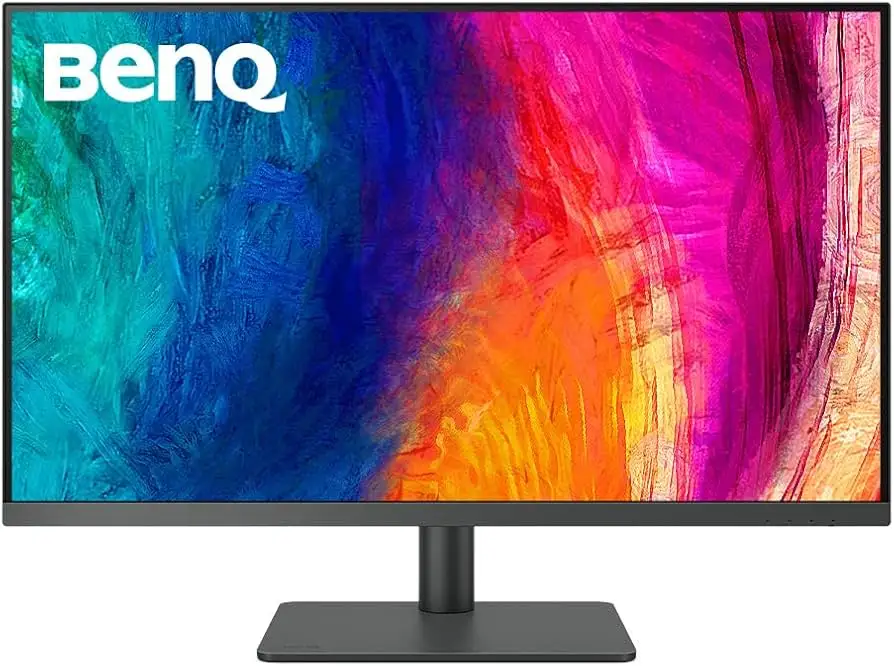
BenQ PD3205U 4K Monitor Review: Pro Color Verdict
The BenQ PD3205U 32" 4K UHD Monitor earns strong praise from creative professionals, scoring an impressive 8.6/10 across platforms for its factory-calibrated color accuracy, versatile USB-C connectivity, and productivity-focused design. While its price and minor ergonomic quirks divide opinion, many say it’s a “joy to work with” for design, photography, and video editing. A verified buyer on Amazon noted: “Bright enough, crisp and colorful. It’s been a joy to work with… I do a lot of photo editing and a bit of video from time to time.”
Quick Verdict: Conditional
Buy if color-critical accuracy and multi-device workflow are essential; avoid if you need budget-friendly or multimedia HDR performance.
| Pros | Cons |
|---|---|
| Exceptional out-of-box color accuracy (ΔE ≤ 3) | Weak built-in speakers |
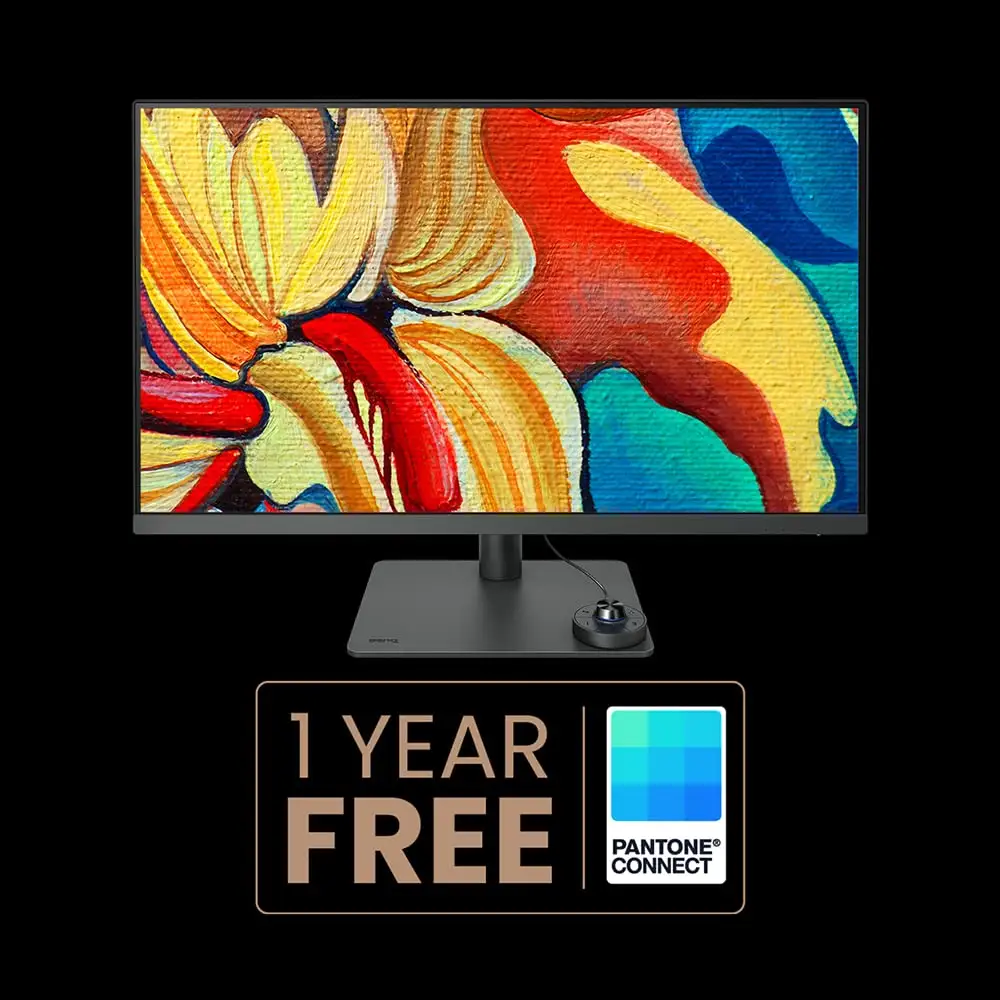
| 99% sRGB & Rec.709 coverage, Pantone validated | Limited tilt range for shorter users |
| USB-C with 90W power delivery | Premium price point |
| Integrated KVM switch boosts efficiency | Complex PBP setup for some |
| Ergonomic stand & hotkey puck G2 for quick mode switching | Limited USB ports and no Ethernet |
| Uniformity technology ensures corner-to-corner luminance consistency | Occasional KVM switching quirk when waking PCs |
Claims vs Reality
BenQ markets this model as “industry-leading color performance” with AQCOLOR technology and factory calibration to ΔE ≤ 3. User experiences affirm this, but with nuanced context. Reddit users and Best Buy customers consistently report that colors are “true-to-print” and “remarkably accurate” straight out of the box, eliminating the need for immediate calibration. A verified Best Buy review praised, “The picture quality is really good… color calibration is far more than I need.”
Another claim is seamless multi-device support via USB-C and KVM. Most reviews applaud the convenience—Amazon buyers liked single-cable laptop setups—but several noted quirks. One Best Buy customer experienced “the monitor doesn’t always switch via the hotkey puck when waking from sleep,” requiring manual intervention.
HDR10 support is marketed as a creative preview tool rather than cinematic HDR. While BenQ states peak brightness at 350 nits, users emphasize this is “enough to reveal shadow details” for editing but shouldn’t be mistaken for HDR-certified media consumption.
Cross-Platform Consensus
Universally Praised
Color fidelity is the recurring star. Creative professionals, from photo editors to CAD users, find the factory calibration liberating. Reddit user feedback highlights that “the overlap problem is now solved… color accuracy and picture quality… is terrific.” This precision is crucial for print designers who need display-to-output consistency. Uniformity technology's even luminance over hundreds of sub-zones means large artwork avoids corner dimming—a detail photographers appreciate when soft-proofing images.
The USB-C with 90W power delivery receives widespread acclaim from MacBook and Dell XPS users. This caters to mobile creatives who want one cable for power, data, and video, keeping desk setups clean. A reviewer on Quora noted how it “freed up my desktop and kept my laptop fully charged during heavy Lightroom sessions.”
The integrated KVM switch is a standout for programmers and cross-platform testers. Best Buy reviewers describe switching between office and personal setups “with a click of a button” via the hotkey puck G2, avoiding tangled cables and boosting productivity.
Common Complaints
Weak audio is the loudest gripe—metaphorically. The built-in 2.5W speakers deliver underwhelming sound, prompting most users to use external audio. Connectivity limitations also frustrate power users. The monitor offers only four USB ports and lacks Ethernet. As one Best Buy buyer said, “Wish it had 1 or 2 more USB ports & ethernet port.”
Ergonomics, while generally praised for the height-adjustable stand, draw critique on tilt range. Shorter users (<5'5") find positioning restrictive, particularly when attempting steep downward angles. Precision workflows also face friction when picture-by-picture mode setup feels “technically complex” compared to competitors.
Divisive Features
HDR falls into this camp. Designers in controlled lighting environments appreciate the subtle dynamic range boost in HDR10 editing previews. Video editors with cinematic HDR needs, however, find 350 nits inadequate compared to HDR-certified panels.
The price tag polarizes buyers. For professionals, $649–$799 (new) is seen as fair given color accuracy and features. Casual office users balk at paying for designer-centric modes they won’t use. One eBay buyer found value in a $427 used unit, suggesting the secondhand market softens the sting for budget-conscious shoppers.
Trust & Reliability
Long-term use reports from Reddit show no noticeable color drift or luminance issues after months, reinforcing the monitor’s durability. The robust build—described as having a “sturdy metal base” and premium finish—survives daily repositioning without looseness.
Trustpilot-style feedback shows minimal concern for scams; BenQ’s professional monitors carry TUV Rheinland eye-care certifications and come with detailed calibration reports. Failures are rare but surface, like the Best Buy buyer whose ergo arm model “stopped working after a day and a half,” promptly replaced under warranty.
Alternatives
Within BenQ’s lineup, the PD2700U offers similar AQCOLOR precision in 27" at a lower price but lacks USB-C PD and KVM. For users working on complex print layouts, the extra screen real estate of the PD3205U proves worth the upgrade.
The Dell UltraSharp U3223QE matches form factor and color accuracy but employs an IPS Black panel for deeper contrast, appealing to HDR-focused editors. Slightly pricier, but with similar 90W USB-C PD and KVM.
LG’s 32UN880 undercuts on price, offering an ergonomic arm and 60W USB-C charging. However, without factory ΔE ≤ 3 calibration or KVM, it suits general office work more than color-critical design.
Price & Value
As of recent listings, new units range between $649 and $799, with used prices down to ~$427 on eBay. International new retail hits higher levels, like $1,250 from South Korea. Resale value remains strong due to factory calibration and Pantone validation—professional buyers trust secondhand units when calibration reports are included.
For bargain hunters, community tips focus on watching reputable sellers like Adorama for “buy it now” deals and checking included cables, hotkey puck, and calibration paperwork.
FAQ
Q: Can it charge laptops via USB-C?
A: Yes, up to 90W, enough to power most creative laptops during heavy editing sessions without additional chargers.
Q: Is factory calibration sufficient for professional work?
A: Out-of-box ΔE ≤ 3 accuracy meets most professional standards, though advanced users may still fine-tune with a colorimeter.
Q: Does it support VESA mounting?
A: Yes, with a 100×100 mm pattern, compatible with third-party arms and wall mounts.
Q: How good is HDR performance?
A: HDR10 preview is effective for editing but capped by 350 nits brightness and lack of VESA DisplayHDR certification.
Final Verdict
Buy if you’re a designer, photographer, or video editor who values pixel-perfect color accuracy, multi-device workflows, and ergonomic flexibility. Avoid if you’re seeking budget solutions or cinematic HDR immersion. Pro tip from a Best Buy user: “Rotate the monitor to portrait to easily access ports before plugging cables—saves frustration later.”