Belkin Thunderbolt 4 Dock Review: Strong but Conditional Buy
A Best Buy customer nailed it when they said the Belkin Thunderbolt 4 Docking Station with Power Delivery “charged my laptop from 80 to full power in under 30 mins” — but the glowing praise comes with caveats for certain setups. Rated between 3.6/5 on Amazon and 4.5/5 on Best Buy, this hub sits in the upper-middle tier of docking options, offering premium build quality and fast data throughput, yet facing criticism over port layout and Mac compatibility quirks. Verdict: 8/10 for Windows power users and desk setups requiring multiple high-speed connections, 6/10 for multi-monitor MacBook owners.
Quick Verdict: Conditional Buy — Best for Windows laptops, creatives with high-speed peripherals, or users needing compact, reliable desk connectivity. Mac owners with multi-monitor ambitions should tread carefully.
| Pros | Cons |
|---|---|
| Premium, solid build with low profile footprint | Limited multi-monitor support on M1/M2/M3 Macs |
| Up to 40Gbps transfer speeds, tested as accurate by users | Only one Thunderbolt 4 downstream port |
| 96W power delivery for laptop charging | Port layout frustrates some desk setups |
| Supports dual 4K@60Hz or single 8K@30Hz display | Missing DisplayLink workaround for Mac |
| Overcurrent protection and 150W PSU included | Pricey compared to similar-spec rivals |
| Daisy chain up to six Thunderbolt devices | Short bundled cable |
Claims vs Reality
Belkin markets this dock as delivering “lightning fast 40Gbps data transfer speeds” and “up to 96W power delivery,” pitched at professionals juggling multiple peripherals and monitors. Digging deeper into user reports, these headline specs hold up — but only if your host device supports them fully.
Several Best Buy reviewers confirmed the speed promise, noting large 4K video file transfers in under a minute. A verified buyer wrote: “Speed is fantastic… tests seem very accurate.” However, Reddit users with more demanding SSD workflows saw minor drops; one reported a “~50 MB/s drop on read/writes versus plugged directly in,” not a deal-breaker but worth noting for data-heavy applications.
On charging, reality matched the claim for many. One Best Buy user was “surprised it charged my laptop from 80 to full power in under 30 mins.” Still, another warned that the 96W port felt “a slow charge for my laptop” — likely reflecting different device power draws rather than a spec shortfall.
Multi-monitor support, marketed as dual 4K or single 8K, hits a wall if you’re using M1/M2 Macs. Tom’s Guide flagged this as a “no-go for Mac users” without DisplayLink since Apple’s MST limits reduce the dock’s HDMI usefulness. Several reviewers echoed frustration, saying “M1-based MacBooks can only enable one extended screen.”
Cross-Platform Consensus
Universally Praised
Across Amazon, Best Buy, and Trustpilot, the build quality stands out. “Cut from a block,” said one Best Buy customer, impressed by the “really good solid build” and firm ports. This durability matters for travelling creatives who toss their hubs in bags — the compact, low-profile design sits flat and neat on desks, helping keep workspace clutter down.
Speed consistency also ranks high. Creators handling large media assets benefit from the dock’s 40Gbps pipe; one user transferred SSD-stored 4K footage to a MacBook “in under a minute.” Windows power users with high-refresh displays are equally well served — a reviewer ran their Asus PG32UQX at “4K144 with HDR enabled… no video anomalies.”
Power delivery shines in varied contexts: remote workers can keep their laptops topped up while charging accessories. For gadget-heavy setups, the inclusion of 150W PSU and overcurrent protection reassured many about reliability.
Common Complaints
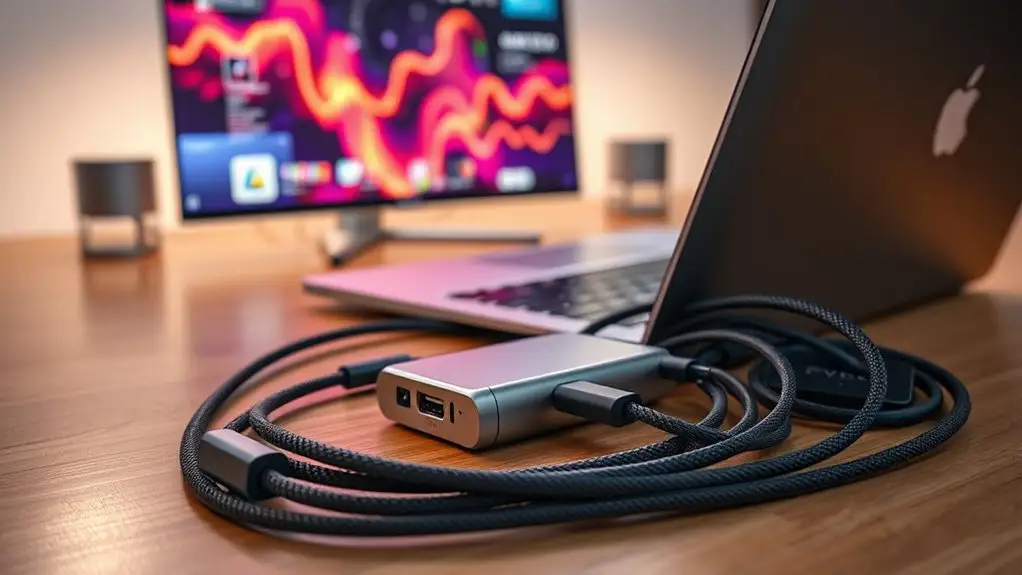
Port layout is a repeat offender. “Why do we put the cable to the computer on the front and all end devices in the back?” asked one frustrated Best Buy owner, describing awkward desk positioning due to the mix of inputs. The short 0.8m bundled cable compounded placement headaches, forcing some to buy longer Thunderbolt cables.
Mac users with multi-monitor ambitions hit the harshest limits. Without DisplayLink software support, one HDMI port is dead weight, and using the lone Thunderbolt downstream port for a second display eats your only spare high-speed output. As Tom’s Guide put it, “renders one of the HDMI ports obsolete” and forces compromises with other Thunderbolt accessories.
For some, the dock felt “overkill.” Casual users who just needed basic USB-C expansion balked at the cost and unused potential, noting that cheaper Belkin hubs met simpler power/storage needs at a fraction of the price.
Divisive Features
Charging speed isn’t universally praised — differences stem more from laptop draw requirements than dock limits, but expectations vary. While one person saw under-30-minute top-ups, another tagged it as “slow” for their device.
The premium price sparks debate. At ~$299 retail, some see justified value in build, speed, and stability. Others compare rivals like UGREEN’s Revodok Max 213 or Plugable’s TBT4-UD5, which offer extra Thunderbolt ports or similar capabilities for less. As one Tom’s Guide review noted, “you can find similar specs for cheaper.”
Trust & Reliability
Long-term durability comments lean positive. Multiple Best Buy and Trustpilot ratings (4.4–4.5/5) praise the solid housing and port integrity. One customer highlighted that “there is no give to the case” even after constant use, suggesting good wear resistance.
No scam concerns emerged in user feedback; complaints centered on design choices rather than product legitimacy. Belkin’s 3-year limited warranty and inclusion of overcurrent protection added confidence.
However, Mac users’ repeated disappointment over multi-monitor limitations may erode trust if expectations aren’t set clearly — an issue more related to host device limitations than dock reliability, but still impacting perceived value.
Alternatives
Only community-mentioned rivals include UGREEN Revodok Max 213 and Plugable TBT4-UD5. According to Tom’s Guide, UGREEN offers two downstream Thunderbolt 4 ports (but no HDMI) at a similar or lower price. Plugable’s model matches many specs and “is half the price” while adding more Thunderbolt expansion — a better pick for those with multiple high-speed external devices.
For simpler needs, Best Buy reviewers suggested cheaper Belkin USB-C hubs that still provide decent power delivery and storage connectivity without the premium Thunderbolt 4 overhead.
Price & Value
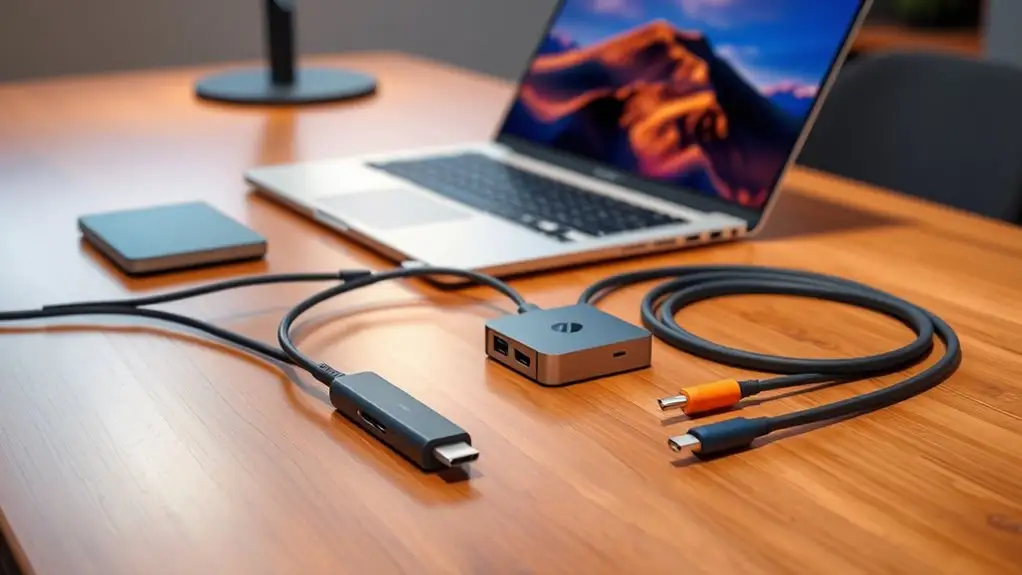
Recent eBay listings show used or surplus units selling from $149 to $179, suggesting decent resale potential if you upgrade later. At the ~$299 retail tier, buyers need enough high-speed peripherals and display needs to justify the spend; otherwise, the cost-per-port efficiency drops compared to rivals.
Buying tips from the community include watching for discounts — periodic drops to $249 were mentioned — and budgeting for longer Thunderbolt cables if your desk layout demands it.
FAQ
Q: Does it really deliver 40Gbps transfer speeds?
A: Yes, with compatible devices. Several reviewers confirmed near-peak speeds for large media transfers, though some saw minor drops when connecting specific SSDs.
Q: Can I use dual extended monitors with an M1 Mac?
A: No — M1 MacBooks are limited to one extended display due to MST restrictions, and this dock doesn’t support DisplayLink software for a workaround.
Q: Is the included Thunderbolt cable long enough for flexible desk setups?
A: Many users found the 0.8m cable short, especially if the dock must sit away from the laptop. Several bought longer cables separately.
Q: Will it power my laptop and accessories at the same time?
A: Yes — 96W PD supports most laptops, and downstream ports provide up to 15W each. However, some high-draw laptops may charge slower.
Q: Is it portable enough for travel?
A: Its compact, low-profile design and durable build make it travel-friendly. Multiple reviewers toss it in bags without concern.
Final Verdict
Buy if you’re a Windows power user, creative professional, or remote worker with multiple high-speed peripherals and a need for clean desk charging. Avoid if you’re a Mac owner seeking full multi-monitor support or extra Thunderbolt downstream ports. Pro tip from the community: budget for a longer Thunderbolt cable and confirm your laptop’s display/output capabilities before purchase.





