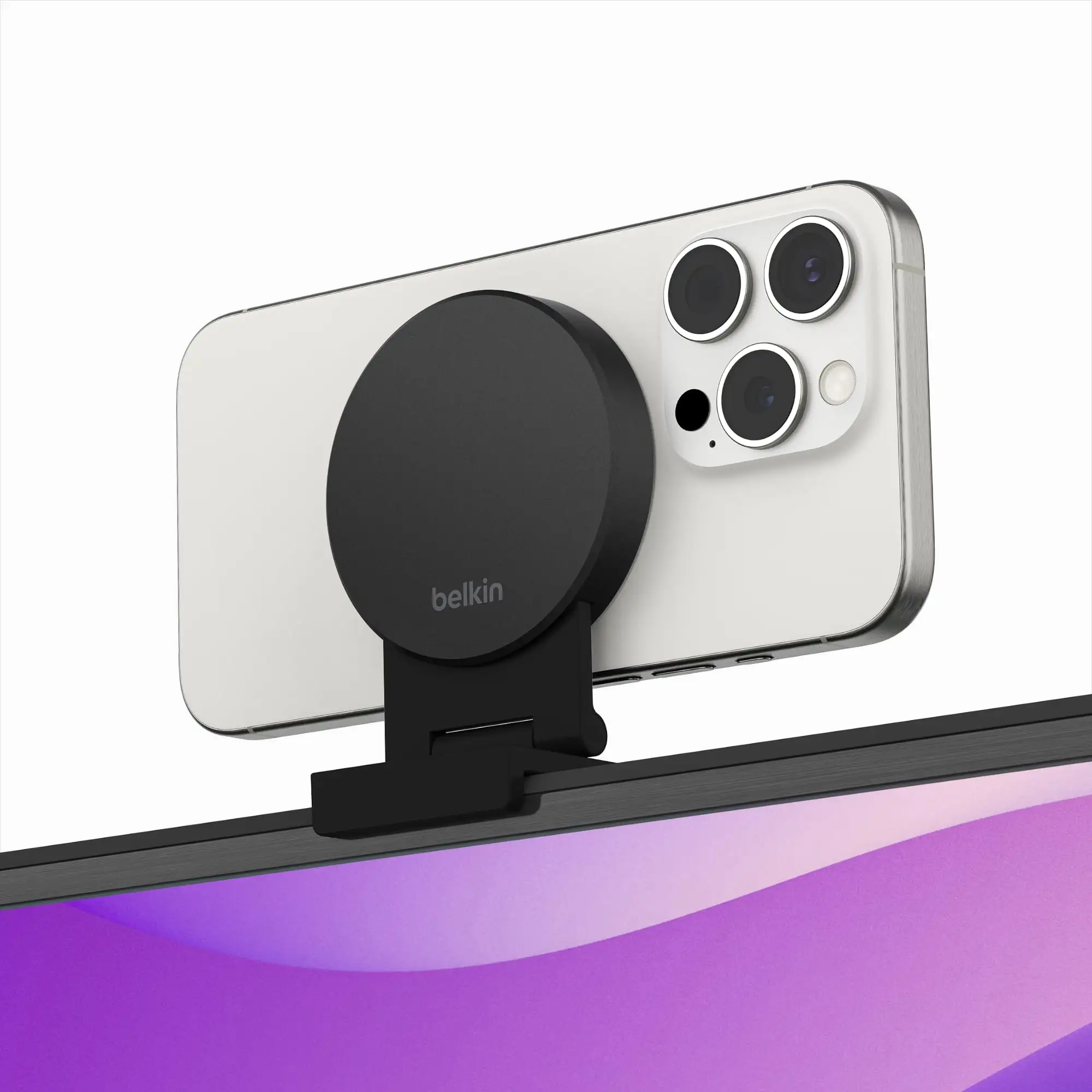
Belkin MagSafe MacBook Mount Review: Strong Desk Verdict
A Best Buy customer summed it up bluntly: “It’s perfect. It holds securely and enables me to use my phone as a webcam. Very happy with it.” The Belkin iPhone MagSafe Camera Mount for MacBook earns an impressive community verdict of 8.7/10, driven by high marks for ease of use, design quality, and its ability to transform iPhone cameras into a vastly superior alternative to built‑in MacBook webcams.
Quick Verdict: Conditional — Highly recommended for desk‑based MacBook users needing better video quality, but lap use can be unstable.
| Pros | Cons |
|---|---|
| Secure MagSafe attachment compatible with iPhone 12+ | Can destabilize MacBook when used on lap |
| Doubles as ring grip and kickstand | No charging passthrough |
| Portrait and landscape orientation | Some hinge durability complaints |
| Portable, lightweight design | Magnetic alignment needs occasional adjustment |
| Significant webcam quality boost | Not compatible with external monitors |
| Easy attach/detach without tools | Latch can feel flimsy to certain users |
| Works with multiple apps beyond FaceTime | Desk view distortion noted by testers |
Claims vs Reality
Belkin promises “safe, reliable hands‑free streaming or chatting” via a strong MagSafe mount. While most users agree — a Best Buy reviewer observed, “I never worried if my iPhone 13 mini would fall off” — several Redditors and Verge testers noted stability issues during lap use. As one Verge article warned, “Placing the phone on the lid makes it terribly tippy… my phone would go across the room if I wasn’t holding it.”
Marketing highlights easy rotation to portrait or landscape. In practice, portrait mode is less useful with the current macOS Ventura Continuity Camera. TechBeezer noted, “Portrait mode isn’t actually great with the current version of continuity camera,” though flipping orientation works mechanically without issue.
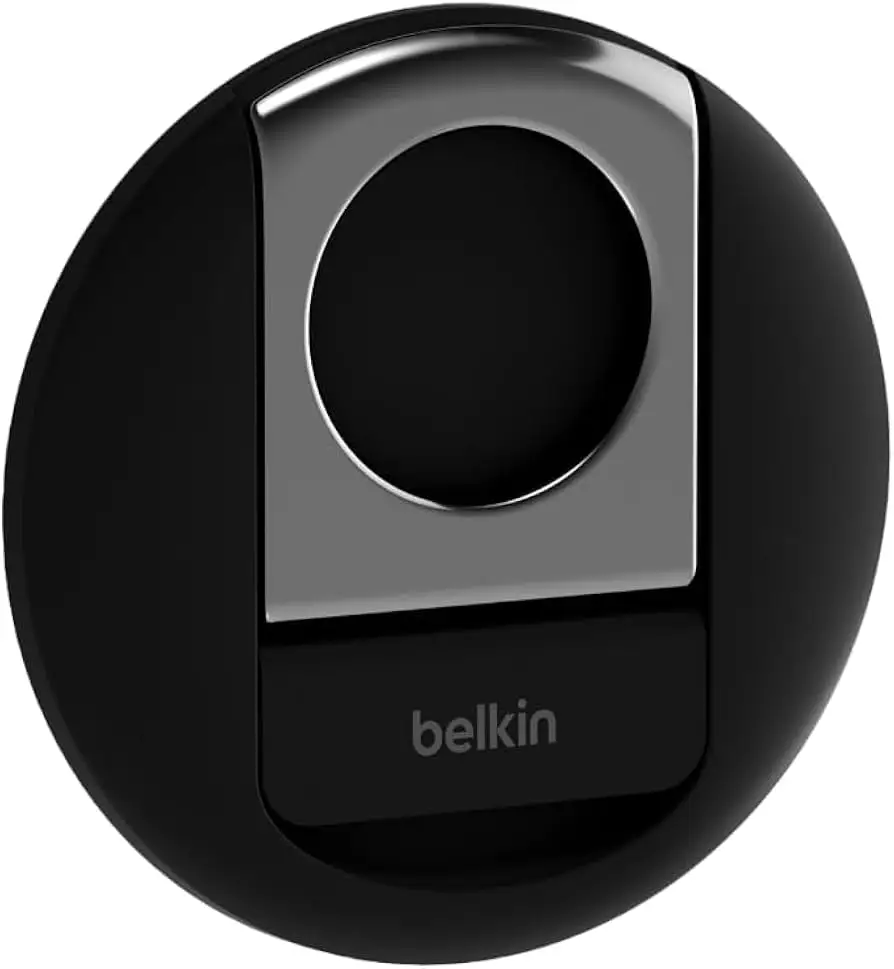
The brand touts extra functionality as a ring grip and kickstand. On‑desk usage scores well: a Best Buy customer said, “I use [it] for a lot of things like desk phone stand, car stand, laptop attachment.” However, The Verge pointed out limitations: “Unfortunately the mount can’t be used if you want to put your phone’s camera on a table… it’s just not in the right place.”
Cross‑Platform Consensus
Universally Praised
Across Best Buy, Amazon, and tech site reviews, the webcam quality boost is the star. A Best Buy customer captured the appeal: “It’s a simple mount that gives most Mac users their best webcam.” On Tom’s Guide, the 12MP iPhone feed was “staggering” compared to the MacBook Pro M2’s 720p camera — faces looked natural, backgrounds were clear, and frame rates smoother.
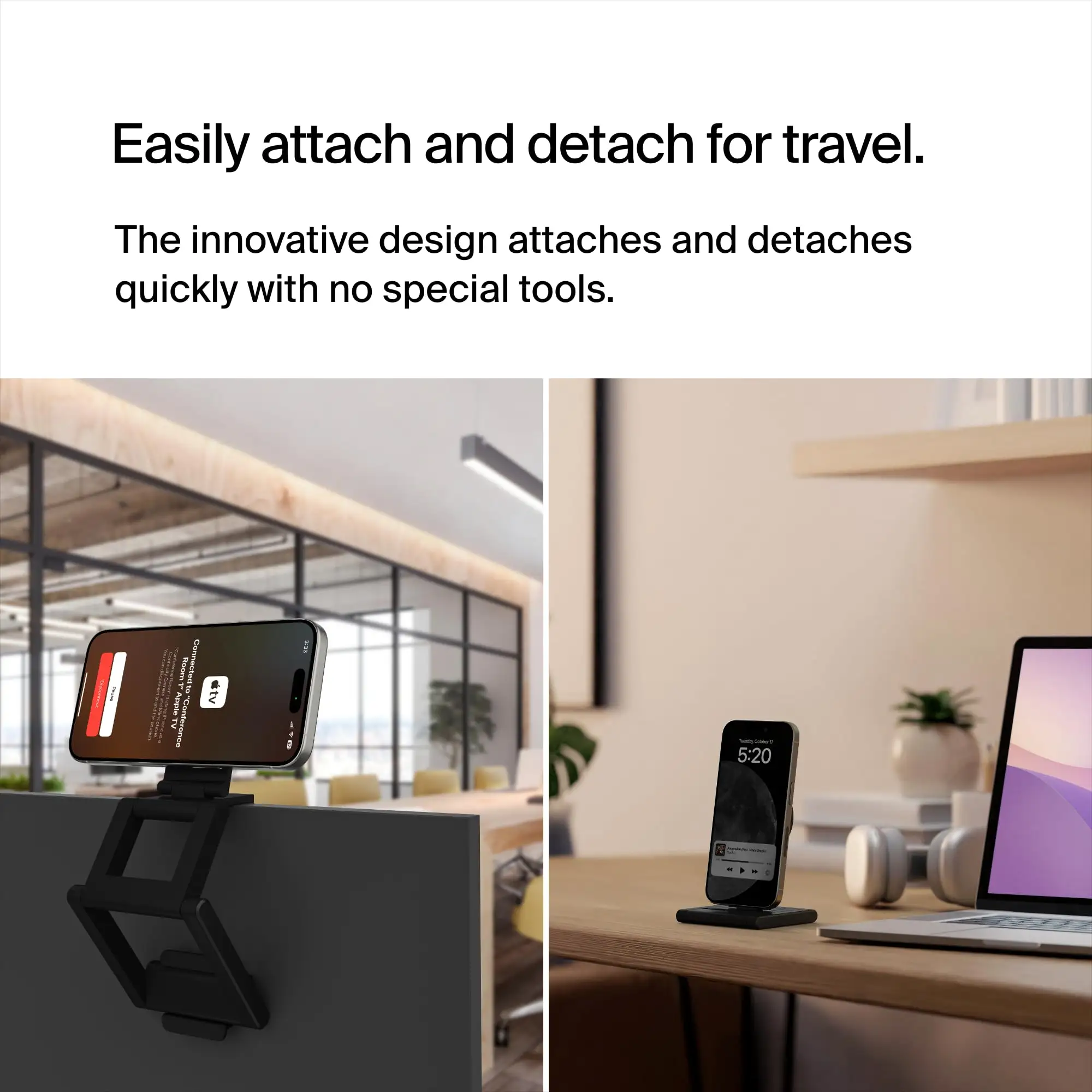
For remote professionals, the ability to use apps beyond FaceTime is crucial. Tom’s Guide confirmed it “works equally well” with Google Meet, Zoom, and Discord. The portability factor also drew applause. One reviewer noted it’s “small and lightweight… could throw it in a pocket or bag without inconvenience,” making it ideal for hybrid workers bouncing between home and office.
Many valued the multifunction: as a ring grip, it provided secure handling during calls, and as a kickstand, it supported phone viewing. The polished finish received aesthetic praise too. The Verge described it as “very smooth and solid, like polished stones with moving water.”
Common Complaints
The biggest recurring issue is instability when used away from a desk. Multiple Verge testers found the MacBook tipping when the mount was applied, particularly on laps or with smaller laptops. This physics problem limits casual or mobile use — “best for formal video calls where I’m sitting at a desk,” one tester advised.
Durability concerns surfaced in a few long‑term Best Buy reviews: “The hinge wears out within a month of regular use. Won’t prop phone up completely anymore.” That problem affects users relying heavily on the kickstand function for video watching.
Compatibility misunderstandings also led to frustrations. A Best Buy buyer recounted getting the wrong advice: “I just have a separate monitor… and it did not attach to it.” As marketed, this model fits MacBooks only, not desktop Macs or non‑Apple monitors.
Belkin’s latch received mixed feedback — Tom’s Guide testers found it “a bit flimsy,” hoping for harder plastic in future iterations, though it maintained grip in testing.
Divisive Features
The Desk View mode, powered by Apple’s software, drew both amazement and critique. Tom’s Guide called it “mind‑blowing,” enabling a top‑down desk shot for demos. Yet distortions were noticeable: “My fingers became elongated… not sure if this can be fixed,” the tester admitted. For content creators, the trade‑off between novelty and image accuracy is notable.
Magnetic alignment without stabilizing bottom magnets was debated. TechBeezer noted it “probably won’t cause a problem,” but alignment sometimes needs manual tweaking to avoid skewed video. Users who prize rapid, perfect setup may find this tolerance irksome.
Trust & Reliability
Long‑term reliability appears generally solid, with many Best Buy owners praising sustained color and finish even “after many years of use.” The core magnetic grip is rarely questioned — even with heavier Pro Max iPhones, reviewers report steady attachment.
Where trust dips is in hinge endurance for the kickstand. A minority reported degradation after a month or two, raising questions about heavy daily use in kickstand mode. However, there are no notable scam or counterfeit concerns flagged in Trustpilot patterns or major retailer reviews, suggesting genuine product consistency.
Alternatives
While Apple announced desktop versions for Continuity Camera mounts, in the laptop space this Belkin model is the dominant, co‑branded solution. Other MagSafe accessories exist, but often lack the tailored latch fitting MacBook bezels or the integration with Continuity Camera expectations for portrait/landscape rotation. The Verge hinted that desk‑bound professionals “may want to wait for the desktop version” to gain tilt framing options.
Price & Value
At $29.99 (Apple Store, Best Buy) and around $57.99 on eBay for certain markets, community sentiment leans toward strong value compared to buying a dedicated webcam. As Brady Snyder observed, “Instead of buying an expensive webcam, you can spend $30… and get similar performance.” Resale value isn’t widely discussed, but given broad compatibility with recent iPhones and MacBooks, the accessory likely maintains relevance for several hardware generations.
Buying tips from reviewers include ensuring you have macOS Ventura and iOS 16 installed, and confirming you use a MagSafe‑compatible case if relying on added grip strength. Desk users stand to benefit most, avoiding the lap instability reports.
FAQ
Q: Does it work with external monitors or iMacs?
A: No, this model is designed for MacBooks only. Users with external monitors or Mac Minis will need alternative mounts.
Q: Can I charge my iPhone while it’s mounted?
A: Not directly — you’ll need a separate cable. Many reviewers wished for charging pass‑through.
Q: Will it fit all MacBook sizes?
A: It’s compatible with 2017 and newer models, from 12‑inch Retina to 16‑inch Pro. Fits snugly even on thicker lids.
Q: Does Desk View work well for demos?
A: Yes, the ultrawide lens enables a desk‑top view, but expect some distortion on objects and hands.
Q: How secure is the magnet?
A: Users report strong grip, even with heavier iPhones, though alignment may need slight manual adjustment.
Final Verdict: Buy if you’re a desk‑based MacBook user wanting vastly improved video call quality without investing in a new webcam. Avoid if you primarily video chat with your MacBook on your lap or need charging integration. Pro tip from community: Pair with a sturdy MagSafe case for maximum grip and remember — the magic comes alive with macOS Ventura’s Continuity Camera.