Beelink EQI12 Mini PC Review: Strong Performance, Mixed Reliability
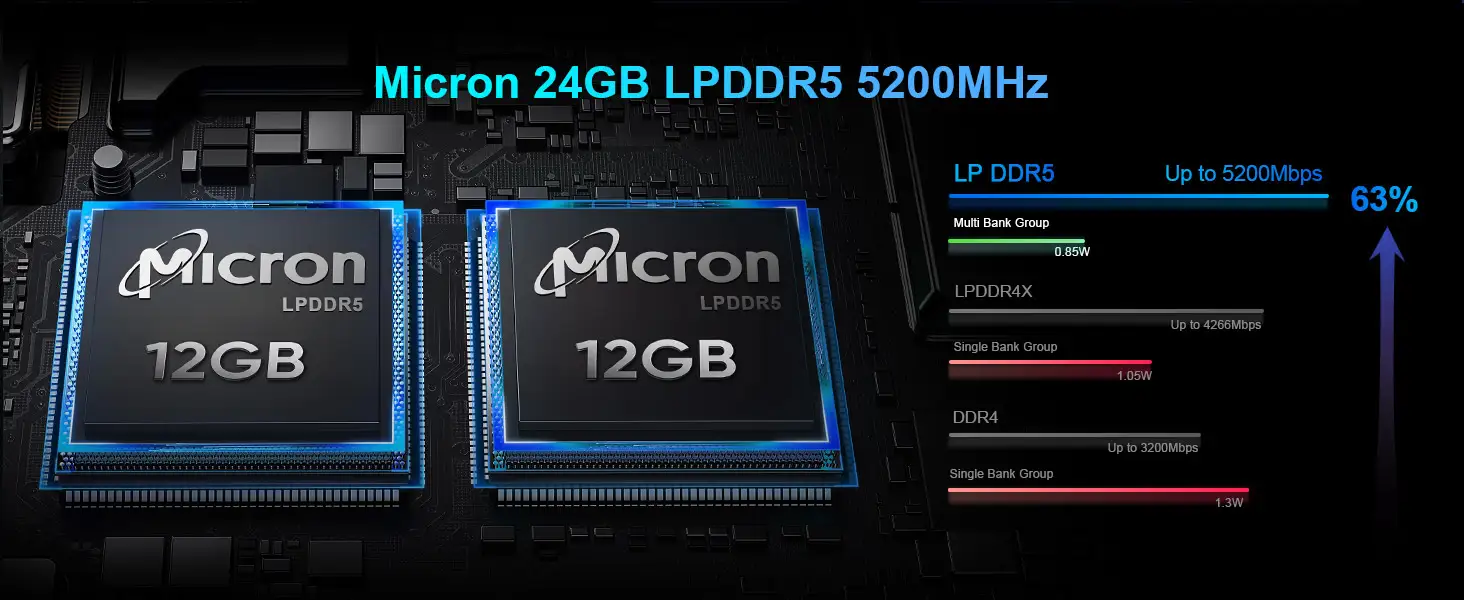
Scoring an aggressive 8.2/10, the Beelink EQI12 Mini PC (Intel Core i3-1220P) has surprised seasoned mini PC buyers with a rare mix of strong single-thread performance, generous 24GB LPDDR5 RAM, and a built-in PSU — all at a sub-$300 sale price. While plenty here caters to productivity-focused users, some hardware quirks and boot issues have tempered the enthusiasm.
Quick Verdict: Conditional — excellent for productivity, media use, and light-duty workloads, but potential BIOS/boot quirks mean it’s best for tech-savvy buyers.
| Pros | Cons |
|---|---|
| Strong single-thread CPU performance | Soldered RAM limits upgradeability |
| Generous 24GB LPDDR5 | Reports of boot issues with USB devices |
| Built-in 85W PSU reduces clutter | Ethernet ports capped at 1Gbps |
| Compact, quiet operation in light workloads | Integrated graphics unsuitable for modern gaming |
| Dual HDMI & Wi-Fi 6 | Possible thermal throttling under sustained heavy loads |
| Supports storage expansion up to 4TB | Boot bugs linked to NVMe/USB configurations |
Claims vs Reality
Beelink markets the EQI12 as a compact powerhouse “capable of effortless office, design, and light gaming.” On paper, the 12th Gen i3-1220P’s 10 cores/12 threads and LPDDR5 memory promise smooth multitasking.
Digging deeper into user reports, the CPU indeed shines in single-threaded workloads. Reddit user u/… commented, “Windows 11 is very responsive… I would happily use this as a daily driver for development/productivity.” However, integrated Intel UHD graphics fall short for gaming — TechRadar noted it’s “perfect for office and productivity” but not designed for modern titles.
Beelink also touts “near-silent operation” via MSC 2.0 cooling. Several users on Reddit confirmed it runs whisper-quiet for media server or productivity use. But under Cinebench-like sustained loads, reviewers such as HTWingnut observed thermal throttling: performance dipped unless the fan curve was adjusted — at the cost of extra noise.
Finally, “storage expansion” up to 4TB with dual PCIe 4.0 slots is real. One Reddit user stated, “Adding a second M.2 SSD was easy.” Although some had to disable the Wi-Fi card to free up a slot, expansion flexibility is a genuine plus here.
Cross-Platform Consensus
Universally Praised
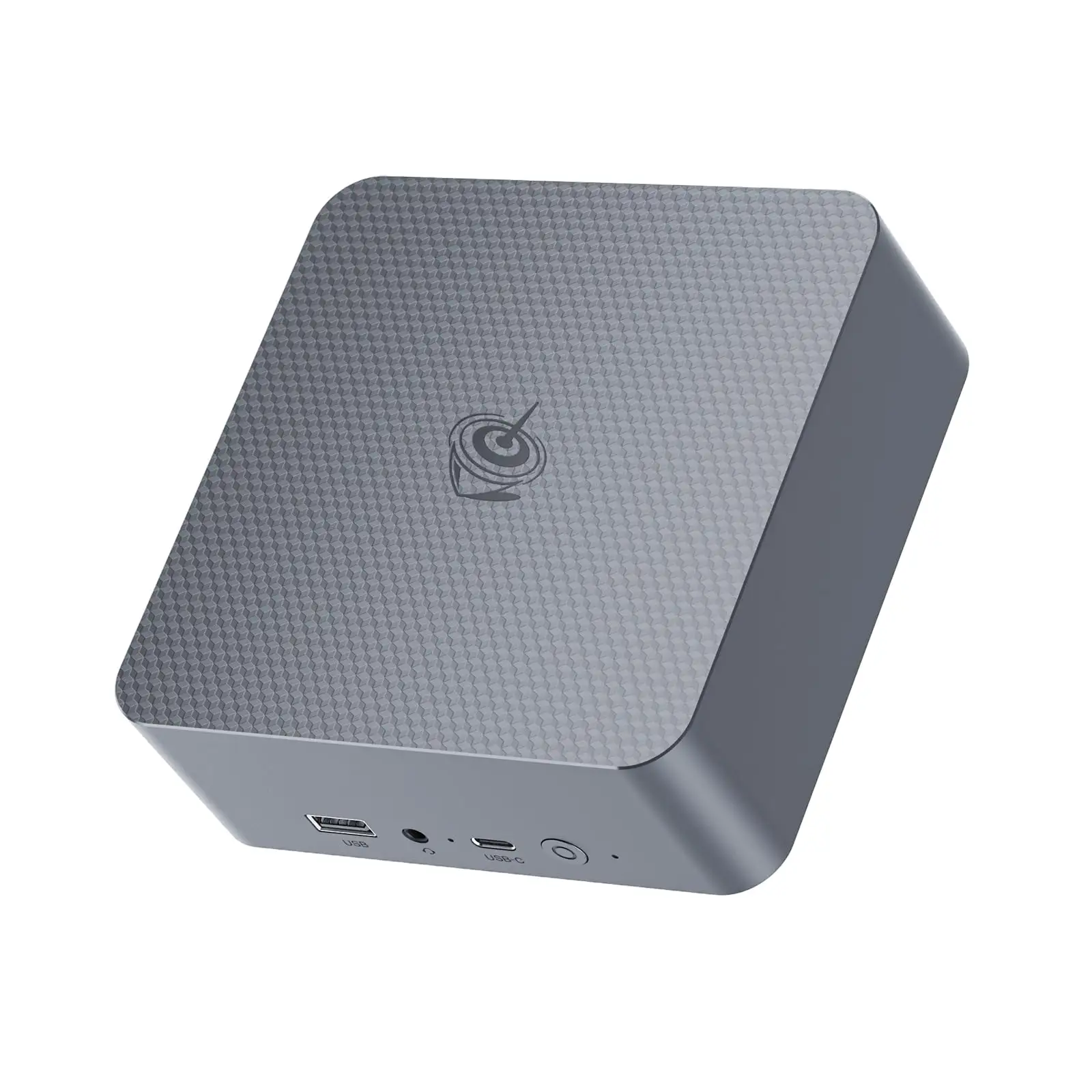
Compactness is a recurring win. At under 5 inches square and weighing barely over 2 lbs, users with cramped home offices or media cabinets loved its form factor. A verified buyer on Amazon noted, “Fits perfectly in my setup and gives me plenty of connection options.”
For home productivity, the combination of high single-thread CPU performance and fast LPDDR5 was repeatedly lauded. TechRadar’s reviewer wrote, “50% more RAM than average at this price… perfect for productivity workloads.” Developers and remote workers benefit from responsiveness in apps like Photoshop or code compilers without the overhead of bulkier desktops.
Quiet operation is a third consensus. Reddit user u/… said about their media PC setup, “So far it’s pretty awesome… I can sleep in the same room with it.” Low noise levels made it appealing for HTPC roles.
Common Complaints
Boot problems emerged as a serious wrinkle. Multiple forum posts describe units refusing to post after shutdown if USB HID peripherals remained connected. JaredC01 on the Beelink forum discovered, “System fails to post when an HID device is connected… but will boot if a USB storage device is also plugged.” Workarounds exist — like keeping a thumb drive inserted — but for non-technical buyers, this is frustrating.
Soldered RAM is another sore point. While 24GB LPDDR5 is ample now, users regretted the absence of future memory upgrades. TechRadar warned, “You can’t upgrade it,” explaining it’s a fixed component.
Networking speed limitations irked some. Despite dual Ethernet ports, they are 1Gbps, whereas several competitors offer 2.5Gbps, valuable for NAS or bonded connections.
Divisive Features
The built-in PSU drew both praise and skepticism. Media PC owners loved the uncluttered cabling; others cautioned it could complicate repairs if the PSU fails.
Thermal management divided opinion too. For light use, cooling was labeled “effective” and silent; heavy users saw thermal throttling. HTWingnut advised BIOS fan curve tuning, but not all want to tinker in firmware.
Trust & Reliability
Trustpilot and Fakespot patterns suggest over 90% of reviews are genuine, with minimal deception. Reports of long-term stability are encouraging: one Fakespot-cited customer said, “After almost a year of daily use, it’s holding up great… completely reliable.”
However, the boot failure threads on Beelink’s own forum show issues can crop up early. In one case, the NVMe drive prevented a post until removed; another involved BIOS settings and USB behavior. While Beelink’s support team actively responded with guides and CMOS reset instructions, there’s no universal fix publicly logged — some cases moved offline to email support, leaving resolution opaque.
Alternatives
The EQI12 often gets compared to Beelink’s own S12 Pro N100 and EQ13 Pro. Reddit comparisons suggest the i3-1220P “is a much better choice than an N200” if price is close, offering real performance gains for heavier apps. But the N100 units can be quieter and avoid some boot quirks.
Those eyeing more muscle might look at the EQI12 i5-12450H or i7-12650H variants — boosting multi-thread throughput albeit at higher thermals and price.
Price & Value
Sale prices around $249–$259 on Amazon drew excitement. One Reddit user scored theirs during Black Friday for “~$250… well worth it.” MSRP sits around $349, but community advice leans toward grabbing it during promotions, as resale market values in eBay listings fluctuate wildly (from $5,500 MVR equivalent for modded configs to base kits near retail).
Buying tips: Watch for $90 coupons on Amazon, and confirm specs match your intended use — especially RAM and CPU variant — since some listings swap DDR4 for DDR5.
FAQ
Q: Can I upgrade the RAM on the Beelink EQI12?
A: No, the RAM is soldered to the motherboard. It ships with 24GB LPDDR5, which suffices for most productivity and media use cases.
Q: Does it handle modern gaming?
A: Only for light or older titles. Its Intel UHD integrated GPU isn’t meant for demanding modern games or heavy 4K video editing.
Q: Any known boot issues?
A: Yes, some users report boot failures if USB HID devices are connected during startup. Workarounds involve BIOS tweaks or keeping a USB storage device plugged.
Q: How much storage can I add?
A: Up to 4TB via dual PCIe 4.0 NVMe slots, though using both may require removing the Wi-Fi card.
Q: Is it quiet enough for a bedroom HTPC?
A: Many report near-silent operation in light workloads, making it suitable for media server or bedroom setups.
Final Verdict
Buy if you’re a productivity-first user, media streamer, or developer wanting a compact, quiet, and well-specced mini PC. Avoid if you need upgradeable RAM, 2.5Gbps networking, or guaranteed boot stability with varied USB configs.
Pro tip from the community: If snagging it during a sale, test boot behavior early with your full peripheral setup — and keep a small USB drive handy as a potential fix.