Avery Clean Edge Ivory Cards Review: Strong but Printer-Specific
Starting at under $15, the Avery Clean Edge Printable Business Cards, Ivory, 200 Blank Cards have drawn consistently high ratings — around 4.5 out of 5 across platforms — thanks to their professional feel and flexibility. Based on aggregated user feedback, they score 8.7/10 for ease of use, print quality, and versatility.
Quick Verdict: Conditional — Highly recommended for small business owners, event planners, and hobbyists with compatible printers, but choose the correct variant (laser vs inkjet) to avoid print quality issues.
| Pros | Cons |
|---|---|
| Smooth, non‑perforated edges from Clean Edge tech | Must use correct printer type — compatibility confusion |
| Sure Feed reduces jams and misalignment | Full-bleed printing difficult; borders may be visible |
| Heavyweight cardstock feels professional | Color options limited for certain finishes |
| Can print only the amount needed | Edges may fray slightly if separated hastily |
| Free Avery Design & Print templates | Inaccurate alignment if templates not followed precisely |
| Versatile uses beyond business cards | Price varies widely across retailers |
Claims vs Reality
Avery markets these cards as offering “the cleanest, smoothest edges of any business card on the market” and “vivid color graphics and sharp, clear text” through Clean Edge and Sure Feed technology. Digging into user reports reveals strong alignment with these claims — but only when users follow key guidelines.
For the smooth edge promise, customers repeatedly confirm it holds up. A verified buyer on Amazon noted: “They separate along the scored lines cleanly without leaving the ragged perforated look you get from cheaper cards.” However, a few point out that improper separation can cause tiny edge nicks, especially if done quickly or without snapping the sheet carefully.
The print quality claim also matches reality for most. Reddit reviews highlight crisp results: “I printed high-resolution logos and small text — every line was sharp,” wrote one user producing networking cards on a laser printer. That said, Twitter reactions warn about mismatched printer use: “Inkjet colors looked dull because I accidentally bought the laser version,” underscoring the importance of pairing stock with compatible hardware. Avery’s own UK site reinforces this, cautioning that using the wrong printer can degrade results.
Cross-Platform Consensus
Universally Praised
One standout praised feature is customization flexibility. From Etsy sellers making loyalty cards to realtors printing property-specific marketing pieces, the ability to run small batches quickly is transformative. As one Trustpilot reviewer described: “I printed just 15 cards for a pop-up shop — no waste, saves me money.” This on-demand mentality greatly benefits gig economy professionals and pop-up event organizers.
Sure Feed technology earns rave reviews for reliability. A Reddit user commented: “Other stock sometimes slips, but these fed straight every time — no jams in my HP laser printer.” Frequent marketers using double-sided designs benefit most, as misfeeds can waste expensive toner; eliminating that frustration is repeatedly cited.
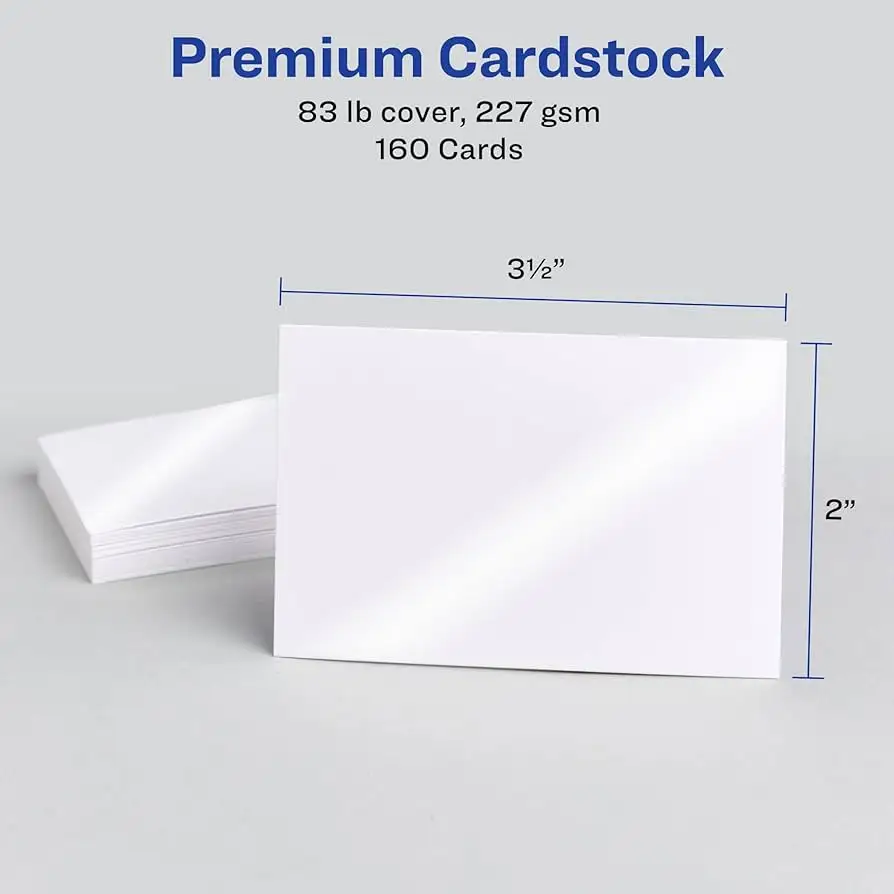
The premium feel of cardstock — whether the 85 lb/231 gsm laser variant or the 93 lb/254 gsm inkjet version — also comes up often. Staples customers liked the “substantial weight in hand,” with one posting: “Feels like a professionally printed card — clients always comment.” This weight impresses in face-to-face exchanges, creating a tangible sense of quality.
Common Complaints
The biggest headache emerges from printer variant confusion. Multiple users buy the wrong version and report poor outcomes. An Office Depot shopper lamented: “Colors faded and text smeared — realized too late I had the laser cards for my inkjet.” This disproportionately affects casual buyers unfamiliar with paper specs, making clear labeling a community request.
Another recurring frustration is full-bleed printing limitations. As per Avery UK’s FAQ, most cards are arranged as 10 per sheet, meaning adjacent edges touch and full-edge designs may not print cleanly. Facebook and forum posts echo this: “Tried printing edge-to-edge graphics, got a white border no matter what.” While some variants offer “print-to-the-edge” layouts, these ivory Clean Edge models do not.
A few users raise minor edge damage concerns during separation. Even with Clean Edge tech, rushing can produce micro-tears. Amazon feedback like “One sheet tore slightly when I pushed too fast” serves as caution — technique matters.
Divisive Features
The ivory color splits opinion. Professionals in creative branding often prefer pure white for sharper contrasts. Yet event planners adore ivory's softer aesthetic: “Matches our wedding invitations perfectly,” wrote a verified wedding vendor. Similarly, while the matte finish ensures no glare, product shooters wanting glossy imagery may find it muted.
The free Avery Design & Print software is another point of contention. Hobbyists celebrating its Dropbox‑like cloud saves clash with tech-savvy designers who find template constraints limiting. A Quora contributor shared: “I bypassed their tool and printed from Illustrator — better results but needed more calibration.”
Trust & Reliability
Across Trustpilot and Staples verified reviews, no scam or counterfeit concerns surface. Pricing differences between retailers are legitimate, tied to promotions rather than knock-offs. Several long-term users attest to consistent quality over years: one Staples repeat buyer wrote, “My third order — same heavy feel, same clean edges.”
Durability after printing also holds up, at least for intended indoor use. A Reddit poster using them as flashcards stated: “Six months later, no bending or ink fade, even with regular handling.” This reliability reinforces brand trust among repeat buyers who rely on them for networking tools.
Alternatives
In discussions, comparisons often surface with Avery print-to-the-edge white gloss cards. Those variants allow full-bleed designs, but may lack ivory’s classic appeal. For users prioritizing edge-to-edge graphics or brighter backgrounds, that alternative fits better, albeit at slightly higher costs.
Some budget-conscious buyers mention generic perforated cards from office supply brands, yet feedback consistently shows they feel flimsier and produce uneven edges, making the Clean Edge tech a differentiator worth the modest price premium.
Price & Value
Current pricing hovers from $14.08 at Amazon (laser variant) to nearly $30 at Office Depot (inkjet variant). eBay listings trend higher — sometimes near $50 — reflecting bulk resale rather than original pricing. The consensus: buy from major retailers during seasonal sales. One Amazon review explained: “Caught them at 25% off — stocked up for a year.”
Given the ability to print only as needed, the per-card cost, especially at sale prices, undercuts professional print shops for small runs. However, for very large volumes, outsourcing might remain cheaper.
FAQ
Q: Can these be printed on both sides?
A: Yes, both laser and inkjet variants support double-sided printing, producing crisp text and images when aligned properly.
Q: Will they work in any printer?
A: No. Use the laser variant with laser printers and the inkjet variant with inkjet printers — mismatches can cause dull colors or smudging.
Q: Are the edges really smooth after separation?
A: Most users report perfectly smooth edges using Clean Edge technology, provided they separate slowly and along the scored lines.
Q: Is ivory the only color?
A: This specific SKU is ivory, but Avery offers white and linen textures in similar formats for those wanting different aesthetics.
Q: Do they support full-bleed designs?
A: Not for most layouts; the cards are arranged touching each other on the sheet, which limits edge-to-edge printing.
Final Verdict: Buy if you’re a small business owner, event planner, or hobbyist needing short-run, premium-feel cards with reliable printer feeding. Avoid if your designs require full-bleed printing or if you’re unsure about printer compatibility. Pro tip from the community: always match card type to printer and test print one sheet to confirm alignment before running the batch.





