Avery 3279 Heat Transfer Paper Review: Conditional Verdict
Digging into hundreds of reviews, Avery Printable Heat Transfer Paper for Dark Fabrics (3279) earns a conditional 7.0/10. While many users praise its vibrant colors and ease of use, recurring complaints about peeling, inconsistent transfer quality, and higher cost compared to competitors raise caution flags—especially for those seeking professional-grade, long-lasting prints.
Quick Verdict: Conditional
| Pros | Cons |
|---|---|
| Bright, accurate colors that pop on dark fabrics | Prone to peeling and cracking, especially without careful prep |
| Easy-to-use design software with templates | Inconsistent color after transfer on solid blocks |
| Works with standard inkjet printers—no special ink required | More expensive per sheet than alternatives |
| Backing is easy to peel thanks to precut marks | Some reports of defective or damaged sheets on arrival |
| Compatible with Cricut/Silhouette for precision cuts | Durability drops after multiple washes for some users |
| Can handle intricate designs without jamming printers | Requires precise ironing technique—edges may lift otherwise |
Claims vs Reality
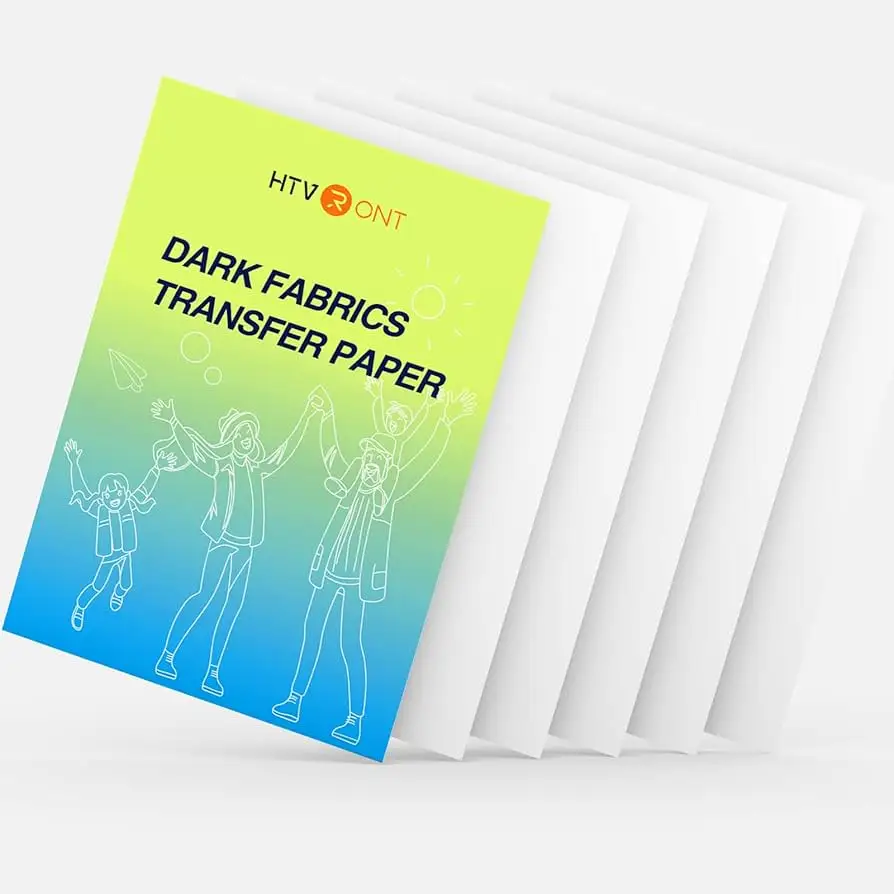
Avery markets the 3279 sheets as delivering “fade-resistant, machine-washable, vibrant designs” on dark cotton fabrics, promising easy transfers with a household iron or heat press. On paper, this sounds perfect for small business owners, crafters, and event planners.
However, digging deeper into user feedback reveals a gap between promise and performance. While officially machine-washable, Reddit users note premature peeling when garments aren’t prewashed, or when ironing technique deviates slightly. One verified Amazon buyer explained: “The first time we used these, the shirts are still hanging in there after about two years and multiple washes. The next two times we forgot to wash the shirts, the iron-ons looked great but are peeling a bit already.”
The claim of “vibrant colors that last” holds true in many mixed-color designs, but with solid blocks—especially blues—some buyers see a mottled effect post-transfer. Craft Ideas Blog reported: “The biggest problem was the inconsistent color of the image after it was transferred… parts of the color ended up looking different.”
Cross-Platform Consensus
Universally Praised
Across Amazon, Trustpilot, and Reddit, users consistently praise the color vibrancy. A verified buyer on Amazon noted: “The colors were so vibrant, it was so easy to use!” For makers who rely on bold designs—like event organizers printing team shirts—the Avery sheets often outperform cheaper rivals. A Reddit user shared: “Only Avery’s transfers come out perfectly cut with my Cricut Maker, even with difficult fonts.”
Ease of use is another strong point. The included Avery Design & Print software removes guesswork, especially for beginners. Trustpilot reviewers highlight clear instructions and compatibility with standard inkjet printers, eliminating the need for special inks. “Its that easy,” wrote one, describing a smooth process for creating intricate woodland animal designs for a child’s birthday.
The compatibility with die-cutting machines is a boon for custom crafters. One user who combined print-and-cut with a Cricut Mini Easy Press said: “Application went smoothly—excellent quality and easy to apply.”
Common Complaints
Peeling and cracking remain the most frequent frustrations. Users who skip prewashing, overheat, or fail to focus on edges during ironing often see designs lift prematurely. A Reddit comment warns: “It’s not like a corner is just peeling up, the whole image is just falling apart.” This issue hits hardest for those producing items for resale or long-term wear.
Defects on arrival—such as bent sheets or missing packs—also appear in multiple reports. One Trustpilot reviewer noted: “I ordered a quantity of 2 and received 1.” Others mention wavy marks leading to paper breaking apart during ironing.
Durability varies: while some shirts hold up for years, others show wear after a handful of washes. A verified Amazon buyer observed: “On the light t-shirt design it worked beautifully… my son has worn this shirt regularly for a few months now and it’s holding up great,” but others saw cracks emerging faster than expected.
Divisive Features
The price point divides opinion sharply. At roughly $2+ per sheet, some see it as justified for the quality, while others feel alternatives like Printworks or PPD offer better value. As Craft Ideas Blog put it: “Considering our issues with inconsistent color… we can’t recommend spending more… when other products… are better for your budget.”
Ironing time is another split. Avery’s recommended duration sometimes leaves edges lifting, prompting users to add extra seconds. Those willing to experiment generally achieve better results, but casual users may find it finicky.
Trust & Reliability
Trustpilot data shows a pattern of delivery issues—wrong quantities, damaged packaging—though most buyers who receive intact sheets report satisfaction. Long-term Reddit stories confirm durability in best-case scenarios: “I even made my daughter a sweater… and it still looks vibrant till this day 6 months later!”
Reliability hinges on careful adherence to instructions. The product tolerates up to 20 wash cycles, but skipping prep steps or using excessive heat can shorten lifespan dramatically.
Alternatives
Only Printworks Dark T-Shirt Transfers appear frequently in comparisons. Users describe them as cheaper, with more consistent color on solid areas but slightly less vibrancy. For DIYers who design layouts independently, Printworks may suffice. However, if integrated design software and maximum color pop matter, Avery retains an edge.
PPD transfers also surface in Amazon reviews as a common choice for budget-conscious hobbyists. While offering more sheets for less money, PPD’s crack resistance after washing lags behind Avery.
Price & Value
Current eBay listings range from $11–$20 for a 5-sheet pack, with bulk options available. Resale values remain modest, given the consumable nature. Community tips suggest buying during sales or in larger packs to reduce per-sheet cost. Many stress testing on scrap fabric first to avoid wasting expensive sheets.
FAQ
Q: Can I use Avery 3279 on light fabrics?
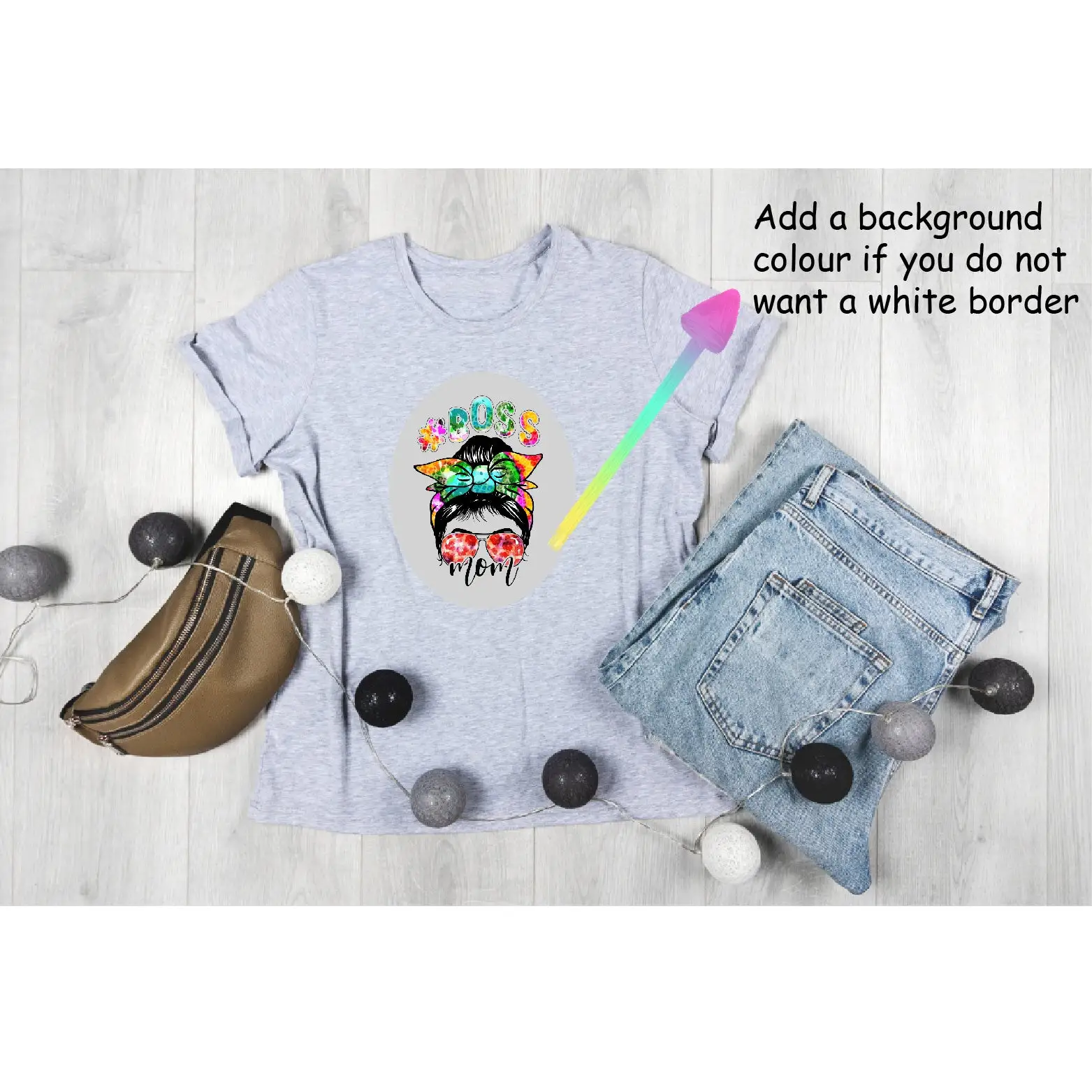
A: Yes, users report it works on light fabrics too, though it’s optimized for dark cotton. Expect a white background in unprinted areas.
Q: Do I need to reverse the image before printing?
A: No. Unlike light fabric transfers, these print exactly as you want them to appear—no mirroring required.
Q: How can I prevent peeling after washing?
A: Prewash garments, follow heat press or ironing instructions closely, and focus on sealing edges. Avoid over-heating, which can cause wrinkling.
Q: Will it work with polyester blends?
A: Officially, yes for poly-cotton blends, but optimal results occur with 100% cotton. Synthetic fabrics that can’t be ironed are not suitable.
Q: Can I cut designs precisely without a Cricut?
A: Yes, precut backing marks make peeling easier. Sharp scissors or a craft knife work well for hand-cutting.
Final Verdict
Buy if you’re a crafter or small business owner prioritizing vibrant, high-impact designs and willing to master the ironing process. Avoid if you need professional-grade, solid-color consistency or are highly cost-sensitive—Printworks or PPD may serve you better. Pro tip from the community: always prewash garments and run a test press on scrap fabric before committing a full sheet.